
How Agencies Make Product Demo Videos for Many Client Brands
How agencies make product demo videos for many client brands: one workspace per client, separate brand kits, AI costs per client and a clean hand-off.
 Baltej Singh · Founder, DemoVexa 7 min read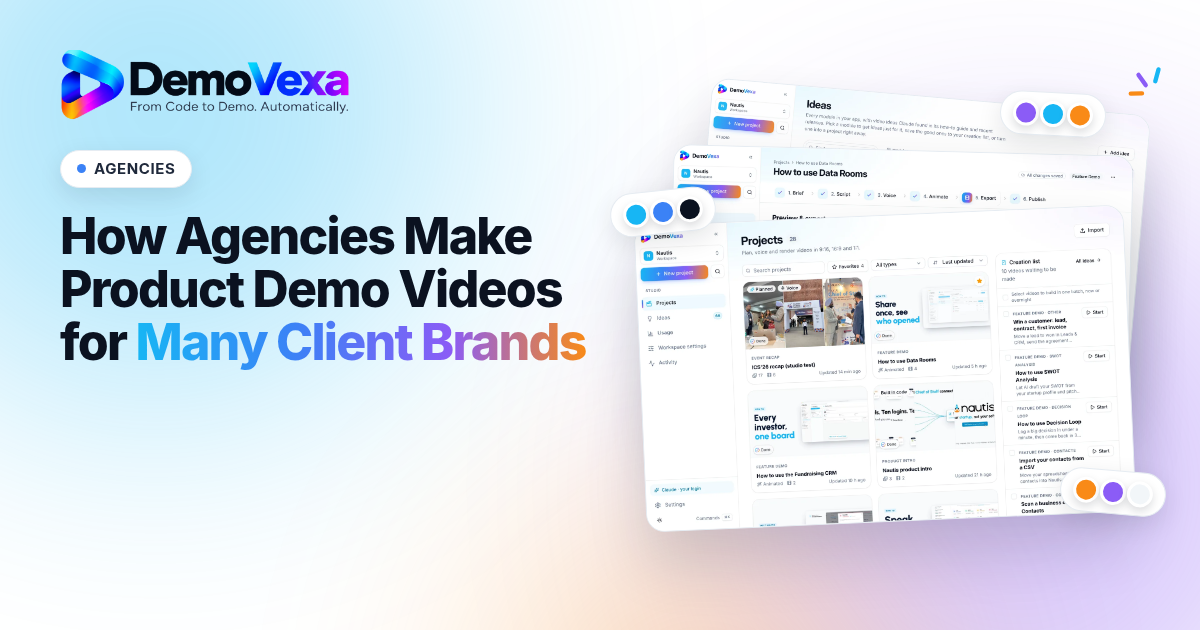
To make product demo videos for agencies with many client brands, give each client its own workspace with its own brand kit, language and voice, and track AI costs per client so you can bill them. In DemoVexa, each client product is a workspace, and the Agency plan allows unlimited workspaces and 10 seats.
#What should an agency look for in a demo video tool for many clients?
The tool has to keep every client separate and still let your team work fast. Check each option against this list:
- A separate space per client, with its own brand kit, language and voice.
- A clear answer on who pays the AI costs, and a way to see them per client.
- A licence path that allows client work, not just personal use.
- A plain statement of what client material the tool needs and where it goes.
- Every format and language the client asks for.
- Seats and roles for your team.
- A way to hand over finished work and update it after each release.
DemoVexa is a desktop app from PitchWitch Ventures LLC (Delaware, USA) that reads a product's code, docs and website and turns them into narrated demo videos without screen recording. The rest of this guide covers how it handles each point. The features page has the full feature list.
[Image: a ten-point checklist for choosing a multi-client demo video tool]
#How do you keep each client's brand separate?
Make one workspace per client product. A workspace holds everything DemoVexa knows about one product: its code folder, docs, modules, brand and design, plus its projects, batches and usage. If a client has two products, make two workspaces.
#Import the brand, then fix it
On the Brand tab in Workspace settings, choose Import, then From the website, and enter the client's address. DemoVexa fetches the logo, colours and fonts. Check every field, because a site's colours do not always match the brand guide, and upload light and dark logo versions. The site has to be public. The brand and design docs list every field.
#Write the client's rules down
The Design tab sets a design style, corner radius, shadows and motion. Under Brand rules, write do's and don'ts for Claude in plain words, such as "Never put the logo on the primary colour". The notes from a client's brand guide belong here, so nobody has to remember them.
[Image: the Brand tab in Workspace settings with Import from the website open]
#What do you need from the client to get started?
The best input is the client's code. Point the workspace at their code folder (any language or framework), add docs and modules, and the videos show the app's real screens, labels and buttons. DemoVexa only reads the folder and changes nothing in it.
DemoVexa does not take a repository URL. Clone the client's repo to your computer first, then choose that local folder.
If the client will not share code, you can still start. Since v0.3.5, a workspace can be created from the product's website and uploaded documents. Tell the client the trade-off: without code, screens are recreated less exactly. Product intros and launch videos work well this way; step-by-step feature demos are less exact.
#Who pays for the AI, and how do you bill clients for it?
You do, through your own accounts, and you pass the cost on. DemoVexa uses your own keys, adds no mark-up and sells no credits. Here is what an agency needs:
- A DemoVexa plan.
- An Anthropic API key for Claude. Claude is required, and a personal Claude login is for your own use only, so client work needs an API key.
- An ElevenLabs Starter plan or higher, only if you use AI voice. You can also record the voice yourself or make captions-only videos over music.
The Usage page tracks Claude and ElevenLabs cost per project. Since every project sits in a client's workspace, you can total a client's AI spend and add it to their invoice. A workspace can also use its own Anthropic or ElevenLabs key instead of your studio's, if the client wants to pay that bill directly.
Model choice changes the bill: Opus 5.5 gives the best quality, and Sonnet 5.5 costs about half. Check ElevenLabs pricing before you quote a client.
[Image: the Usage page showing Claude and ElevenLabs cost per project]
#How do you keep client code and data safe?
Know exactly what leaves your machine, then put it in writing for the client's NDA. DemoVexa is a desktop app. Code, voiceovers, projects and renders stay on your disk, and the code folder is never uploaded to DemoVexa.
Two things do go out. The relevant code and docs go to Claude through your own Anthropic account, and script text goes to ElevenLabs through your own key. API keys are kept in the operating system's keychain.
Be just as clear about the cloud. If you share a workspace with your team, its voiceovers, media, video code and renders are stored on DemoVexa servers so they reach everyone's computers. Emailed marketing kits are stored there too.
Videos show clean sample data rather than real customer records. The post on software demo data privacy goes further.
#How does an agency team share the work across clients?
On the Team and Agency plans, you create a team and share workspaces with it. A shared workspace syncs its brand, settings and projects to everyone's desktop app, with roles for owner, admin and member. Each person connects their own Claude and ElevenLabs keys, and each computer chooses where the client's code folder is. When someone has a project open, the others see a notice before they build or render it, so nobody overwrites a teammate's video. The teams docs cover invites and roles.
For volume, queue several client videos and let them build overnight, as the guide on overnight batch demo videos shows.
[Image: Workspace settings, Sharing tab, with a client workspace shared to the team]
#How do you deliver every format and language a client asks for?
Build once and render the formats you need. DemoVexa makes 1080p MP4s in 16:9, 9:16 and 1:1, each with its own layout rather than a crop, and writes scripts natively in 85 languages. Each video also comes with covers, post copy for each platform and a blog post. If a client's editor wants to composite the video, choose a green-screen or transparent export background in the brief.
Plan your allowance with the counting rule in mind: a language version counts as a new video, and each rendered format counts as one render.
#How do you hand a finished project to the client?
Most clients only want the videos. Give them the Marketing kit: every piece as a Word file, plus the videos and covers. You can download it or email it, and an emailed kit opens through a 7-day link.
If the client wants the project itself, export a project or a whole workspace as a .demovexa file or a .zip archive. The .demovexa file is what DemoVexa imports; the .zip holds the same files and opens in any unzip tool. API keys are never included, and whoever imports a workspace points it at the code folder on their own computer. Export and import are on paid plans, not the free trial. See the export and import docs.
[Image: the Export project dialog with the .demovexa and .zip options]
#How do you keep client videos current after each release?
Rebuild instead of re-recording. DemoVexa builds videos from the latest code, and small changes can be asked for in plain words, such as "slow down scene 3, end on pricing". The guide on keeping product demo videos up to date has the full routine.
#Which DemoVexa plan fits an agency?
The Agency plan fits most studios with more than a few clients, because workspaces are unlimited. The Team plan works if you have up to 10 client products and 3 people. Every plan has every feature, so the difference is volume, seats and devices. Prices are in USD and exclude tax.
| Team | Agency | |
|---|---|---|
| Price | $79/mo ($790/yr) | $199/mo ($1,990/yr) |
| Videos / renders per month | 60 / 300 | 200 / 1,000 |
| Workspaces | 10 | Unlimited |
| Seats / devices | 3 / 2 each | 10 / 2 each |
| Batch builds | Up to 25 | Unlimited |
| Shared storage | 100 GB | 500 GB |
The 14-day free trial needs no card, but it is built for one product: 1 workspace, 3 videos, 15 renders, a "Made with DemoVexa" badge, and no batch builds or export and import. Use it to test one client end to end, then pick a plan. Paid plans carry no badge. See pricing to compare every plan, or download DemoVexa to start with one client.
Frequently asked questions
Can I use my Claude Pro login to make videos for clients?
No. A personal Claude login is for your own use only. For client work, connect an Anthropic API key, either for your studio or for that client's workspace.
Do I need my client's source code?
No, but it helps. Since v0.3.5 you can create a workspace from the client's website and documents. With the code, screens are recreated more exactly.
Does DemoVexa upload my client's code?
The code folder is never uploaded to DemoVexa. Only the relevant code and docs go to Claude, through your own Anthropic account. Shared team workspaces and emailed marketing kits are stored on DemoVexa servers.
How many client products can I run on the Agency plan?
The Agency plan has unlimited workspaces, 10 seats, 200 videos and 1,000 renders a month. The Team plan allows 10 workspaces.
Does DemoVexa offer white-label videos?
Paid plans carry no "Made with DemoVexa" badge; the free trial adds it. If you need more than that, email hello@demovexa.com before you promise it to a client.
How do I give a client the project files?
Export the project or workspace as a .demovexa file, or as a .zip archive if the client does not use DemoVexa. API keys are never included, and export is on paid plans only.
Keep reading
All posts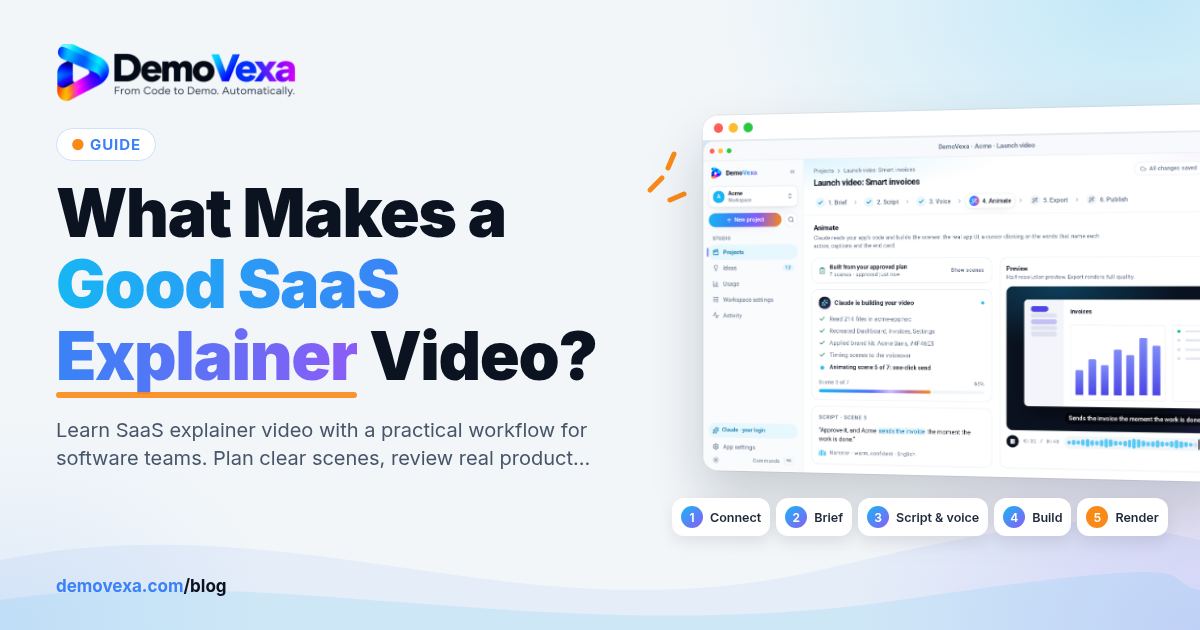
What Makes a Good SaaS Explainer Video?
Connect the user problem to one concrete software outcome. A practical guide for founders using real software screens.
Baltej Singh 6 min read
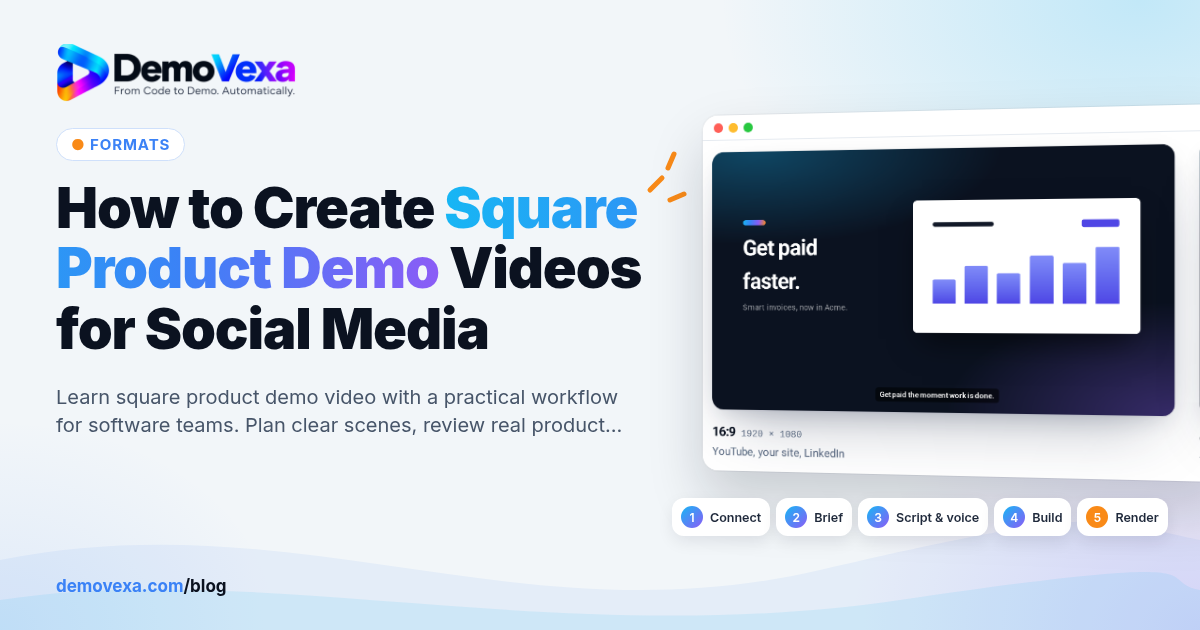
How to Create Square Product Demo Videos for Social Media
Recompose a product workflow for a 1:1 social feed. A practical guide for social marketers using real software screens.
Baltej Singh 6 min read
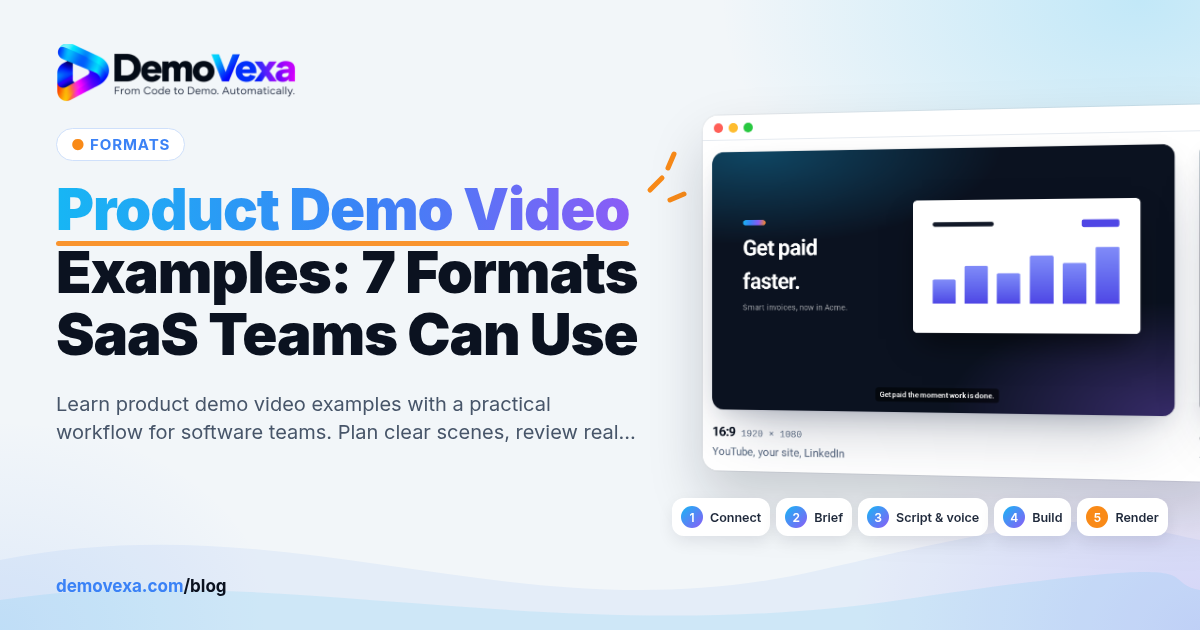
Product Demo Video Examples: 7 Formats SaaS Teams Can Use
Explore problem-solution, workflow, feature update, comparison, onboarding, launch and social formats. A practical guide for founders and marketers using real software screens.
Baltej Singh 6 min read