

Product Videos for Investor Updates and Partner Pitches
Use a short product video in monthly investor updates and partner pitches so progress looks clear and consistent every time.
 Baltej Singh · Founder, DemoVexa 1 min read
An investor update product video is a short, repeatable walkthrough you attach to monthly updates or partner pitches. It shows progress without relying on a live screen share that varies every time. Partners see the same product story; you keep control of sample data and pacing.
Why a consistent video helps updates
Investors skim. A 60 to 90 second opener orients them before the metrics paragraph. DemoVexa's why DemoVexa investors line says show what you have built in a monthly update or partner pitch with a video that explains it the same way every time. Consistency builds familiarity. Chaotic re-recordings raise questions.
What to film
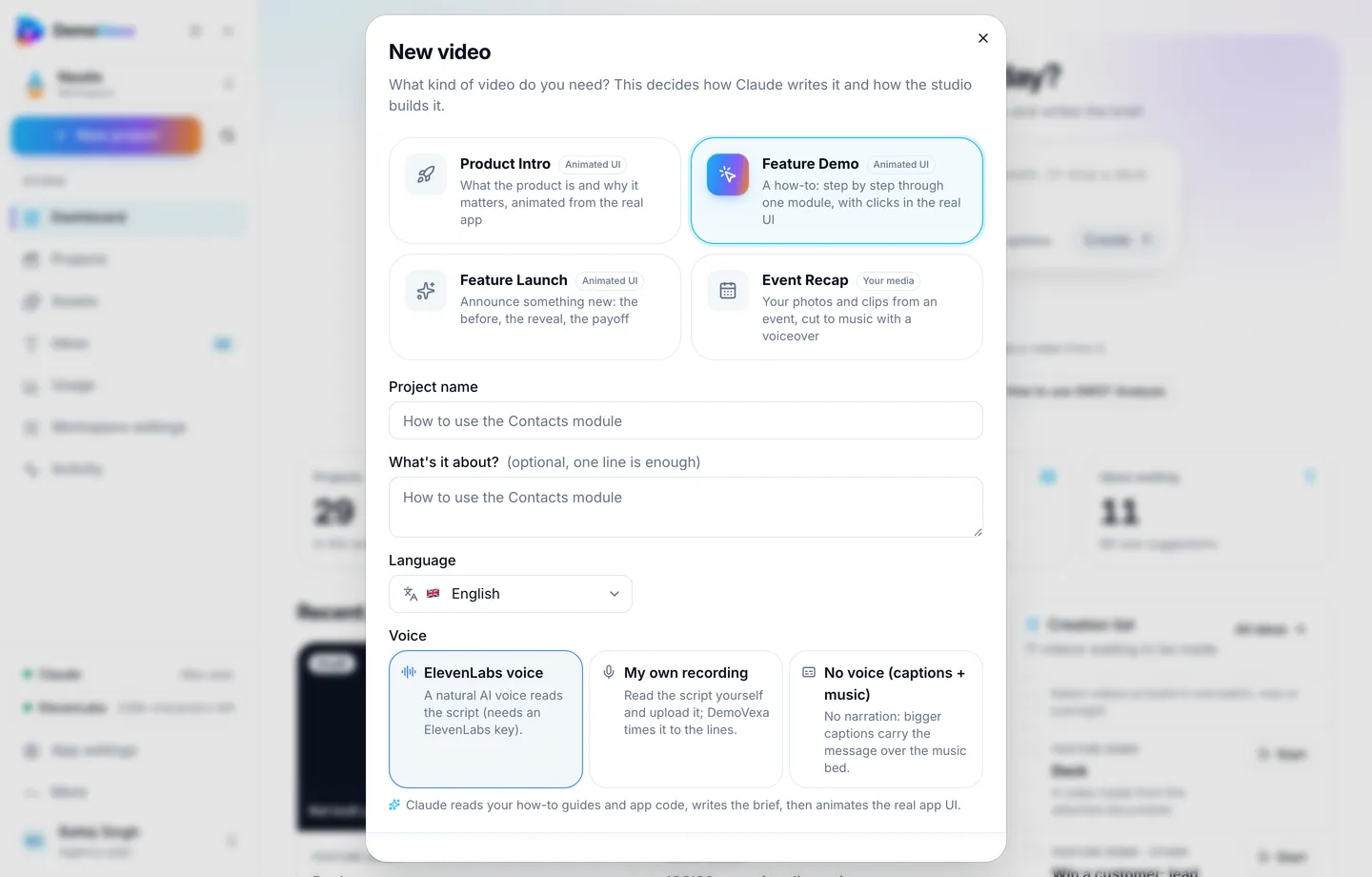
Evergreen: core loop Product Intro, refreshed when positioning changes. Monthly: Feature Demo or Feature Launch for the headline ship. Partners: a vertical cut only if they asked for social-ready assets; otherwise stick to 16:9.
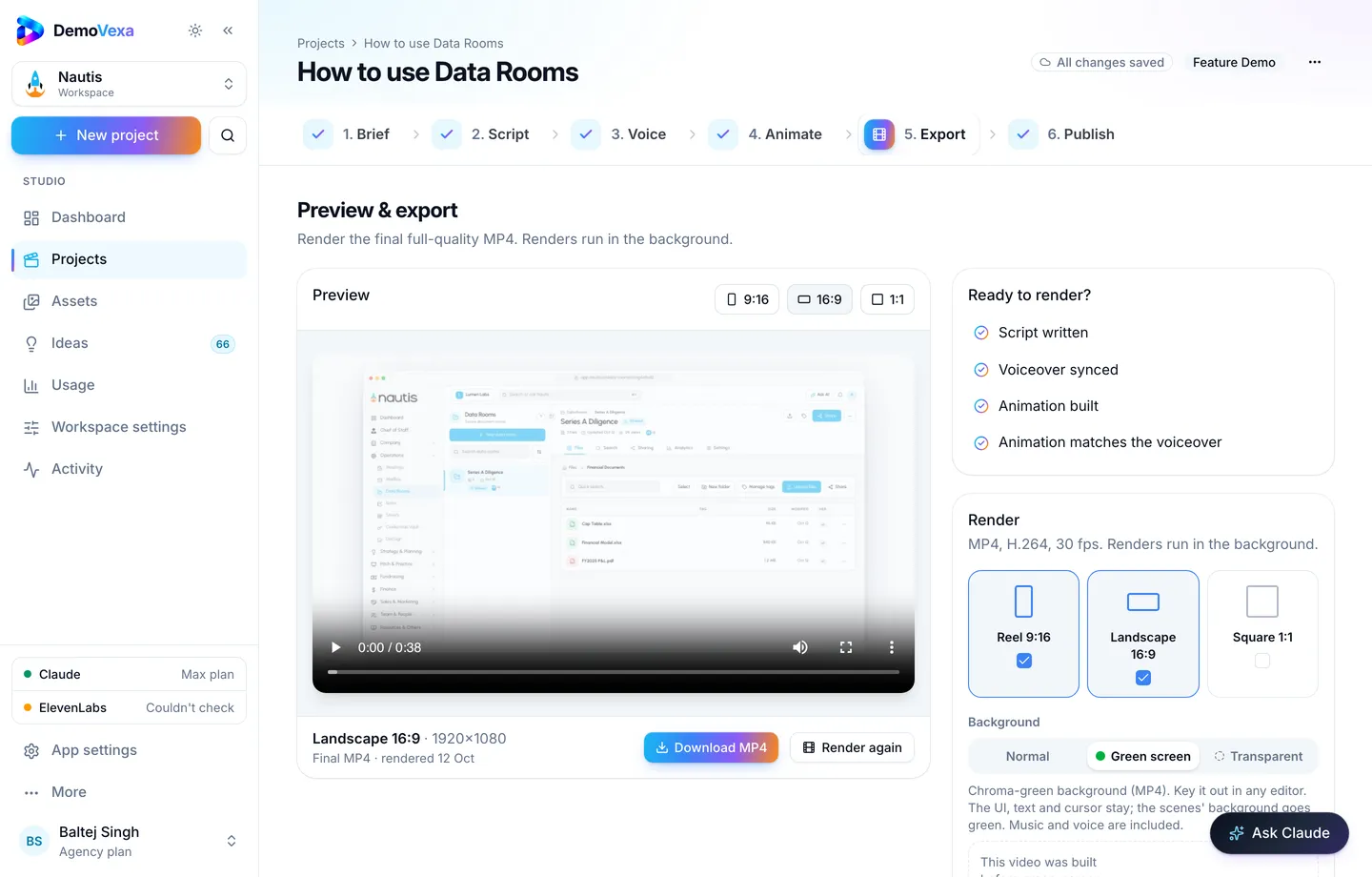
Workflow
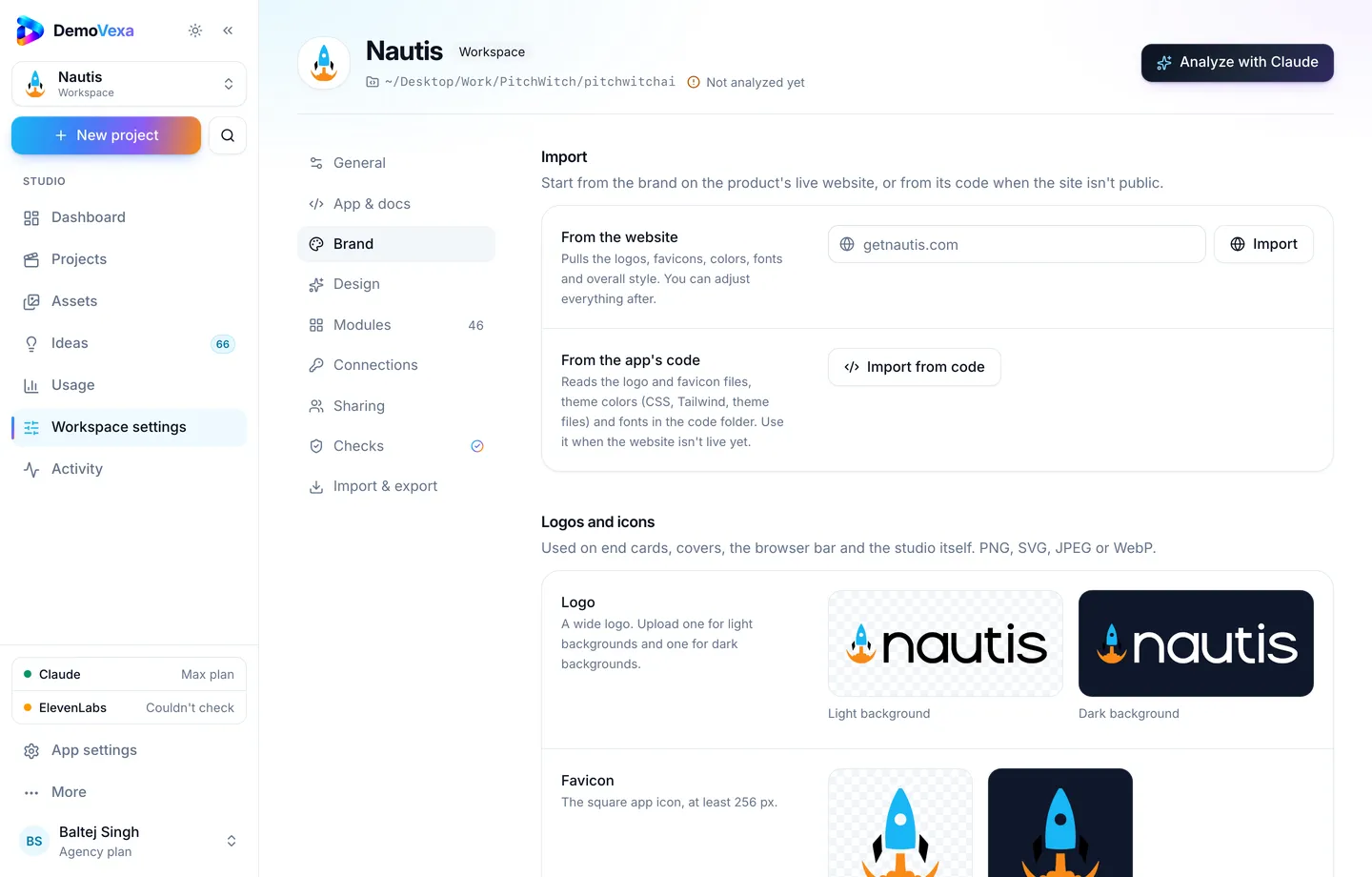
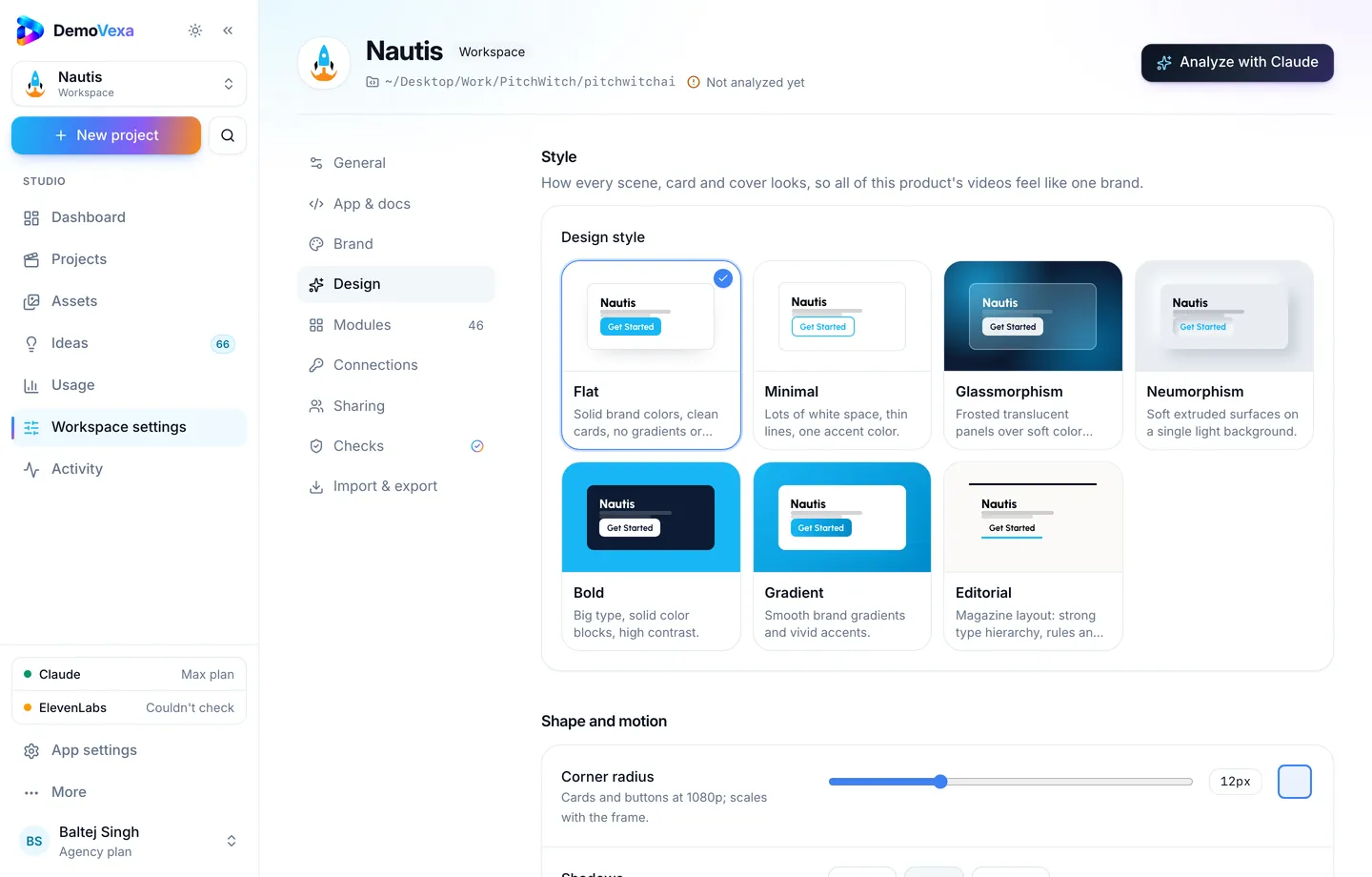
- Maintain one DemoVexa workspace for the company product (features).
- On merge day, rebuild the monthly clip from current code.
- Paste the URL into the update template after the "Product" heading.
- Archive last month's link so the record stays clear.
Release rhythm tips: release demo workflow.
Frequently asked questions
Should metrics appear in the video?
Prefer the written update for ARR and growth figures. Video is for product clarity. If you show a chart, it must be accurate and approved.
Public or unlisted?
Unlisted or gated links are common for investor materials. Public only if you want the same clip for marketing.
How long?
Under two minutes for a monthly attachment. Save deep dives for the board deck appendix.
Can partners forward it?
Yes, that is a feature. Keep sample data clean for that reason.
What if the UI is mid-redesign?
Say so in the email and either wait one week or show the path that is already live.
Does DemoVexa replace the written update?
No. It produces the product walkthrough section's media so you are not re-recording from scratch each month.
Keep reading
All posts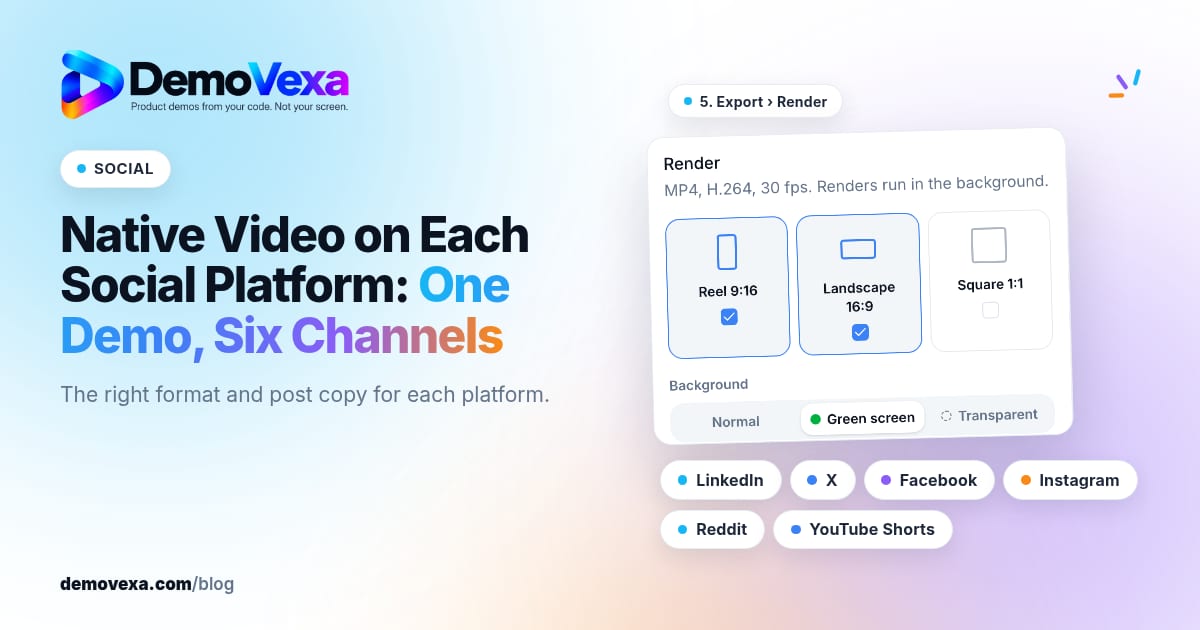
Native Video on Each Social Platform: One Demo, Six Channels
Native video for LinkedIn, X, Facebook, Instagram, Reddit and YouTube Shorts, in the right format for each, with posts written for each platform.
Baltej Singh 1 min read

Multilingual Video SEO: Rank Your Product Demo in Other Languages
Native voiceovers and translated scripts help you show up when people search how-tos in their own language, not only in English.
Baltej Singh 1 min read
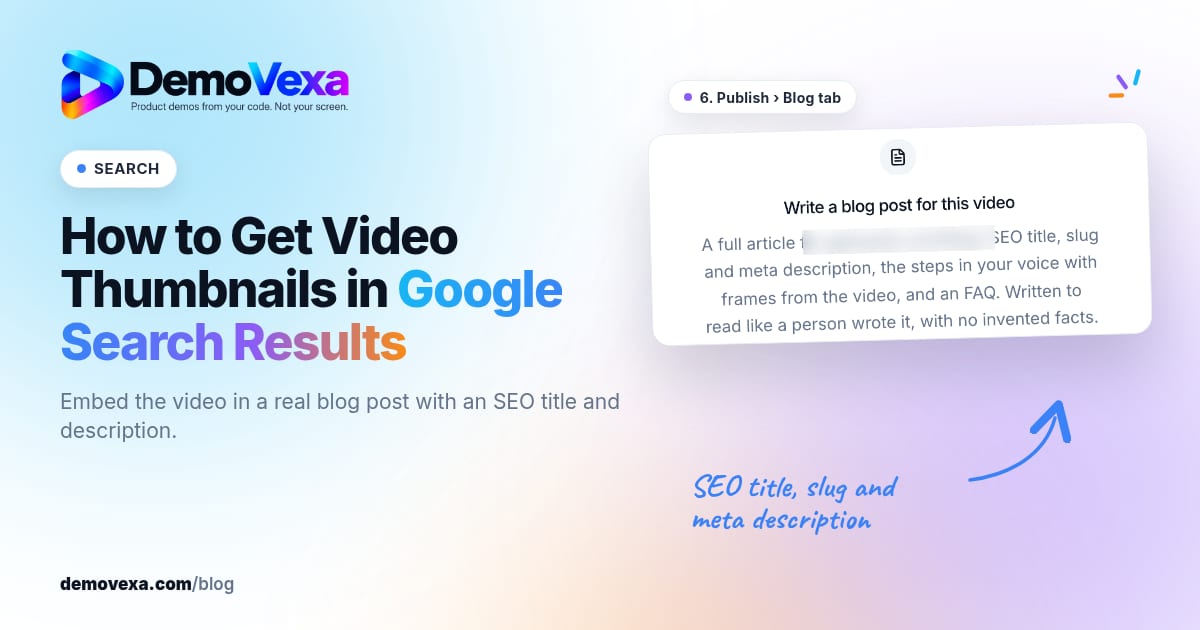
How to Get Video Thumbnails in Google Search Results
Embed your product how-to in a real blog post with an SEO title and description. Pages that do this can show a video thumbnail in Google search results.
Baltej Singh 3 min read