

How to Get Video Thumbnails in Google Search Results
Get video thumbnails in Google search by embedding a product video in a real blog post with a clear title, description and VideoObject-ready markup.
 Baltej Singh · Founder, DemoVexa 3 min read
To get video thumbnails in Google search results, put the video on a real page that deserves to rank, give that page a clear SEO title and meta description, and make sure Google can understand the video (including VideoObject markup where you control the HTML). A file sitting only on YouTube can still rank on YouTube. A thumbnail next to your site link usually needs your own page.
What Google means by video rich results
Google can show a thumbnail, a duration and sometimes key moments next to a result when it understands that a page contains a video. Google Search Central documents this under video structured data (VideoObject) and related video SEO guidance. Requirements change over time, so treat their documentation as the source of truth, not a blog summary.
DemoVexa's why DemoVexa page states the practical version: pages with an embedded video can show its thumbnail in search results, and DemoVexa writes the blog post the video sits in, with SEO title, meta description and keywords. That is the content side. The markup side is your site's job if you add JSON-LD yourself or through your CMS.
The page matters more than the file alone
A strong candidate page:
- Targets one query (for example "how to invite teammates in [Product]").
- Answers that query in the first paragraph in plain text.
- Embeds the how-to video near the top.
- Repeats the steps as a short checklist so the page works without playing the video.
- Links to the live product docs for the same task.
Thin pages that only exist to hold an embed rarely earn a rich result worth having. Write the article you would want if the video failed to load.
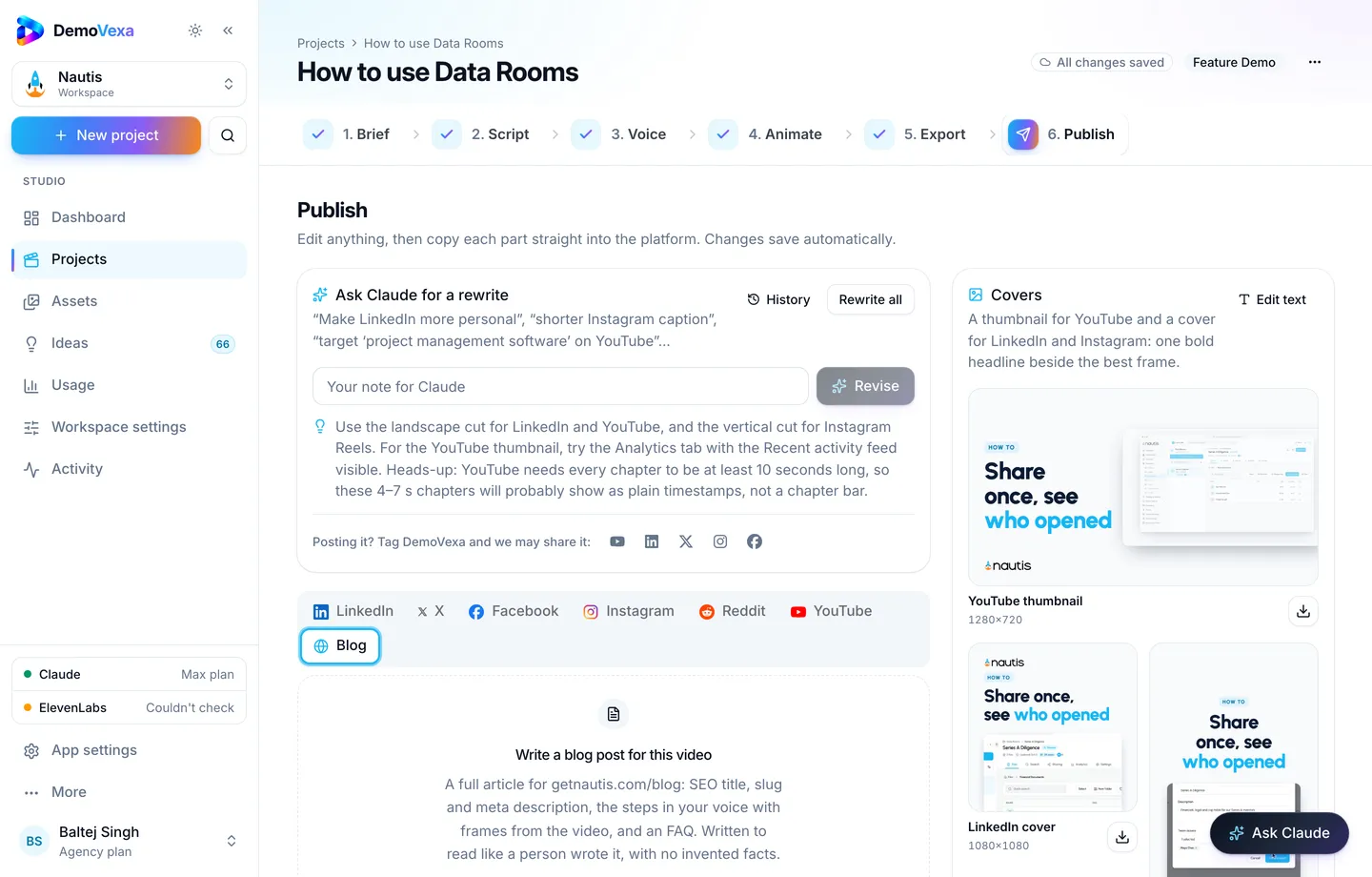
How DemoVexa helps you produce the post and the video together
In the Publish step, DemoVexa drafts platform posts and a blog companion with SEO fields while the rendered MP4 is ready from Export. You still review the title and description so the target query sits near the front.
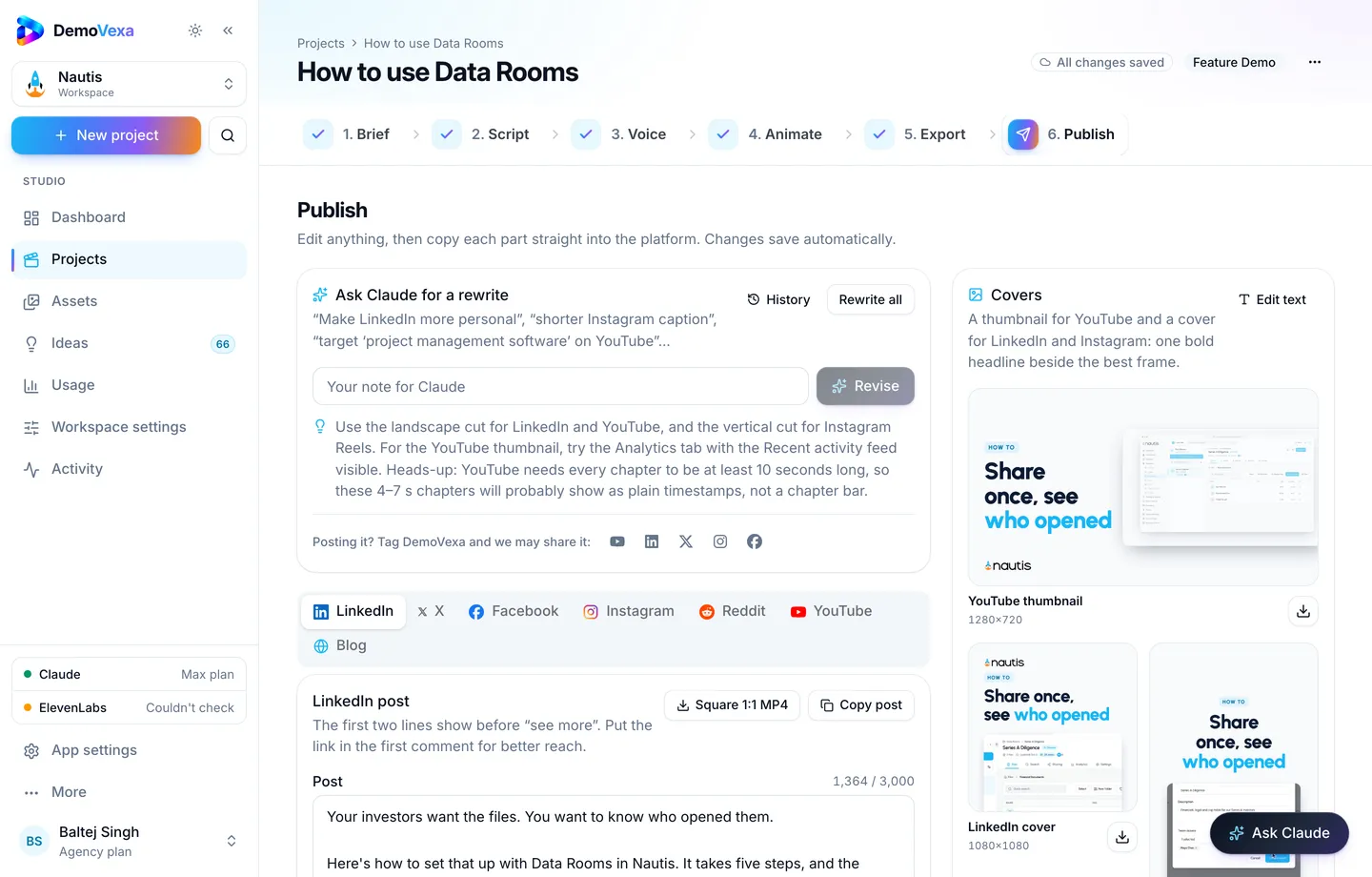
Export gives you the file formats and subtitle downloads you may also publish on YouTube or in your help center (render docs).
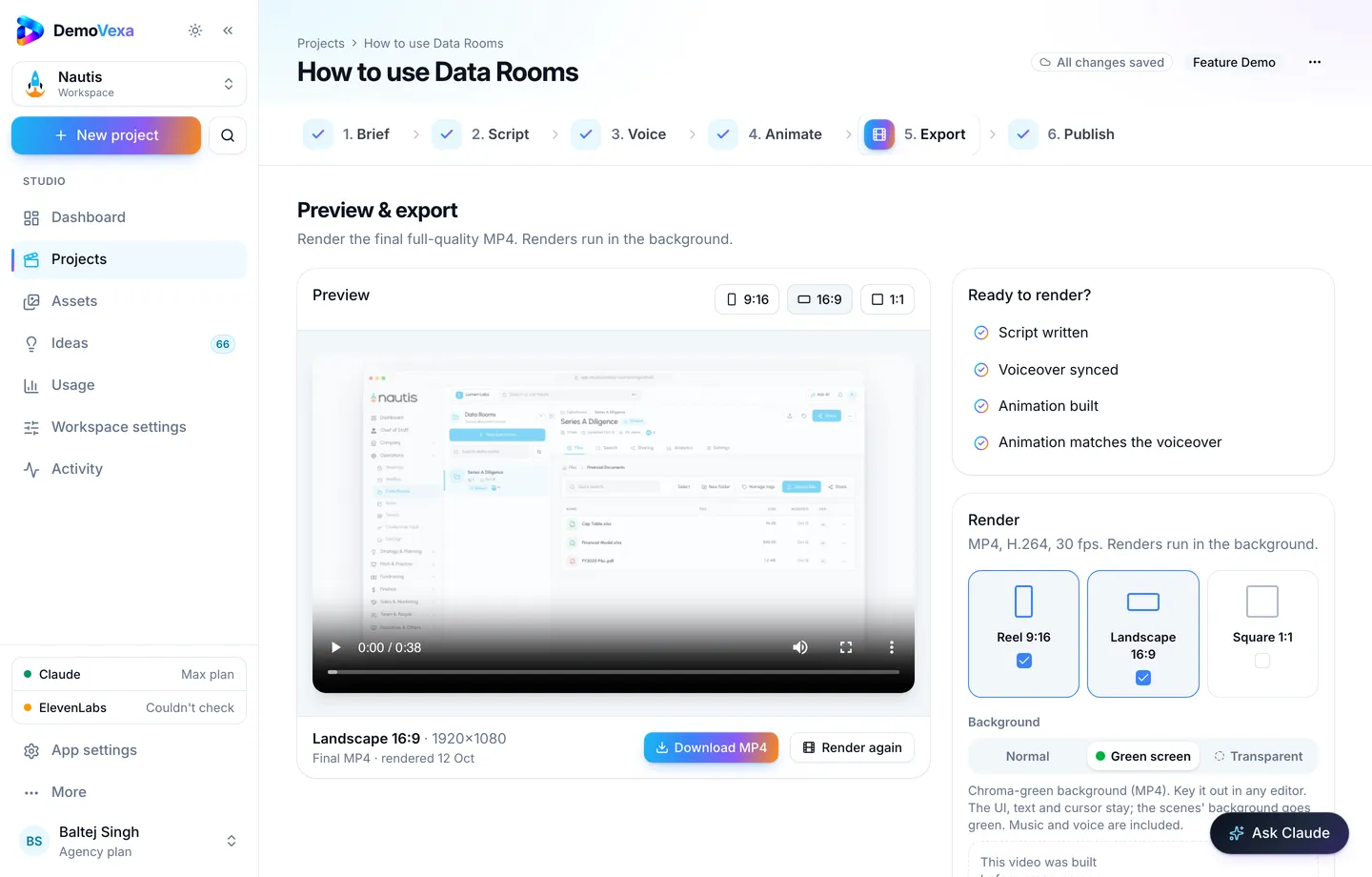
For the YouTube surface of the same how-to, see YouTube SEO for product videos. Google web results and YouTube search are related audiences with different packaging.
VideoObject markup: what to include (check Google for the current list)
When you add structured data, Google's documentation typically expects fields such as:
- name (title)
- description
- thumbnailUrl
- uploadDate
- duration (ISO 8601)
- contentUrl and/or embedUrl
Only mark up a video that is actually on the page. Do not invent timestamps or key moments you did not create. Validate with Google's rich results test before you call the work done. If your CMS already emits VideoObject for embeds, do not duplicate conflicting JSON-LD.
This post does not paste a full schema block on purpose: copying a stale example is how sites fail validation. Use the current VideoObject documentation.
Technical checks that block thumbnails
noindexor a robots rule that hides the page- The video blocked behind a login
- A thumbnail URL that 404s or blocks crawlers
- A page that is only a player with no supporting text
- Misleading titles that do not match the footage (bad for users and for eligibility)
Also keep the product UI in the video current. A rich result that shows last year's screens earns the click and loses the trust.
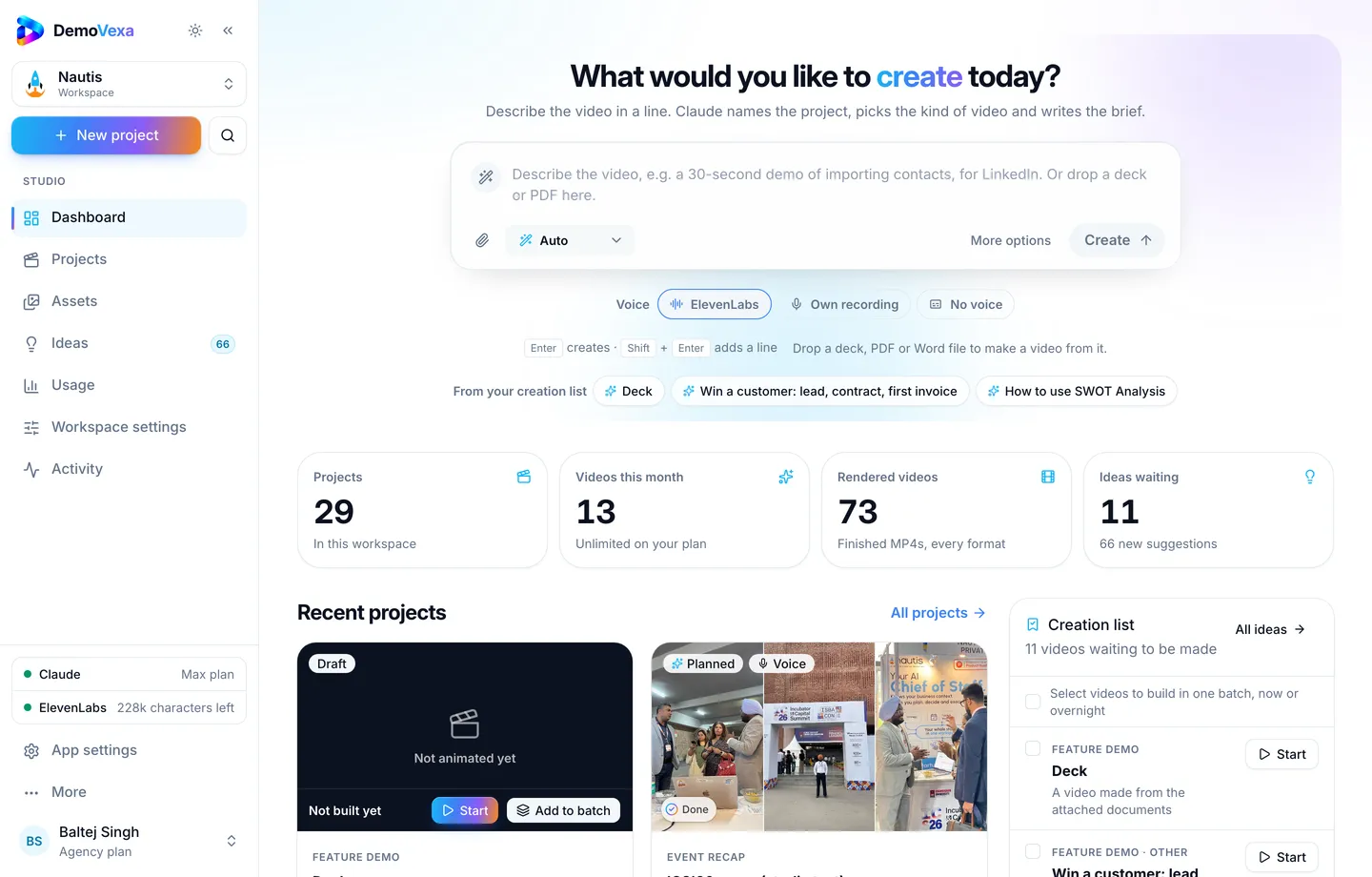
A simple workflow for product marketing teams
- Pick a how-to query you already win or nearly win in text search.
- Build the Feature Demo in DemoVexa from the current product.
- Publish the companion blog draft, edit the SEO title and meta, embed the MP4.
- Add or verify VideoObject on that template.
- Request indexing for the URL after it goes live.
- When the UI changes, rebuild the video and refresh the page the same week.
Frequently asked questions
Do I need YouTube to get a Google video thumbnail?
No. Google can understand videos you host yourself if the page and markup are clear. YouTube hosting is optional and useful for a second discovery surface.
Does DemoVexa inject VideoObject into demovexa.com for me?
DemoVexa drafts the blog content and SEO fields in Publish. Structured data on your marketing site depends on how that site is built. Follow Google's docs for your stack.
How long before a thumbnail appears?
There is no fixed SLA. Indexing and eligibility vary. Focus on a correct page first; then use Search Console to watch video impressions when they show up.
Should every blog post embed a video?
Only when the video adds the steps. Decorative clips on opinion posts waste crawl attention and confuse what the page is about.
What size should the thumbnail be?
Follow Google's current thumbnail guidance in the VideoObject documentation. In DemoVexa, Publish also drafts platform covers you can adapt, including large horizontal frames for video contexts.
Can a green-screen export help on landing pages?
Yes for design flexibility on the page layout. For search, the important part is still a clear embed plus accurate metadata. See [green screen export](https://demovexa.com/docs/videos/render) for the file formats.
Keep reading
All posts
Multilingual Video SEO: Rank Your Product Demo in Other Languages
Native voiceovers and translated scripts help you show up when people search how-tos in their own language, not only in English.
Baltej Singh 1 min read
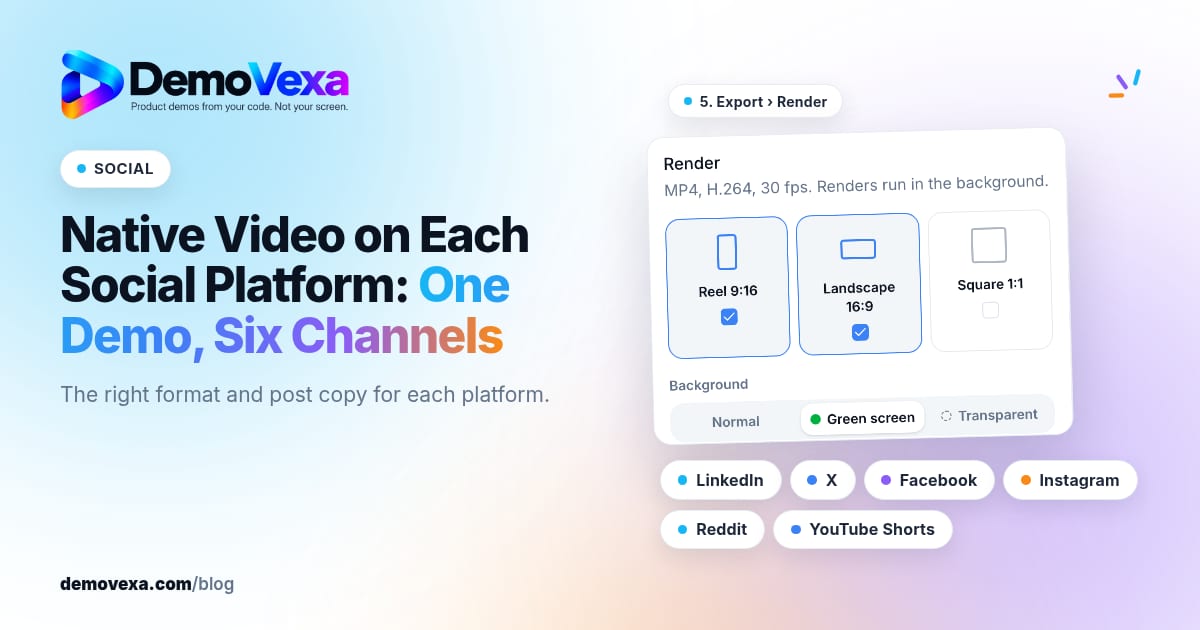
Native Video on Each Social Platform: One Demo, Six Channels
Native video for LinkedIn, X, Facebook, Instagram, Reddit and YouTube Shorts, in the right format for each, with posts written for each platform.
Baltej Singh 1 min read

Product Videos for Investor Updates and Partner Pitches
Show what you have built in a monthly update or partner pitch with a video that explains the product the same way every time.
Baltej Singh 1 min read