

Native Video on Each Social Platform: One Demo, Six Channels
Turn one product demo into native video for LinkedIn, X, Facebook, Instagram, Reddit and YouTube Shorts with the right format and post copy per channel.
 Baltej Singh · Founder, DemoVexa 1 min read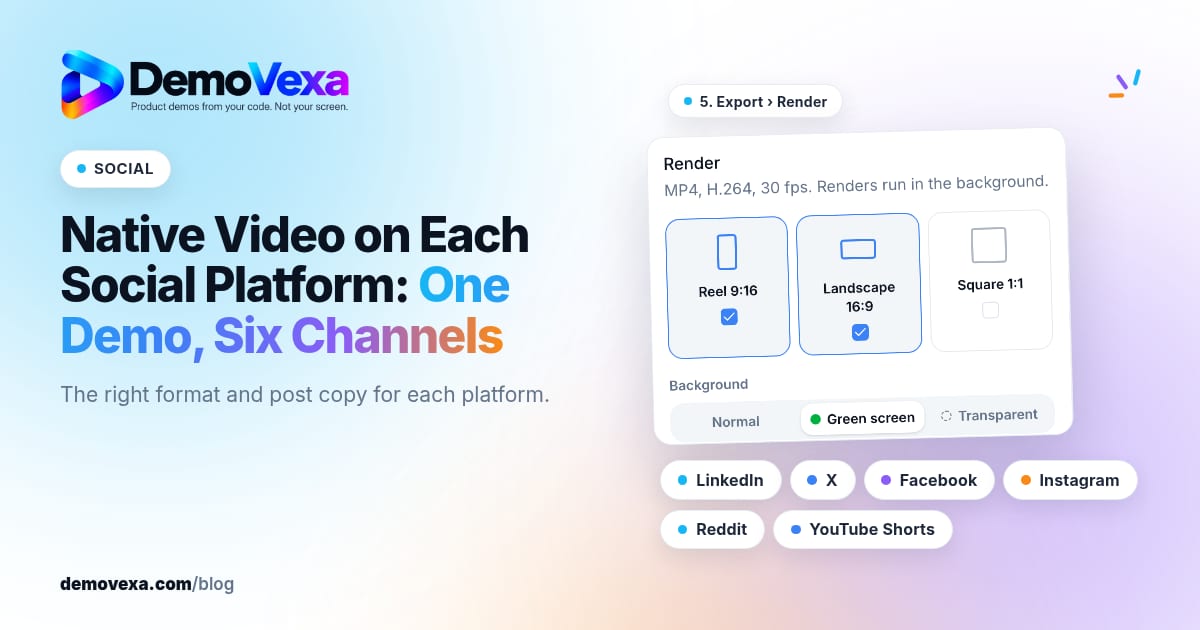
Native video on each social platform means exporting the formats each channel favors and writing a post that fits that audience, from one DemoVexa build. One Landscape master is not enough when Instagram wants vertical and LinkedIn still rewards a clear 16:9 how-to.
What "native" means here
Upload a video file the platform plays in-feed. DemoVexa's why DemoVexa social line lists LinkedIn, X, Facebook, Instagram, Reddit and YouTube Shorts with the right format and posts for each. Related: repurpose product demo video and one demo vs multiple formats.
Format map (practical defaults)
- LinkedIn / X / Facebook feed: Landscape 16:9 how-to or square 1:1 tip
- Instagram Reels / YouTube Shorts: Reel 9:16, one idea only
- Reddit: follow the community's rules; native video where allowed, honest title
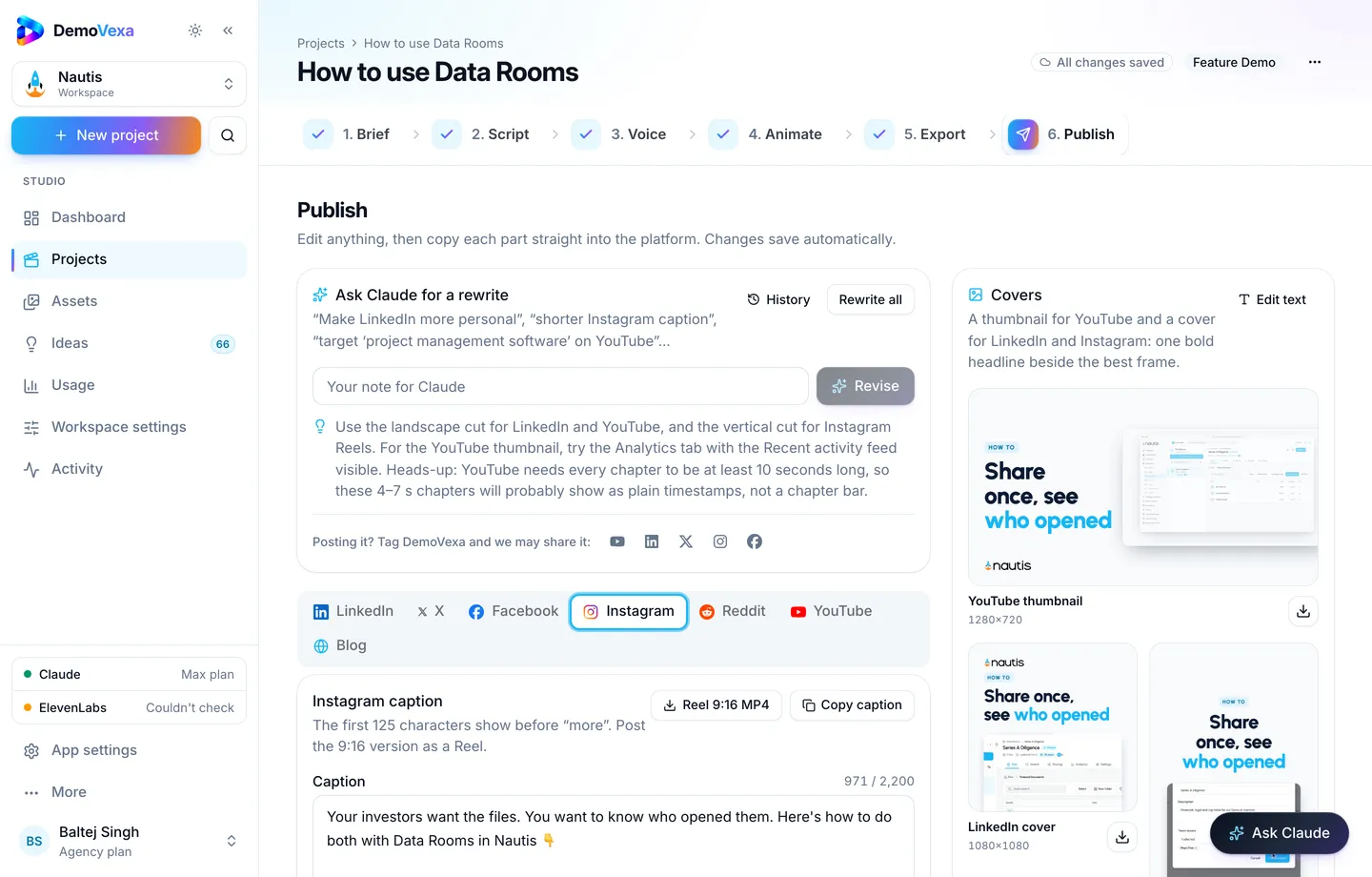
Workflow in DemoVexa
- Build the Feature Demo once from code (features).
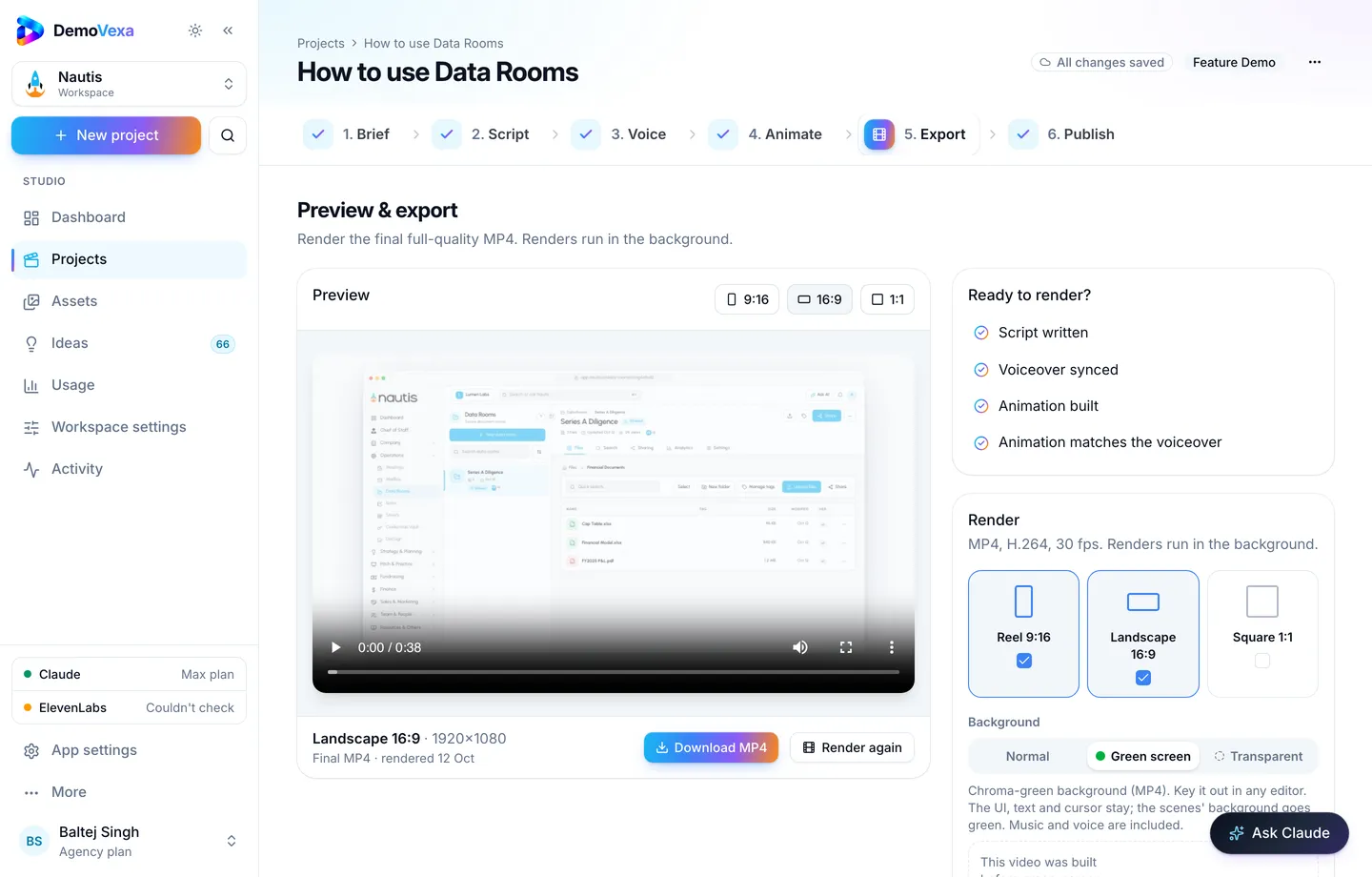
- Export the formats you need (render).
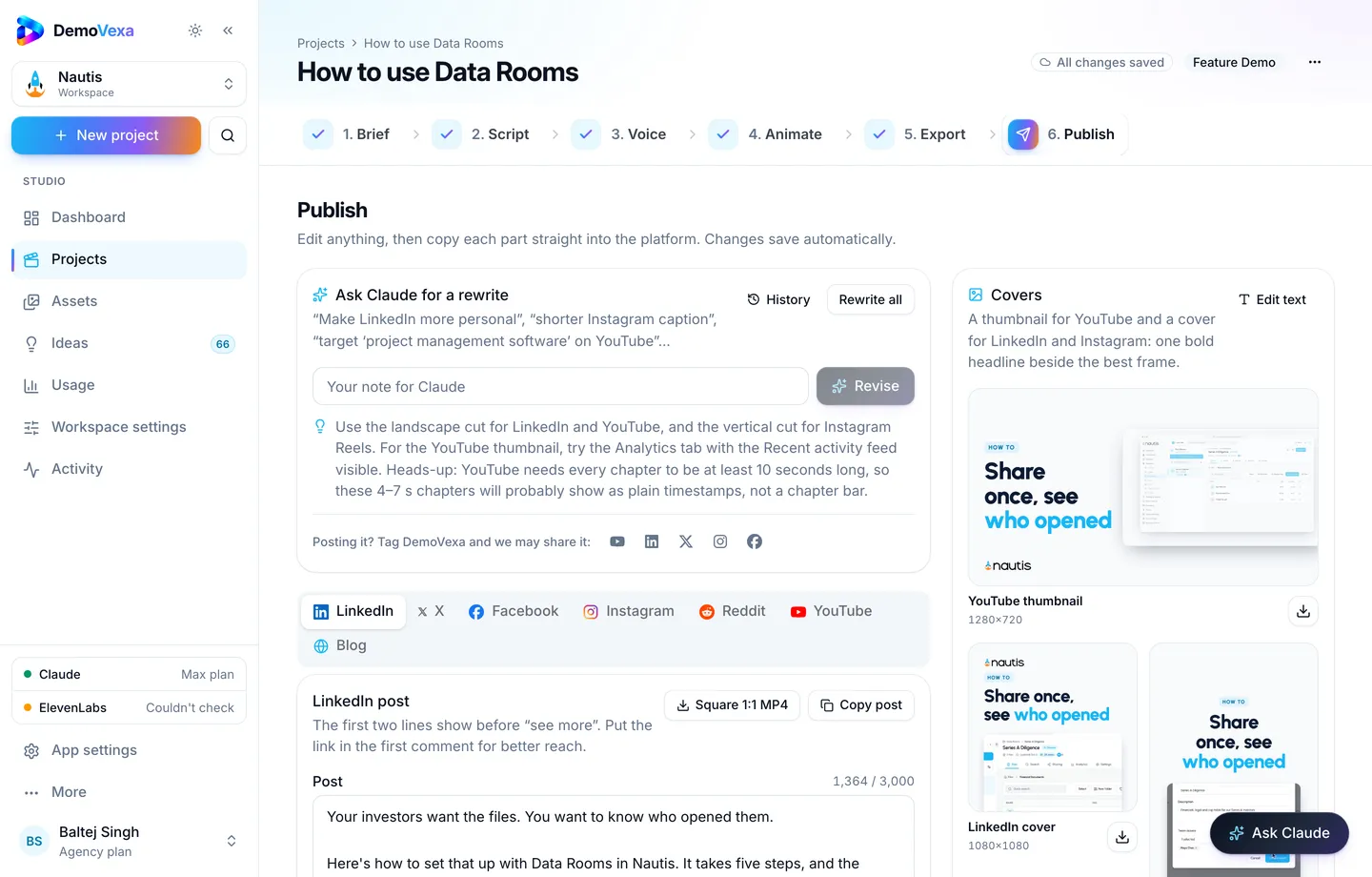
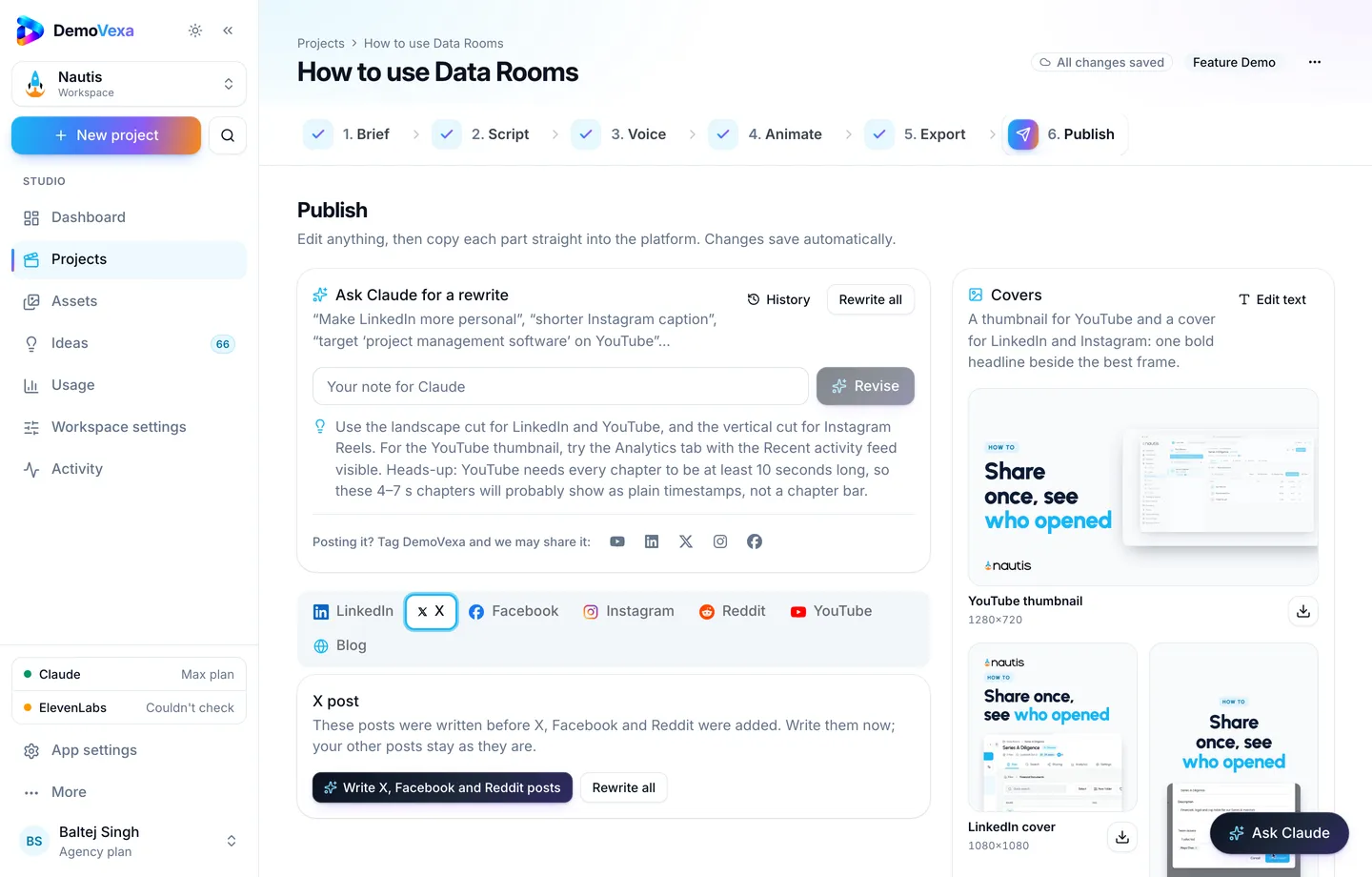
- Open Publish; edit each tab's draft so the hook matches the channel (Publish).
- Schedule in your social tool after Baltej (or your approver) signs off.
Mistakes
- Stretching 16:9 into vertical with black bars as a habit
- Soft CTAs that send people off-platform in the first second on channels that punish that
- Posting release notes as walls of text while the video sits unused on a drive
Frequently asked questions
Do we need six different stories?
No. One story, six packages. Change hook and length, not the underlying clicks.
Are Shorts enough for SEO?
Shorts help discovery on YouTube; long how-tos still carry search for detailed queries ([YouTube SEO post](https://demovexa.com/why-demovexa)).
Should every feature hit every channel?
No. Match channel to audience. Deep admin features may stay on LinkedIn and docs.
How do captions work on social?
Burned-in or platform captions both help. Export subtitles from DemoVexa when the platform accepts uploads.
Can agencies manage many brands this way?
Yes, with one workspace per client brand and separate brand kits.
Who approves posts?
Follow your Approvals process. Drafts are not permission to publish.
Keep reading
All posts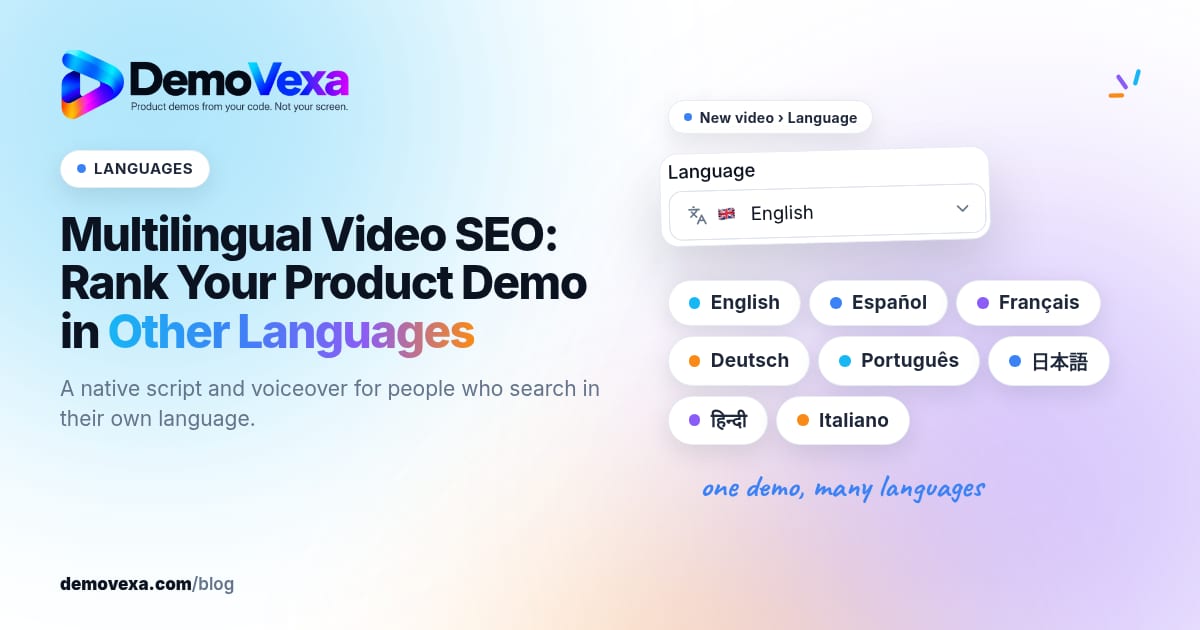
Multilingual Video SEO: Rank Your Product Demo in Other Languages
Native voiceovers and translated scripts help you show up when people search how-tos in their own language, not only in English.
Baltej Singh 1 min read
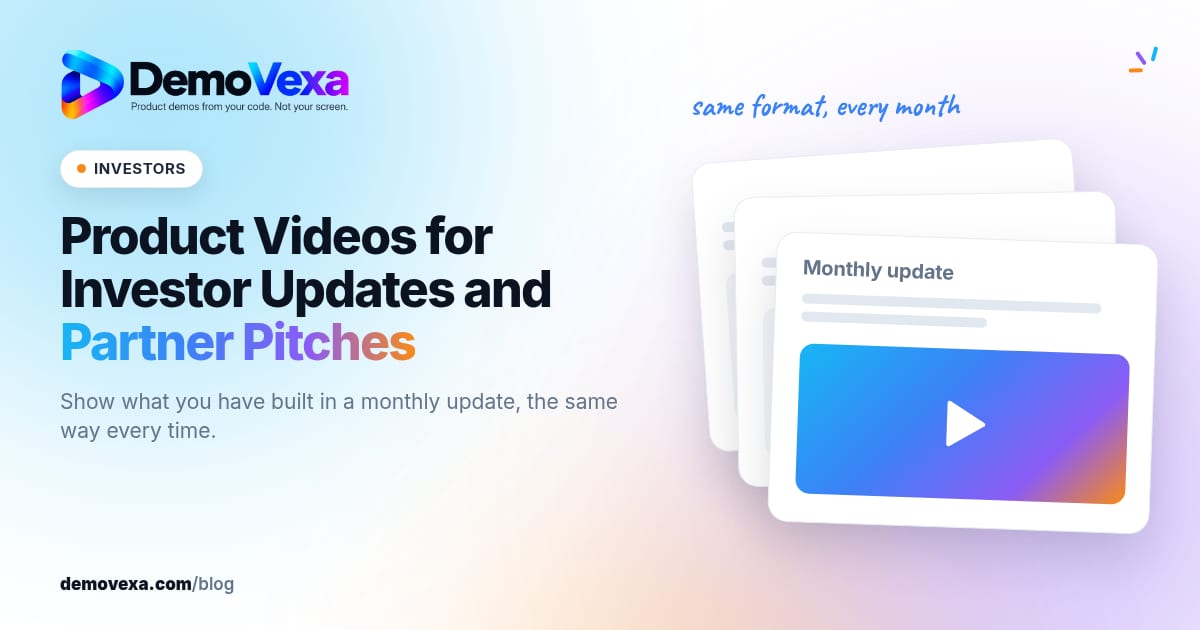
Product Videos for Investor Updates and Partner Pitches
Show what you have built in a monthly update or partner pitch with a video that explains the product the same way every time.
Baltej Singh 1 min read
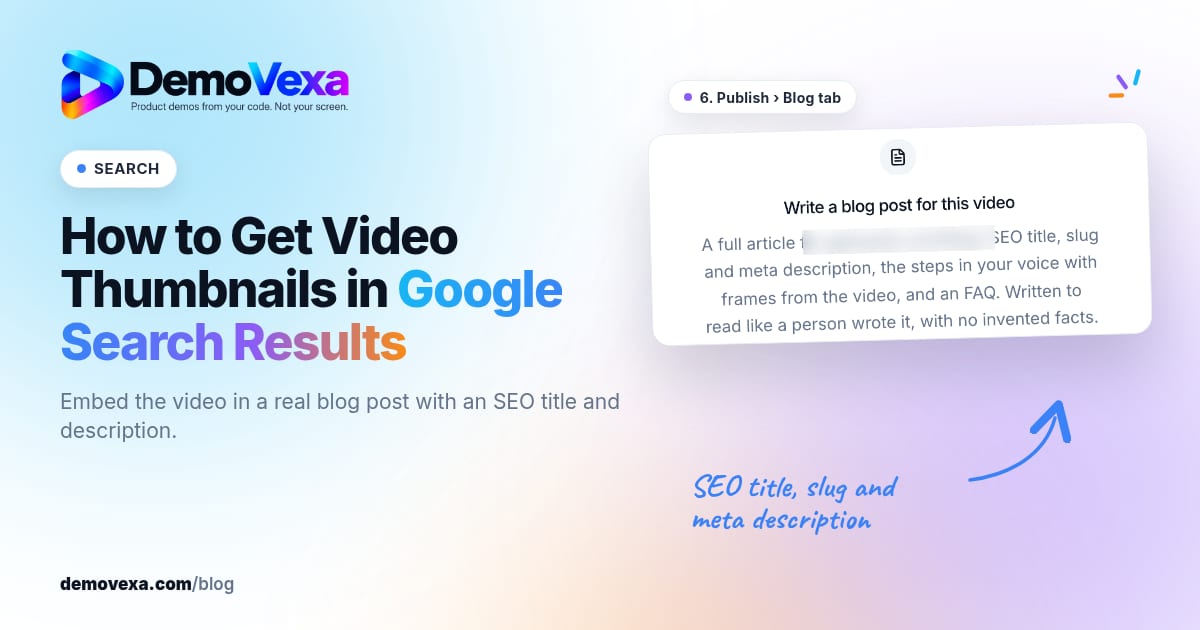
How to Get Video Thumbnails in Google Search Results
Embed your product how-to in a real blog post with an SEO title and description. Pages that do this can show a video thumbnail in Google search results.
Baltej Singh 3 min read