

A Brand Kit for Product Videos: Set It Once per Product
Set a brand kit once per product so every DemoVexa video uses the same logo, colours, fonts and CTA without redesigning each clip.
 Baltej Singh · Founder, DemoVexa 1 min read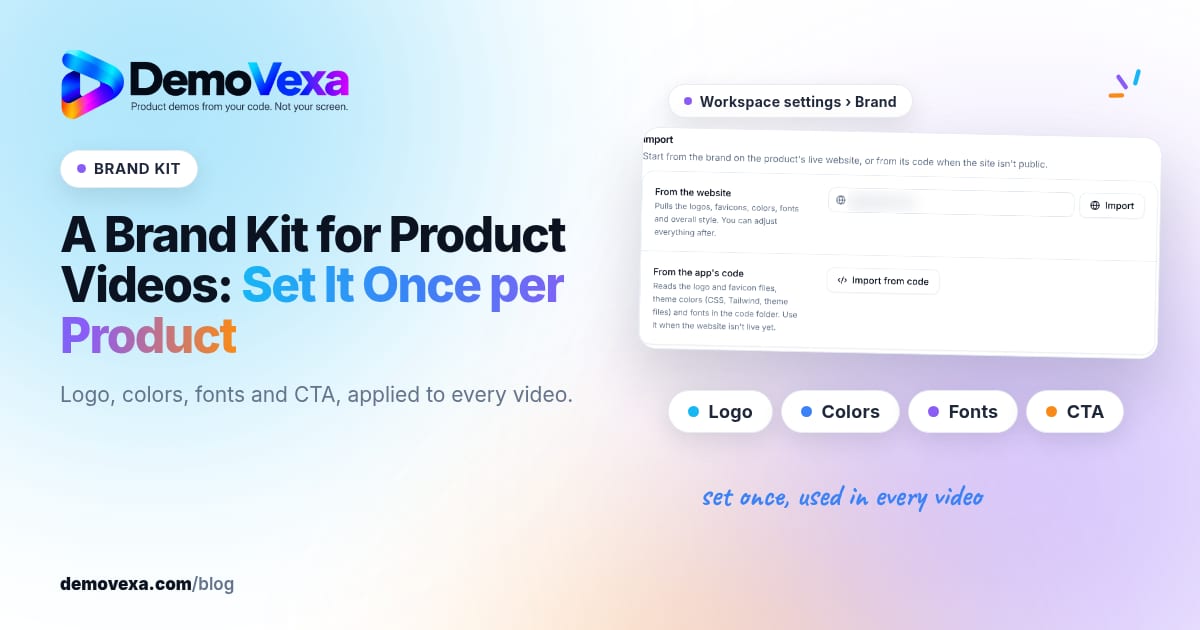
A brand kit for product videos is the logo, colours, fonts and call to action you set once per product so every clip looks like it came from the same company. Editors stop restyling title cards by hand. Viewers learn to recognize your demos in the feed.
Why set it once
DemoVexa's why DemoVexa brand line is on brand, every time: logo, colours, fonts and CTA in every video, set once per product. Visual consistency tips also appear in demo video visual consistency.
Agencies: separate kits per client workspace so a render never ships the wrong mark.
What to configure in DemoVexa
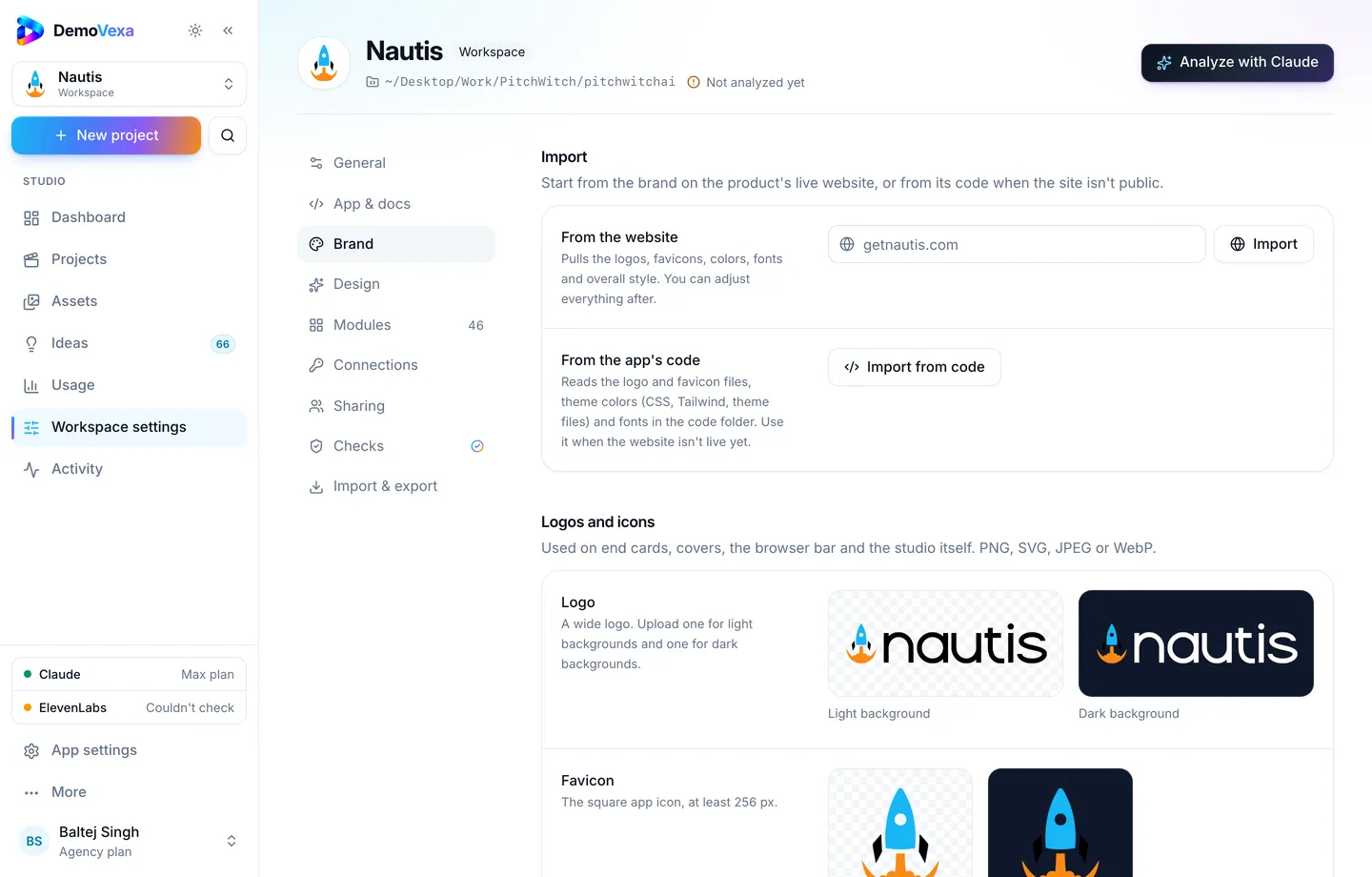
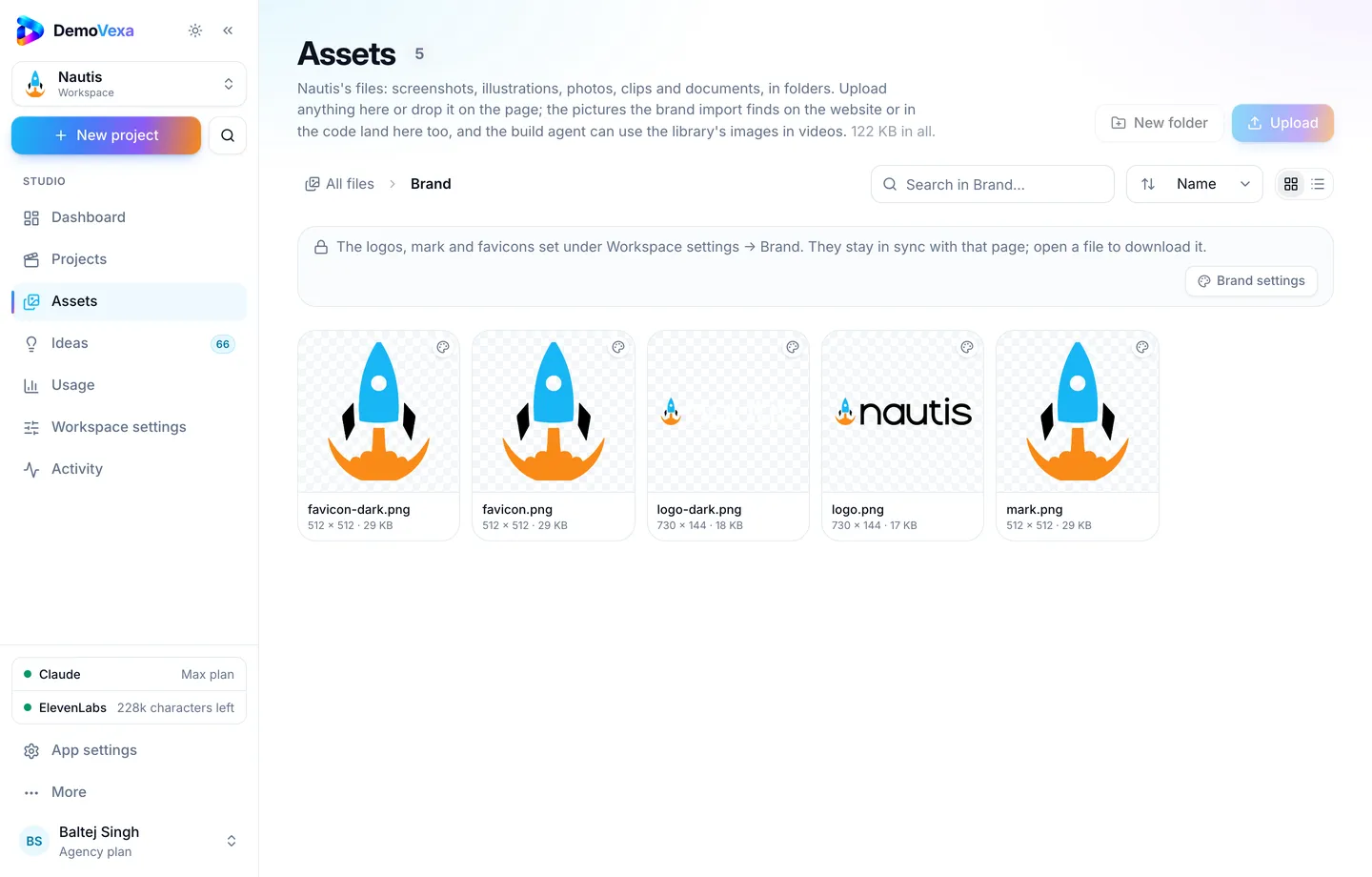
In Workspace settings, Brand: logos, mark, favicons, colours, fonts; fetch from site or code when available.
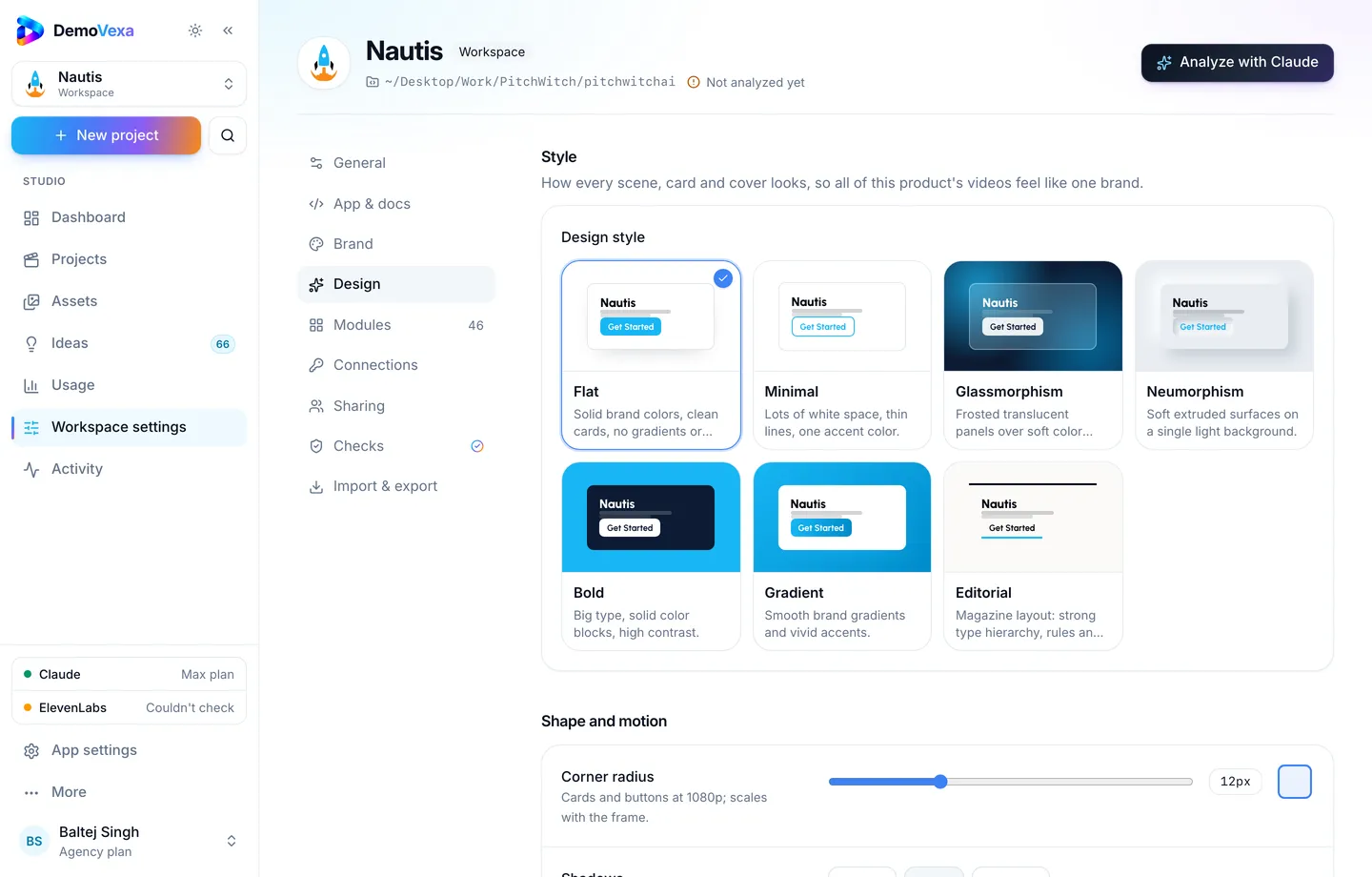
In Design: style, radius, shadow, motion and notes that guide animation.
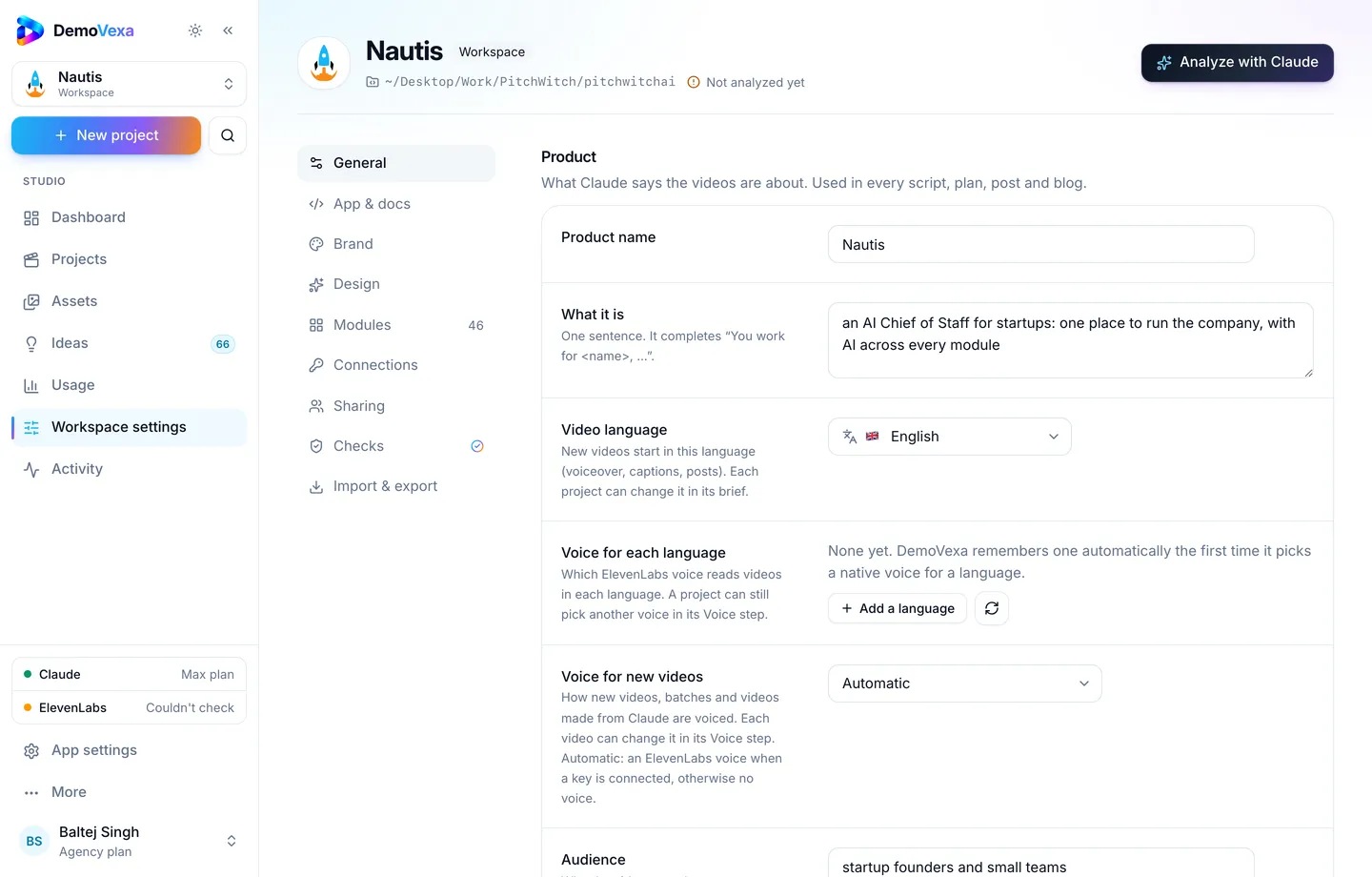
General settings cover default CTA and language so end cards stay aligned.
Assets mirrors brand files in a read-only Brand folder for reuse.
Rollout checklist
- Set Brand and Design on a fresh workspace.
- Build one pilot Feature Demo and inspect title, end card and colours.
- Only then batch the backlog (overnight batches).
- After a rebrand, update the kit and rebuild public-facing projects.
Frequently asked questions
Can two products share a kit?
Only if they truly share identity. Otherwise split workspaces.
What if fetch branding gets colours wrong?
Correct manually; fetched values are a starting point.
Does the kit include voice?
Default voice mode lives with workspace defaults; treat voice as part of brand taste even if it sits in another tab ([voice docs](https://demovexa.com/docs/videos/voice)).
Will old videos update automatically?
Rebuild them. Do not assume historical renders pick up new logos.
How does this relate to the marketing kit zip?
Brand kit styles the video. The marketing kit packages outputs for sharing ([saas video marketing kit](https://demovexa.com/blog/saas-video-marketing-kit)).
Where do agencies start?
One workspace per client, brand kit first, then ideas and batches ([features](https://demovexa.com/features)).
Keep reading
All posts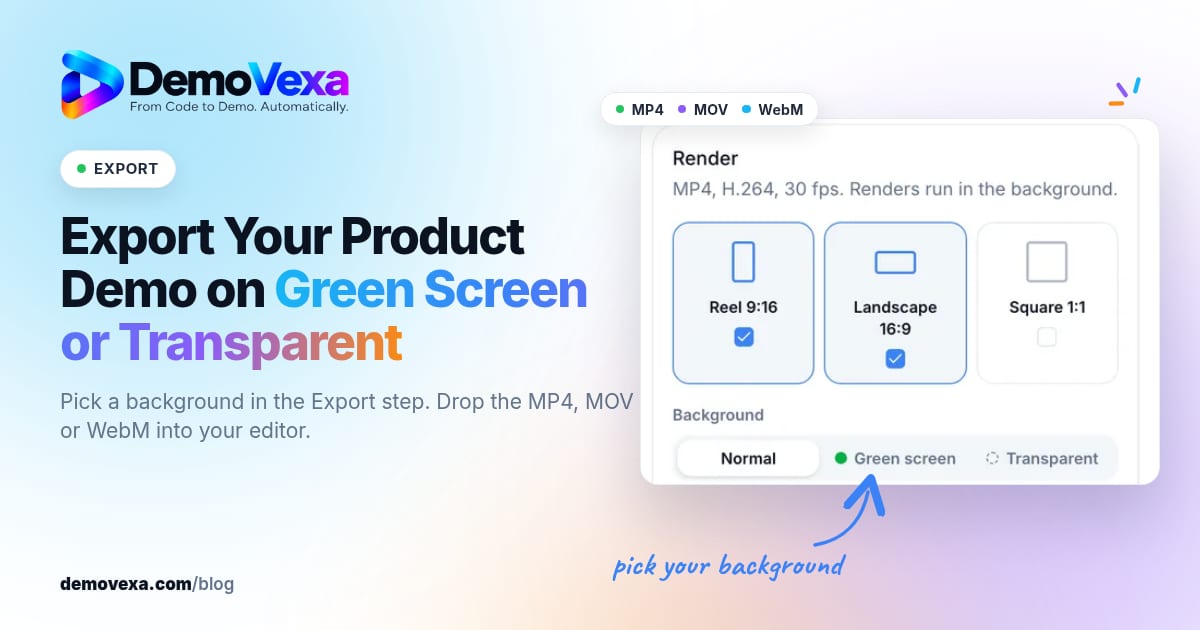
How to Export a Product Demo Video on Green Screen or Transparent
Pick a background in the Export step and get a chroma-green MP4, a ProRes 4444 MOV or a WebM with transparency, ready to layer over your own footage.
Baltej Singh 5 min read
Replace Static Screenshots on Your Pricing and Feature Pages
Use short videos of the real product on pricing and feature pages so the page shows the workflow buyers are evaluating, not only still frames.
Baltej Singh 1 min read
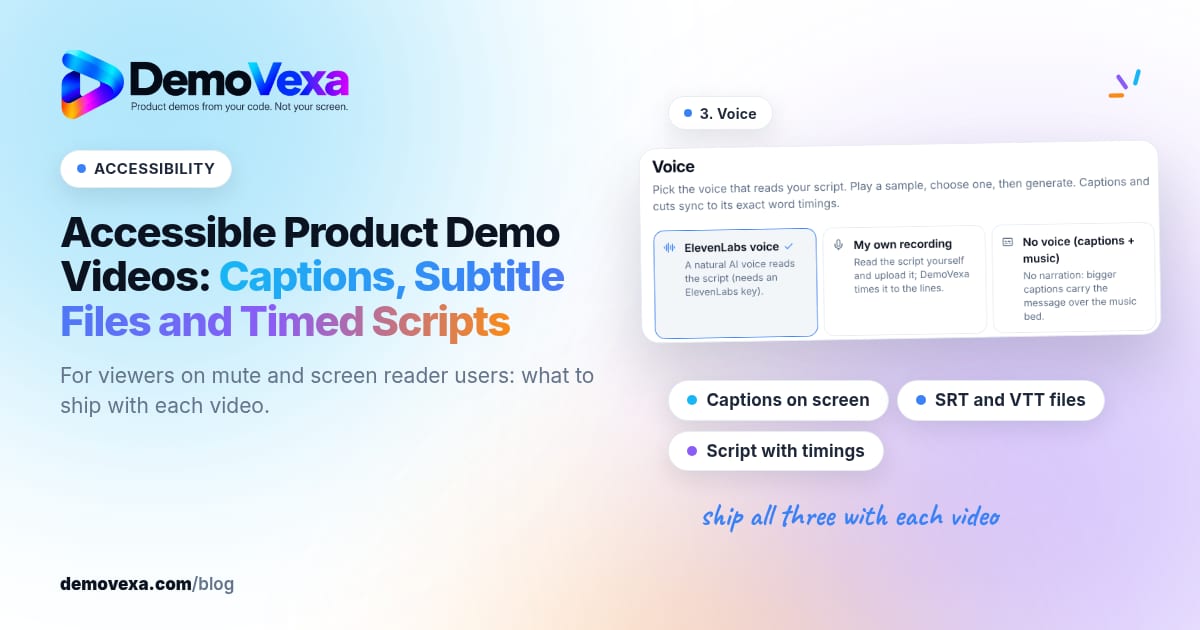
Accessible Product Demo Videos: Captions, Subtitle Files and Timed Scripts
Captions on screen, subtitle files and a script with timings help people who watch without sound or use a screen reader.
Baltej Singh 1 min read