

Accessible Product Demo Videos: Captions, Subtitle Files and Timed Scripts
Ship accessible product demo videos with on-screen captions, subtitle files and timed scripts for viewers on mute and people using assistive tech.
 Baltej Singh · Founder, DemoVexa 1 min read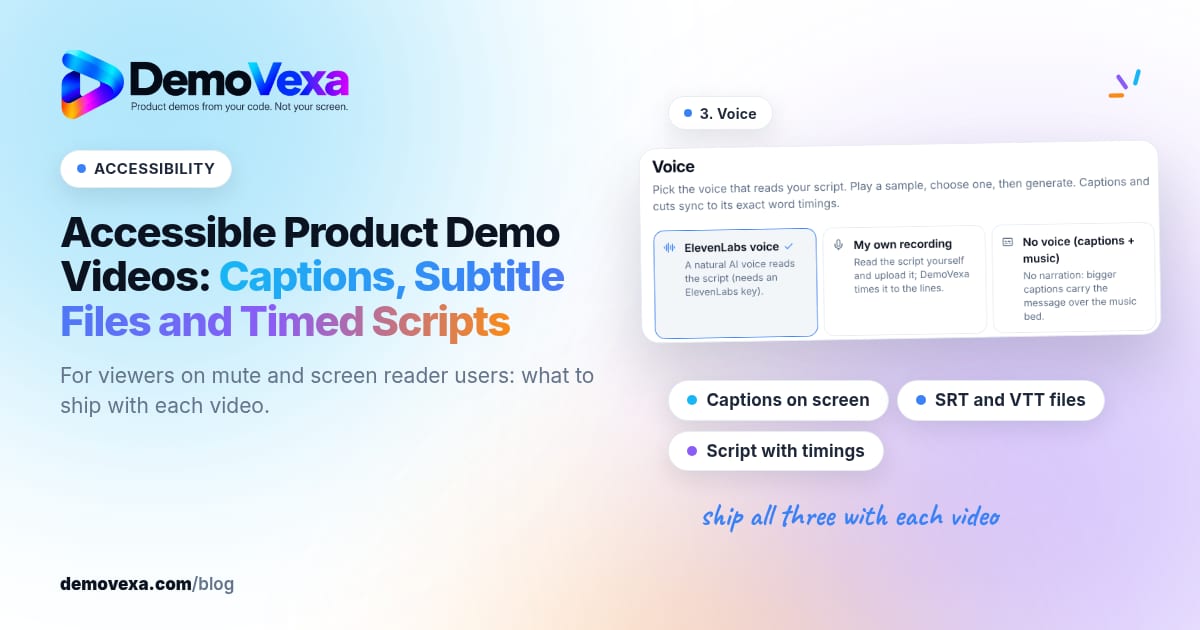
Accessible product demo videos include on-screen captions, downloadable subtitle files, and a timed script that matches the voiceover. That helps people watching without sound and people using assistive technologies. Accessibility is part of shipping the demo, not a later patch.
What DemoVexa already frames as default
DemoVexa's why DemoVexa accessibility line lists captions on screen, subtitle files and a script with timings for people who watch without sound or use a screen reader. Practical caption writing: software demo captions. Silent-first storytelling: silent product demo video.
Checklist before you publish
- Captions readable on mobile (size, contrast).
- SRT/VTT uploaded wherever the video is hosted.
- Script available as text on the companion page.
- No essential information only in non-text UI flashes.
- Voiceover pace that captions can follow.
Building accessibly in DemoVexa
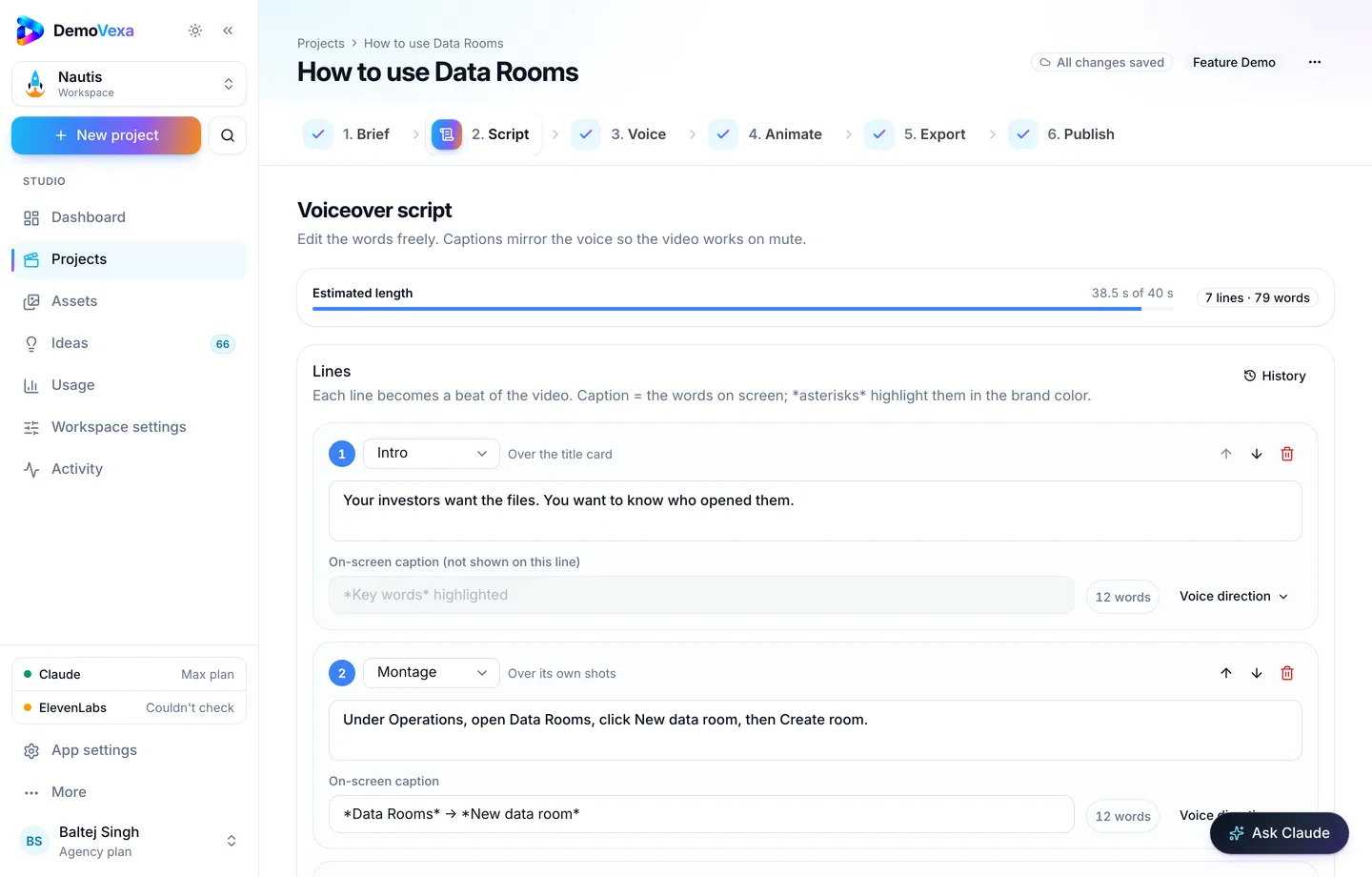
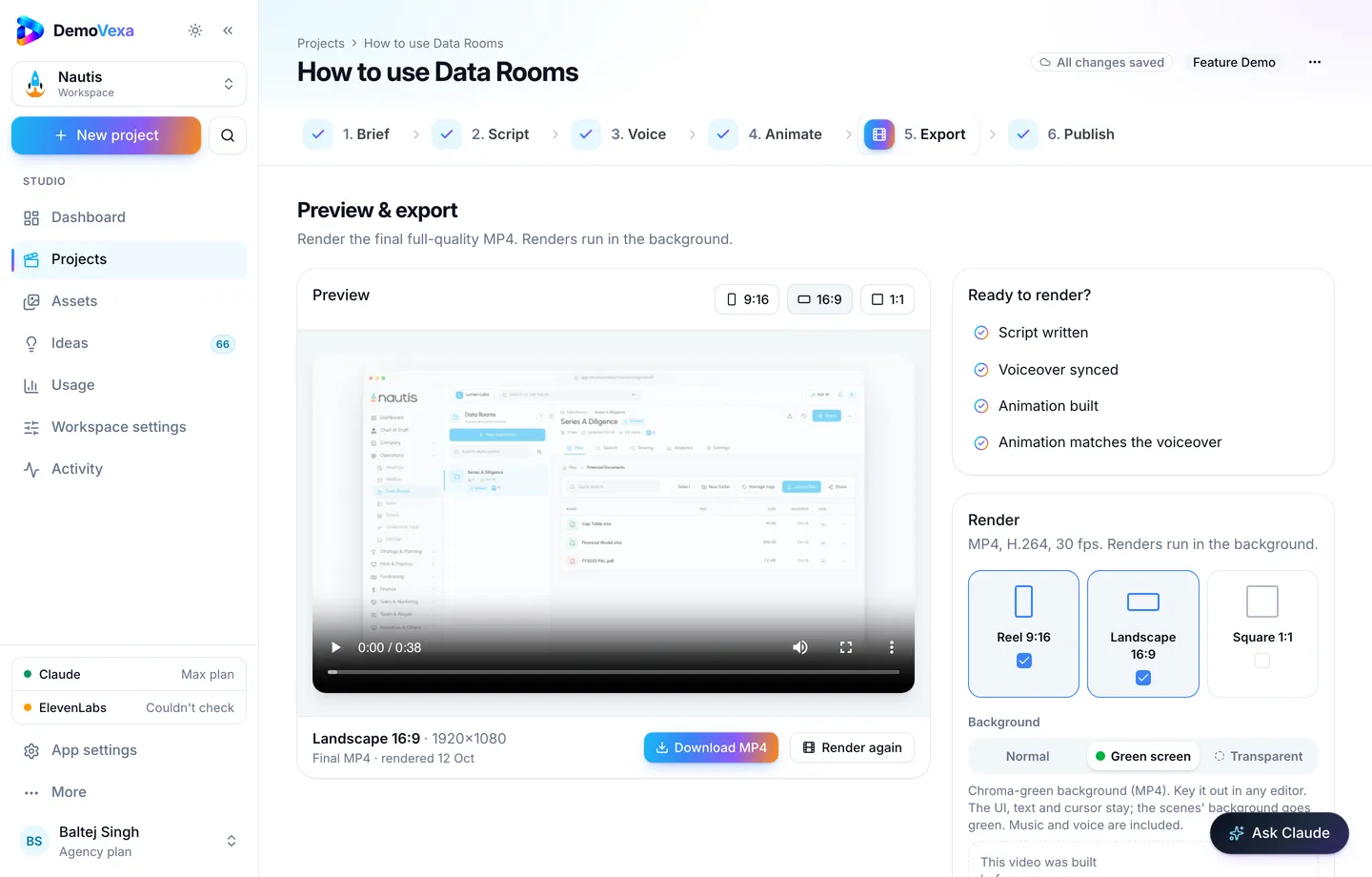
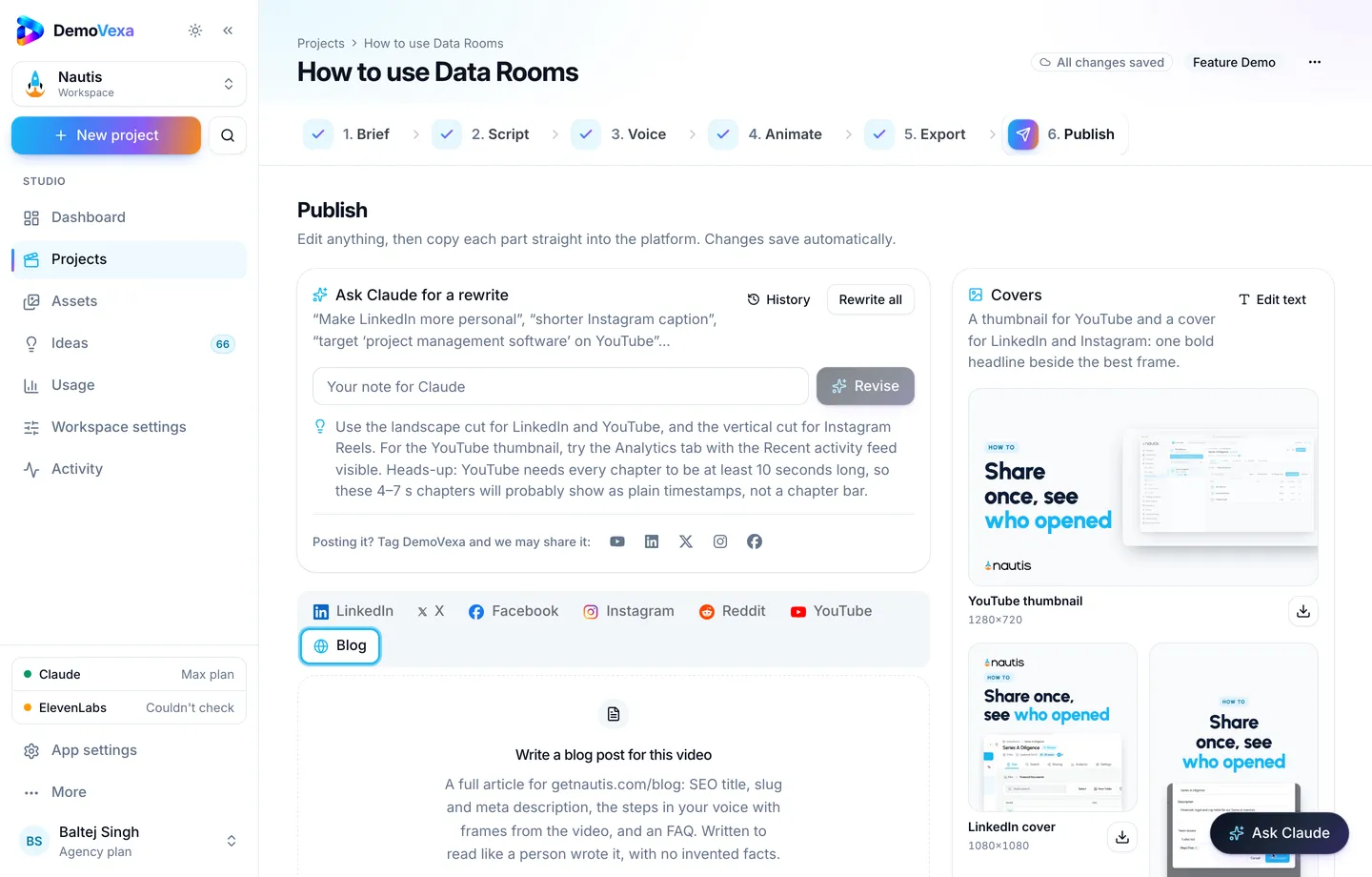
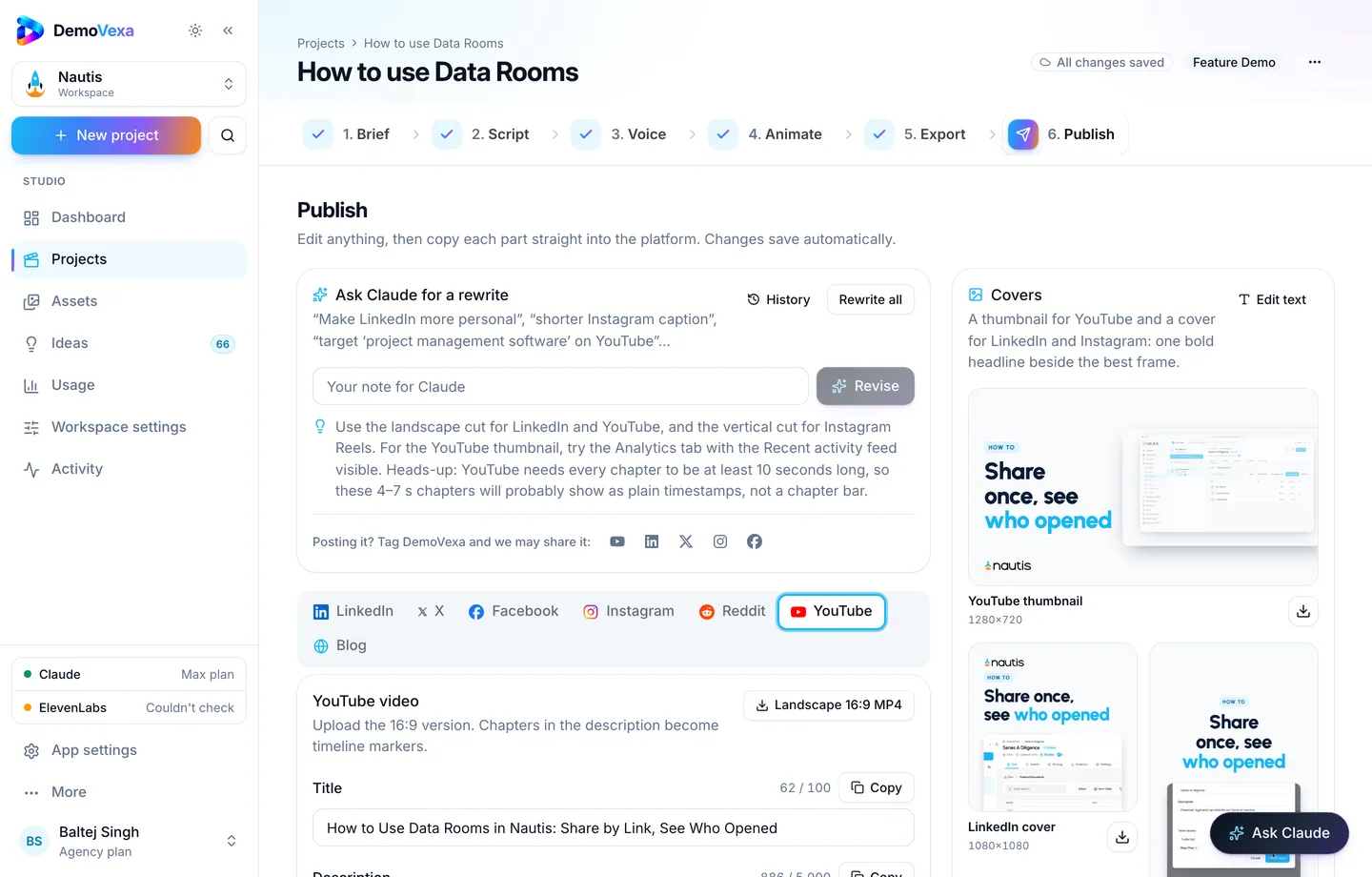
Write and approve the Script first (script docs). Generate voice (voice docs). Export formats and subtitle downloads (render docs). Host text steps on docs or blog so screen-reader users are not forced through a player to learn the clicks.
Frequently asked questions
Are auto-captions enough?
No for product names. Review and upload a corrected file.
Do burned-in captions hurt localization?
They can. Prefer separate subtitle tracks when you ship many languages; use burned-in for social muted feeds when needed.
What about audio descriptions?
For complex visuals beyond UI chrome, consider an extended description on the page. Most SaaS how-tos are covered by a clear voiceover plus text steps.
Who accepts the checklist?
Treat it like QA on the Export step before Publish.
Does accessibility help SEO?
Transcripts and clear text twins help humans and machines. See [SRT/VTT SEO](https://demovexa.com/blog/software-demo-captions) and [AI citations](https://demovexa.com/why-demovexa).
Is this legal advice?
No. It is product practice. Follow the laws and standards that apply to your markets.
Keep reading
All posts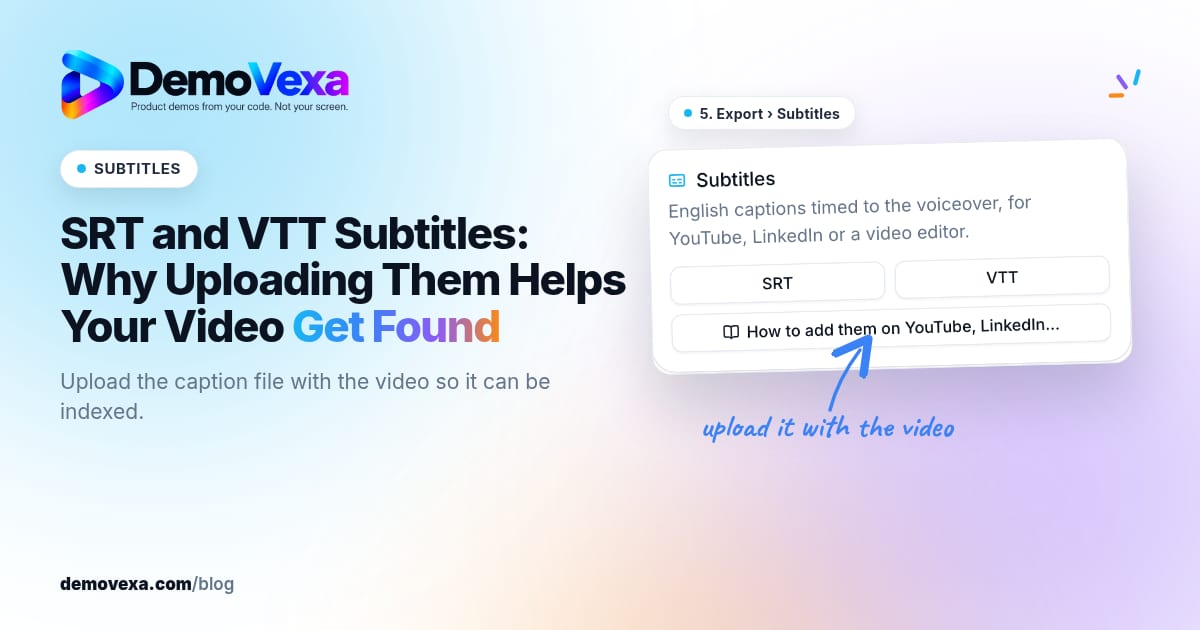
SRT and VTT Subtitles: Why Uploading Them Helps Your Video Get Found
Upload the SRT or VTT with the video. Platforms index the captions, and people watching without sound can still follow every click.
Baltej Singh 2 min read
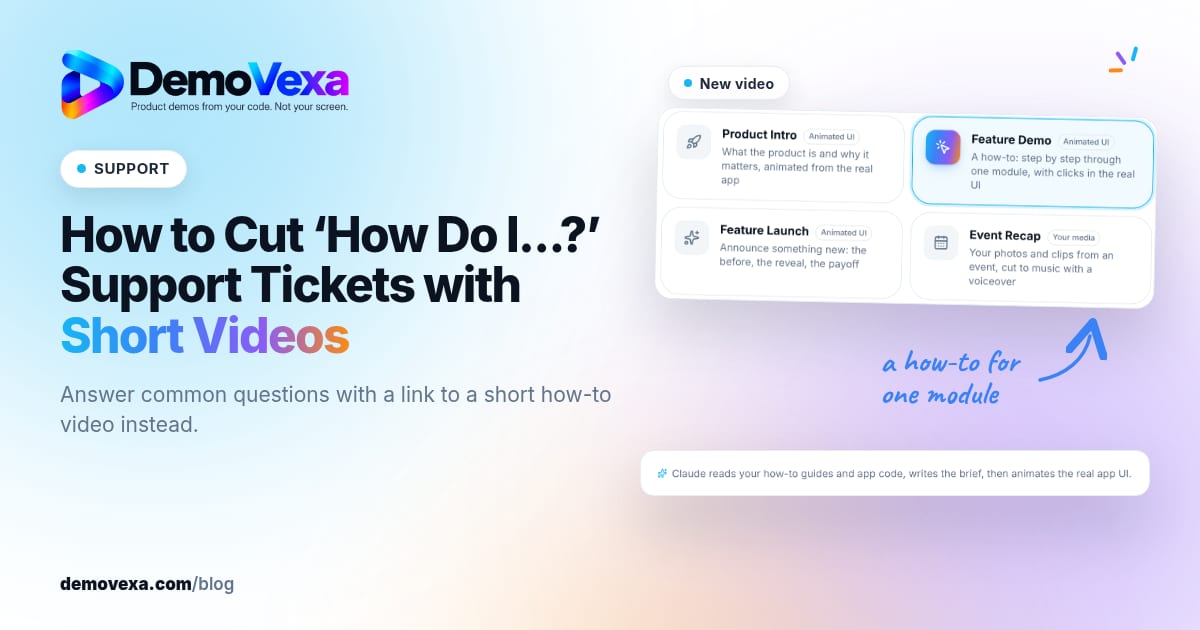
How to Cut "How Do I…?" Support Tickets with Short Videos
Turn your most repeated ticket answers into short how-to videos, then reply with a link instead of typing the same steps again.
Baltej Singh 5 min read
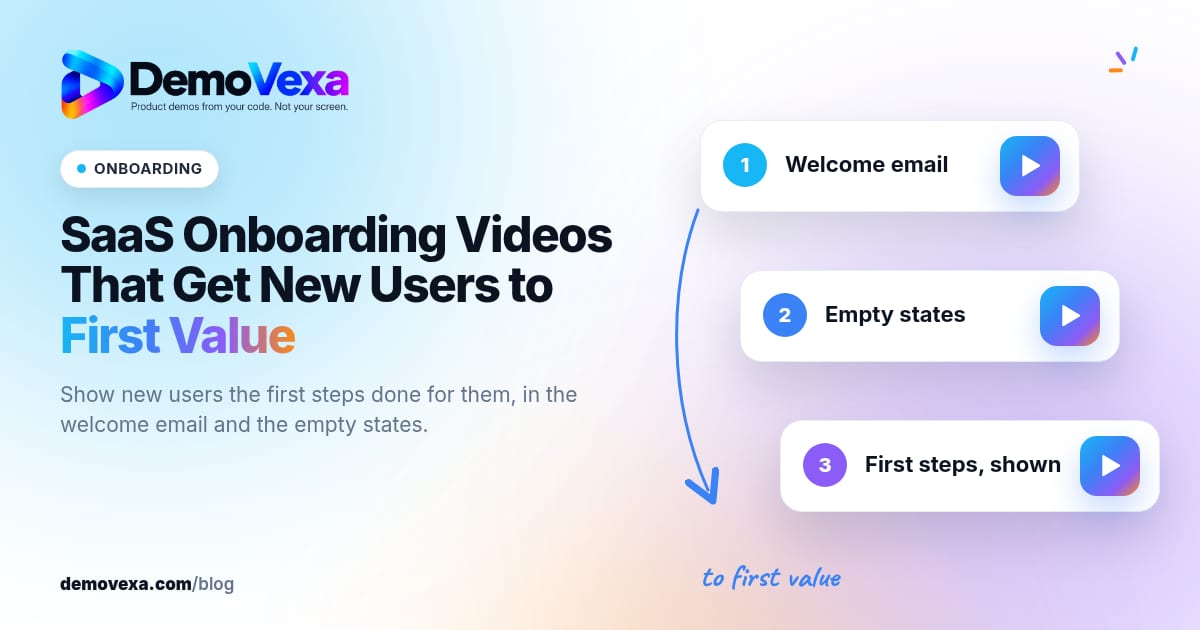
SaaS Onboarding Videos That Get New Users to First Value
Show new users the first steps done for them in under a minute, then put that clip in the welcome email and the empty states they hit on day one.
Baltej Singh 4 min read