

How to Cut "How Do I…?" Support Tickets with Short Videos
Cut repeated how-do-I support tickets by answering each common question with a short how-to video link your team can paste into every reply.
 Baltej Singh · Founder, DemoVexa 5 min read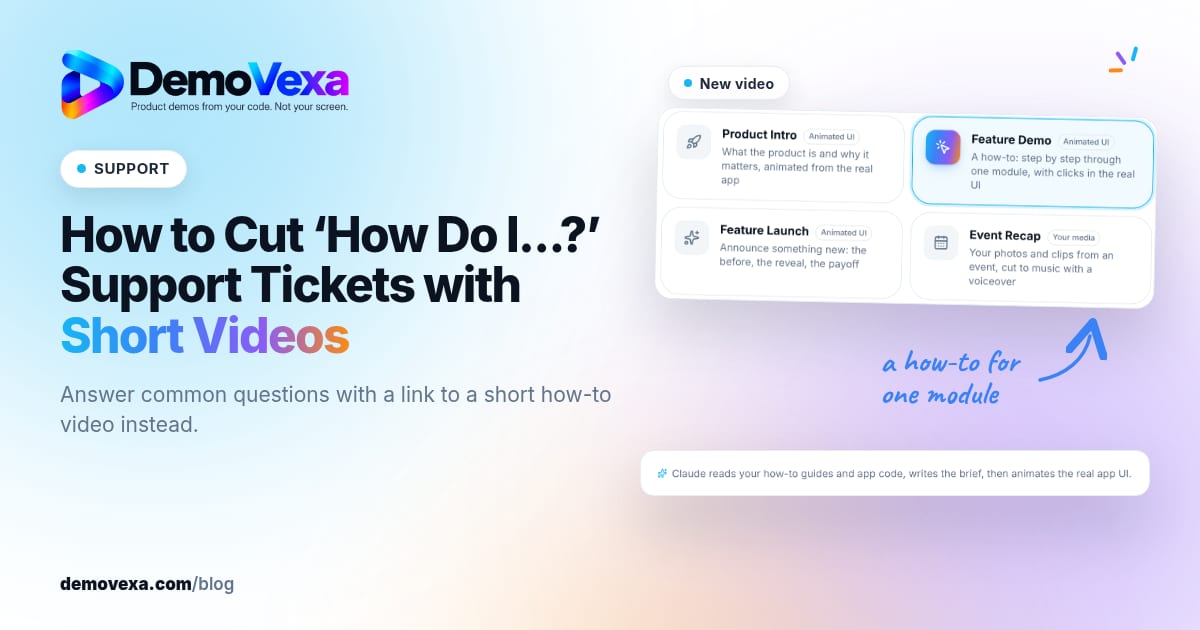
You can reduce support tickets with video by turning each repeated "how do I…?" question into a short how-to clip and answering with a link to that clip. The customer sees the exact clicks. Your team stops rewriting the same steps in every reply. The tickets that remain are the ones that need a human judgment call.
Which support tickets can a short video actually remove?
Not every ticket. Refunds, outages, billing disputes and "is this a bug?" threads still need a person. The ones that shrink are procedural: how to invite a user, how to export a CSV, how to rotate an API key, how to set a permission. If two agents have pasted the same numbered list ten times this month, that list wants a video.
DemoVexa's why DemoVexa page frames this as fewer "how do I…?" tickets: answer common questions with a link to the video that shows it. That claim is about workflow, not a promised percentage. Your result depends on how concentrated your repeats are and whether the video stays accurate after each release.
A useful filter: if the correct answer is a sequence of clicks that does not depend on the customer's unique data, it is a video candidate. If the answer depends on their plan, their role or a judgment call, keep it in a human reply and optionally attach the video for the shared steps only.
How to pick the first ten videos from your ticket queue
- Export or tag the last 30 to 90 days of tickets (or pull themes from your helpdesk macros).
- Group by the action the customer wanted, not by the wording they used.
- Rank by volume times agent time. A question that appears 40 times and takes five minutes each beats a rare question that takes thirty.
- Skip anything that will change in the next release unless you can rebuild the video the same day.
- Write a one-line brief per video: starting screen, ending screen, and the one mistake people make.
You do not need a studio. You need the real product screens and a voiceover that names each control the way the UI does.
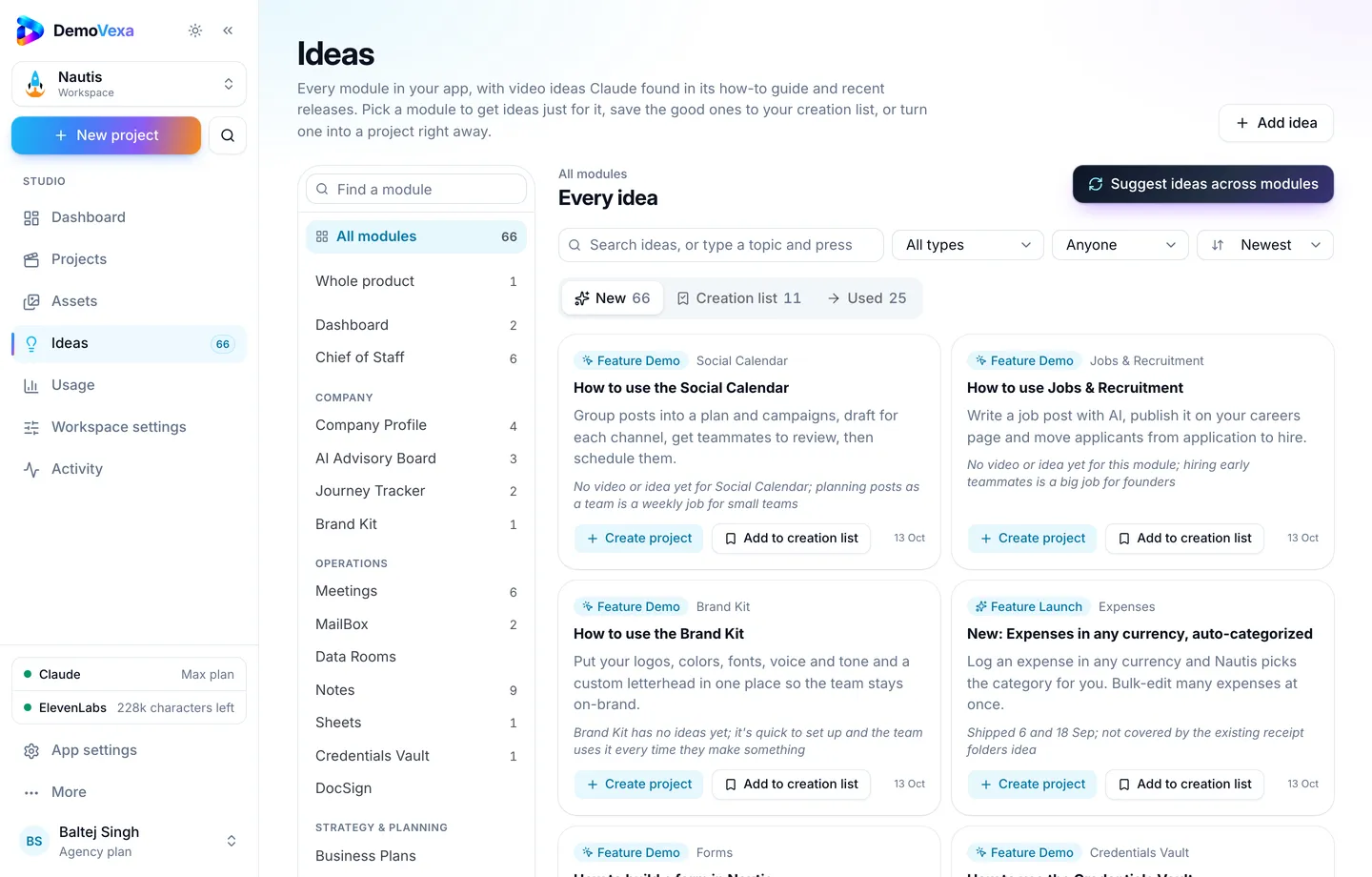
In DemoVexa, the Ideas page suggests Feature Demo topics from your product's guides, modules and git history. That list is a starting point next to your ticket themes, not a replacement for them. Treat Ideas as "what the product can show" and your ticket export as "what customers ask".
What makes a support how-to video work in a reply?
One task only
"How to share a report" is a video. "Reports, dashboards and exports" is a course. Agents need a URL they can paste with confidence. If the customer asked about sharing, do not send them a nine-minute overview.
Show the clicks, say the labels
Narrate the control names exactly as they appear. People pause and match the words to the screen. Avoid slang the UI does not use.
Keep it short
Most support how-tos fit in under two minutes. If you need longer, you probably combined two tickets.
End on success
Show the finished state (the invite pending, the file downloaded, the key copied). Then one line on where to get help if something still fails.
Ship Landscape and a quiet-friendly cut
Agents paste links into email and chat. A standard 16:9 MP4 is enough. On-screen captions help people who open the link without sound on a phone.
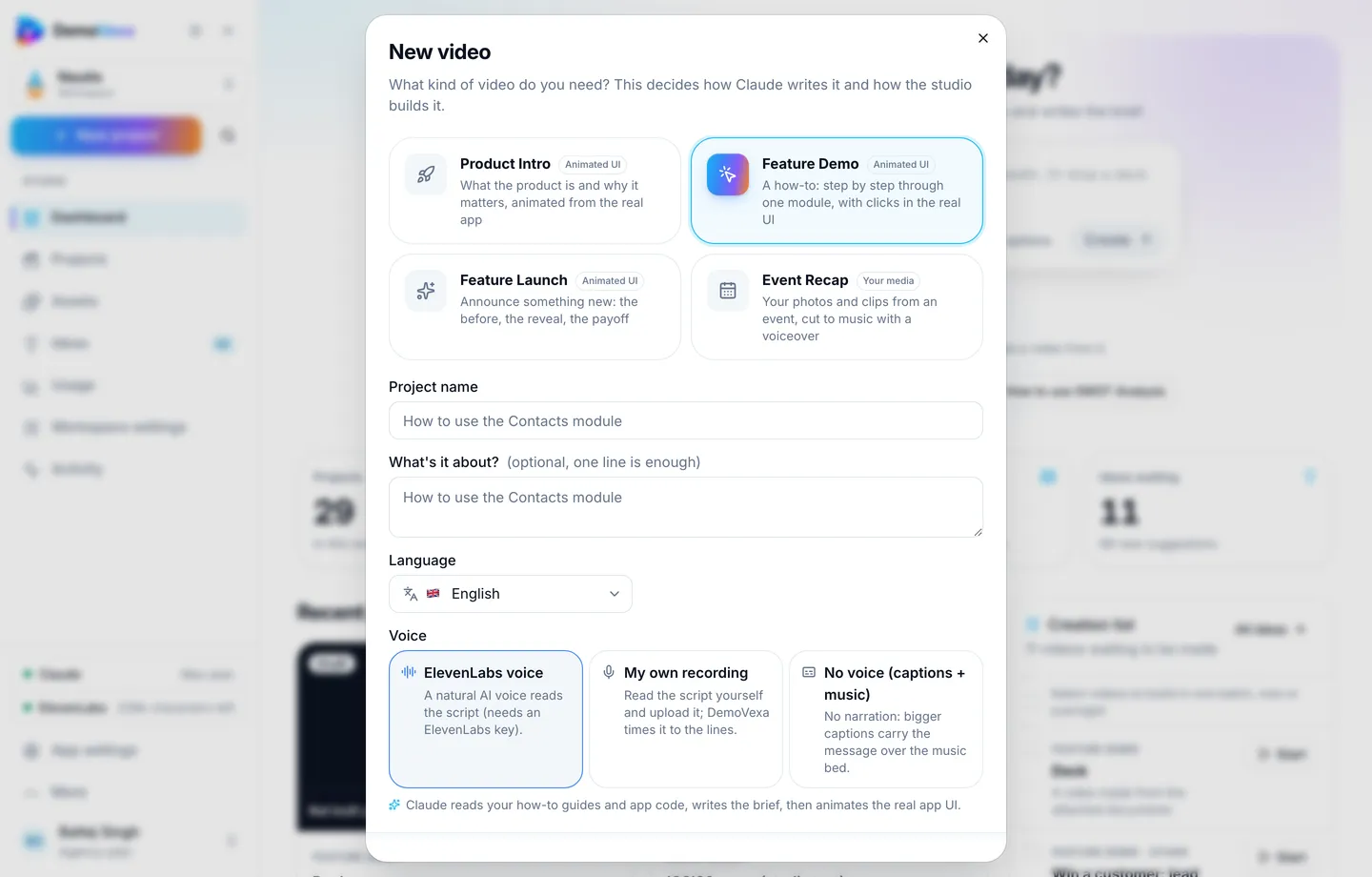
When you create the project in DemoVexa, choose Feature Demo and describe the single path in the brief. The New video dialog is where that choice happens before Script and Animate run.
Where to put the videos so tickets actually drop
A video that lives only on YouTube helps SEO. A video that reduces tickets has to sit in the paths agents and customers already use:
- Help center article for that feature, embedded near the top
- Saved reply or macro in the helpdesk with the link and one sentence of context
- In-app empty state or "?" popover for the same screen, when you can ship that
- Onboarding email for the workflow new users hit in week one
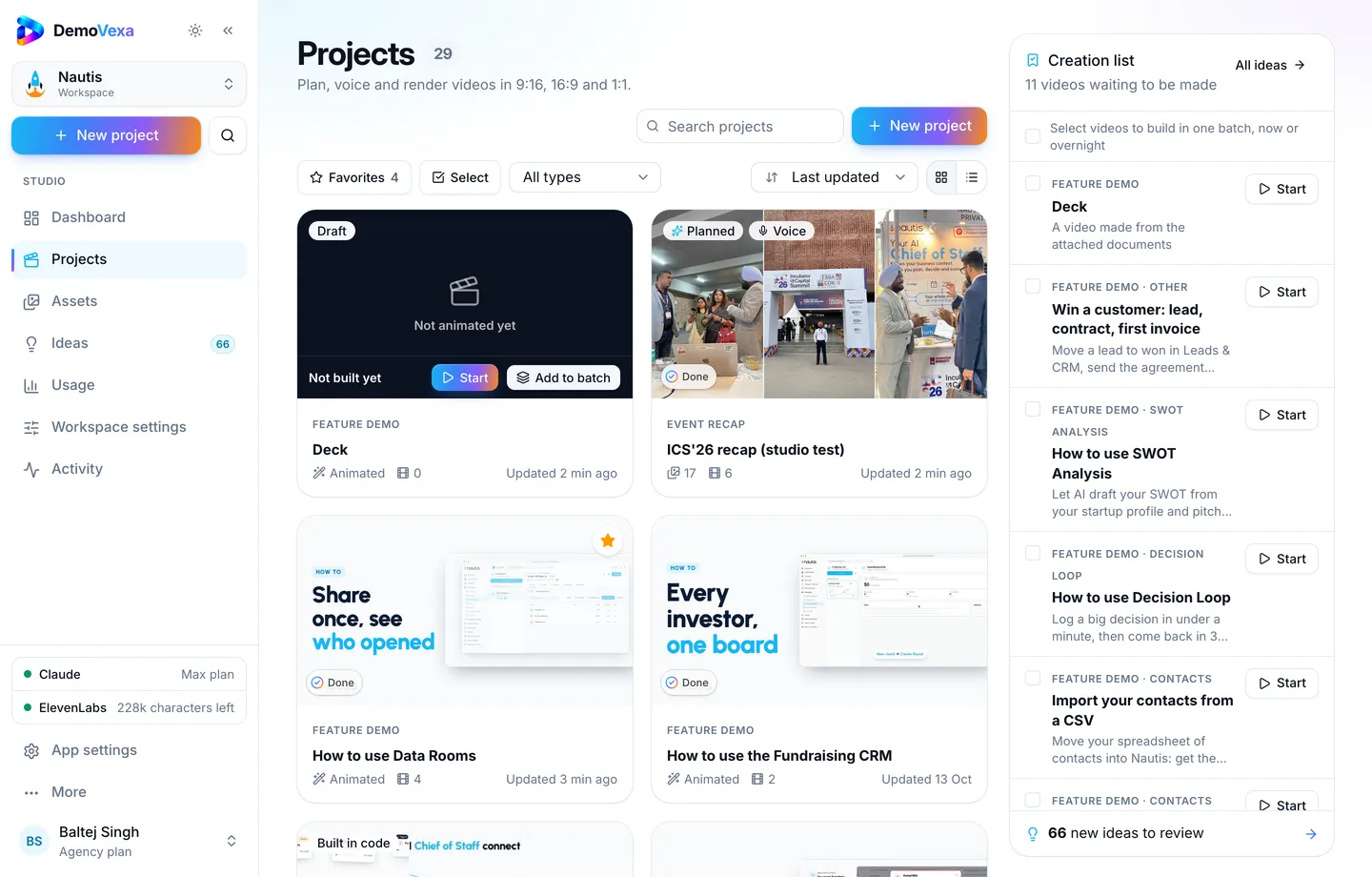
The Projects page in DemoVexa is a practical library while you build the set: each card is one how-to you can reopen, rebuild and re-export when the UI moves.
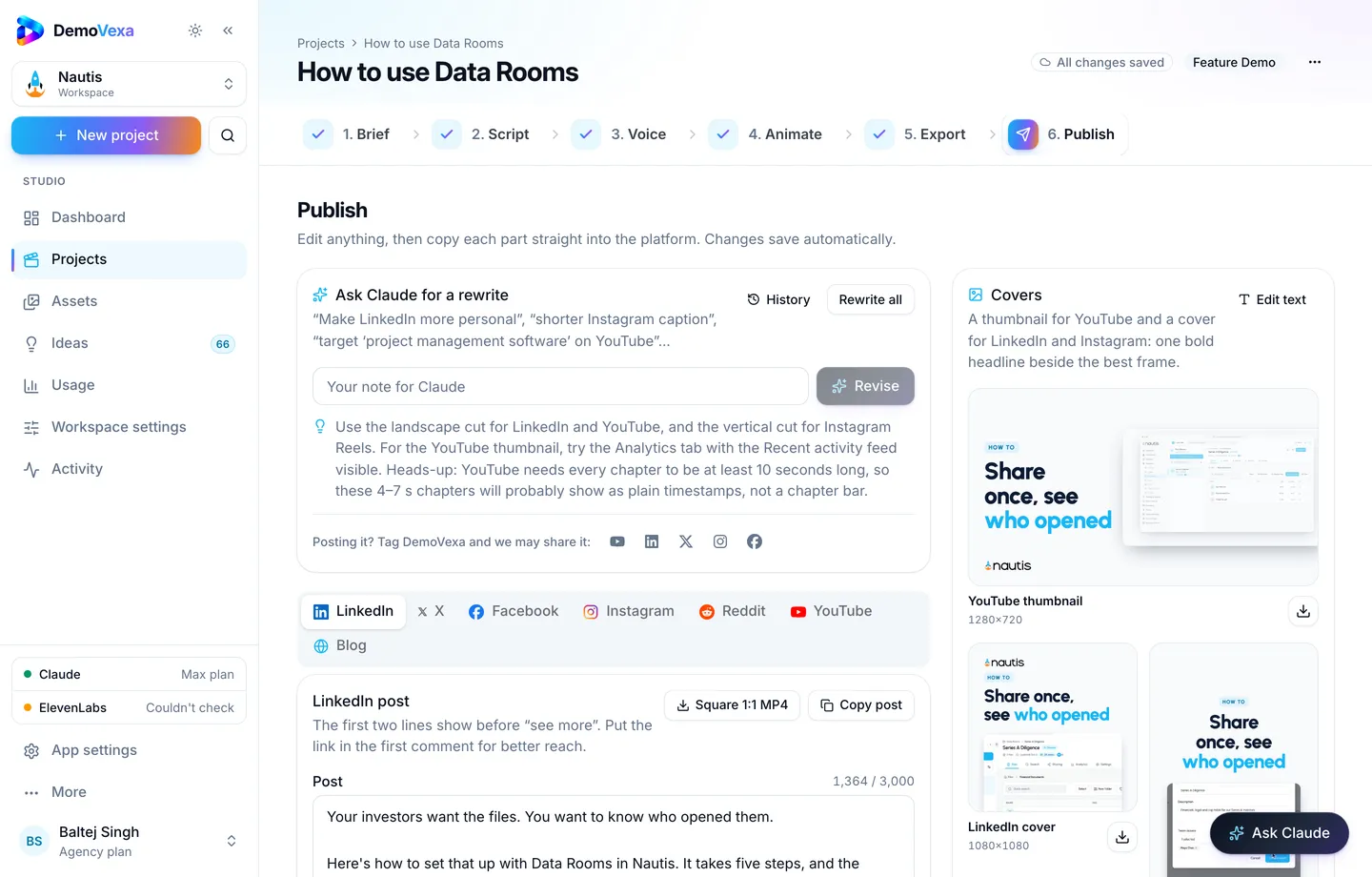
After Export, the Publish step drafts posts and a blog companion if you also want the how-to public. For support use, the important output is still the MP4 (and captions) you can host on your help center or docs CDN. See the docs for the Export and Publish flow, and pricing for how renders count on your plan.
How to run this with your support team
- Agree the first ten briefs with support lead and product. Support owns the question. Product owns the correct path.
- Record or generate the videos in one batch so style and length stay consistent.
- Add each URL to the matching macro the same day the video is approved.
- Ask agents to use the link for two weeks and note replies where the video was not enough.
- Meet once to split "needs a better video" from "needs a product change".
Do not measure success only as total ticket count. Seasonality and launches move that number. Measure the repeat rate of the tagged questions you targeted, and the average handle time on those tags.
Keep the videos honest after each release
A wrong video is worse than no video. Customers follow outdated clicks, fail, and write back annoyed. When a label moves or a step disappears, rebuild that one project from the current code and replace the file behind the same URL when you can. DemoVexa is built for that rebuild loop: point the workspace at the app, update the project, export again (features).
If you already publish release demos, fold support how-tos into the same release checklist so new UI never ships without the matching reply link. The release demo workflow post covers same-day launch videos from a merge; support clips are the quieter cousin of that habit.
What this does not replace
- A searchable help center with text steps for people who prefer reading
- Status pages and incident comms
- Human review for account-specific risk
- Product fixes when the same ticket means the UI is confusing
Video removes the copy-paste tax on shared procedures. It does not fix a broken flow. Use ticket themes as product input, not only as content ideas.
Frequently asked questions
How many support videos should we start with?
Start with five to ten, all drawn from real repeats. A small set that agents trust beats a library nobody opens.
Should every help article have a video?
No. Add video where the steps are visual and frequently asked. A pricing FAQ or a legal policy is usually fine as text.
Where should we host the files?
Host them where your help center or docs already store media, with stable URLs. YouTube is fine as a secondary surface for search. For ticket replies, prefer a URL you control so you can replace the file without changing every macro.
Can we send a personalized demo instead of a library clip?
Yes for high-value accounts. For volume support, a shared how-to is faster. Personalized demos fit sales follow-ups better than the L1 queue.
How do we know a video is outdated?
When agents say customers still fail after watching, when a release renames the screen, or when QA clicks the link during release review and the path differs. Make that click part of release QA.
Does DemoVexa replace our helpdesk?
No. DemoVexa builds the product videos from your app's code and docs. Your helpdesk still routes tickets, macros and SLAs. The win is giving agents a accurate link to paste.
Keep reading
All posts
How to Put a How-To Video Next to Every Help Doc
One short how-to video per guide, matching the real screens, so people follow the doc instead of guessing from screenshots alone.
Baltej Singh 3 min read
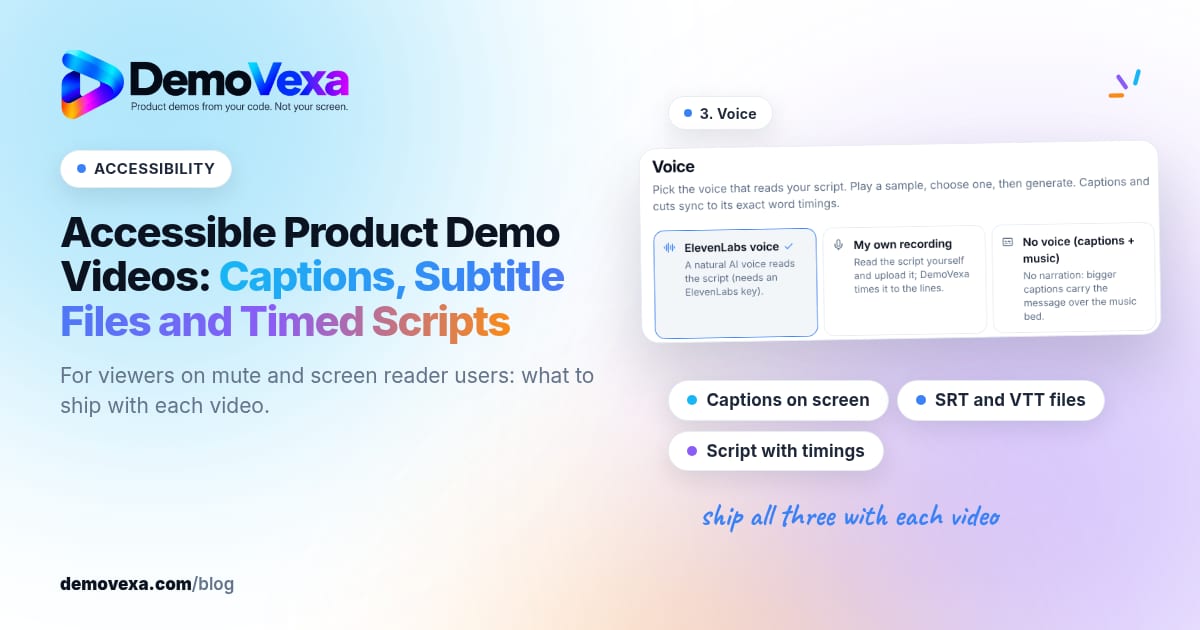
Accessible Product Demo Videos: Captions, Subtitle Files and Timed Scripts
Captions on screen, subtitle files and a script with timings help people who watch without sound or use a screen reader.
Baltej Singh 1 min read

SaaS Onboarding Videos That Get New Users to First Value
Show new users the first steps done for them in under a minute, then put that clip in the welcome email and the empty states they hit on day one.
Baltej Singh 4 min read