

How to Put a How-To Video Next to Every Help Doc
Put a how-to video next to each help doc so readers follow real product screens instead of guessing from text alone.
 Baltej Singh · Founder, DemoVexa 3 min read
How-to videos in documentation work when each guide gets one short clip that shows the same clicks the text describes. Readers follow the real screens. You stop maintaining a second, outdated screenshot set that drifts from production. The doc stays the source of truth; the video is the motion version of the same steps.
Why docs without motion get abandoned
People open a help article because they are mid-task. Walls of paragraphs and cropped screenshots force them to translate still images into actions. DemoVexa's why DemoVexa line is blunt: put a how-to video next to each guide so people follow along with the real screens instead of guessing from text.
That does not retire written docs. It makes them finishable. Text remains searchable, translatable and skimmable. Video carries timing, cursor path and the "where am I" context screenshots lose.
Related reading on this site: documentation portal videos and product workflow video documentation. This post focuses on the pairing rule: one guide, one clip, same steps.
Rules for pairing videos with docs
- Same title intent: the H1 and the video title describe the same task.
- Same step order: if the doc has five steps, the video shows those five in order.
- Same URL strategy: stable media URL so the doc does not break when you replace the file.
- Same release owner: docs and video ship together or neither ships.
Skip videos on pure policy pages. Add them where the reader must click through UI.
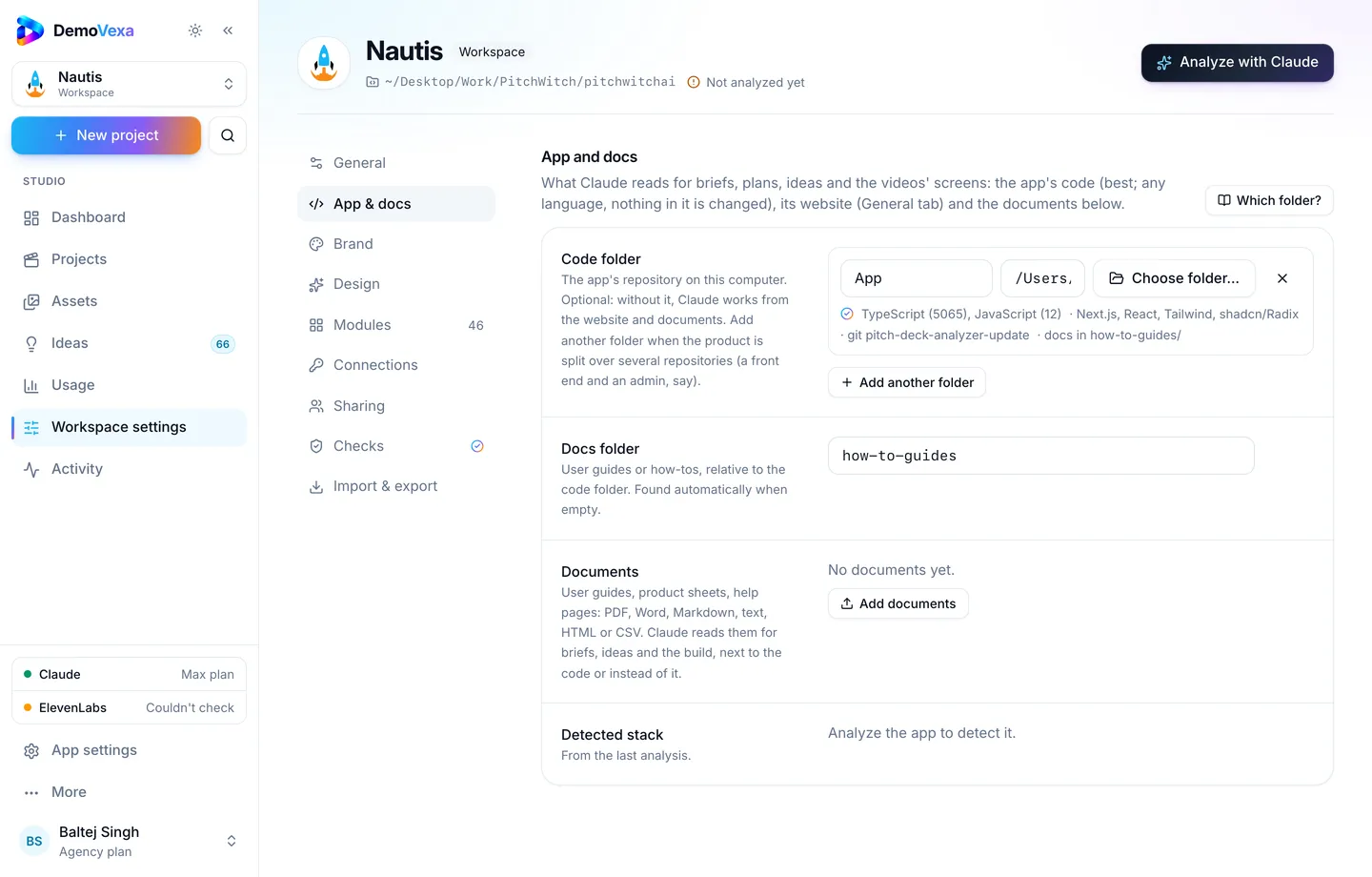
Building doc-ready how-tos in DemoVexa
Connect the workspace to the product code and the docs folder writers already maintain. Claude uses those guides when it drafts ideas and scripts, which reduces drift between the article and the voiceover (features).
Create a Feature Demo per guide. Keep the brief short: starting screen, ending screen, audience = someone mid-task. After Script and Animate, Export an MP4 with captions (render docs).
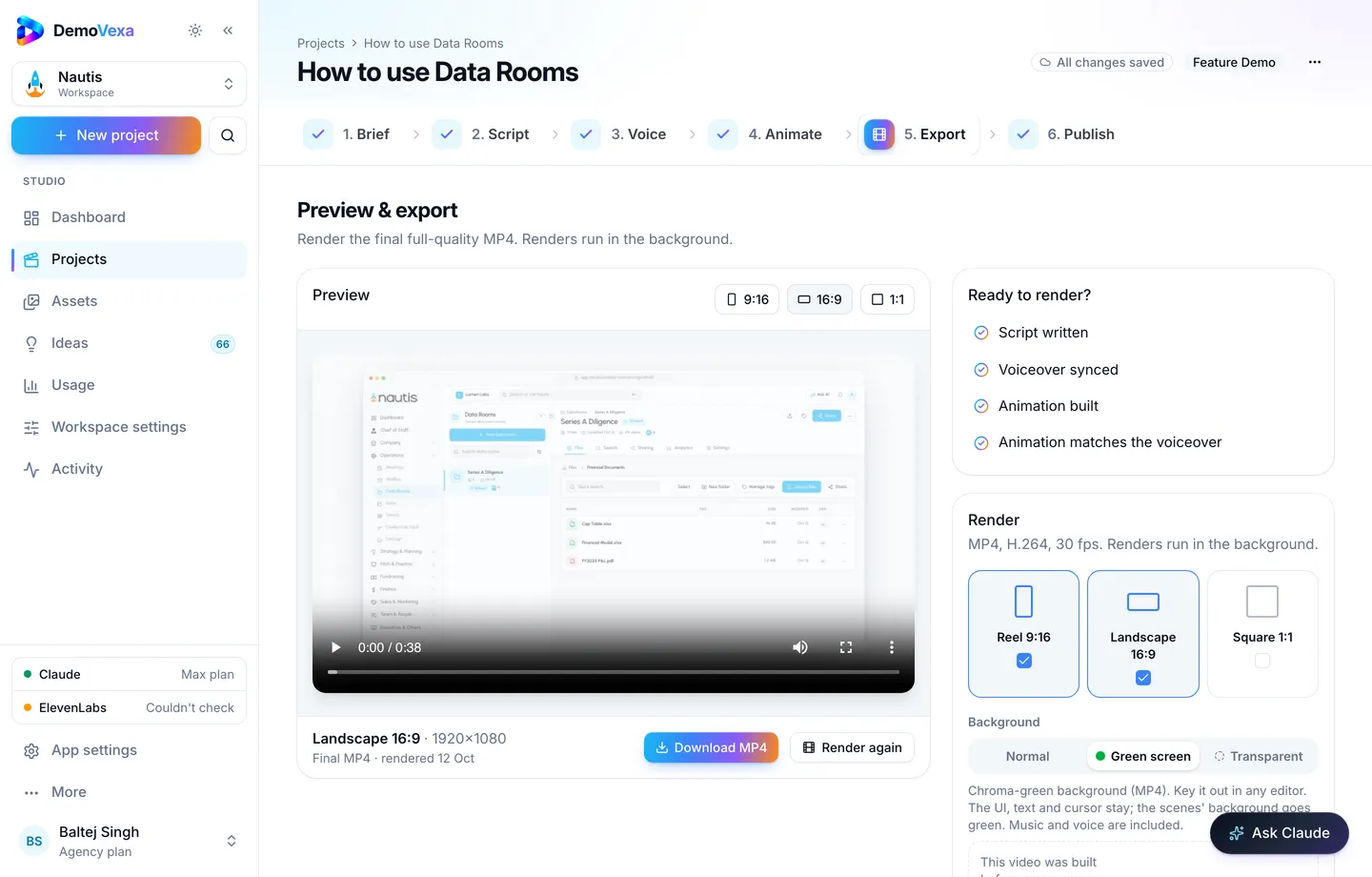
Use Publish when you also want a public blog mirror; for the help center, the MP4 and captions are enough (Publish docs).
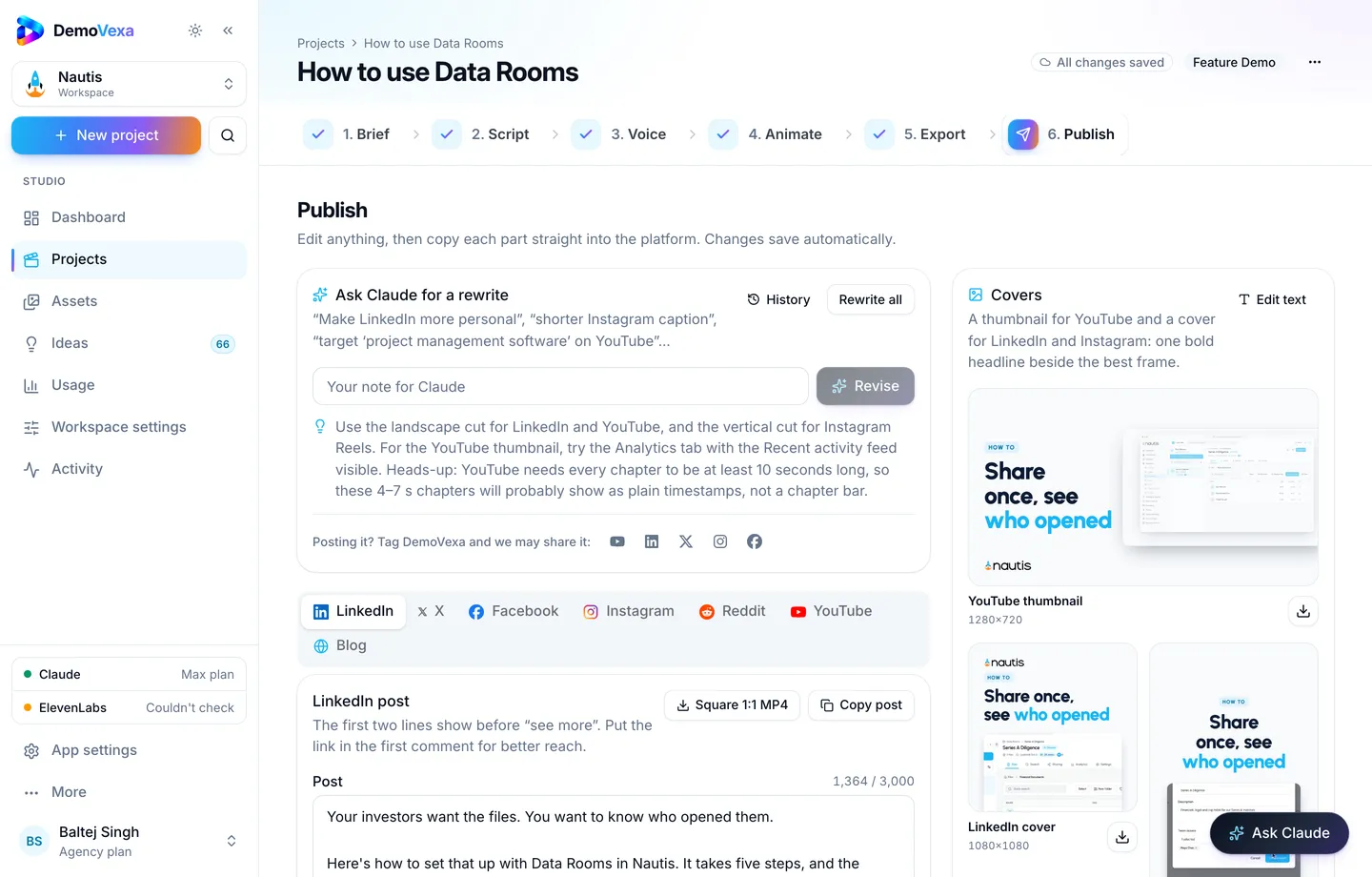
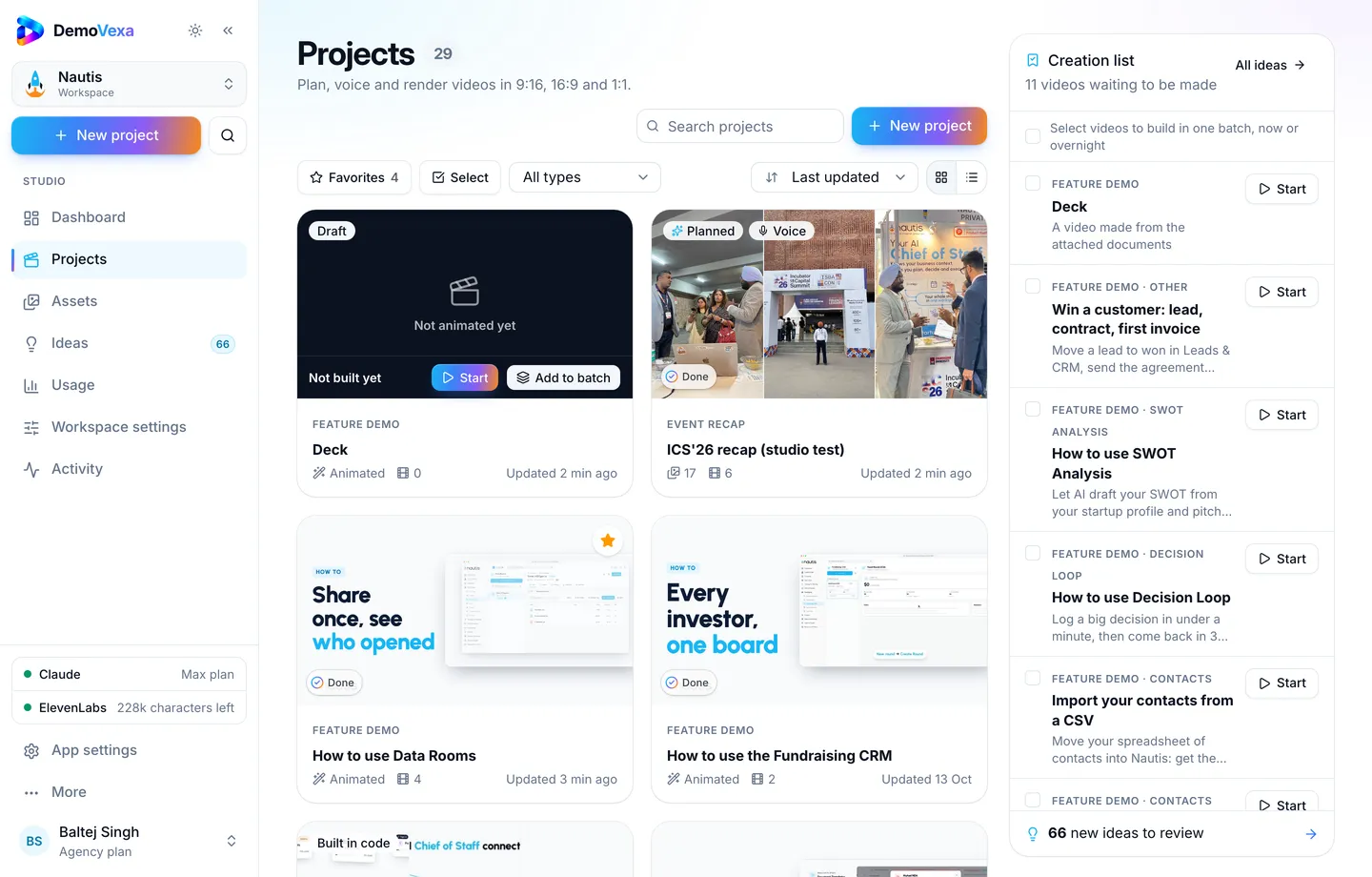
Track the set on the Projects page so each guide maps to a project you can reopen after a UI change.
Embedding patterns that behave well
- Place the player after a one-sentence summary, before the step list
- Add a transcript or rely on captions for accessibility
- Offer a downloadable MP4 only if your audience works offline
- Avoid autoplay with sound
Maintenance
When docs change a step, open the matching DemoVexa project, revise the script line, rebuild, replace the file. If you batch many doc updates, queue them overnight (overnight batch guide).
Writer and video workflow in one checklist
- Writer updates the guide outline.
- DemoVexa project brief copies that outline.
- Script approval happens with the doc PR review when you can.
- Export MP4 and captions.
- Embed in the guide; merge doc and media together.
- QA clicks the steps once in the product and once in the video.
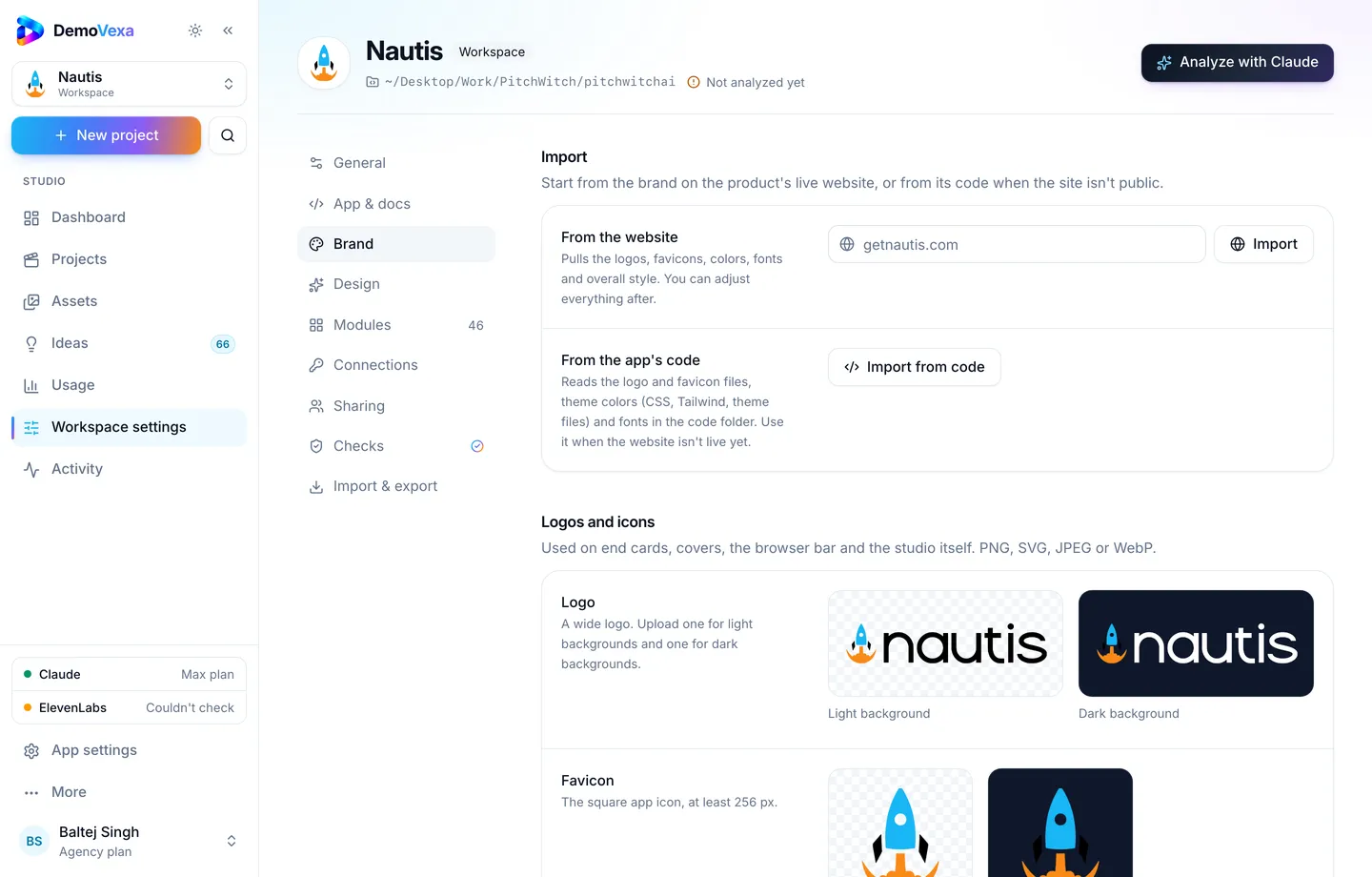
When App and docs settings point at the real folders, Analyze with Claude can refresh what the workspace knows before you rebuild a large set of guides.
Frequently asked questions
How long should a doc video be?
As long as the procedure, usually 30 to 120 seconds for a single guide. Longer guides may deserve section anchors plus a longer walkthrough, but start short.
Do we embed YouTube or self-host?
Self-host on the docs CDN when you need quiet branding and stable replace-in-place URLs. YouTube is fine as an extra discovery copy.
What if the doc is longer than the video?
Good. The doc can hold edge cases and screenshots. The video teaches the happy path.
Should every screenshot be removed?
No. Keep key stills for skimmers. The video reduces how many redundant stills you need to retake each release.
How do we prevent the video from drifting from the doc?
Same brief, same step list, same release checklist item. DemoVexa reading the docs folder helps the script start aligned; humans still approve both.
Can agencies use this for client help centers?
Yes. One workspace per client brand keeps docs folders and brand kits separate. See also the agencies post on this blog if you manage many products.
Keep reading
All posts
How to Cut "How Do I…?" Support Tickets with Short Videos
Turn your most repeated ticket answers into short how-to videos, then reply with a link instead of typing the same steps again.
Baltej Singh 5 min read
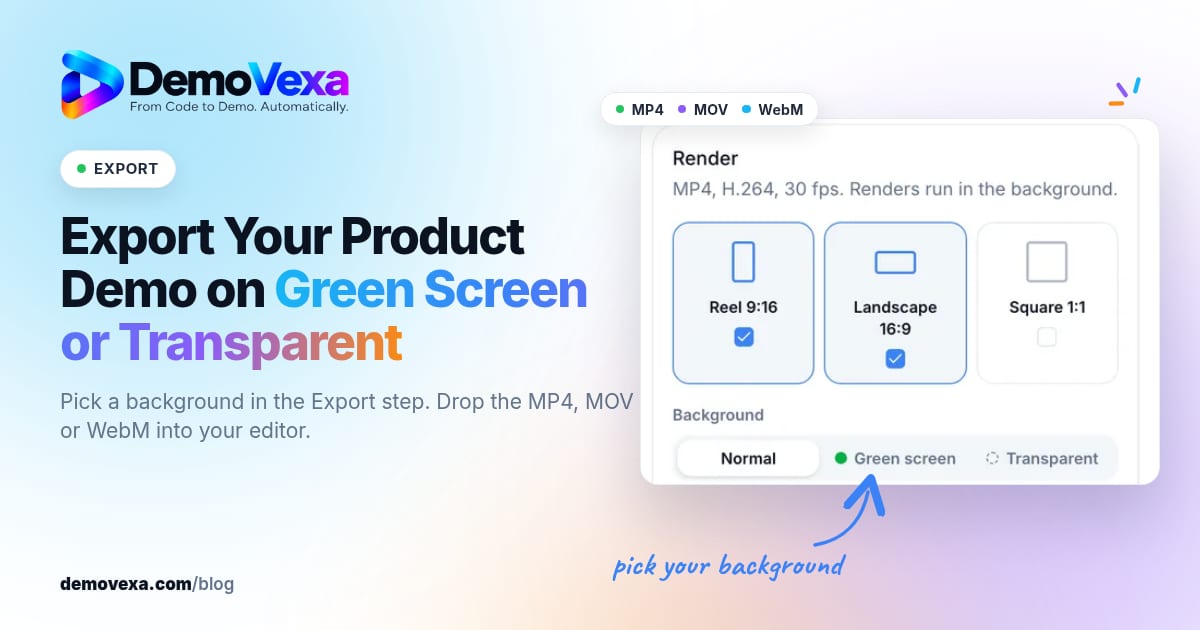
How to Export a Product Demo Video on Green Screen or Transparent
Pick a background in the Export step and get a chroma-green MP4, a ProRes 4444 MOV or a WebM with transparency, ready to layer over your own footage.
Baltej Singh 5 min read
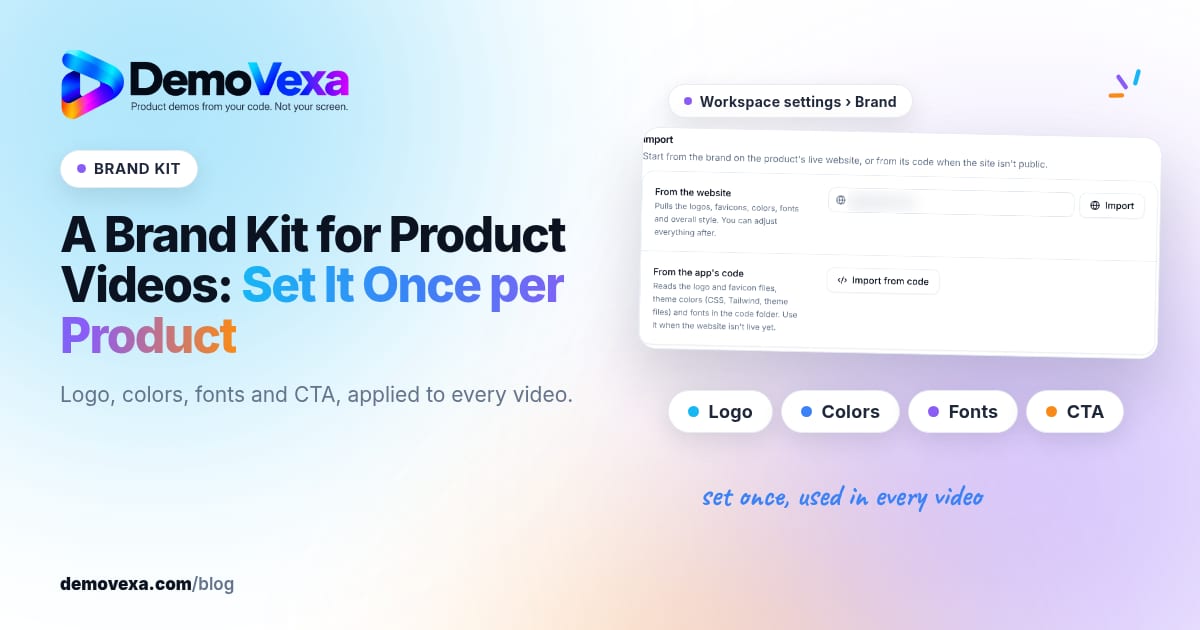
A Brand Kit for Product Videos: Set It Once per Product
Set logo, colours, fonts and CTA once per product so every demo video stays on brand without redesigning each project.
Baltej Singh 1 min read