

Turn Release Notes into Videos Customers Actually Watch
Turn each release note into a short release notes video so customers see what changed instead of skimming past another text changelog.
 Baltej Singh · Founder, DemoVexa 1 min read
A release notes video turns a changelog bullet into a short clip that shows the new clicks. Customers see the change. You spend less time answering "is this live?" in support and sales. Text release notes still matter for scanners and search; the video is how the important items get noticed.
Why text changelogs get ignored
People skim. DemoVexa's why DemoVexa line on release notes is that customers actually see what changed when you turn notes into short videos. Compare formats in tutorial video vs release notes. This post is the how-to for making the clip part of the release train.
What belongs on camera
Include: new workflows, renamed navigation, permission changes users must notice. Skip: dependency bumps, pure refactors, incidents already covered on the status page.
Workflow with DemoVexa
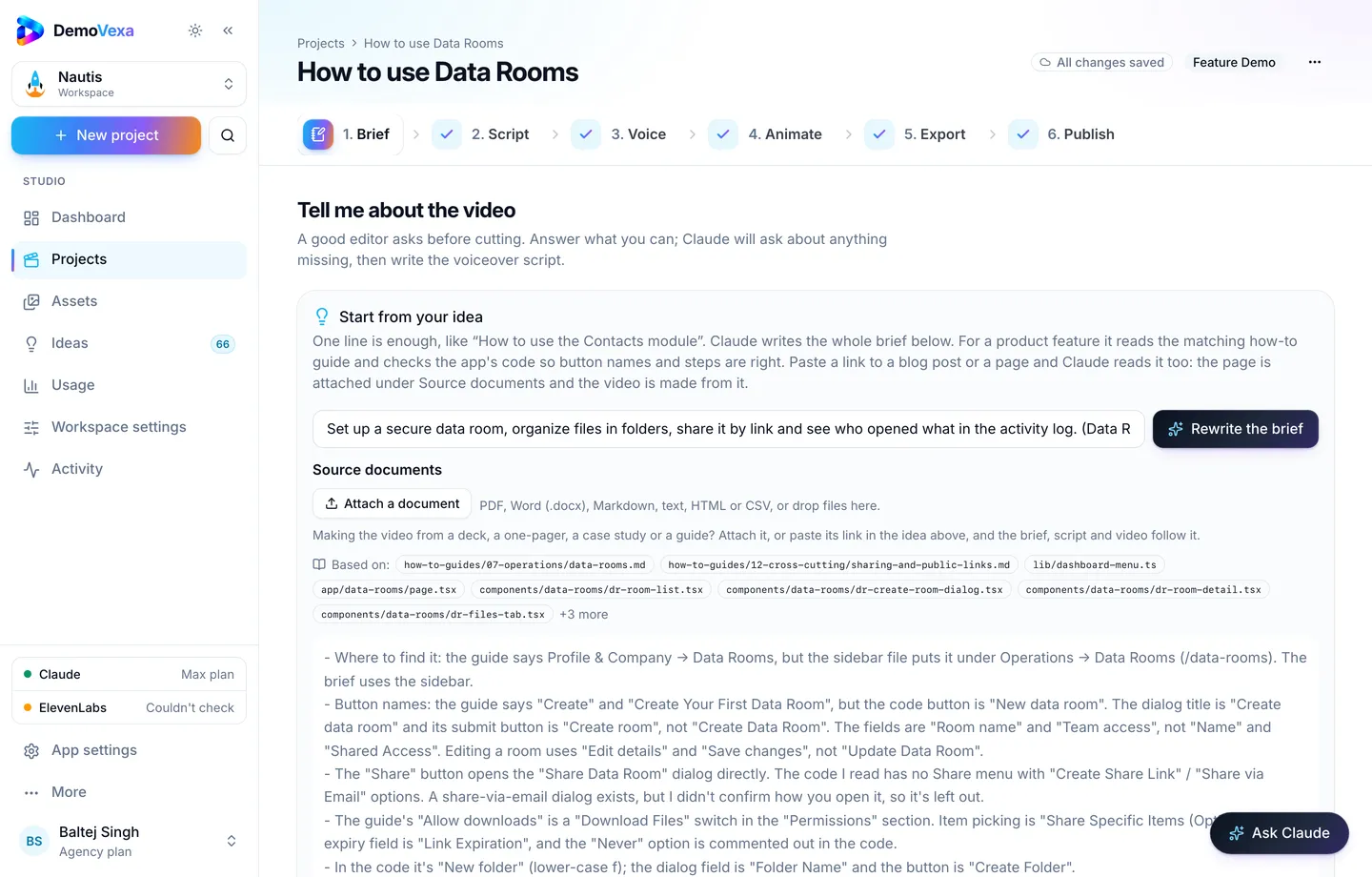
- As the PR merges, open a Feature Launch or Feature Demo brief naming the change (Brief).
- Build from current code so the screens match production (features).
- Export 16:9 (and 9:16 if social will carry the same tip).
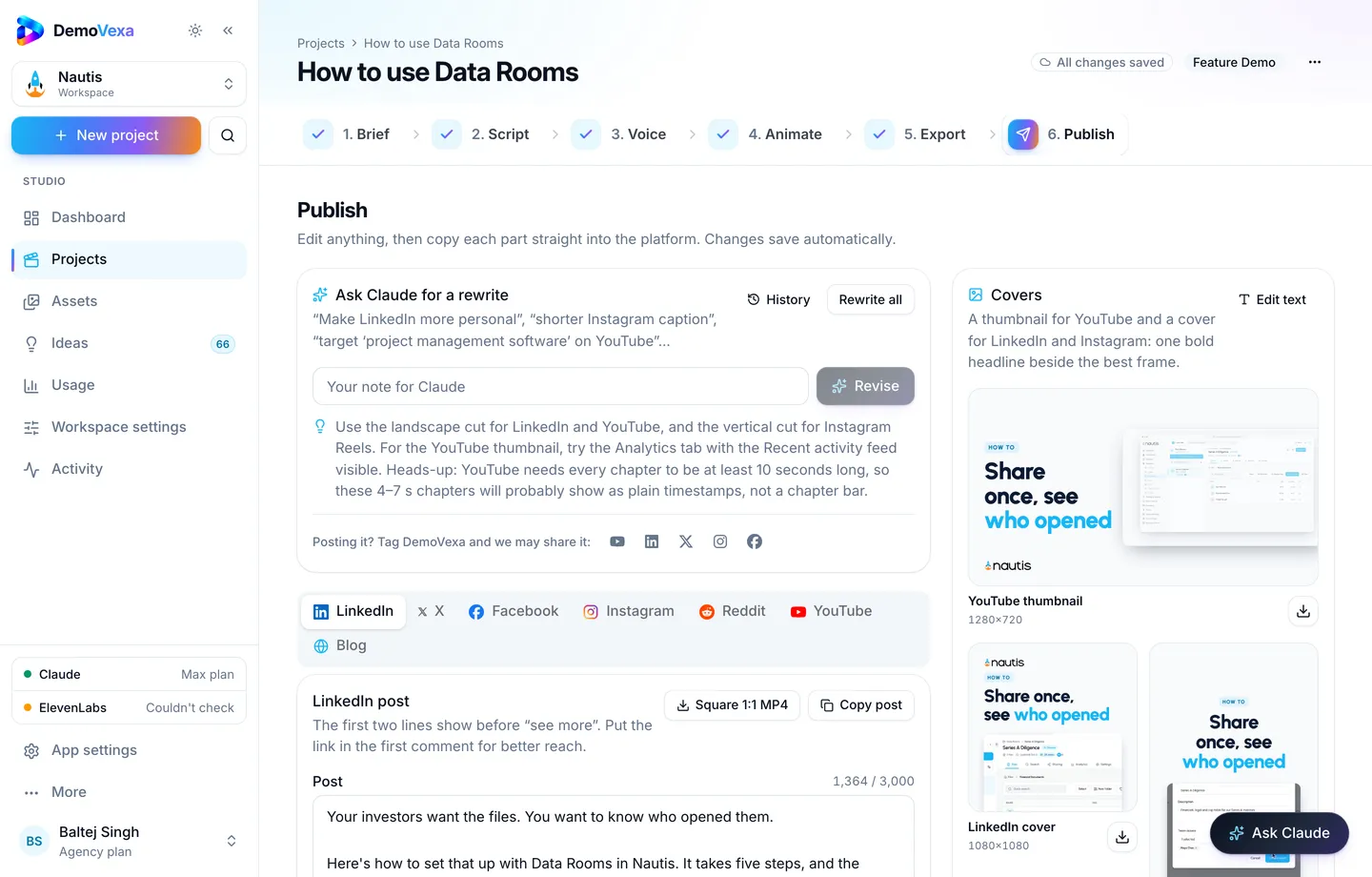
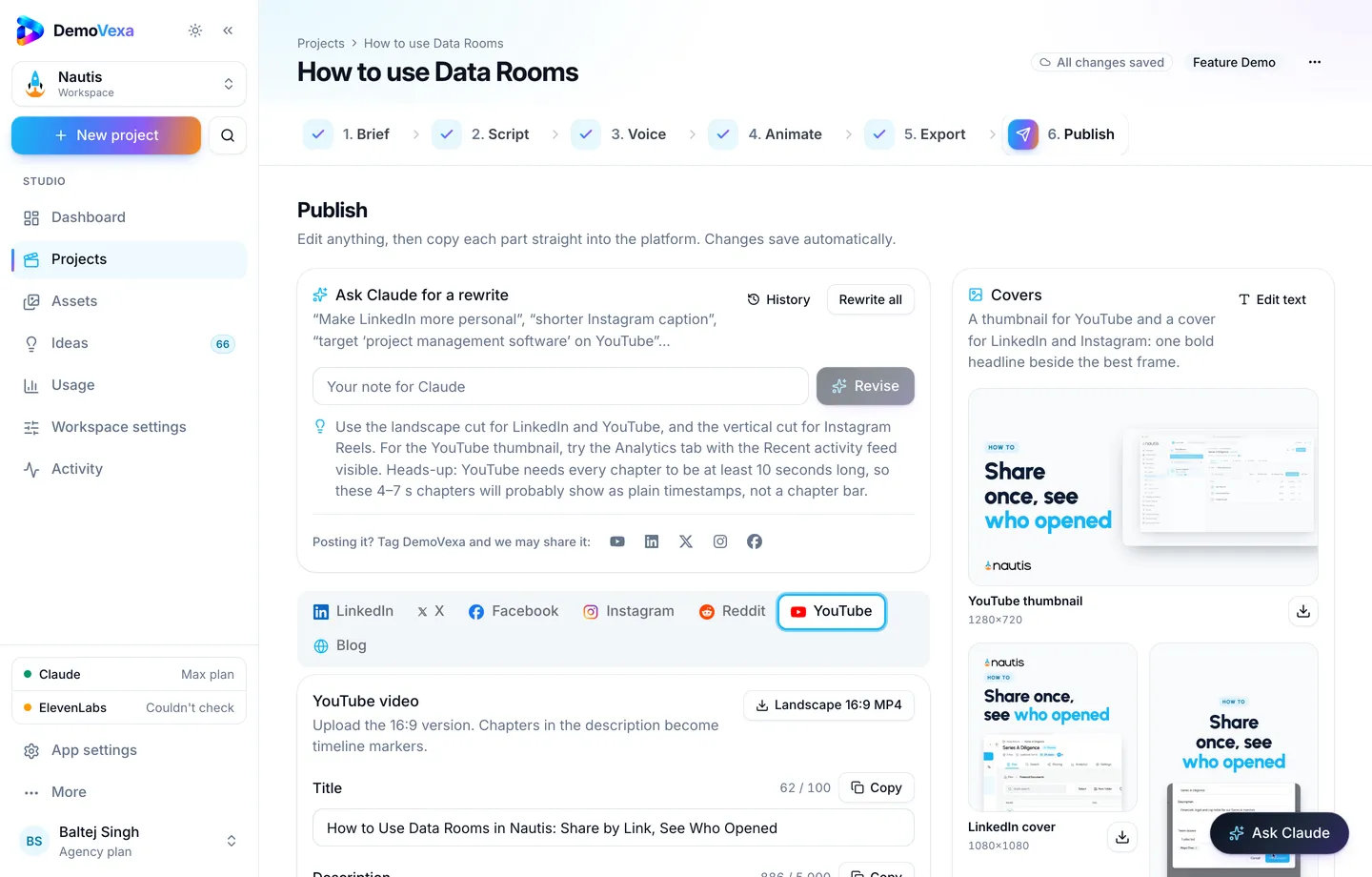
- Paste the URL under the changelog bullet; draft social from Publish if needed (Publish).
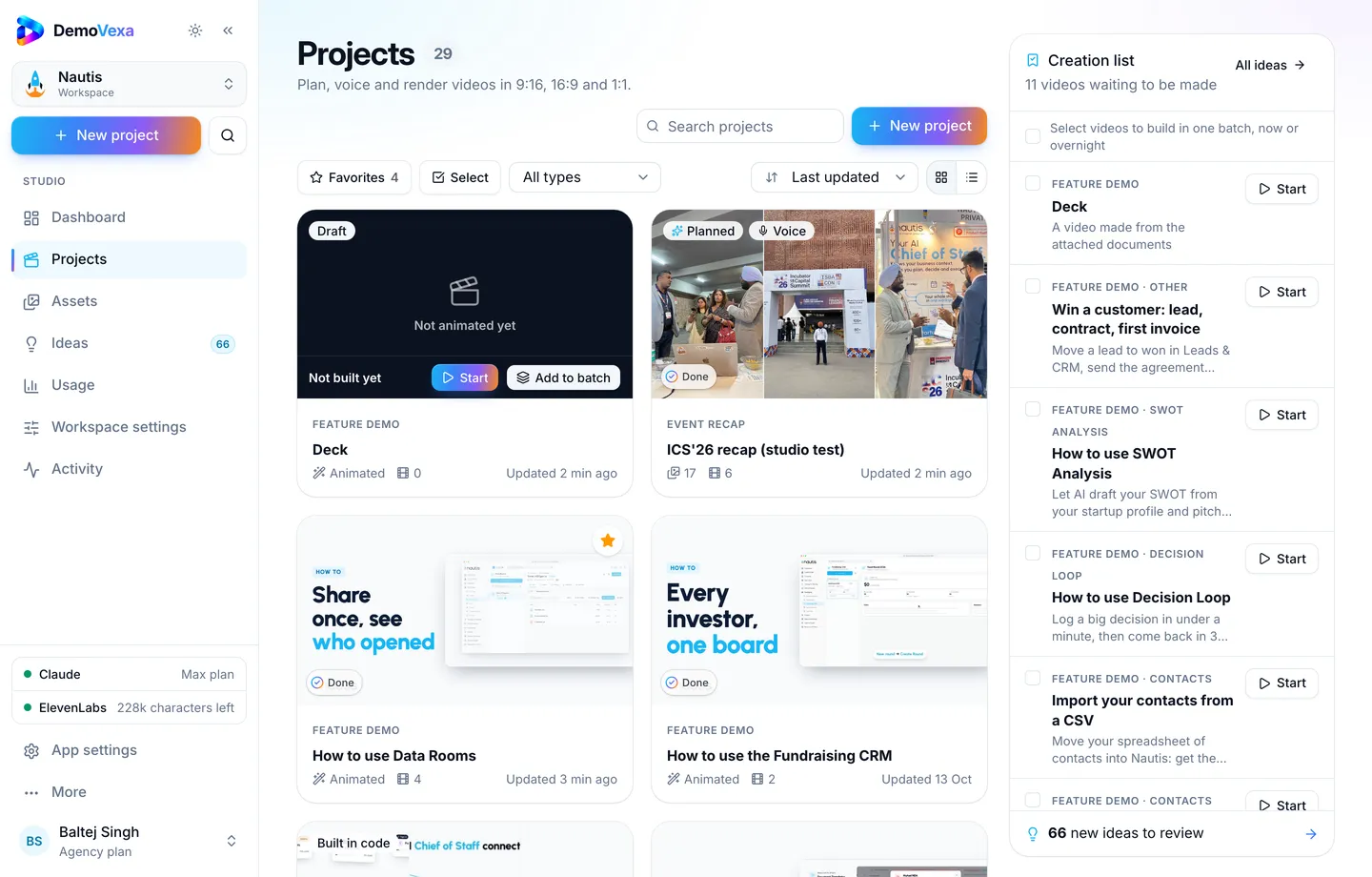
Same-day launch discipline is also covered in release demo video workflow.
Frequently asked questions
Feature Launch or Feature Demo?
Launch when the story is "this shipped". Demo when the story is "here is how to use it". Many releases need Demo more than Launch.
One video per release or per note?
Per meaningful note. A weekly montage can summarize; deep links should still point to single-topic clips.
Where do we host them?
Changelog site or docs CDN with stable URLs. Unlisted YouTube works as a mirror.
How short?
Often 20 to 60 seconds. If you need three minutes, split topics.
What about breaking changes?
Lead with the migration click-path. Do not bury it under celebration footage.
Can we batch several release tips overnight?
Yes ([overnight batches](https://demovexa.com/blog/overnight-batch-demo-videos)).
Keep reading
All posts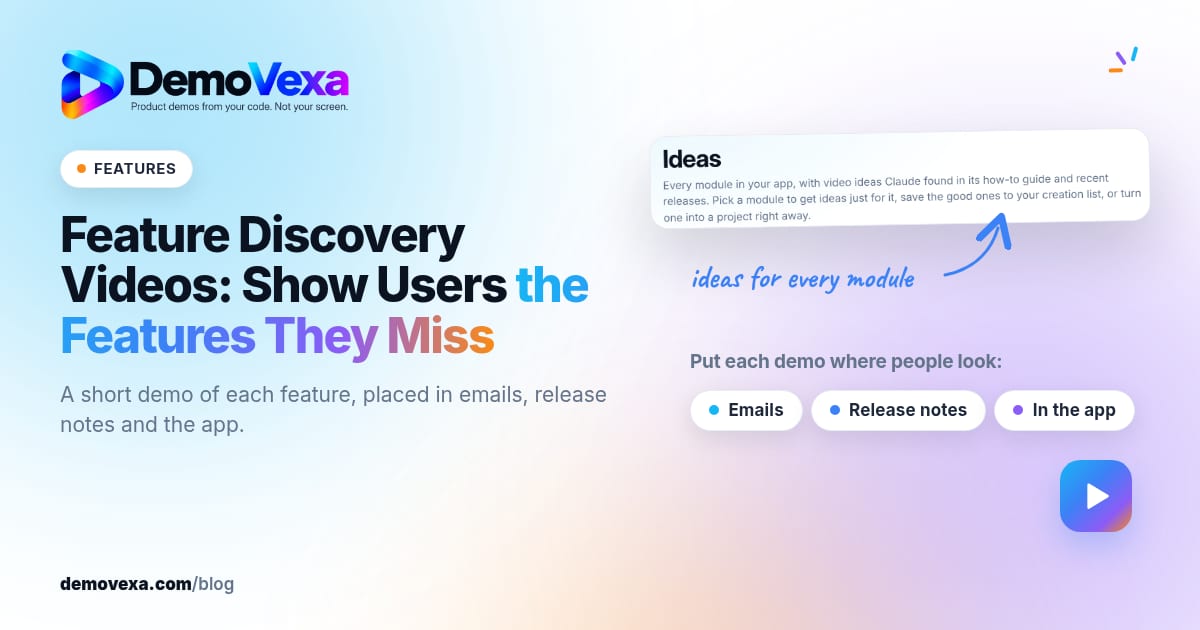
Feature Discovery Videos: Show Users the Features They Miss
A 30-second demo of each feature puts the ones people miss in front of them: in emails, release notes and inside the app.
Baltej Singh 2 min read
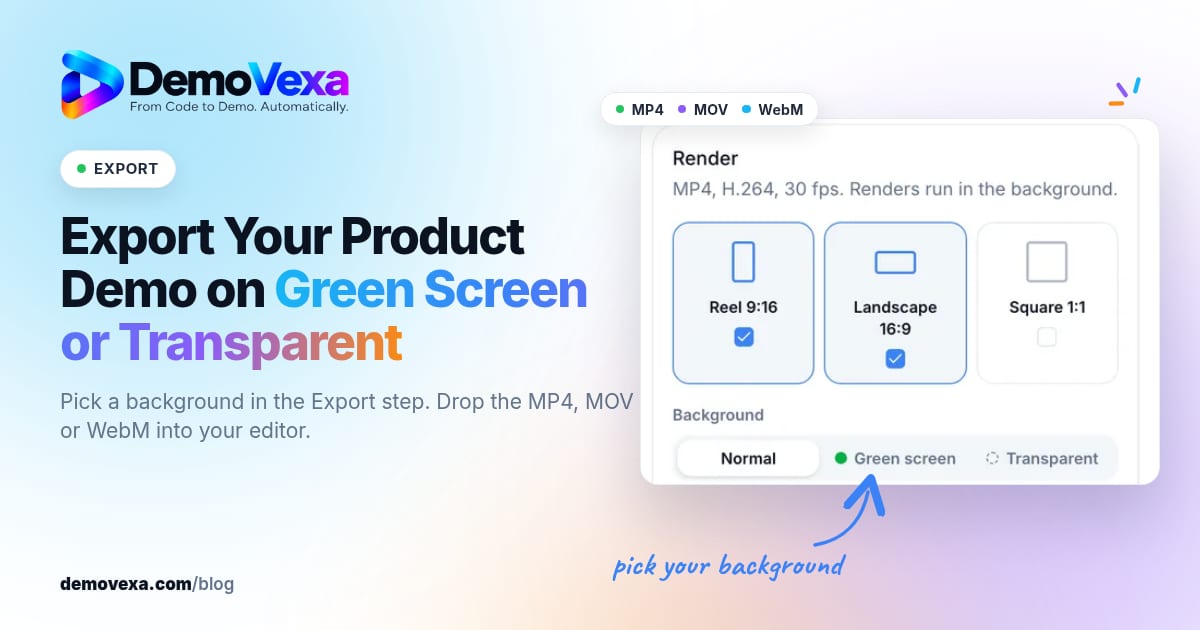
How to Export a Product Demo Video on Green Screen or Transparent
Pick a background in the Export step and get a chroma-green MP4, a ProRes 4444 MOV or a WebM with transparency, ready to layer over your own footage.
Baltej Singh 5 min read

How to Get Your Product Cited by ChatGPT, Perplexity and Claude
A blog post plus subtitles give AI assistants the exact steps in your words. Clear pages get cited; vague marketing pages get skipped.
Baltej Singh 3 min read