

Customer Training Videos: Let Customers Onboard Their Own Staff
Build a SaaS customer training video library so customers can onboard their own staff without relying on one internal champion.
 Baltej Singh · Founder, DemoVexa 1 min read
Customer training videos let your accounts onboard their own staff with a shared library of short how-tos. Rollouts stop depending on one champion who attended your kickoff call. Each new teammate watches the same accurate clicks.
The champion bottleneck
Many B2B products survive inside an account because one person knows the clicks. When that person leaves, tickets spike. DemoVexa's why DemoVexa training line says customers onboard their own staff with your videos so rollout does not depend on one champion.
That library is different from marketing demos. Training videos assume the viewer already bought access. They use production labels, mention permissions, and show the boring paths admins need.
Designing the library
- List the ten tasks every successful seat must complete in week one.
- Add admin-only tasks (SSO, roles, billing) as a separate track.
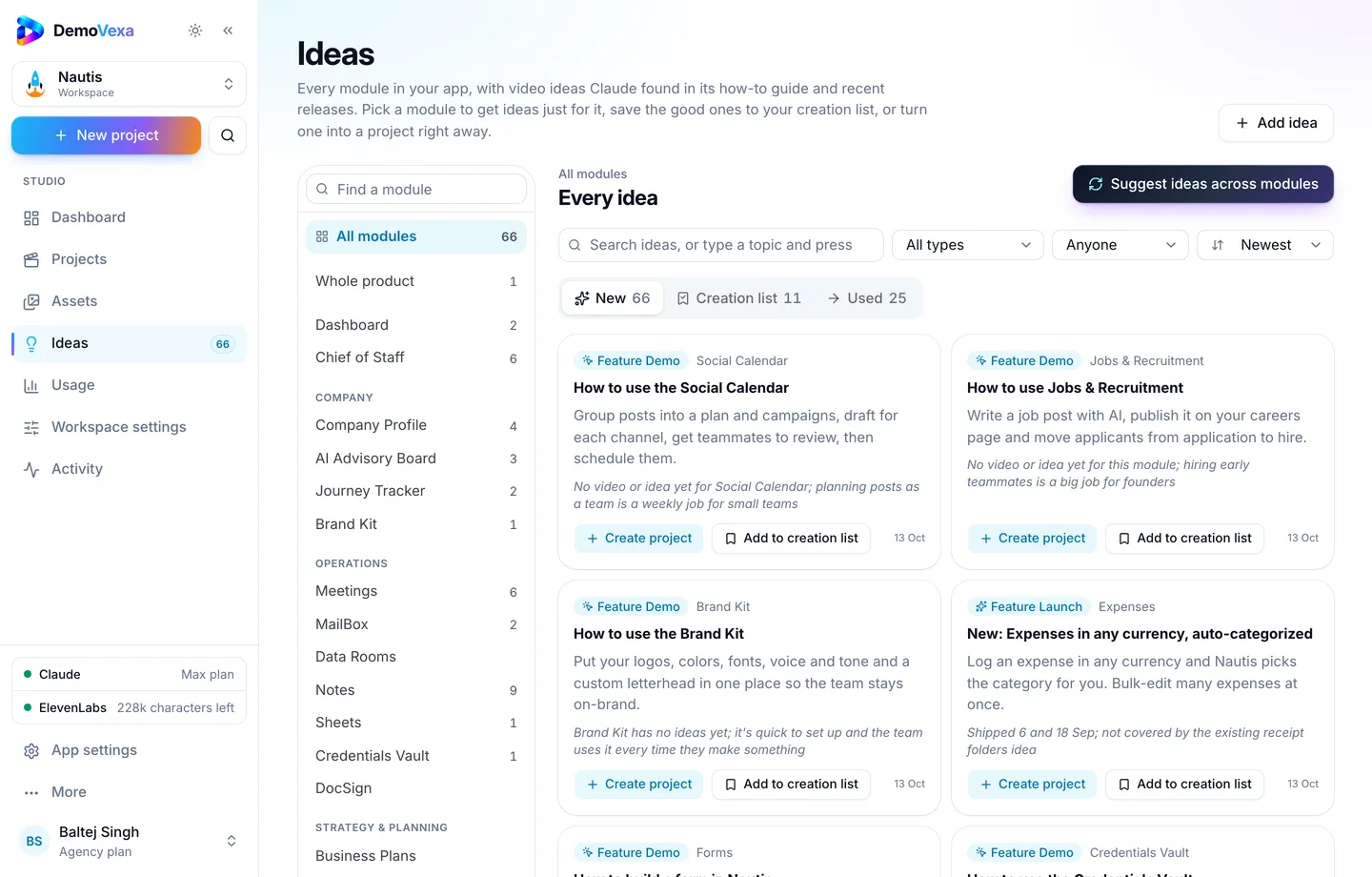
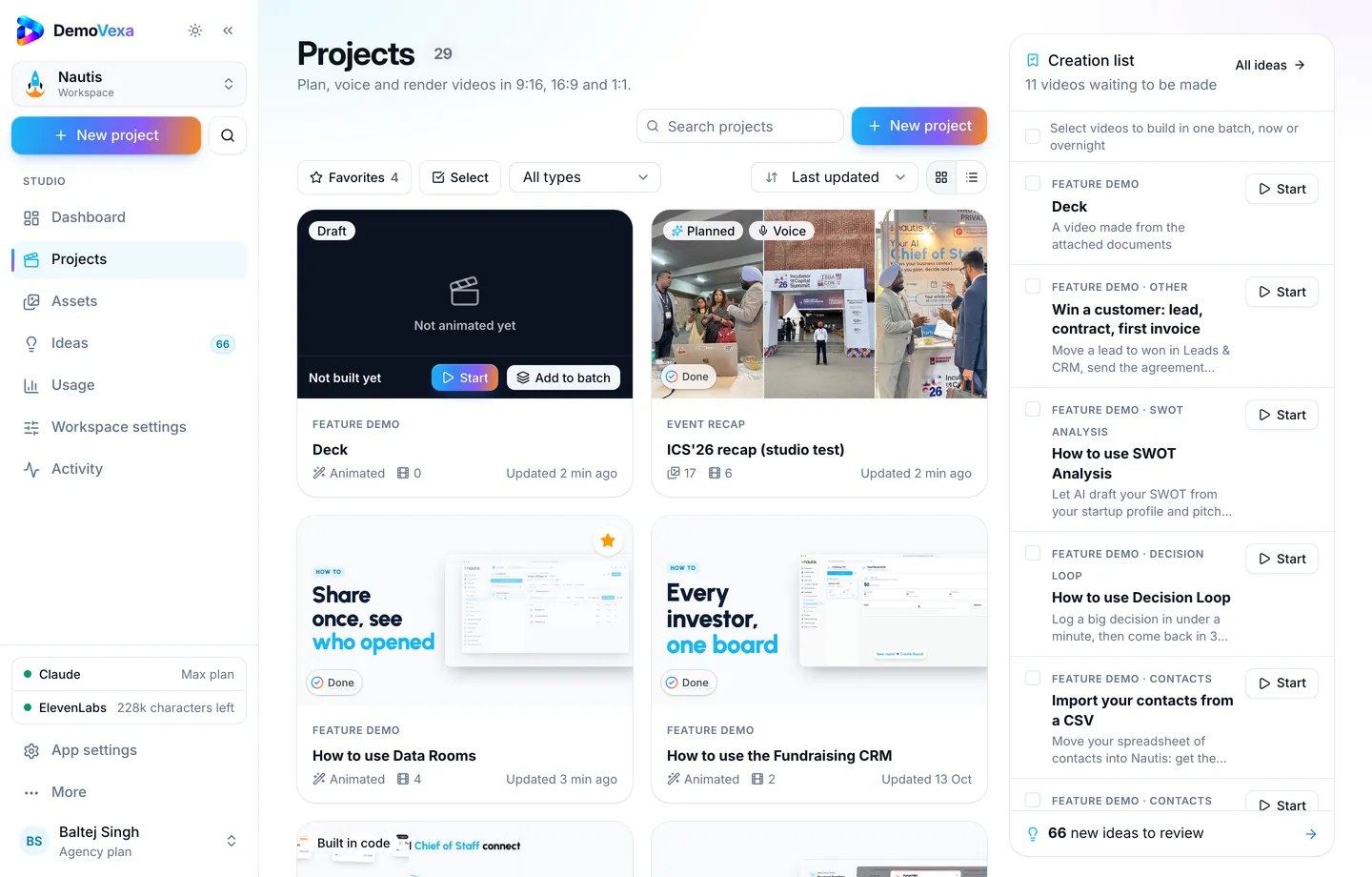
- Map each task to one Feature Demo.
- Publish a simple index page your CSM can share at kickoff.
Producing clips in DemoVexa
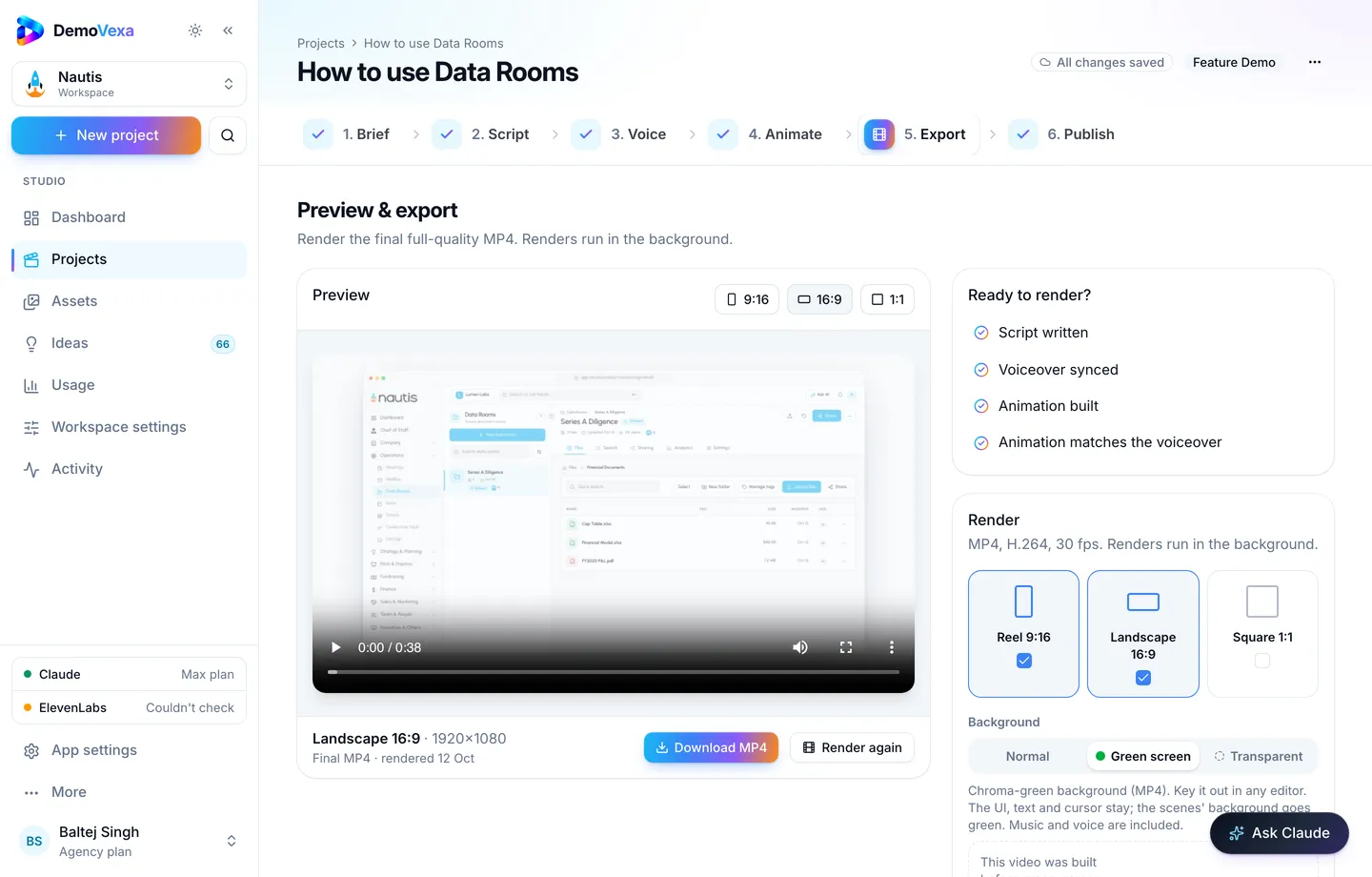
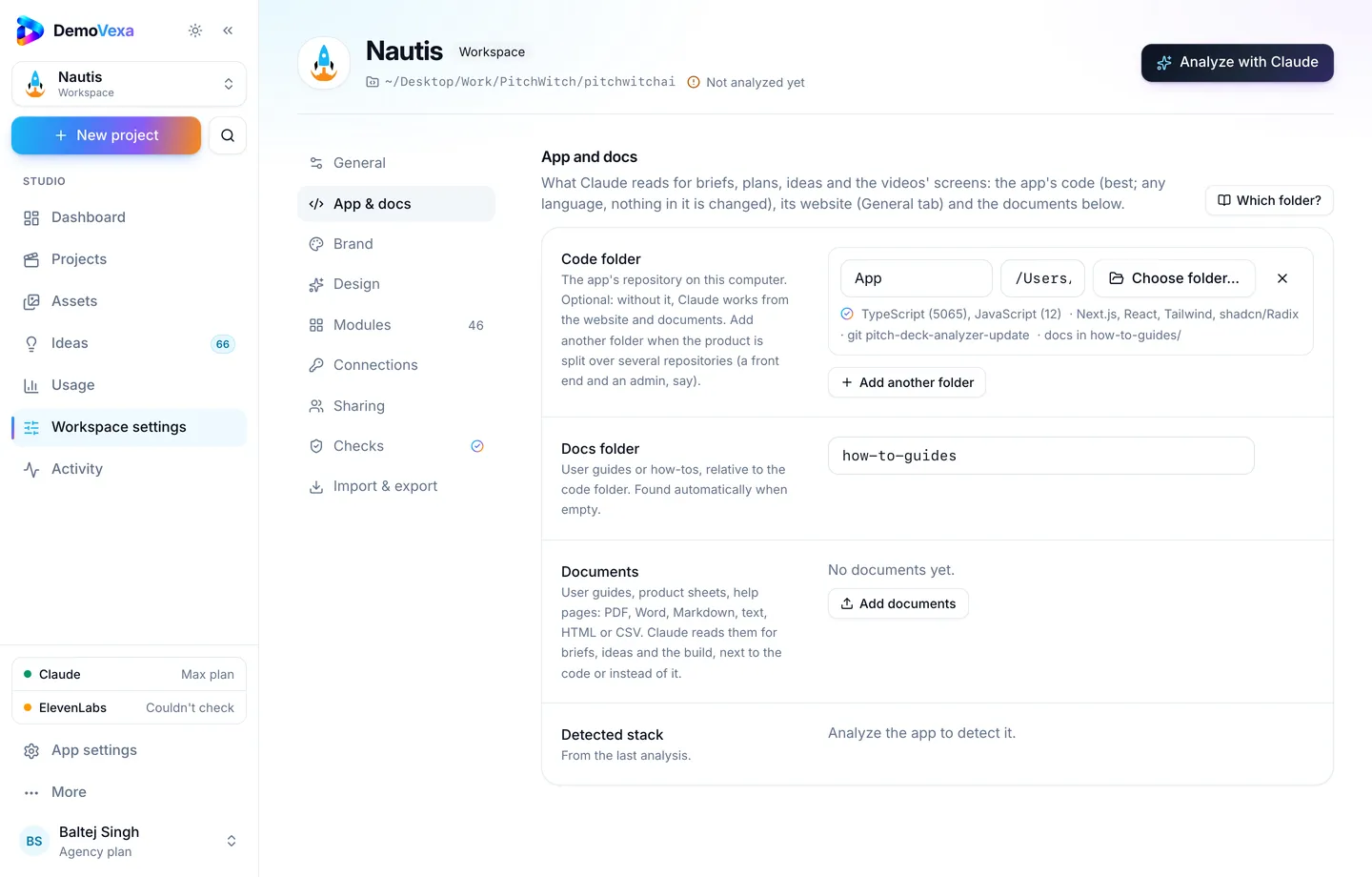
Connect code and docs so scripts match the product customers actually run (features). Use sample data only. Brief each video with the role in mind ("admin inviting a member"). Export 16:9 with captions for LMS players (render).
Packaging for customers
- A public or gated training index on your docs site
- A ZIP or marketing-kit style handoff for enterprise kickoffs (marketing kit post)
- Optional YouTube unlisted playlist for teams that prefer that player
CSMs should send links, not attachments that go stale in email archives.
Frequently asked questions
How is this different from onboarding videos?
Onboarding targets first value for a new account. Training scales seats inside an account after purchase. Overlap is fine; label the index clearly.
Should customers download MP4s?
Offer streaming links first. Downloads help air-gapped teams; warn them to refresh after releases.
Who owns updates?
Product marketing or customer education owns the library; product owns notifying them when clicks change. Rebuild in DemoVexa from current code the same week.
Do we need quizzes?
Only if your enterprise buyers require them. Start with watchable how-tos.
Can we localize training?
Yes. Native voiceovers per language help global rollouts ([multilingual demos](https://demovexa.com/blog/multilingual-product-demo-videos)).
Where do live workshops still help?
Complex workflow design, change management and roadmap previews. Videos handle the repeatable clicks.
Keep reading
All posts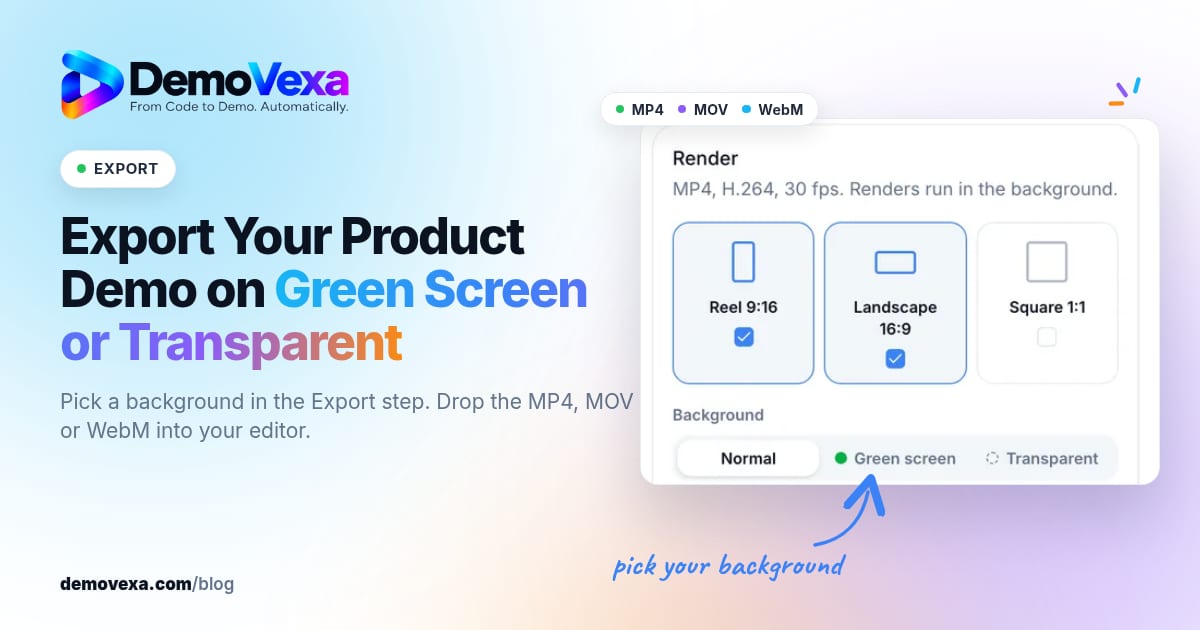
How to Export a Product Demo Video on Green Screen or Transparent
Pick a background in the Export step and get a chroma-green MP4, a ProRes 4444 MOV or a WebM with transparency, ready to layer over your own footage.
Baltej Singh 5 min read
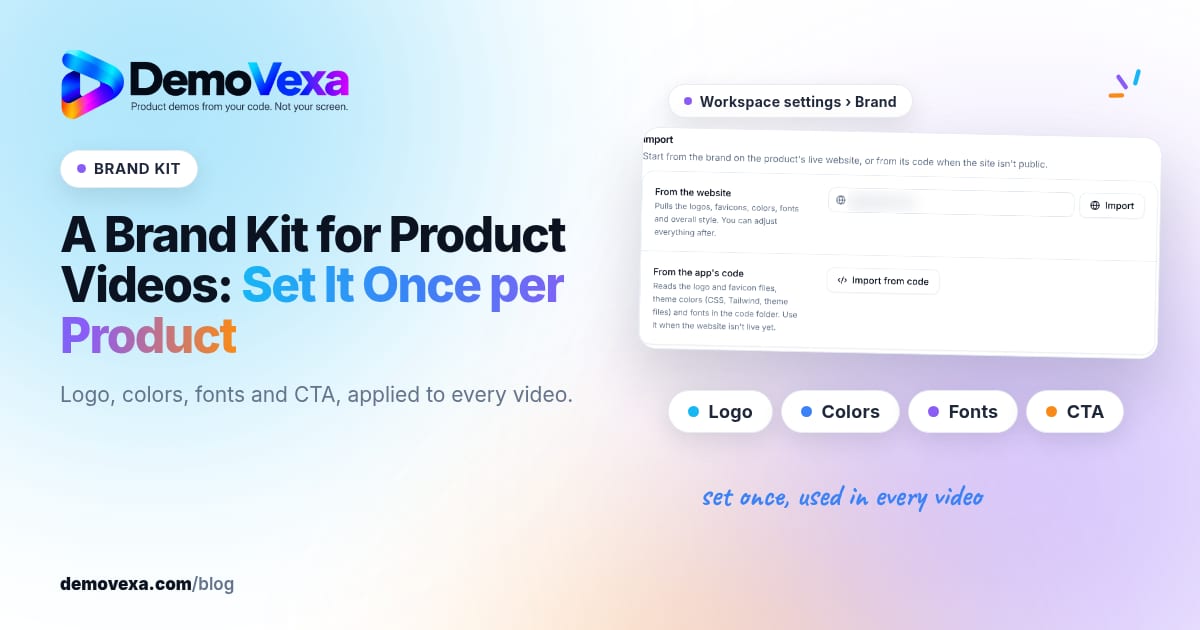
A Brand Kit for Product Videos: Set It Once per Product
Set logo, colours, fonts and CTA once per product so every demo video stays on brand without redesigning each project.
Baltej Singh 1 min read
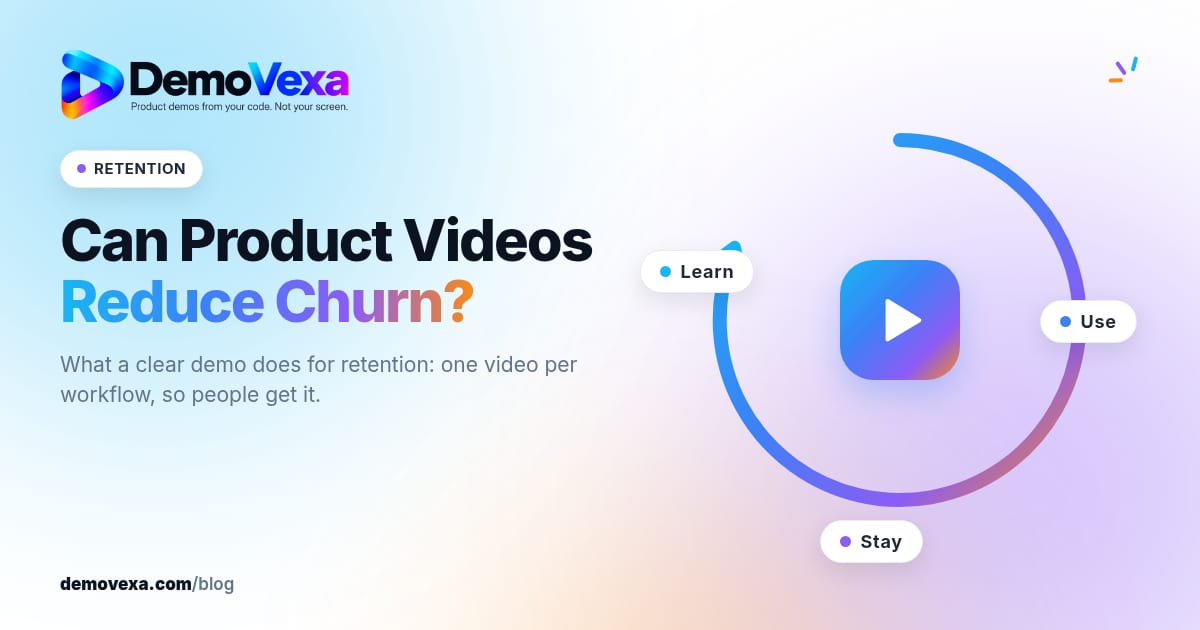
Can Product Videos Reduce Churn? What a Clear Demo Does for Retention
People stay when they understand the workflow. A clear demo of each important path helps them get there on their own. Measure your own cohorts; do not invent benchmarks.
Baltej Singh 1 min read