

SaaS Onboarding Videos That Get New Users to First Value
Use short SaaS onboarding videos in welcome emails and empty states so new users see the first steps done for them and reach first value sooner.
 Baltej Singh · Founder, DemoVexa 4 min read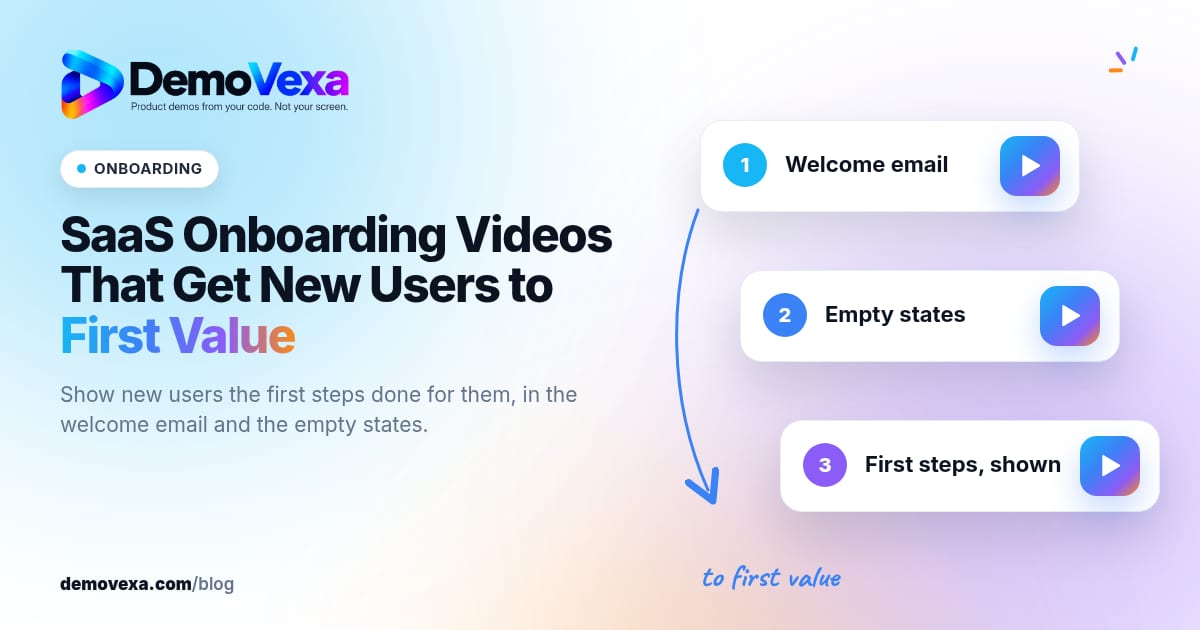
SaaS onboarding videos work when they show the first steps done for the user, in under a minute, and appear where new accounts already look: the welcome email, the empty state, and the first help link. The goal is first value, not a tour of every menu. One clear path beats a library of orientation clips nobody finishes.
What is a SaaS onboarding video for?
It is not a product trailer. It is a guided first session: create the first project, invite the first teammate, connect the first integration, or import the first file. DemoVexa's why DemoVexa page calls this faster onboarding: new users see the first steps done for them, in under a minute, and reach the moment the product clicks sooner.
That matches how people behave. Most skip long welcome tours. They skim email, land on an empty screen, and either guess or open a ticket. A short video on that empty screen removes the guesswork without forcing a modal they will dismiss.
For a deeper walkthrough of filming a full product path (not only day one), see software walkthrough videos. This post stays on the activation job: first value, fast.
How to choose the first-value path
- Write down what a successful day-one user has done by the end of session one.
- Drop every step that is optional, advanced or admin-only.
- Confirm with support and success which stuck moments show up in week-one tickets.
- Film that single path end to end, starting from the first screen after signup.
If you have two personas with different first values (for example an admin who invites vs a member who creates), make two videos. Do not merge them into one "getting started" that tries to please both.
Where to put the video so new users actually watch
Welcome email
One sentence of context, then the link or embed. Subject lines that promise the outcome ("Your first [action] in three minutes") outperform "Welcome to [Product]".
Empty states
The blank project list, the blank team page, the blank integration panel: each can host the matching clip or a button that opens it. This is where intent is highest.
Getting-started doc
Keep a text checklist for readers who prefer scanning, and embed the video at the top for everyone else.
In-product help
A "?" next to the first critical control can open the same URL. Reuse one file everywhere so you maintain a single source.
How to make the video in DemoVexa
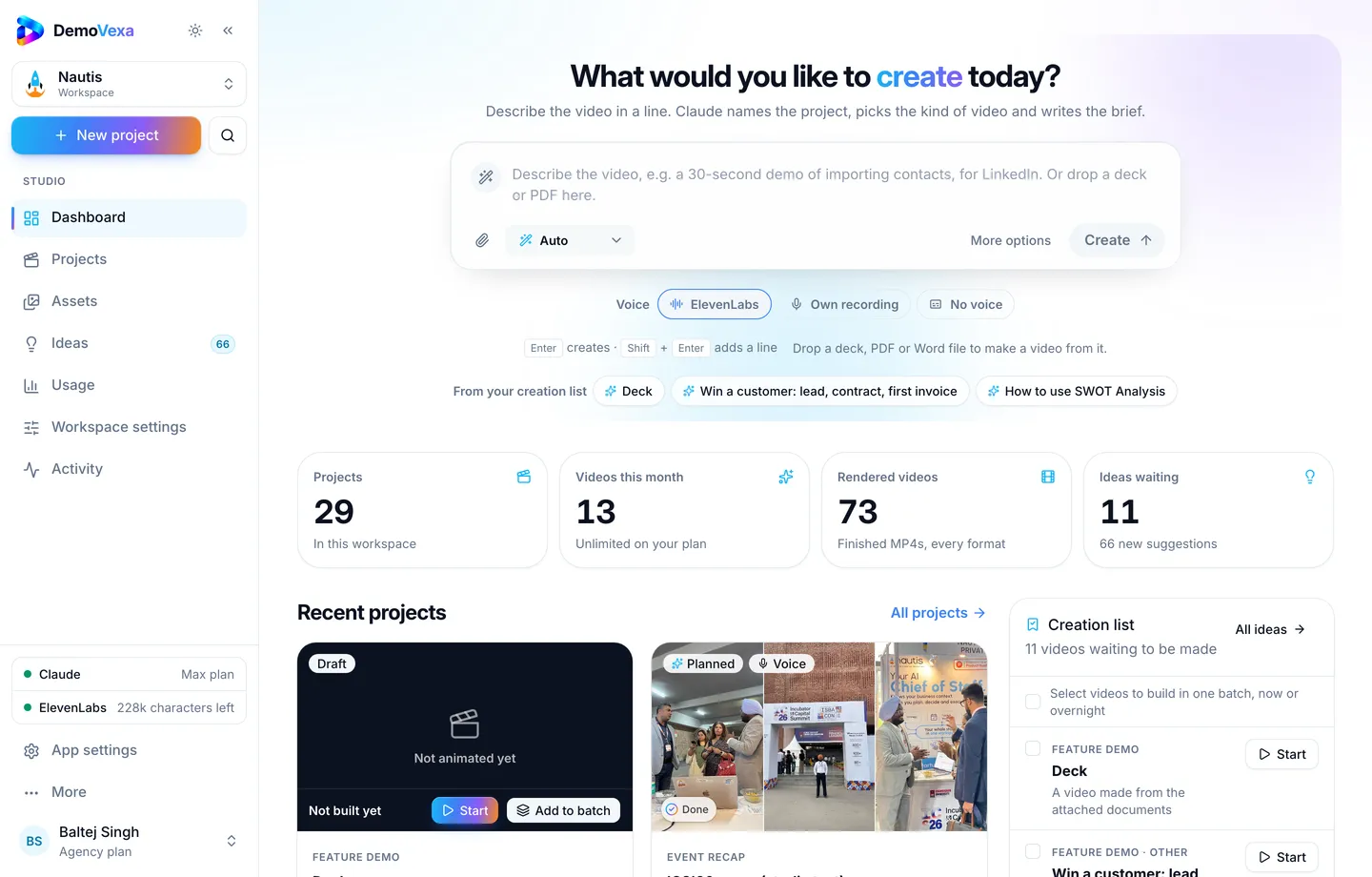
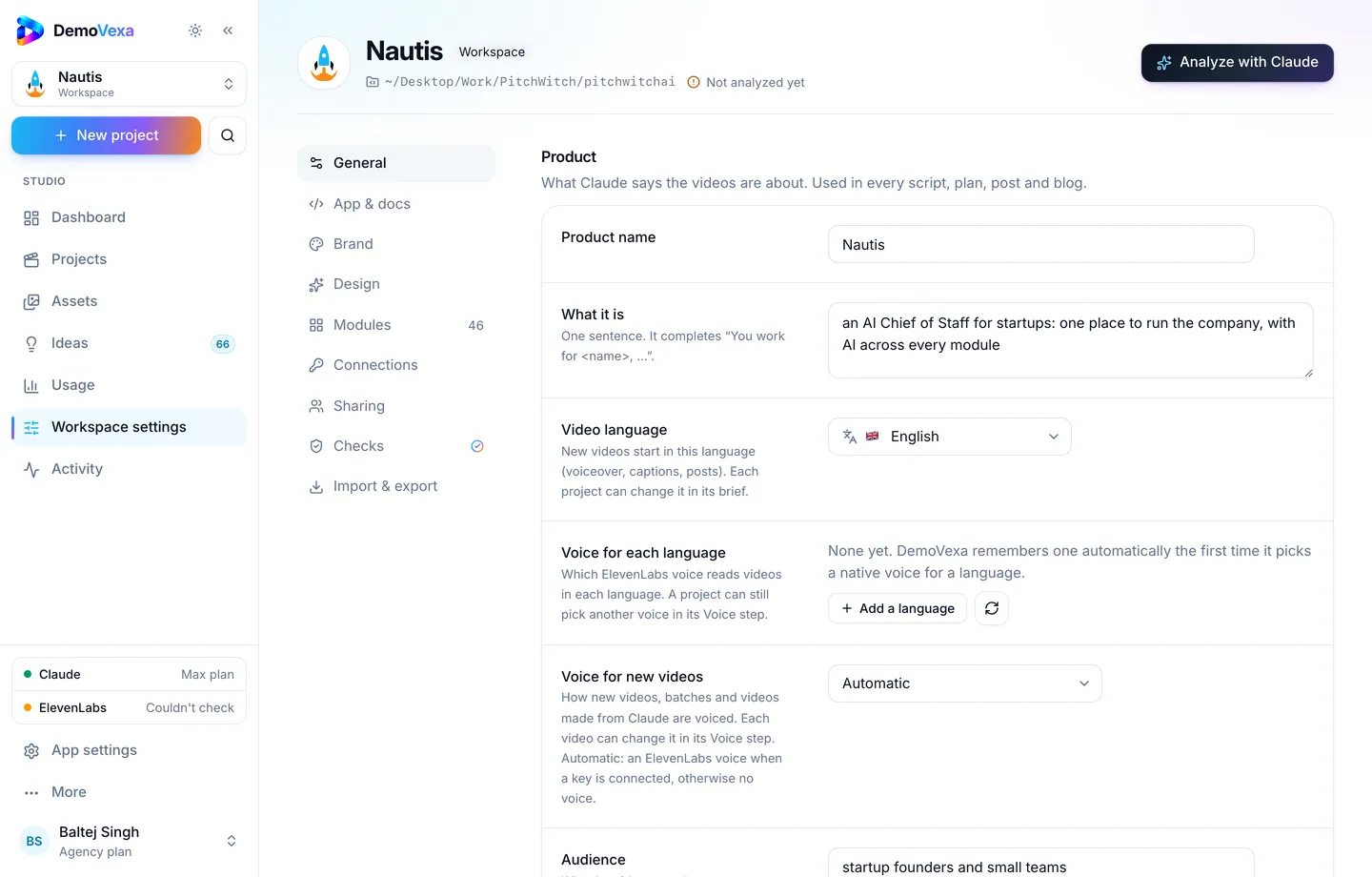
Point a workspace at the product so Brief and Animate use the real navigation (features). In Workspace settings, General, set audience and CTA so the end card matches what you want new users to do next.
Create a Feature Demo (or Product Intro if the first session is a short overview) and write a one-line brief that names the first-value outcome. The Brief step is where you lock length, formats and tone before the script is written (Brief docs).
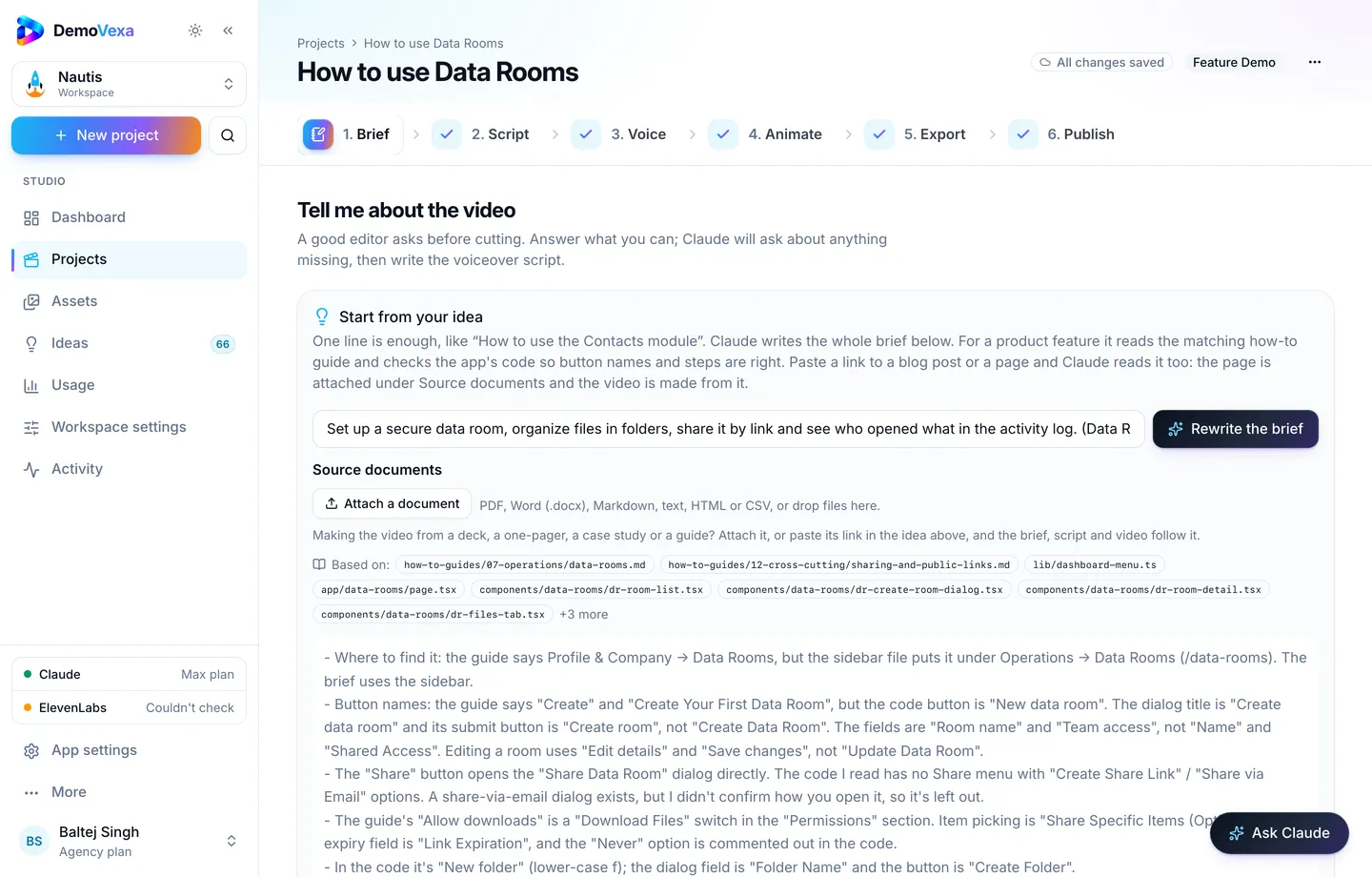
Then Script, Voice, Animate and Export as usual. Prefer Landscape 16:9 for email and docs; add Reel 9:16 only if you also drop the tip into social onboarding posts. Keep captions on so people can watch without sound on a phone.
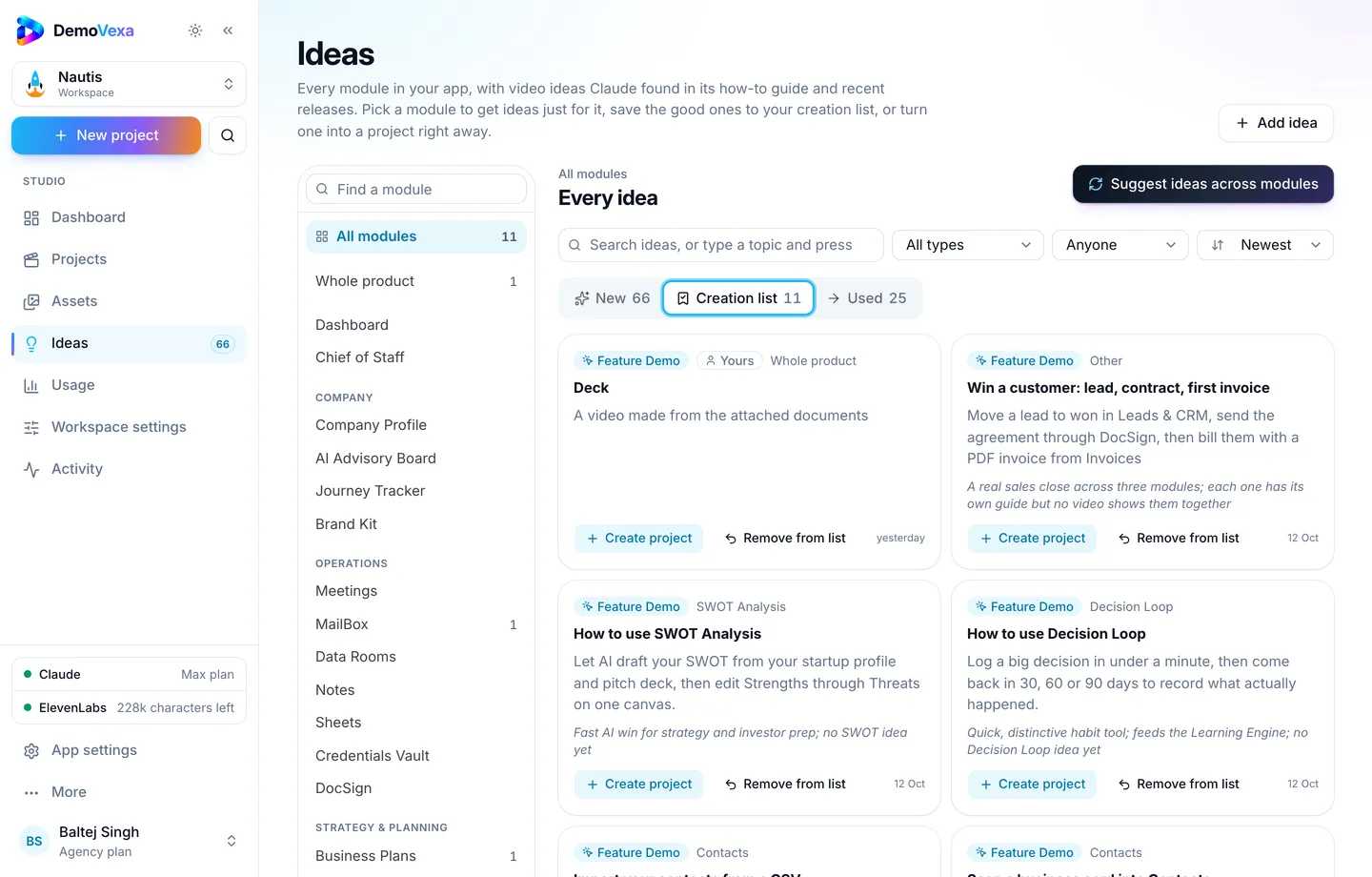
If you are clearing a backlog of onboarding and feature how-tos, save ideas to the creation list and batch them from Ideas or Projects (overnight batches).
Measure activation, not vanity views
Track:
- Percent of new accounts that play the video in week one
- Completion rate (or at least 75% watched)
- Conversion from signup to the first-value event for watchers vs non-watchers
- Week-one "how do I get started?" tickets before and after the video ships
Do not invent benchmarks. Compare your own cohorts. If play rate is high but the first-value event does not move, the path in the video may not be the path the product rewards.
Keep day-one videos honest after each release
Onboarding UI changes often. When a step moves, rebuild that project from the current code and replace the file behind the same URL. A polished video of last quarter's signup flow teaches the wrong clicks and creates tickets instead of preventing them. DemoVexa is built for that rebuild loop from the product's code and docs (why DemoVexa).
Frequently asked questions
How long should a SaaS onboarding video be?
Long enough to reach first value, usually under a minute for a single path. If you need three minutes, you likely filmed two paths.
Should onboarding be one video or a series?
Start with one path per persona. Add a second video only when a later empty state blocks the next milestone (invite, import, publish).
Product Intro or Feature Demo in DemoVexa?
Use Feature Demo when the first value is one module's workflow. Use Product Intro when the first session is a short tour of the core loop. Either way, keep the brief focused on day-one outcome.
Do we still need a text checklist?
Yes. Some people learn by reading. The video and the checklist should describe the same steps so neither contradicts the other.
Where should we host the file?
On a URL you control (help center or docs CDN) so you can replace the file without editing every email template. YouTube can be a secondary mirror for search.
Can DemoVexa write the welcome-email copy too?
The Publish step drafts posts and a blog companion for the video. Welcome-email copy still lives in your ESP; paste the outcome line and the stable video URL there yourself.
Keep reading
All posts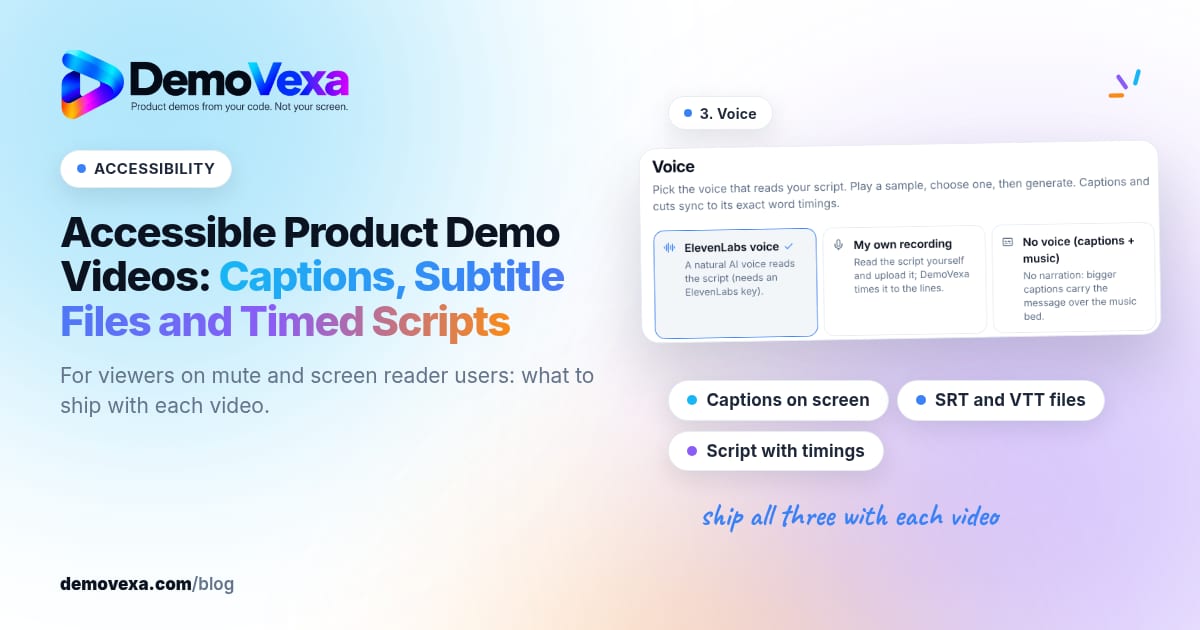
Accessible Product Demo Videos: Captions, Subtitle Files and Timed Scripts
Captions on screen, subtitle files and a script with timings help people who watch without sound or use a screen reader.
Baltej Singh 1 min read
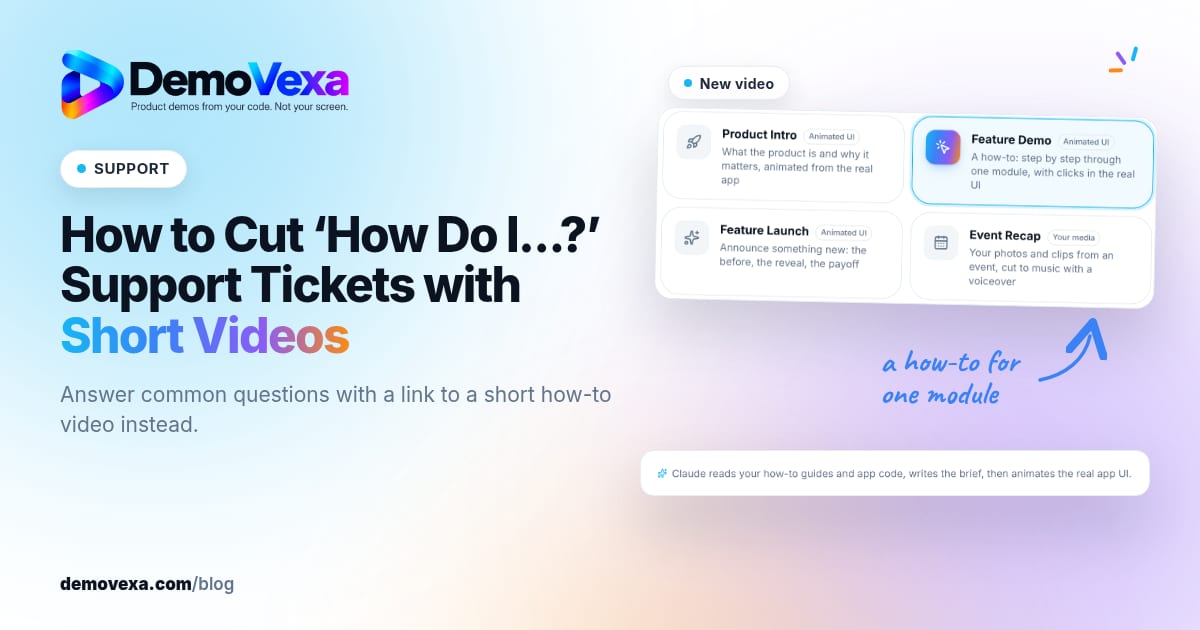
How to Cut "How Do I…?" Support Tickets with Short Videos
Turn your most repeated ticket answers into short how-to videos, then reply with a link instead of typing the same steps again.
Baltej Singh 5 min read
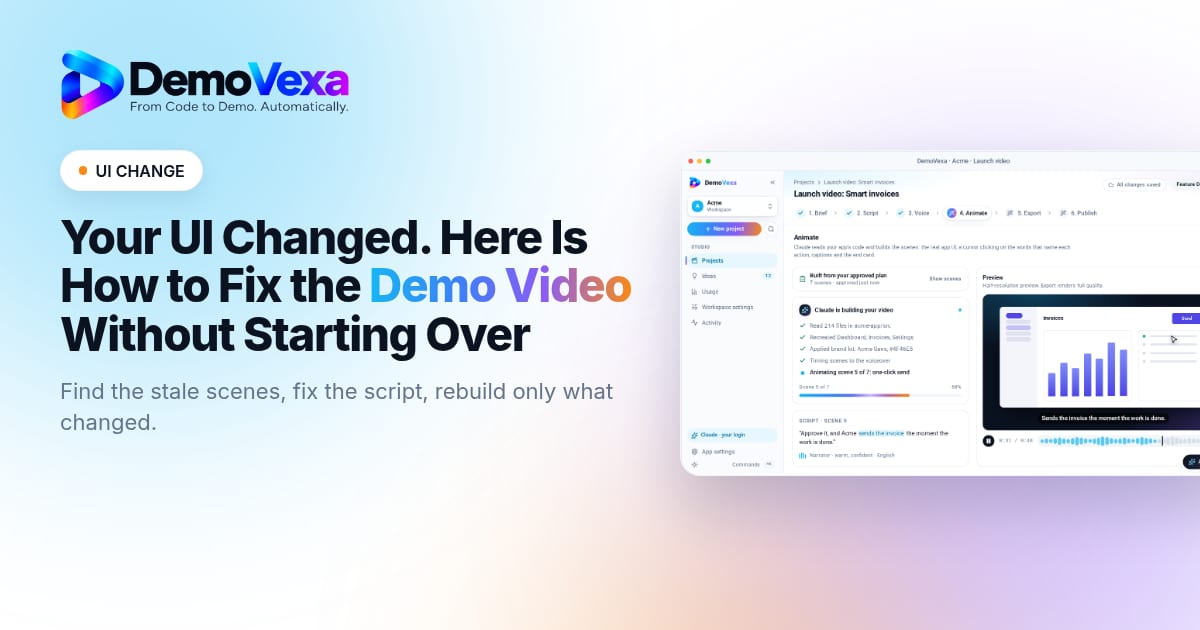
Your UI Changed. Here Is How to Fix the Demo Video Without Starting Over
A redesign can make your demo video wrong overnight. This guide shows how to find what changed, fix only those scenes and republish with confidence.
Baltej Singh 5 min read