

Replace Static Screenshots on Your Pricing and Feature Pages
Replace static screenshots on pricing and feature pages with short product videos that show the real UI buyers are paying for.
 Baltej Singh · Founder, DemoVexa 1 min read
Replacing static screenshots on pricing and feature pages with short product videos lets buyers see the workflow they are paying for. Still images stay useful for scannable layout. Motion belongs where a static crop cannot show the path.
Why pricing pages still lean on screenshots
Screenshots are easy. They also freeze an old build. DemoVexa's why DemoVexa website line says replace static screenshots with videos of the real product on home, pricing and feature pages. Compare formats in screenshots vs demo video. This post narrows to pricing and feature URLs.
What to show
- The workflow named in the plan (seats, permissions, automation)
- The feature differentiator that sales keeps demoing live
- Not a full product tour that delays the pricing table
Implementation tips
- Host the file on your CDN; lazy-load below the fold if needed.
- Provide captions; many buyers browse muted.
- Keep a poster frame that matches the first second.
- QA on mobile; pricing traffic is often on phones.
- Track play rate and plan CTA clicks separately.
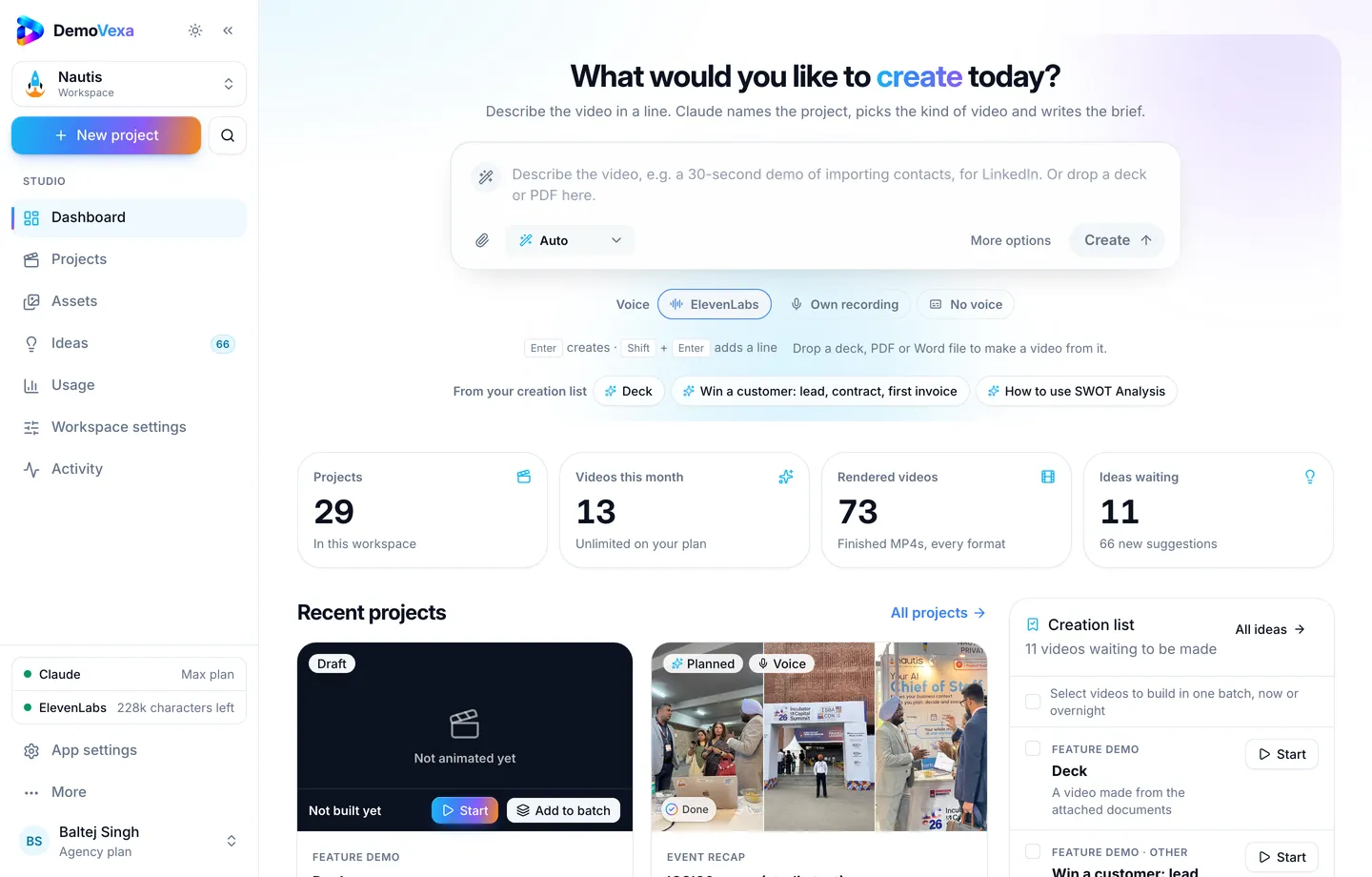
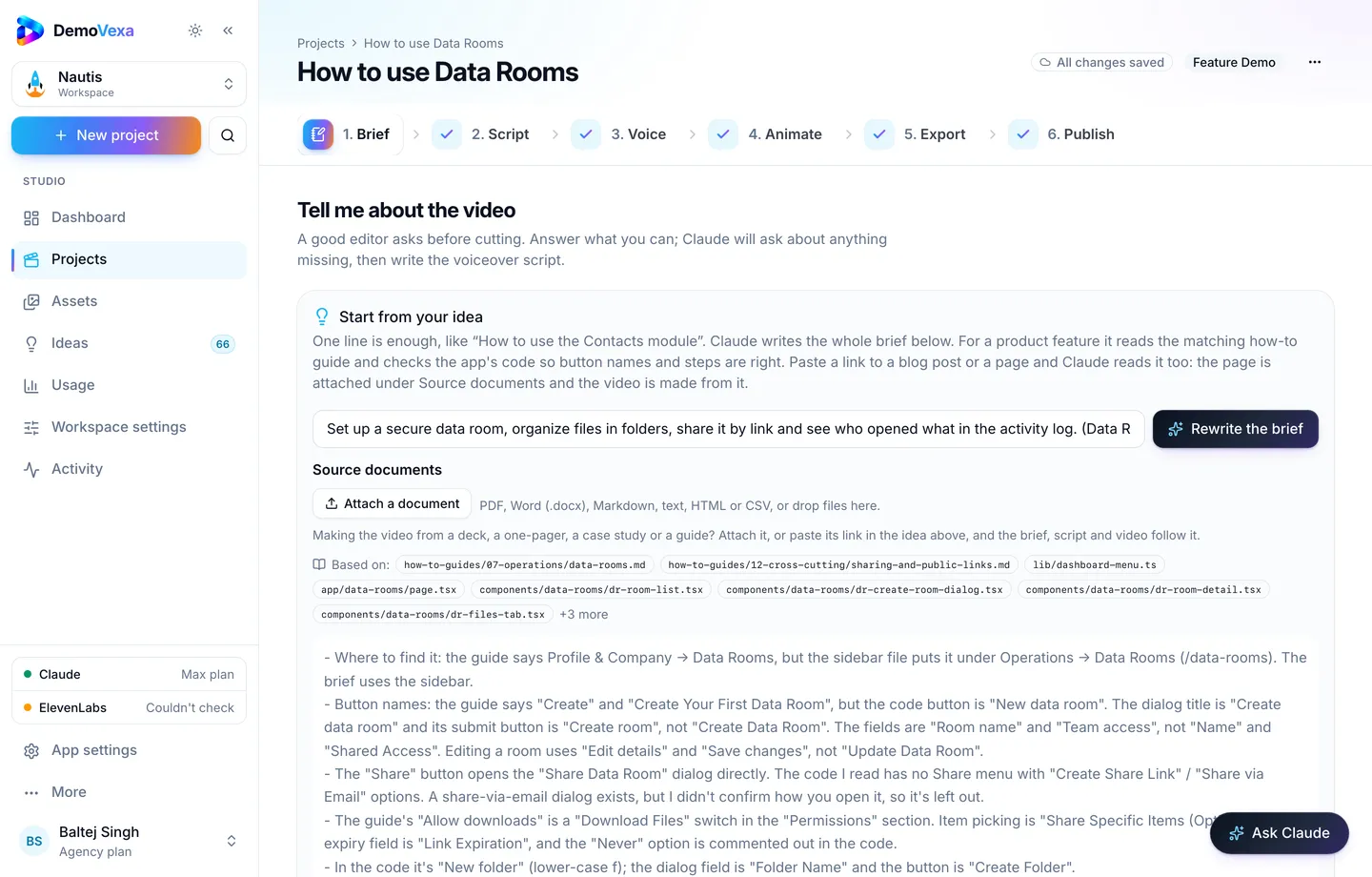
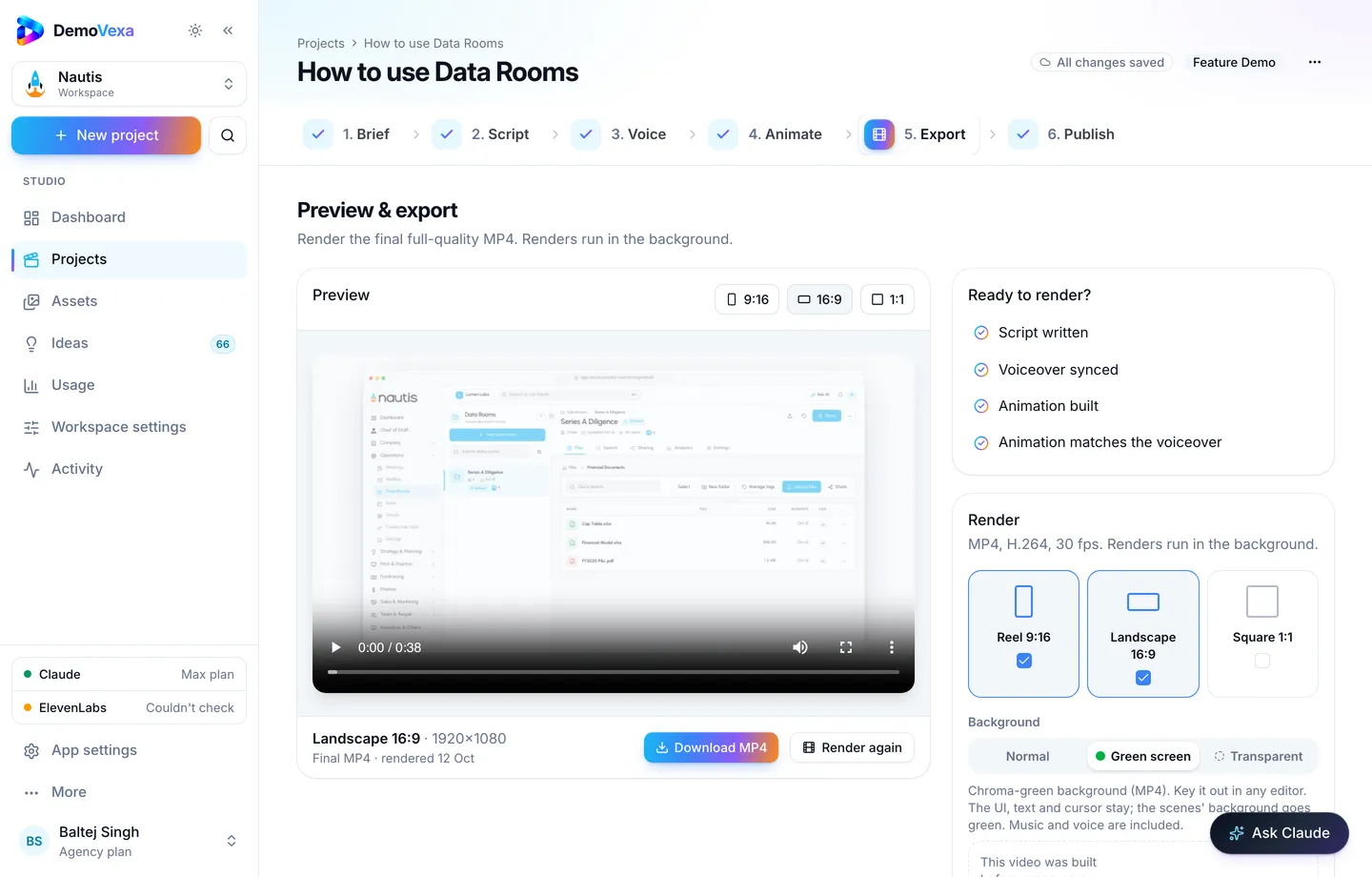
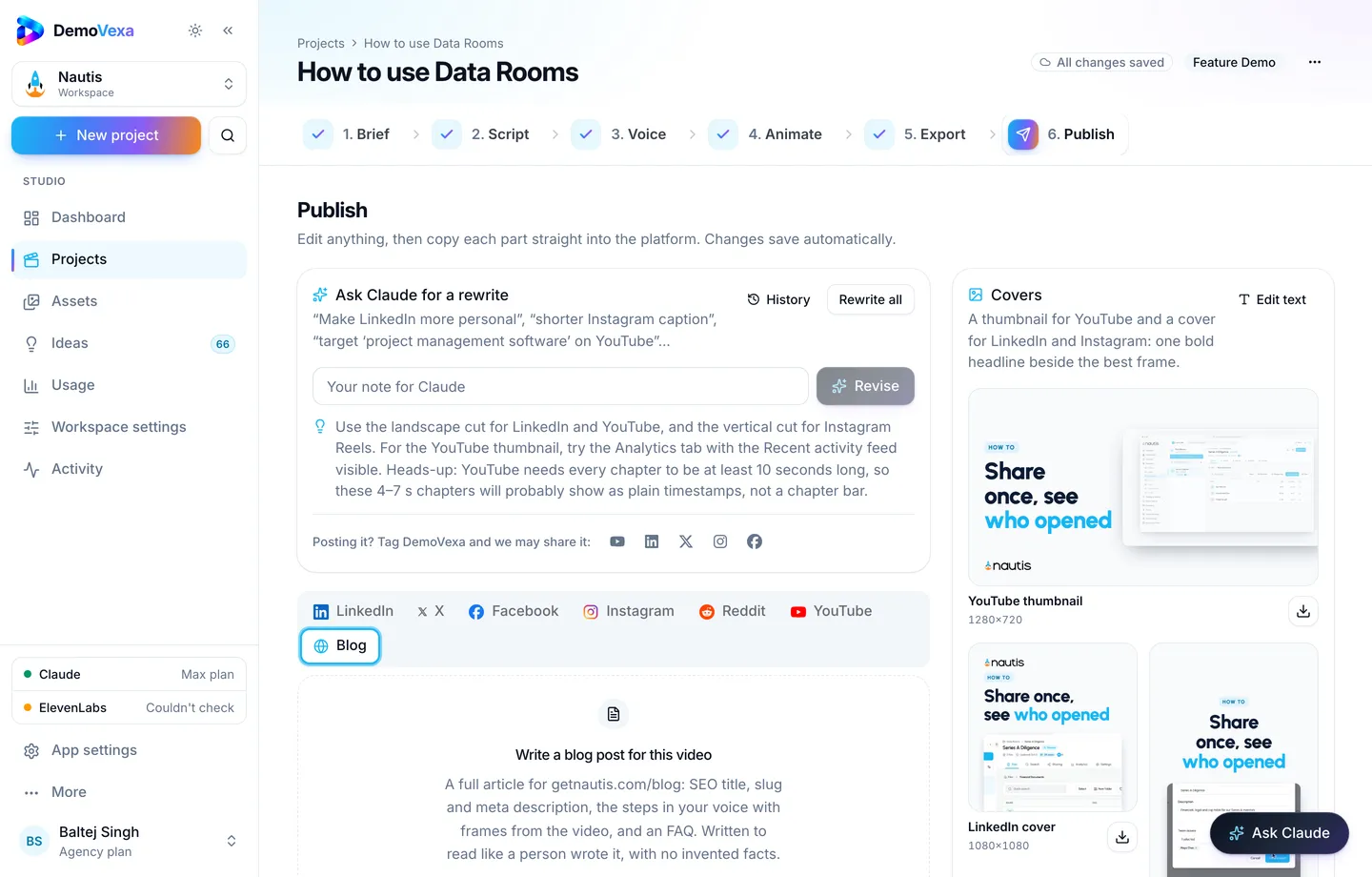
Build the clip in DemoVexa from current code so marketing does not wait on a recording session (features, pricing for how DemoVexa itself presents plans).
Frequently asked questions
Will video slow the page down?
Not if you compress, lazy-load and use a sane resolution. A huge autoplaying file will hurt; a short muted clip with a poster is fine.
Green screen or normal background?
Normal for a simple embed. Transparent or green when design wants the UI over a custom page background.
How many videos per pricing page?
Often one proof clip plus optional feature-page deep links. More than three competing players get ignored.
Should the video mention price?
Usually no. Let the table own price. Video owns capability.
What about enterprise feature matrices?
Link out to a feature page with its own short clip instead of overcrowding pricing.
How often to refresh?
Whenever the billed workflow's UI changes, and at least when you reposition packages.
Keep reading
All posts
How to Get Your Product Cited by ChatGPT, Perplexity and Claude
A blog post plus subtitles give AI assistants the exact steps in your words. Clear pages get cited; vague marketing pages get skipped.
Baltej Singh 3 min read
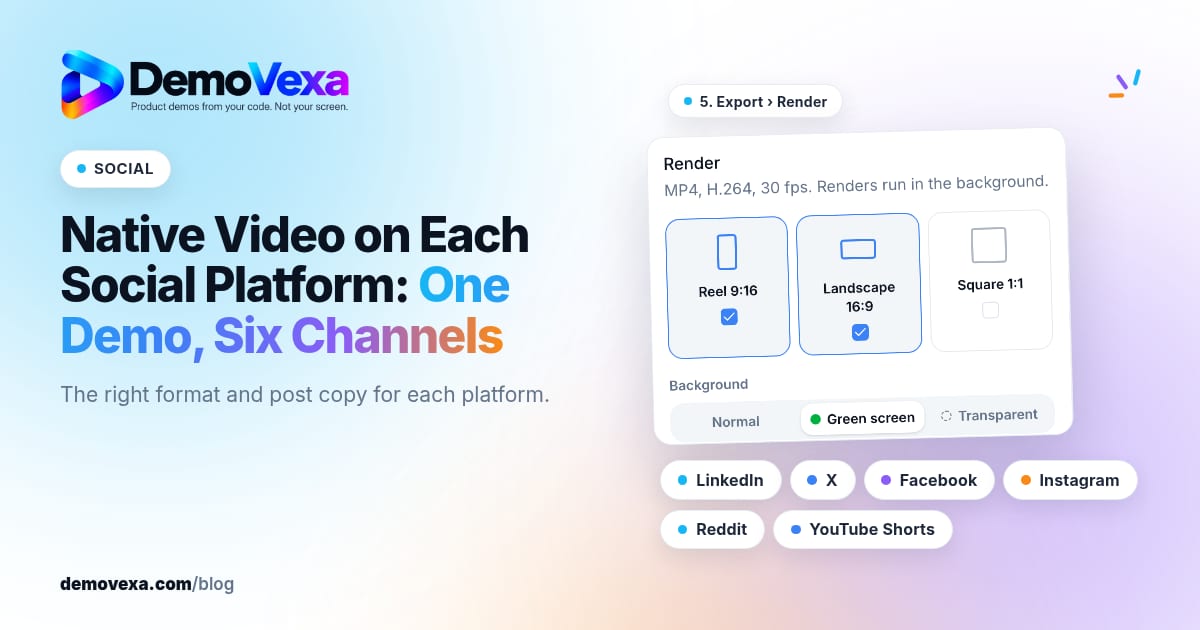
Native Video on Each Social Platform: One Demo, Six Channels
Native video for LinkedIn, X, Facebook, Instagram, Reddit and YouTube Shorts, in the right format for each, with posts written for each platform.
Baltej Singh 1 min read
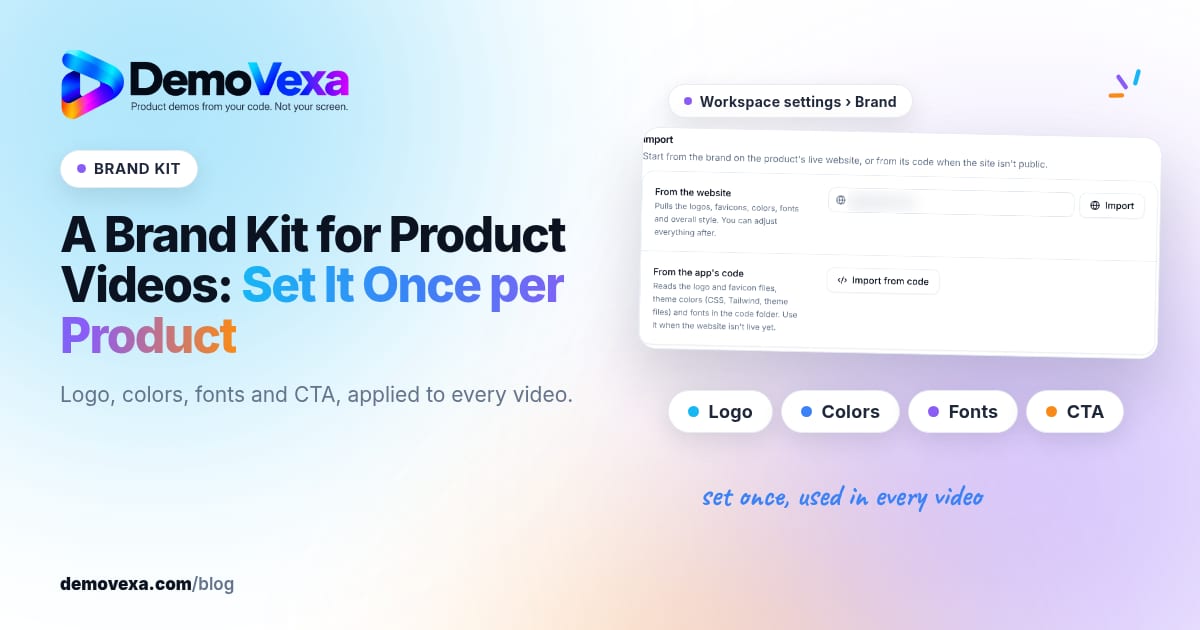
A Brand Kit for Product Videos: Set It Once per Product
Set logo, colours, fonts and CTA once per product so every demo video stays on brand without redesigning each project.
Baltej Singh 1 min read