

Send a Demo Video Instead of Booking a Demo Call
Reply to a prospect with a short sales demo video of exactly what they asked about, so you move the deal forward without another live call.
 Baltej Singh · Founder, DemoVexa 2 min read
A sales demo video follow-up is a short recording that answers the prospect's exact question, sent instead of (or before) another live call. It removes calendar friction and keeps control of the narrative: the clicks are clean, the data is sample-safe, and the message matches what they asked.
When a video beats another live demo
Live demos fail for ordinary reasons: no-shows, bad wifi, a staging environment that breaks, a custom question that pulls you into the weeds. DemoVexa's why DemoVexa sales line is simple: send a short demo of exactly what the prospect asked about. No scheduling, no live demo going wrong.
Video is not a replacement for every discovery call. It is the right tool when the prospect asked a concrete "can it do X?" and you can show X in under two minutes.
Building a library of answer clips
- List the twenty questions that stall deals (SSO, permissions, exports, audit logs, roles).
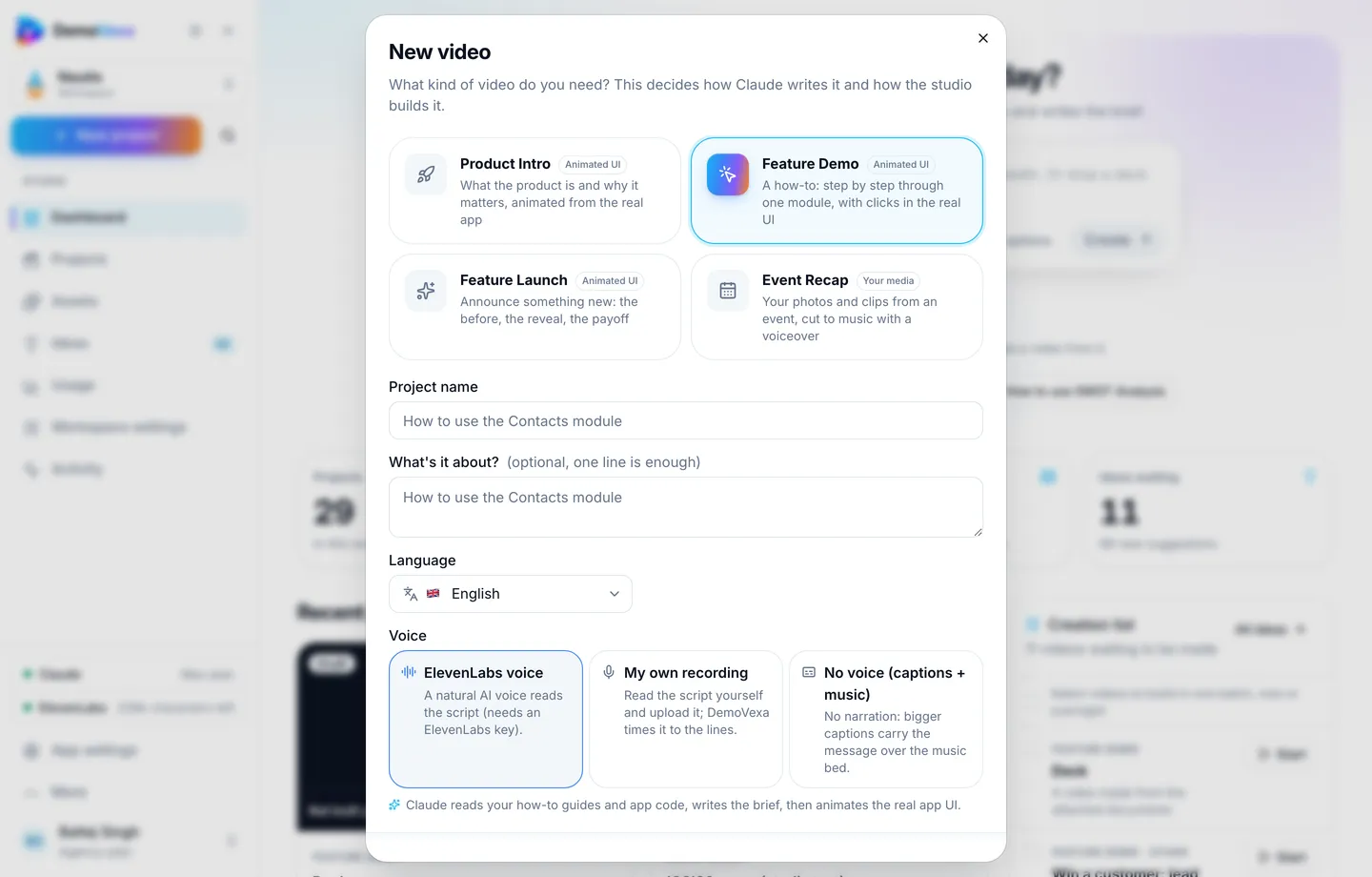
- Film each as a Feature Demo with clean sample data.
- Store stable URLs sales can paste.
- Review quarterly against lost-deal notes.
Producing the clip in DemoVexa
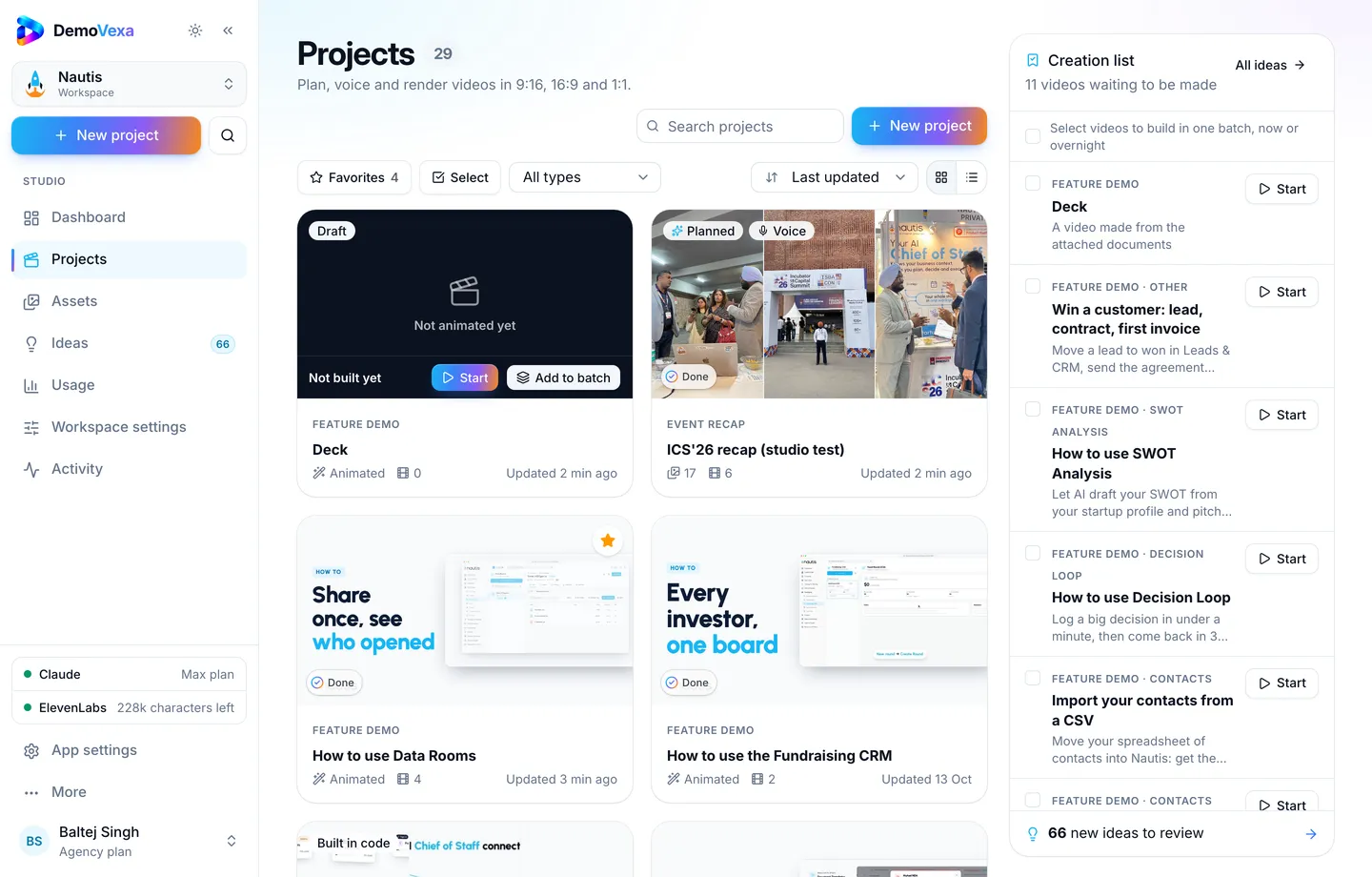
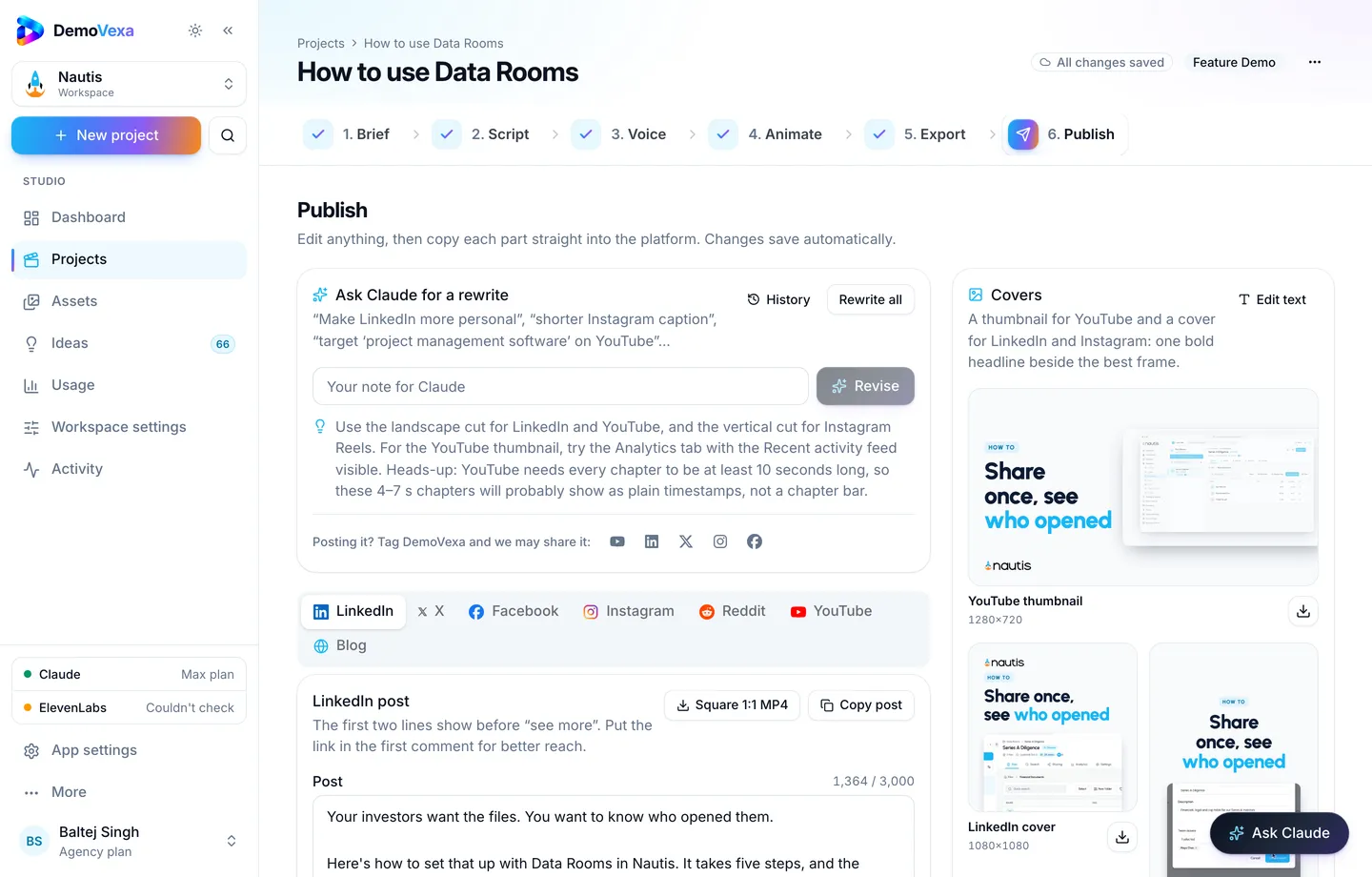
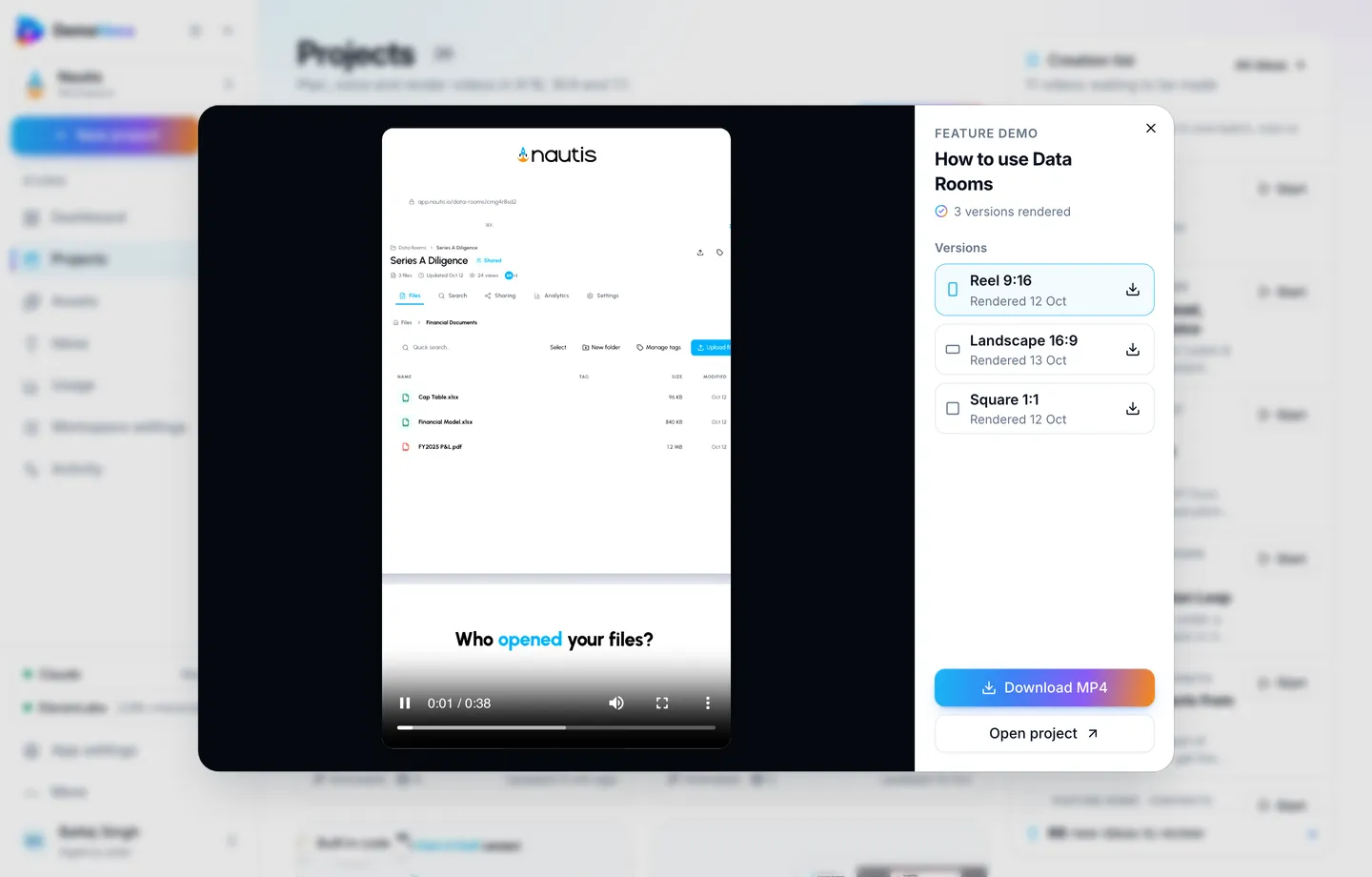
Point the workspace at the product. Set brand once so every clip looks like your company (features). Brief the exact prospect scenario without naming the account on screen. Export 16:9 for email; add captions for muted viewing on mobile (render).
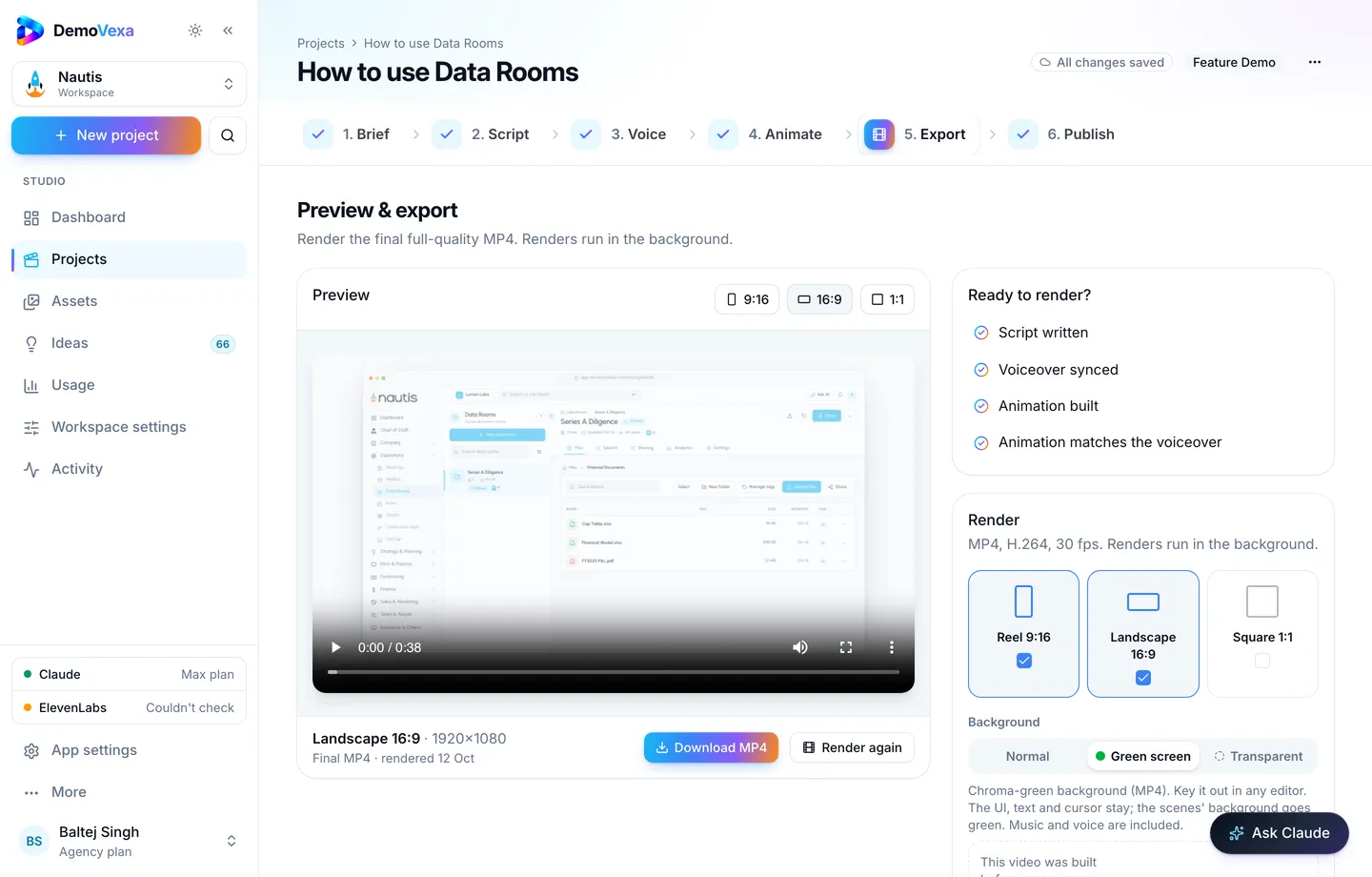
Publish can draft a short post if you also share a sanitized version publicly; for deal threads, the MP4 link is enough (Publish).
Email pattern that works
Subject: "Quick walkthrough of [X] you asked about"
Body:
- One sentence restating their ask
- The video link
- Two bullets of what they will see
- One CTA (reply with questions, or book a call for the edge case)
Do not attach huge files; host them. Do not invent ROI numbers in the video.
Live demo vs video: a simple decision rule
Send video when:
- The ask is a single capability check
- The prospect is in another timezone and delay hurts
- Your staging environment is flaky for that path
- You want a shareable artifact the buying committee can forward
Book live when:
- Pricing packaging needs negotiation
- Architecture or security deep-dives are required
- The account needs a workshop across five personas
Many teams do both: video first to qualify interest, live later for the remaining unknowns.
Keep sample data boring on purpose
Sales demos go wrong when a real customer name flashes on screen. DemoVexa rebuilds screens with clean sample data so you are not blurring panels mid-call (why DemoVexa). Still review the Animate preview before you send anything externally.
Hand-off to customer success
After close, the same library becomes onboarding and training material. Do not invent a second set of clips with different clicks. Success should inherit the URLs sales already used so the story stays consistent into week one.
Frequently asked questions
Will prospects think we are avoiding them?
Not if the email is personal and the clip matches their question. Offer a call for anything the video cannot cover.
How personalized does the video need to be?
Personalized email; reusable video for common asks. Fully custom videos are for late-stage or strategic accounts.
Product Intro or Feature Demo?
Feature Demo for "can it do X?". Product Intro for early "what is this product?" threads.
What about security reviewers?
Send clips that use sample data only, and keep a separate security questionnaire process. See privacy-minded demo practices on this blog if you handle sensitive categories.
Can SDRs send these without a solution engineer?
Yes when the library is approved. Escalate to SE when the question is architectural.
How fast can we refresh after a UI change?
Rebuild the affected projects from current code so sales never sends a stale path ([why DemoVexa](https://demovexa.com/why-demovexa)).
Keep reading
All posts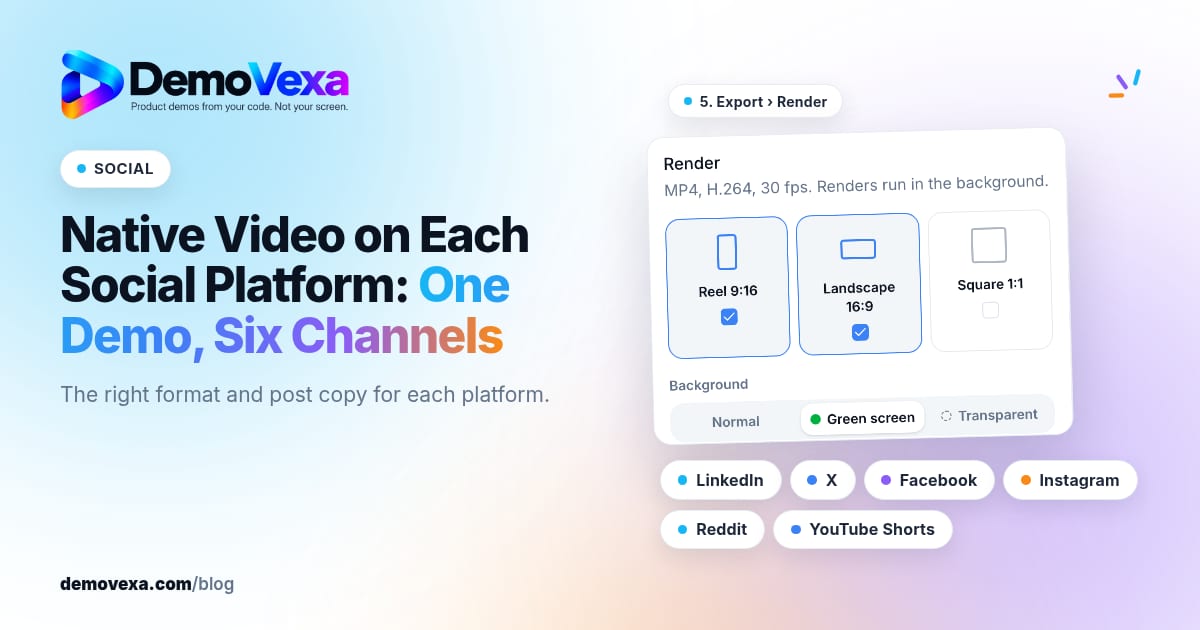
Native Video on Each Social Platform: One Demo, Six Channels
Native video for LinkedIn, X, Facebook, Instagram, Reddit and YouTube Shorts, in the right format for each, with posts written for each platform.
Baltej Singh 1 min read
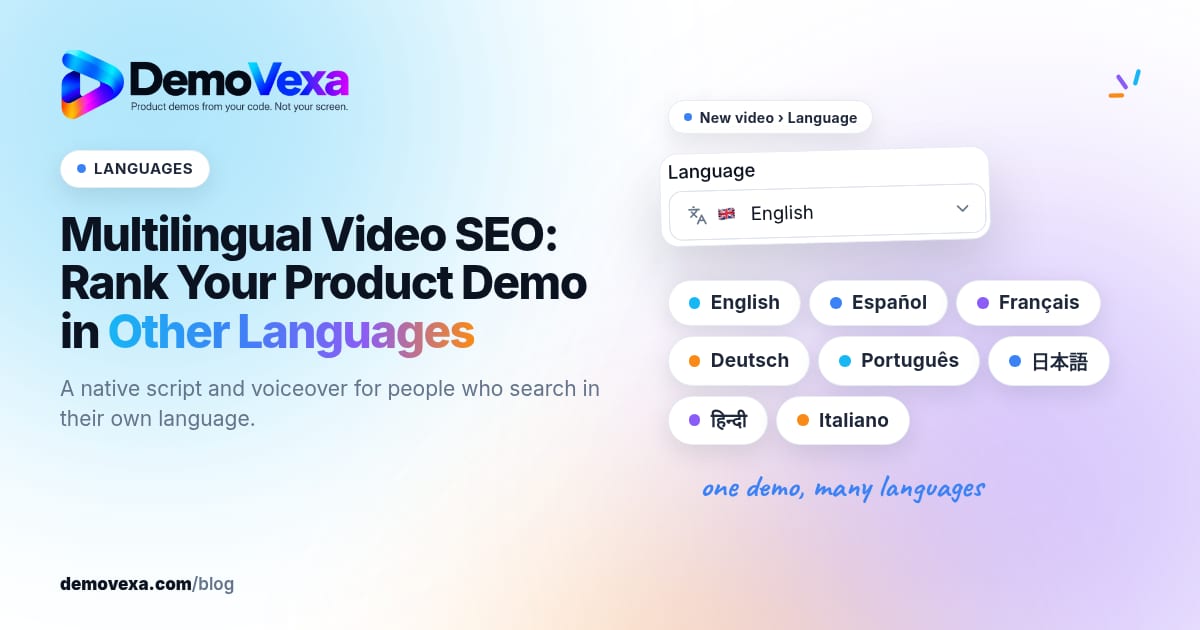
Multilingual Video SEO: Rank Your Product Demo in Other Languages
Native voiceovers and translated scripts help you show up when people search how-tos in their own language, not only in English.
Baltej Singh 1 min read
Product Videos for Investor Updates and Partner Pitches
Show what you have built in a monthly update or partner pitch with a video that explains the product the same way every time.
Baltej Singh 1 min read