

Synthesia Alternatives When You Need Real Product UI
Synthesia is built for AI avatars. If your software demo needs to show the real product UI, here is how the alternatives compare and when Synthesia wins.
 Baltej Singh · Founder, DemoVexa 3 min read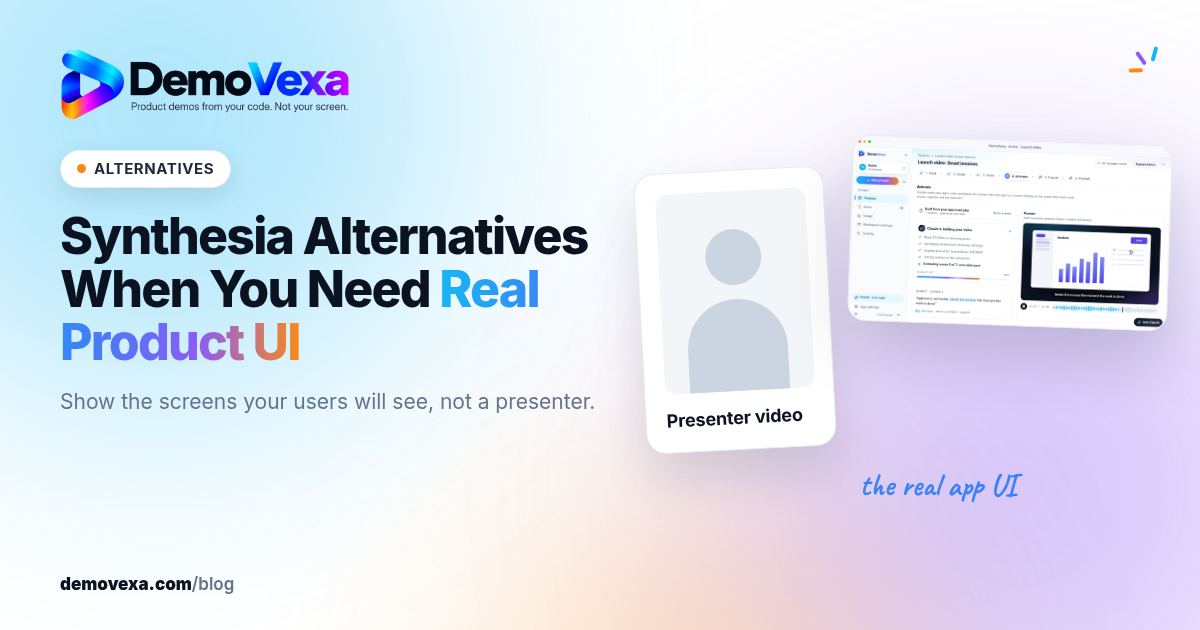
If your software demo needs to show the real product interface, a Synthesia alternative that builds or captures the actual screens will serve you better than an avatar video. DemoVexa rebuilds your real UI from your code; a screen recorder captures it as it runs. Synthesia is still the better pick when a presenter explaining a process is the point of the video.
Synthesia facts last checked on synthesia.io on 25 October 2026. Plans change, so check again before you buy.
What is Synthesia good at?
Synthesia makes videos with AI avatars reading your script. On 25 October 2026 its pricing page listed 125+ stock avatars on the free Basic plan, 140+ languages and voices on paid plans, personal avatars, PowerPoint import, SCORM export for learning systems, and an AI Screen Recorder Chrome extension.
Plans listed that day: Basic free (10 minutes of video a month, with a watermark), Starter $29 a month and Pro $89 a month on monthly billing, and custom Enterprise. Usage is counted in credits.
That makes Synthesia strong for training, HR and onboarding content, where a consistent presenter in many languages matters.
Why does an avatar video fall short for software demos?
A software buyer wants to see the product. An avatar beside a slide tells them about a feature; a screen shows them where to click. For a feature demo, the screens carry the message and a face takes space away from them.
The second problem is upkeep. Whatever product footage sits in the video still has to be captured and replaced when the UI changes.
What are the alternatives that show real UI?
DemoVexa: rebuild the UI from code
DemoVexa reads your local code folder and docs, writes a script, adds a voiceover and rebuilds your screens as animated components. When the product changes, you pull the latest code and rebuild instead of recapturing footage. Output is 1080p MP4 in 16:9, 9:16 and 1:1, with SRT and VTT captions and ready-to-post copy.
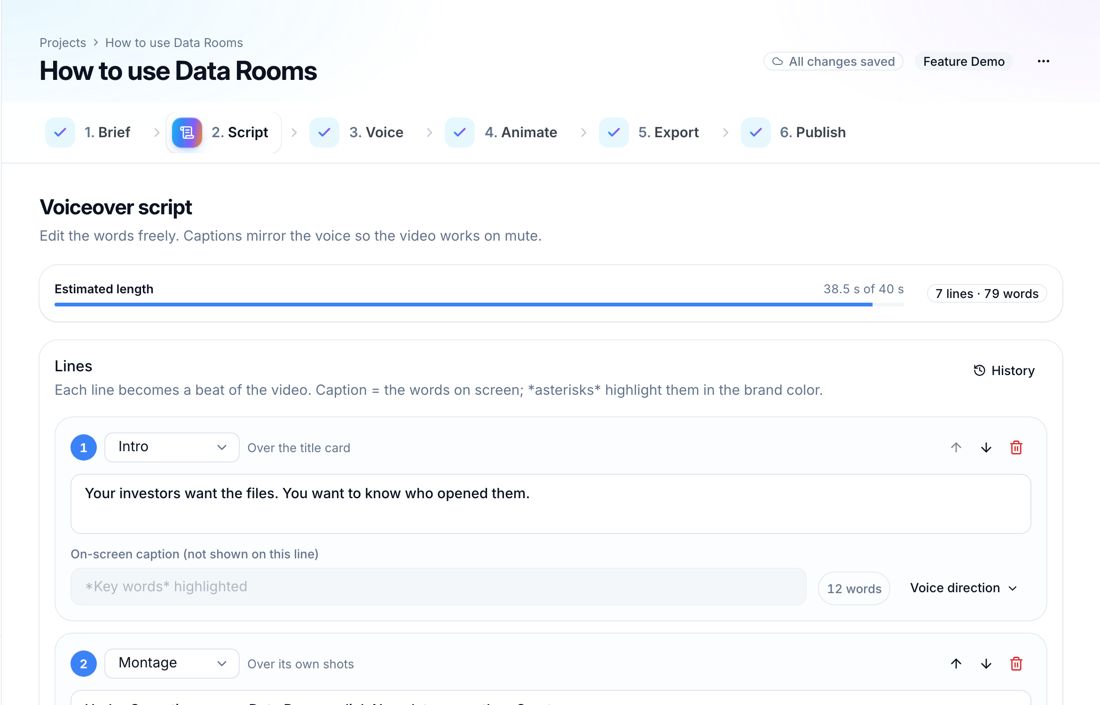
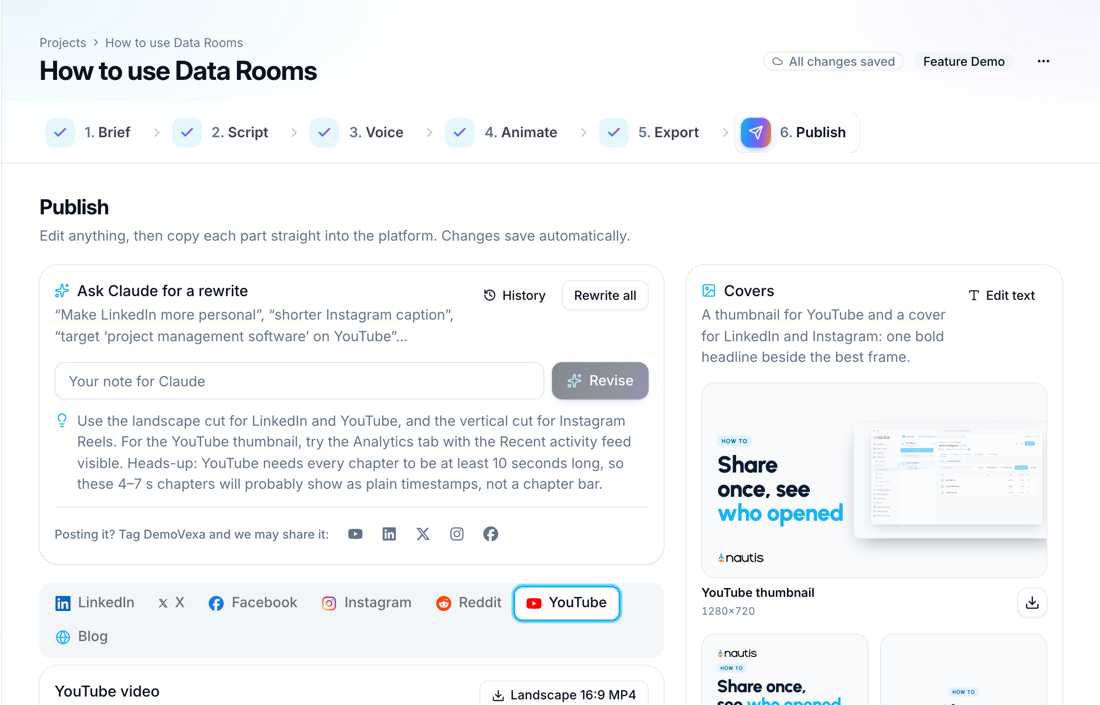
These screenshots show DemoVexa making a video for Nautis, a sample product, not DemoVexa features. DemoVexa writes scripts natively in 85 languages, which covers much of what teams use Synthesia's language range for; see multilingual video SEO for how to publish them. Plans start at $29 a month after a 14-day trial, and you need your own AI provider account.
A screen recorder
Recording the running app shows the real UI with no setup. It is the fastest route for one video, and the slowest to keep current, since every UI change means a new take.
When should I pick Synthesia anyway?
Pick Synthesia when the video is about a process, a policy or a concept rather than a screen, when you need a recognisable presenter, or when you ship training through an LMS and need SCORM. Pick DemoVexa when the product screens are the message and the video must keep up with releases.
For the full side by side, see DemoVexa vs Synthesia, and for more tools by category, our product demo video tools roundup. If you are writing your first product video, what makes a good SaaS explainer video is a good place to start.
Frequently asked questions
Is there a free Synthesia alternative for software demos?
DemoVexa offers a 14-day trial with 3 videos and 15 renders and no card. Synthesia itself has a free Basic plan with 10 minutes of watermarked video a month.
Can Synthesia show my product screens?
You can add screen recordings and images to a Synthesia video, and its site lists an AI Screen Recorder extension. The avatar and template are the core of the product, though, and footage still needs recapturing when the UI changes.
Does DemoVexa use AI avatars?
No. DemoVexa shows your product screens with a voiceover and captions. You can use an AI voice, your own recorded voice or captions only.
Which is better for multilingual videos?
Synthesia lists 140+ languages and voices for avatar videos. DemoVexa writes scripts natively in 85 languages for product UI videos. Choose by whether you need a presenter or the product screens.
Keep reading
All posts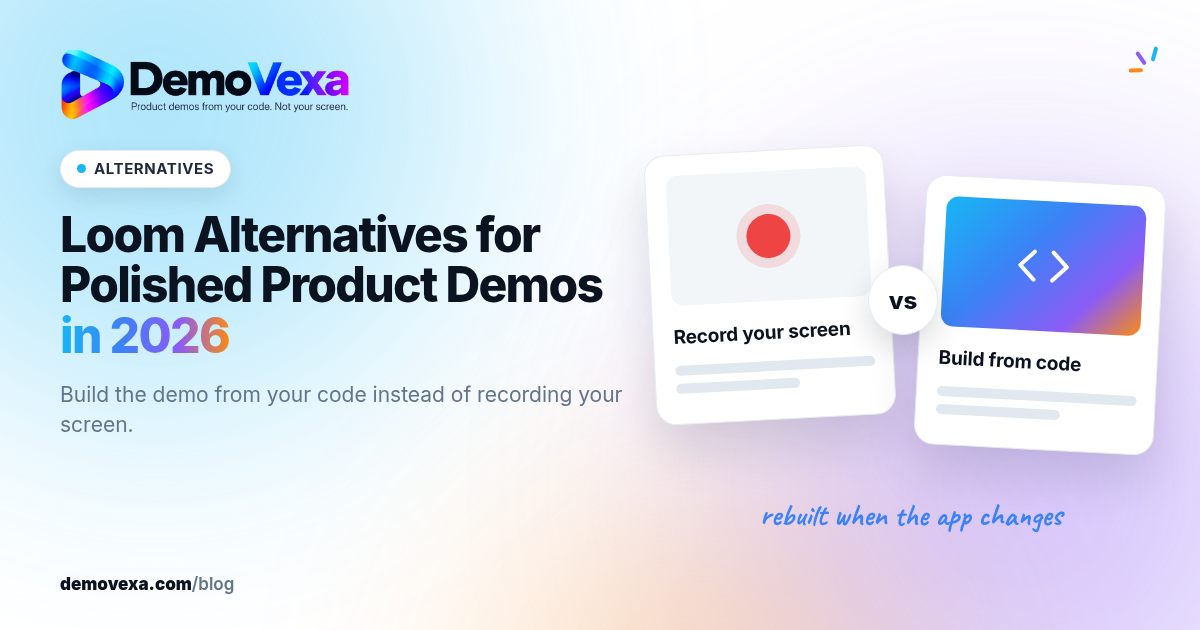
Loom Alternatives for Polished Product Demos in 2026
Loom wins for quick, personal screen clips. For a public product demo you will reuse and update, an avatar tool or a build-from-code tool may fit better.
Baltej Singh 4 min read
Can AI Make a Demo Video Without Screen Recording?
How AI builds a product demo video from code instead of a screen recording: what it reads, how screens are rebuilt, and the limits to know about.
Baltej Singh 2 min read
From GitHub Repo to Demo Video: A Timed Walkthrough
A build log of turning a cloned GitHub repo into a narrated demo video with DemoVexa, step by step, including what DemoVexa can and cannot read.
Baltej Singh 3 min read