

Can AI Make a Demo Video Without Screen Recording?
Yes, AI can make a product demo video with no screen recording by rebuilding the screens from your code. Here is how it works and where it falls short.
 Baltej Singh · Founder, DemoVexa 2 min read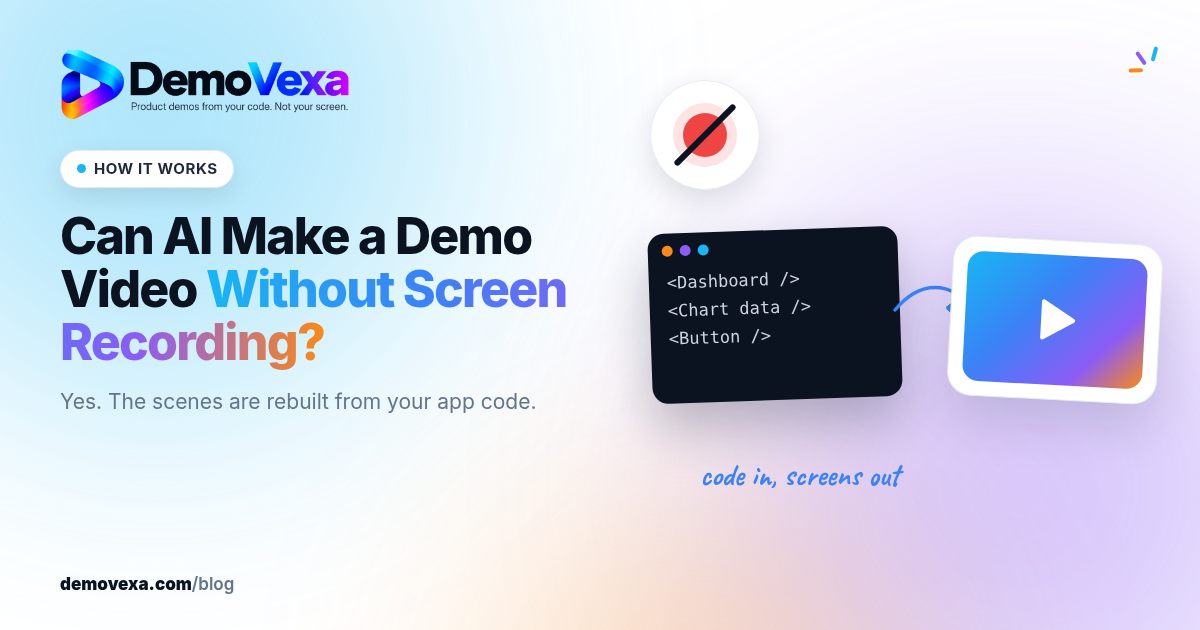
Yes. AI can make a product demo video without screen recording by reading your product's code and docs, writing a script, and rebuilding the screens as animated components. DemoVexa does this on your computer: you describe the video in one line, review the script and voice, and export MP4s. Nothing on your screen is captured.
How does AI rebuild screens it never recorded?
The code already describes your interface: components, labels, routes and navigation. DemoVexa reads the local code folder and docs, works out the app's modules, and has your AI provider (Claude, OpenAI Codex or GitHub Copilot) write React components that look like your screens. These are animated with Remotion and rendered to video.
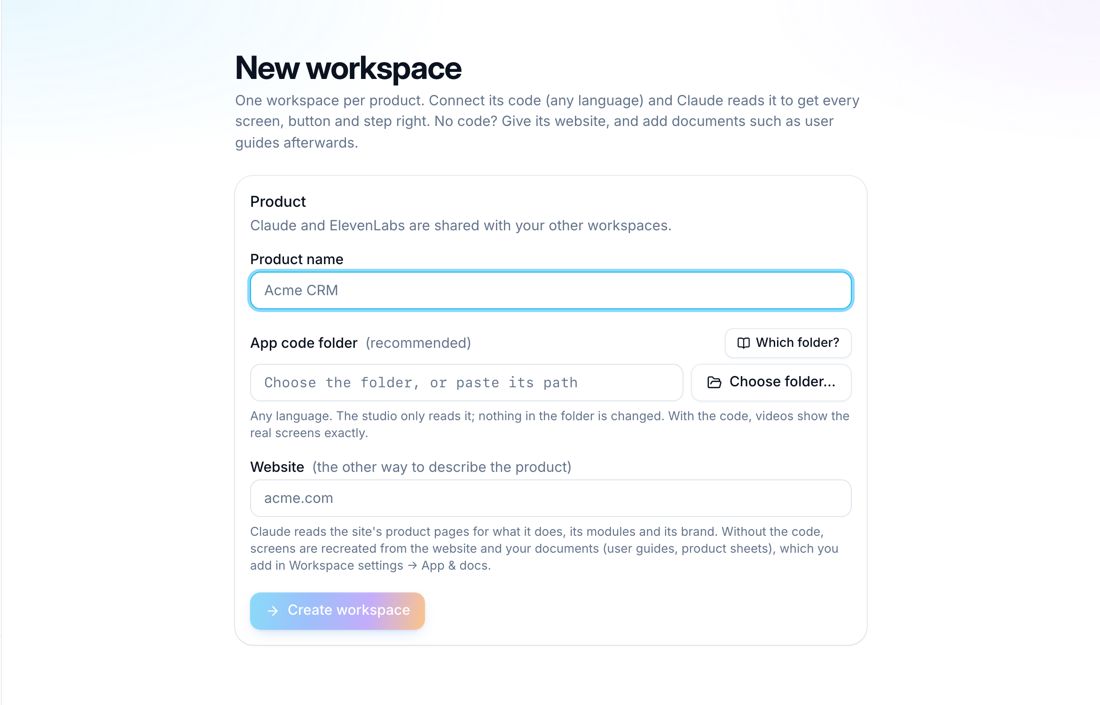
Because the screens come from code, the video uses clean sample data rather than whatever is in your account. The screenshots in this post show DemoVexa making a video for Nautis, a sample product, not DemoVexa features.
What does the workflow look like?
Six steps, each reviewable:
- Brief: one line, such as "Show how to invite a teammate". DemoVexa expands it.
- Script: voiceover lines and captions you can edit.
- Voice: an AI voice through your own ElevenLabs, Sarvam or Deepgram key, your own recording, or captions only.
- Animate: a scene plan from the script and code, which you approve, then a build and preview.
- Export: 1080p MP4s in 16:9, 9:16 and 1:1, with SRT and VTT captions.
- Publish: covers and ready-to-post copy for social, YouTube and a blog.
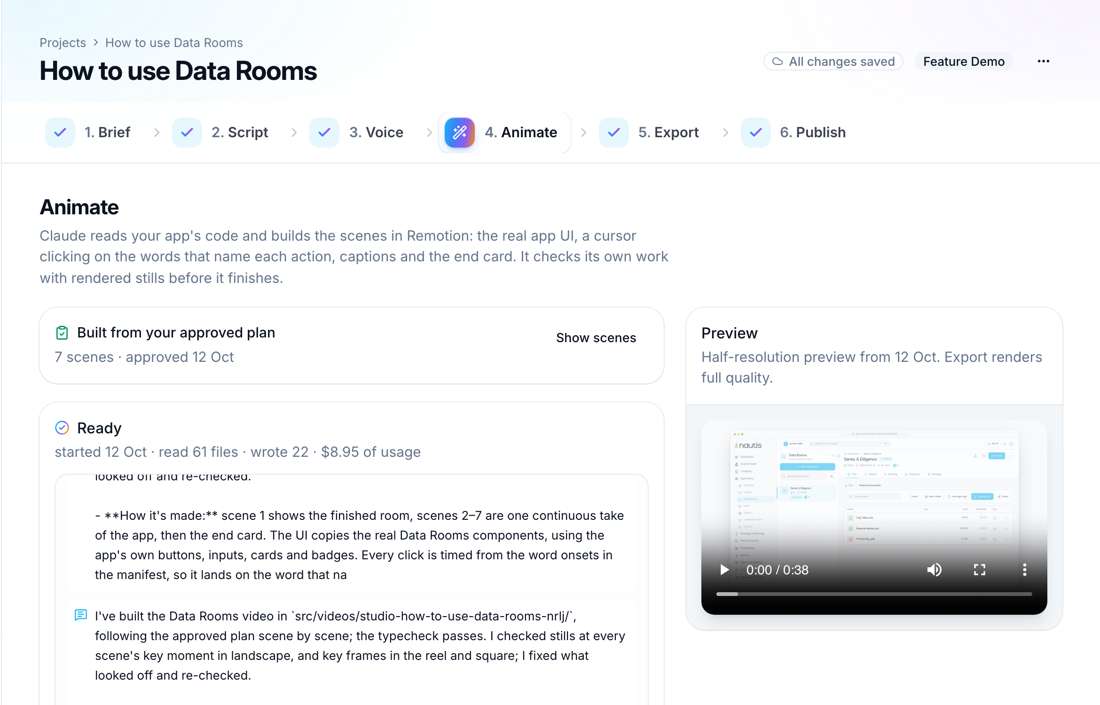
Changes are asked for in plain words, for example "end on the pricing screen", and the video is rebuilt.
What if I don't have the code?
You can start a workspace from your website and uploaded documents instead. The screens are then recreated less exactly, because there are no components to read. If exact screens matter, ask a developer to clone the repo for you; the code folder is never uploaded to DemoVexa.
Where does this approach fall short?
It is not a live recording, so it cannot show a real bug, a real customer session or truly live data. It shows a planned, rebuilt version of the product. Review every rebuilt screen against the real app before you publish. And a rendered video is a fixed sequence, not a clickable tour.
If you want the argument for why recordings age badly, our other posts cover it; this one is about how the alternative works. For updating a video after a redesign, see fixing a demo video after a UI change, and for running many builds at once, overnight batch demo videos. The full pipeline is on AI product demo video from code, and the reasoning behind it on why DemoVexa.
Frequently asked questions
Do I need to record my screen at all?
No. DemoVexa rebuilds the screens from your code and docs. You only review the script, voice and preview.
Is my code uploaded?
Your code folder is never uploaded to DemoVexa. Relevant parts go to your own AI provider account, and the script text goes to your voice provider if you use an AI voice.
What formats do I get?
1080p MP4s in 16:9, 9:16 and 1:1, each laid out for its frame, plus SRT and VTT caption files.
Can I edit the video after it is built?
Yes. Ask for changes in plain words, edit the script, or change scenes, and DemoVexa rebuilds the video. No timeline editing is needed.
Keep reading
All posts
Synthesia Alternatives When You Need Real Product UI
Avatar videos and product UI videos solve different problems. How to tell which one your demo needs, with Synthesia facts checked on 25 October 2026.
Baltej Singh 3 min read
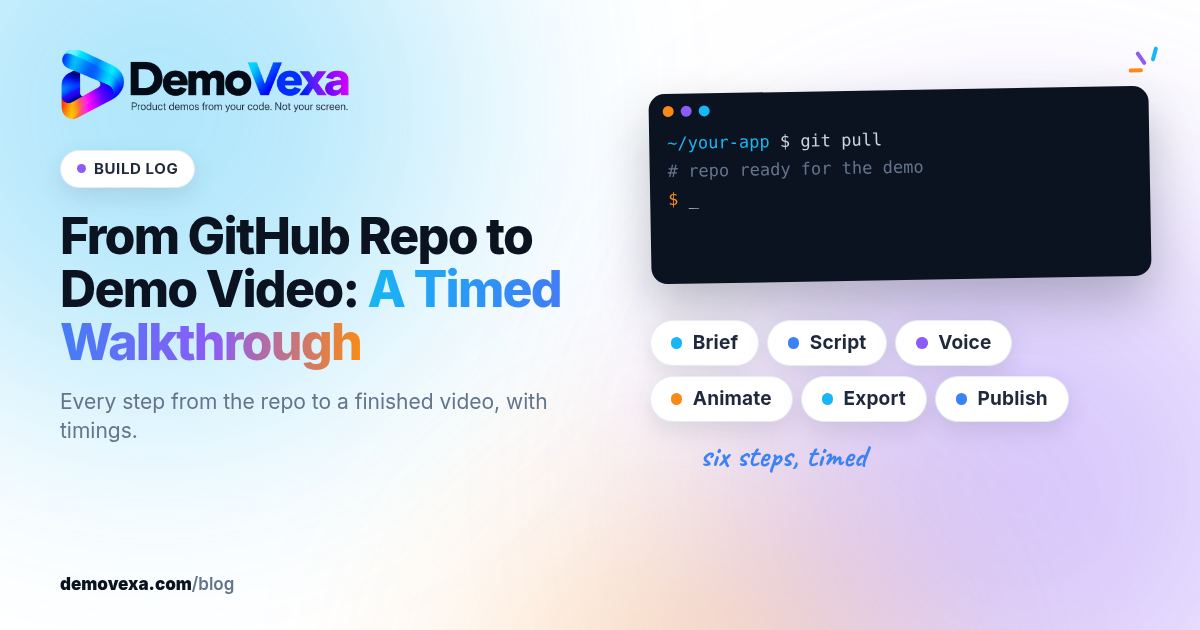
From GitHub Repo to Demo Video: A Timed Walkthrough
A build log of turning a cloned GitHub repo into a narrated demo video with DemoVexa, step by step, including what DemoVexa can and cannot read.
Baltej Singh 3 min read
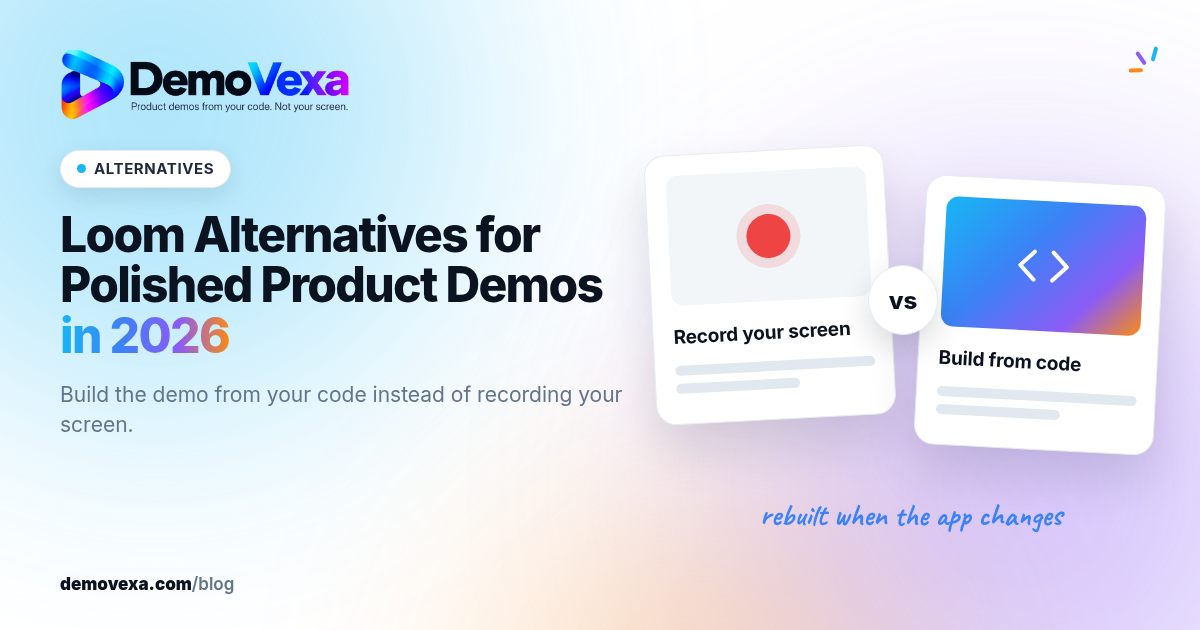
Loom Alternatives for Polished Product Demos in 2026
Loom wins for quick, personal screen clips. For a public product demo you will reuse and update, an avatar tool or a build-from-code tool may fit better.
Baltej Singh 4 min read