

Do Product Demo Videos Help SEO? What Google Indexes
Do product demo videos help SEO? They can, if Google can find, fetch and understand the video. Here is what it indexes and what does nothing.
 Baltej Singh · Founder, DemoVexa 3 min read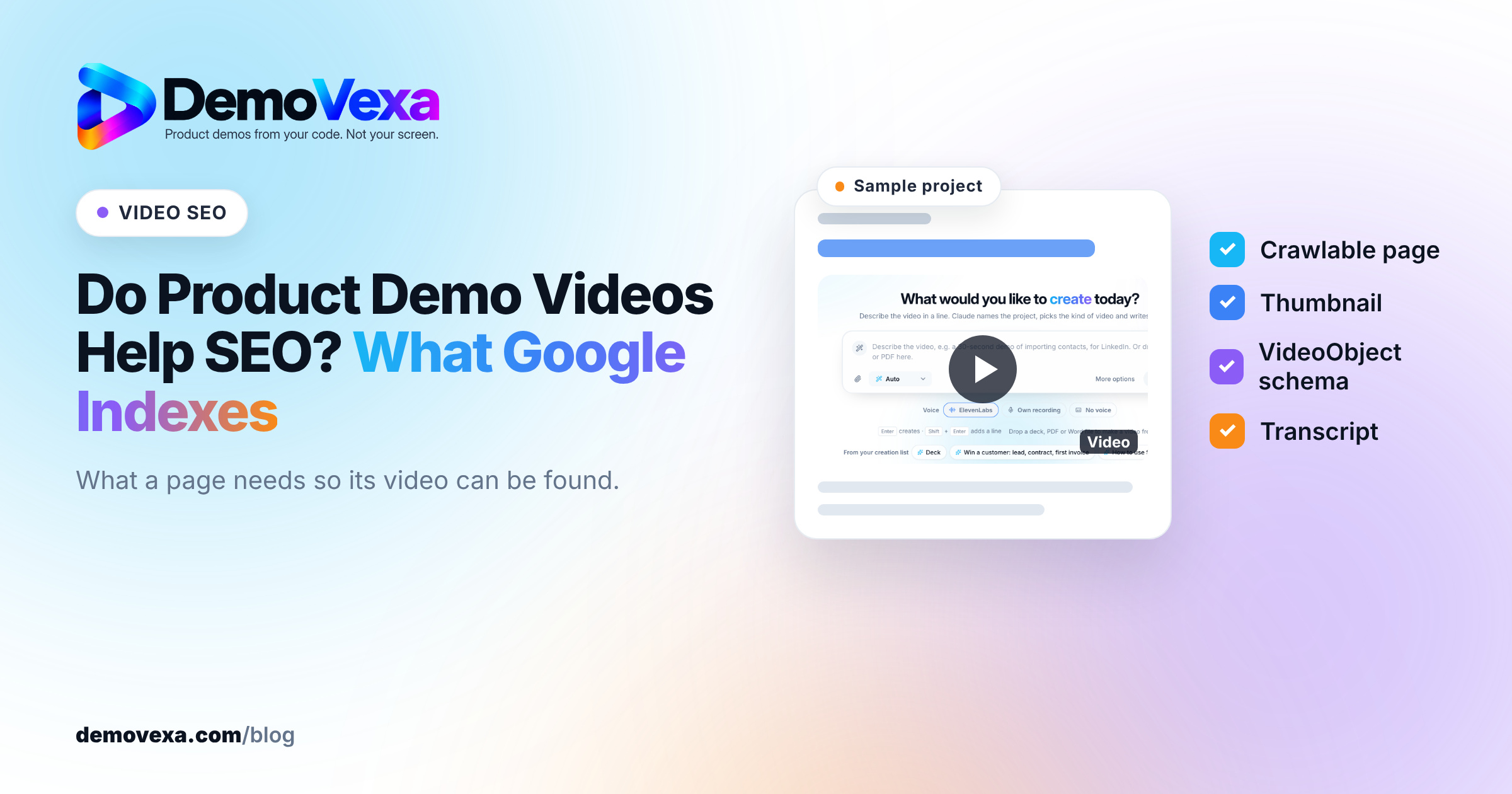
Do videos help SEO? Product demo videos help SEO when Google can find the video, fetch the file and understand what it shows, which gives the page a chance to appear in video results and video features in Search. A video does not raise a page's ranking just by being embedded. The gains come from the extra search surfaces, the text around the video, and visitors finding what they came for.
Does embedding a video improve Google rankings?
Not on its own. Google has not said that a page ranks higher because it contains a video, and you should be wary of anyone who claims a fixed lift. What a video can do is make a page eligible for more places in Search: the Videos tab, video results on the main results page, and features such as key moments.
The rest of the value is indirect. A demo that answers the visitor's question can keep them on the page and send them to the next one. That is good for your business whether or not it moves rankings.
What does Google need to index a product demo video?
Google's video SEO best practices list the basics. In plain terms:
- A page Google can crawl. The video sits on a public page that is not blocked by robots.txt or a login.
- A supported embed or file. Use an HTML video, iframe or embed element. Google needs to fetch the actual video file or a player it supports, not a video that appears only after a script runs on a click.
- A thumbnail. Google needs a valid thumbnail image it can fetch.
- A clear subject. A title, description and surrounding text that say what the video shows.
Why the watch page matters
Google is more likely to show a video in video results when the video is the main thing on the page. A product demo buried below 2,000 words of copy on a homepage is rarely treated as the page's subject. A dedicated page for each demo, with the video at the top and a short written summary under it, gives Google a clean watch page.
Do you need VideoObject schema and a video sitemap?
They help, and they are cheap to add. VideoObject structured data tells Google the video's name, description, thumbnail, upload date and duration, and Google documents it in its video structured data guide. A video sitemap lists your videos so Google can find them even if a player is hard to crawl.
Neither one guarantees a rich result. They make your video easier to find and describe. We walk through the markup and the common mistakes in how to get video rich results in Google.
Do transcripts and captions help video SEO?
Yes, because they turn speech into text. Search engines read text far more reliably than they read the audio track of a video. A transcript on the page, or a caption file attached to the player, puts the words of your demo where crawlers and AI assistants can quote them.
This matters for product demos in particular, because the voiceover often names the exact feature or task people search for. If that only exists as audio, it does little for search. See SRT and VTT subtitles for YouTube SEO for file formats, and multilingual video SEO if you publish demos in more than one language.
Should you host demos on YouTube or your own site?
Both, for different jobs. YouTube is a search engine of its own, so a demo uploaded there can be found by people searching YouTube directly. We cover titles, chapters and descriptions in YouTube SEO for product demo videos.
Your own site is where you want visitors to land and convert. Embedding a YouTube player on your page is fine. Self-hosting gives you more control over the player and the page, but you then need the thumbnail, structured data and sitemap yourself.
Can a video hurt your SEO?
It can hurt page experience if it is handled badly. An autoplaying video that loads several megabytes before the page renders slows the page down, and Google uses page experience signals. Use a poster image, load the player only when it scrolls into view, and keep homepage clips short.
The other risk is a stale demo. A video that shows last year's interface sends visitors the wrong message even if Google indexes it perfectly. DemoVexa rebuilds demos from the current code instead of re-recording them, which keeps watch pages current without a new shoot. The features page shows how that works.
Frequently asked questions
Do videos help SEO rankings directly?
Google has not said that adding a video raises a page's ranking. Videos can make a page eligible for video results and features such as key moments. The text around the video and how well it answers the visitor still do most of the work.
Does Google index videos embedded from YouTube?
Yes, Google can index YouTube videos embedded on your pages. The page still needs clear text about the video, and it works best when the video is the main content of the page. The same video can also rank on YouTube itself.
Is VideoObject schema required for video SEO?
No, Google can find videos without it. VideoObject structured data helps Google understand the video's title, thumbnail, date and duration, which can improve how it is shown. It does not guarantee a rich result.
Should I add a transcript to my product demo video page?
Yes. A transcript puts the spoken words into text that search engines and AI assistants can read and quote. For product demos, the voiceover usually names the exact feature people search for.
Can a demo video slow down my website?
It can if it loads eagerly or autoplays a large file. Use a poster image, lazy load the player, and keep clips on key pages short. That keeps page speed reasonable while still showing the product.
Keep reading
All posts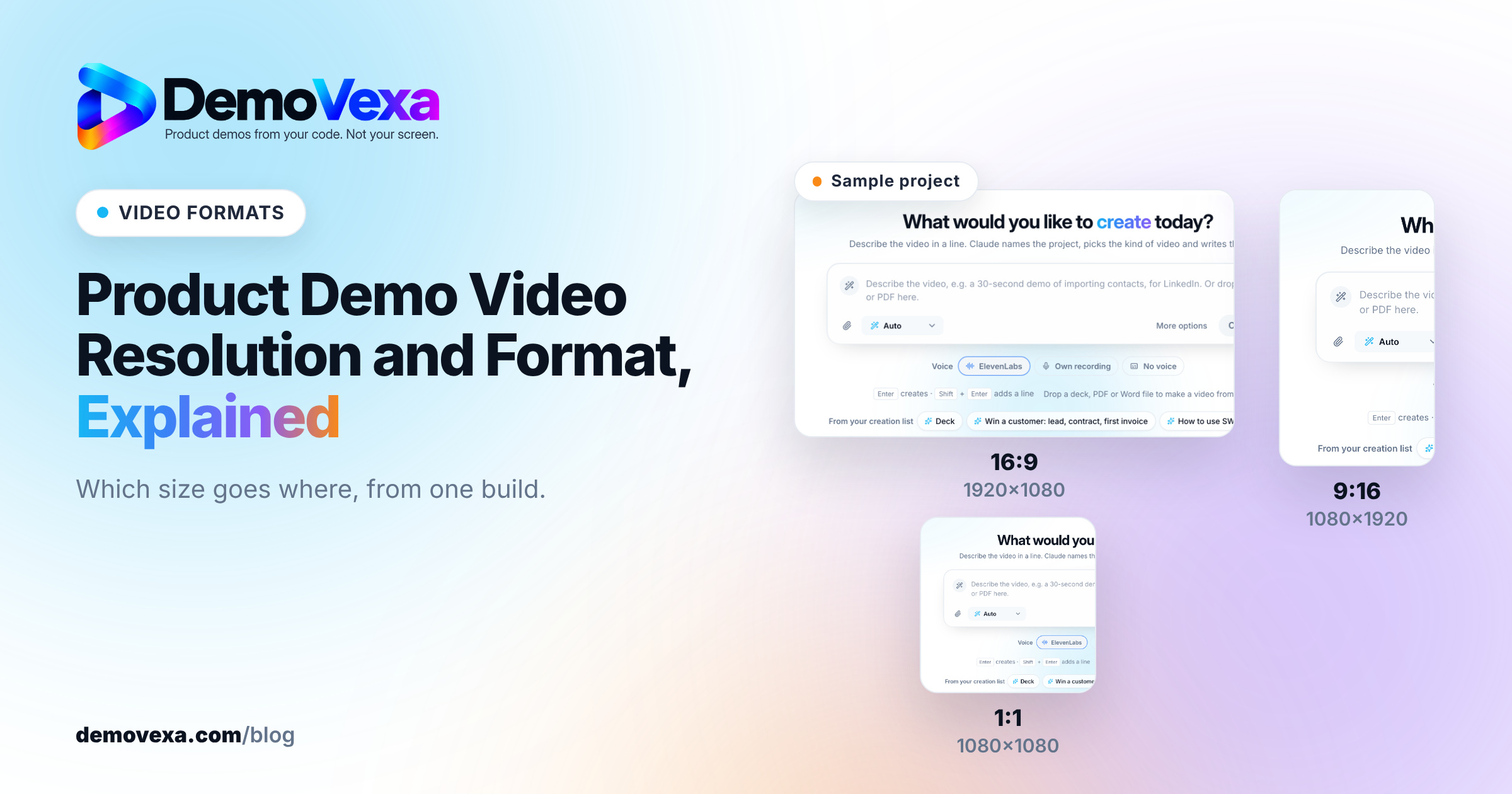
Product Demo Video Resolution and Format, Explained
The short answer is 1080p MP4 in H.264 with AAC audio, plus a separate aspect ratio for each place the video plays. Here is how to choose.
Baltej Singh 4 min read
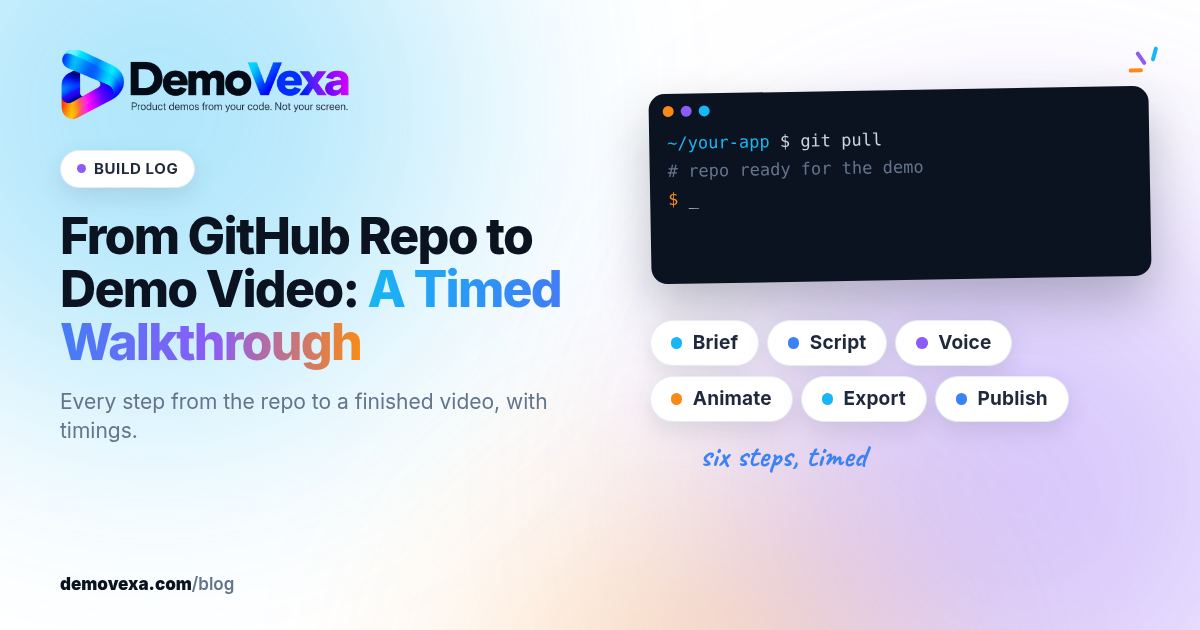
From GitHub Repo to Demo Video: A Timed Walkthrough
A build log of turning a cloned GitHub repo into a narrated demo video with DemoVexa, step by step, including what DemoVexa can and cannot read.
Baltej Singh 3 min read
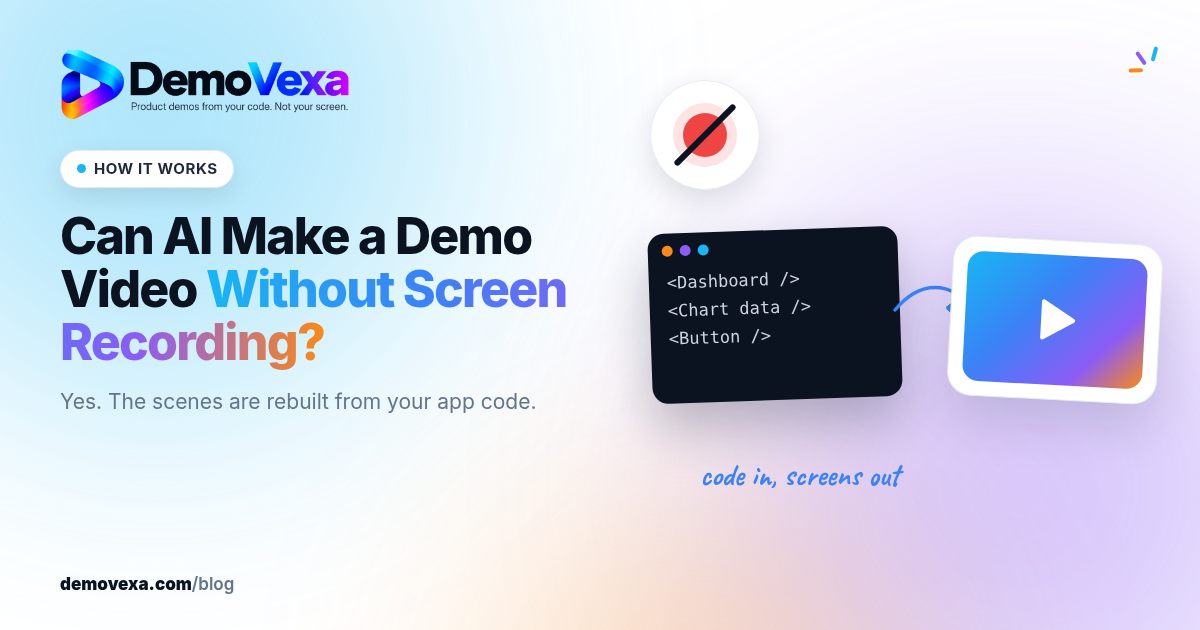
Can AI Make a Demo Video Without Screen Recording?
How AI builds a product demo video from code instead of a screen recording: what it reads, how screens are rebuilt, and the limits to know about.
Baltej Singh 2 min read