

Product Demo Video Resolution and Format, Explained
What resolution and format should a product demo video use? Export 1080p MP4 in H.264, then make 16:9, 9:16 and 1:1 cuts for each place it plays.
 Baltej Singh · Founder, DemoVexa 4 min read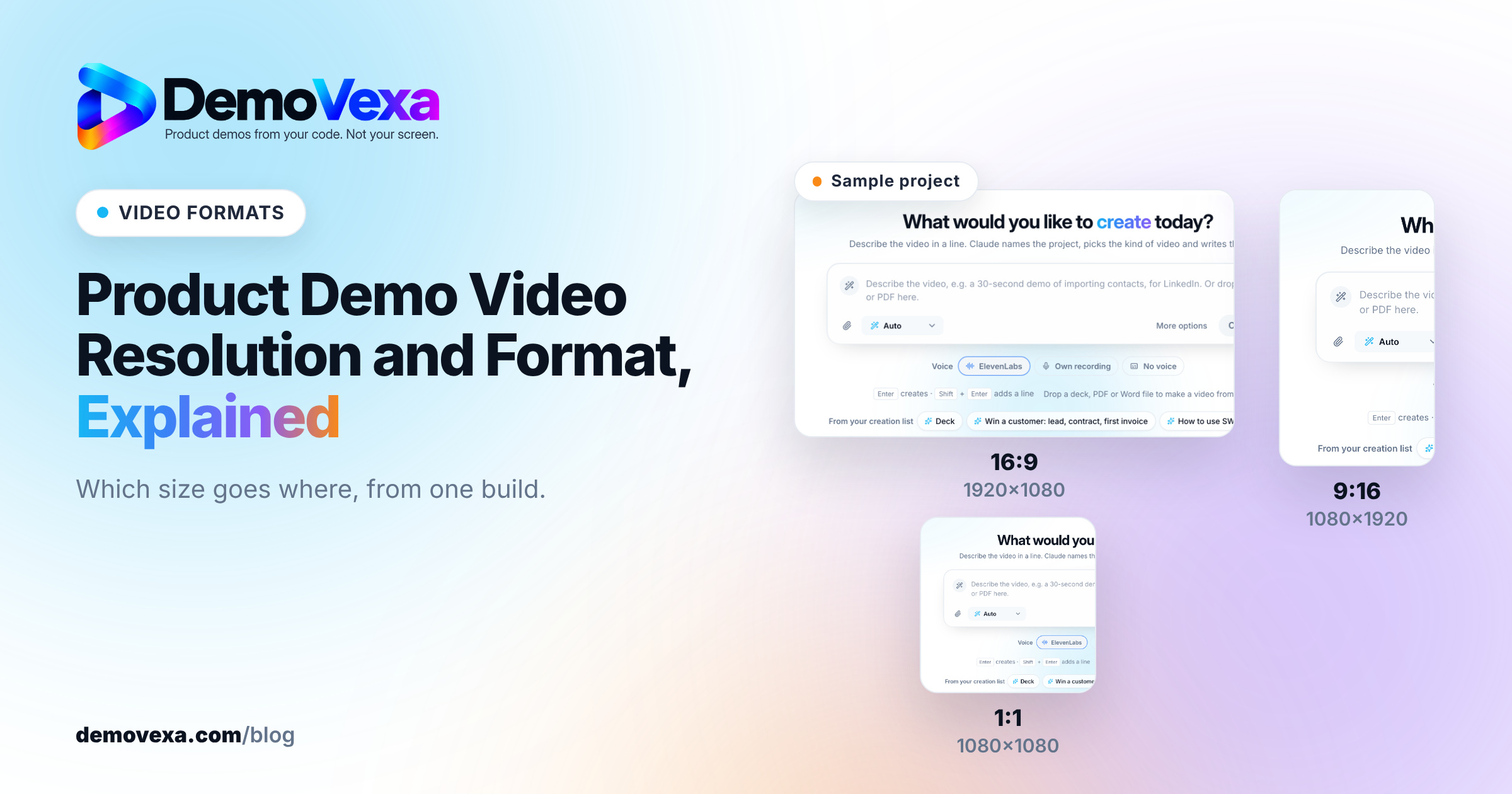
For most product demo videos, the right product demo video resolution is 1920 x 1080 (1080p), exported as an MP4 file using H.264 video and AAC audio. Then make a separate cut for each shape you need: 16:9 for your site, YouTube and docs, 9:16 for Shorts, Reels and TikTok, and 1:1 for feeds where square plays well.
What resolution should a product demo video be?
Use 1080p unless you have a specific reason not to. A product demo is mostly interface: menus, buttons, labels and numbers. At 720p, a 13 px label in a settings panel starts to blur once the video is compressed by the platform. At 1080p it stays legible on a laptop and a phone.
4K (3840 x 2160) sounds safer, but it has real costs. Files are roughly four times the pixels, uploads take longer, and most viewers watch embedded players at a fraction of full screen, so they never see the difference. If your product is a design or video tool where pixel detail is the point, 4K can be worth it. For a dashboard, a CRM or a developer tool, it usually is not.
One exception: if you record your screen on a high-density display, record at the native size and scale down to 1080p on export. Scaling down keeps text crisp. Scaling up from a small capture never does.
Which file format plays everywhere?
MP4 is the format to export. Inside the MP4, use H.264 for video and AAC for audio. That combination is accepted by YouTube, LinkedIn, X, Instagram, Facebook and every modern browser, so one master file covers nearly every upload.
A few notes on the alternatives:
- WebM (VP9 or AV1) gives smaller files for a self-hosted video on your own site, and modern browsers play it. Keep an MP4 fallback for older devices.
- MOV is fine as an editing master, but some upload forms and email clients handle it poorly. Convert before you share.
- GIF is the wrong choice for anything longer than a few seconds. Files get large, colors band, and there is no sound. A short muted MP4 on loop does the same job at a fraction of the size.
Frame rate is simpler than it looks. 30 fps is plenty for interface demos. Go to 60 fps only if you show fast scrolling or animation and want it smooth.
Which aspect ratio for each place the video plays?
Pick the shape from where the video will be watched, not from how you recorded it. The three you need for most launches:
| Where it plays | Aspect ratio | Size |
|---|---|---|
| Website hero, pricing page, docs, YouTube | 16:9 | 1920 x 1080 |
| YouTube Shorts, Instagram Reels, TikTok, Stories | 9:16 | 1080 x 1920 |
| LinkedIn and X feeds, Instagram feed | 1:1 | 1080 x 1080 |
Platforms change their limits on length and file size often, so check each platform's own help page on the day you upload rather than trusting a copied spec table. We cover the per-channel details, including post copy, in native video for each social platform.
Why not crop one 16:9 master?
Because product UI is wide. Crop a 16:9 dashboard to 9:16 and you keep a narrow strip from the middle, usually without the sidebar, the button being clicked, or both. A vertical cut needs its own layout: the key panel enlarged, the cursor path shortened, captions moved out of the way of the platform's buttons.
This is the part that makes multi-format demos slow by hand. In DemoVexa, the Animate step builds the real product screens in code, so the 16:9, 9:16 and 1:1 versions are laid out separately from the same project instead of cropped. You can see the formats on the features page.
What about bitrate and file size?
Let the platform handle it unless you host the video yourself. YouTube, LinkedIn and the others re-encode every upload, so exporting at a very high bitrate mostly makes your upload slower. Export a clean 1080p H.264 file at a sensible quality setting and move on.
If you host the video on your own site, file size starts to matter for page speed. Two habits help:
- Keep homepage and pricing page videos short. Our guide on how long a SaaS demo video should be covers length by use case.
- Serve a smaller WebM or a lower bitrate MP4 to the inline player, with a poster image so nothing shifts while it loads.
For placement on a pricing page in particular, see where a product video helps on a pricing page.
Do captions and audio change the export settings?
They change what you deliver, not the video settings. Many people watch feed videos muted, so burn captions into the 9:16 and 1:1 cuts, or upload a caption file where the platform supports it. For YouTube and your own player, a separate SRT or VTT file is better than burned-in text, because it can be indexed and switched off. We explain the difference in SRT and VTT subtitles for YouTube SEO.
For audio, AAC at 48 kHz is the standard for video. Keep the voiceover level consistent across cuts so the vertical version does not sound quieter than the original.
Do I need a transparent or green screen export?
Only if the demo will be placed over something else, such as a presenter, a slide or a branded background. In that case, export with a green screen or a transparent background so an editor can composite it. Most web and social uses do not need this. If yours does, here is how green screen export works for product demos.
Frequently asked questions
Is 720p good enough for a product demo video?
It works for a quick internal walkthrough, but it is a weak choice for anything public. Interface text gets soft at 720p once platforms compress the file. 1080p costs little extra and keeps labels readable.
Should I export my demo video in 4K?
Usually not. Most demos are watched in small embedded players or on phones, where 4K looks the same as 1080p. Choose 4K only when viewers will watch full screen on large displays and your source screens are sharp enough.
What is the best video format for a website demo?
MP4 with H.264 video and AAC audio is the safest choice, because every modern browser plays it. You can add a WebM version for smaller files and keep the MP4 as a fallback.
What aspect ratio should a LinkedIn product video use?
Square 1:1 at 1080 x 1080 takes up more of the feed than 16:9 and works well for product demos. Vertical 9:16 also plays in the LinkedIn mobile feed. Check LinkedIn's help page for current limits before you upload.
Can I make one video and crop it for every platform?
You can, but product interfaces rarely survive the crop. A wide dashboard cut down to 9:16 loses its sidebar or the button being clicked. A separate layout per aspect ratio keeps the important part of the screen in view.
Keep reading
All posts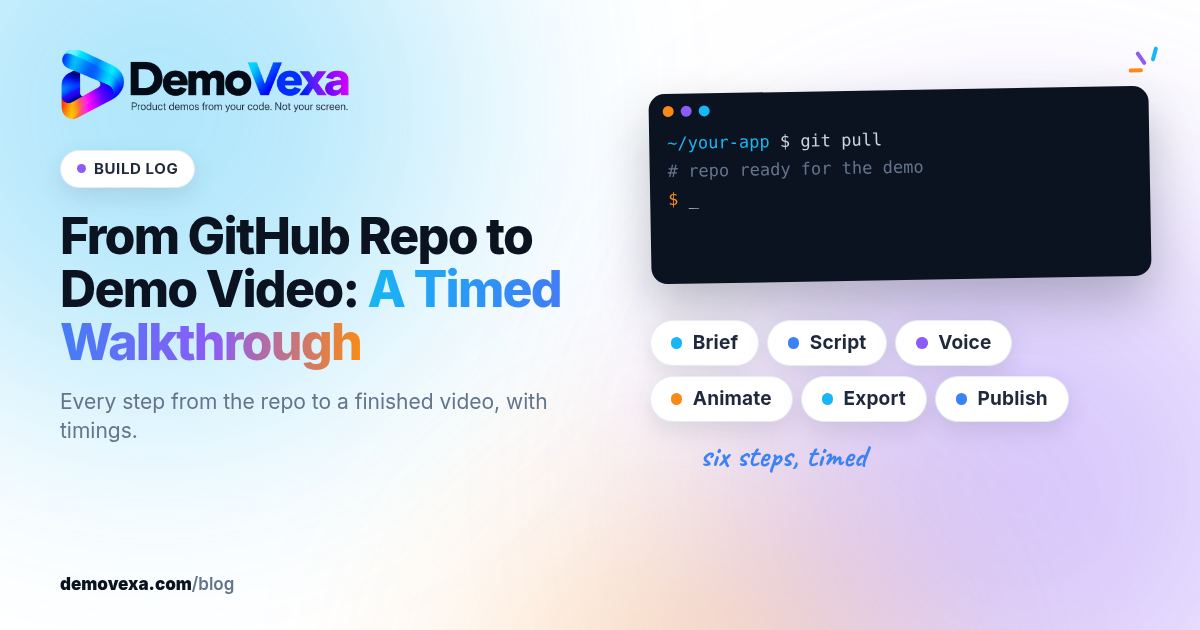
From GitHub Repo to Demo Video: A Timed Walkthrough
A build log of turning a cloned GitHub repo into a narrated demo video with DemoVexa, step by step, including what DemoVexa can and cannot read.
Baltej Singh 3 min read
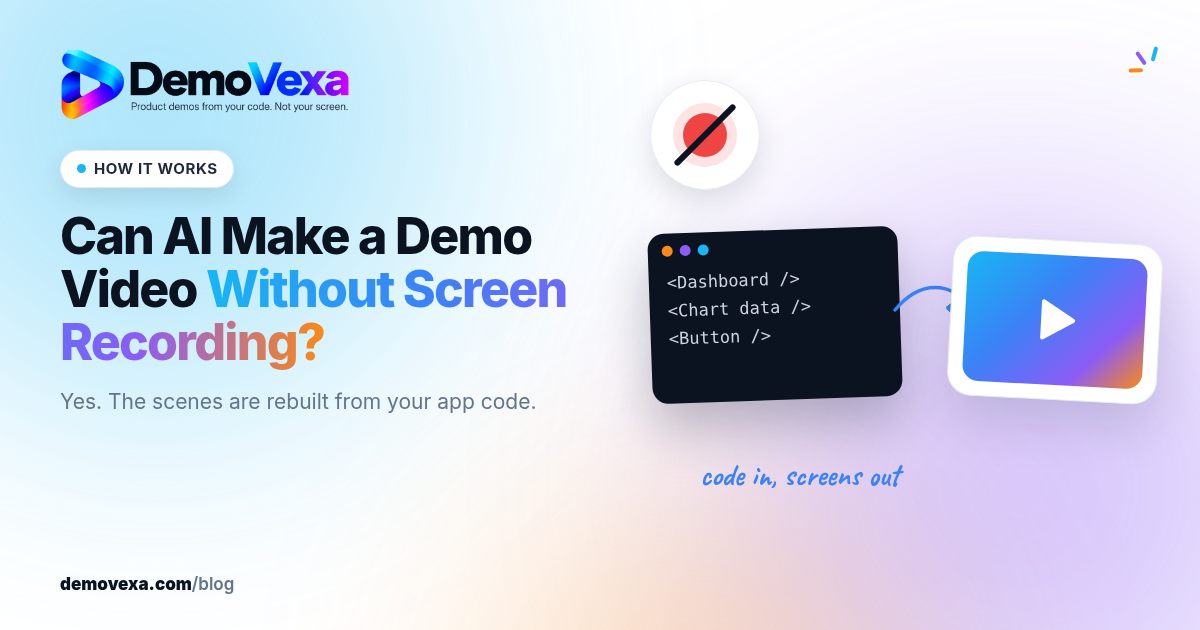
Can AI Make a Demo Video Without Screen Recording?
How AI builds a product demo video from code instead of a screen recording: what it reads, how screens are rebuilt, and the limits to know about.
Baltej Singh 2 min read

Synthesia Alternatives When You Need Real Product UI
Avatar videos and product UI videos solve different problems. How to tell which one your demo needs, with Synthesia facts checked on 25 October 2026.
Baltej Singh 3 min read