

How Long Should a SaaS Demo Video Be? Pick by Its Job
A SaaS demo video should be as long as one job needs: about 30 to 60 seconds for a feature, 60 to 90 for a product intro, longer only for tutorials.
 Baltej Singh · Founder, DemoVexa 4 min read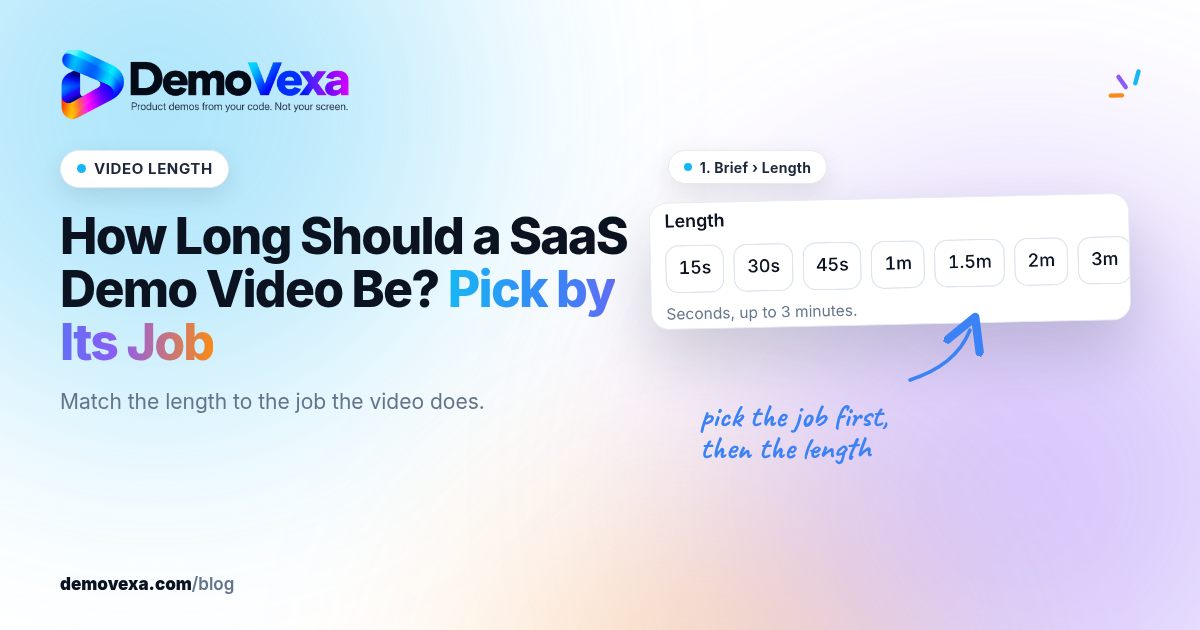
A SaaS demo video should be as long as the one job it has to do, and no longer. In practice that means about 30 to 60 seconds for a single feature, roughly 60 to 90 seconds for a product intro on your homepage, and several minutes only for a tutorial someone chose to follow. If you cannot say the job in one sentence, the video is too long before you record anything.
Why is "how long" the wrong first question?
Length is a result, not a setting. A video runs long when it tries to do two jobs at once: explain the product and teach a workflow, or announce a feature and sell the plan. Viewers notice. They came for one answer and the video keeps going.
So start with the job. Write it down in one line, for example "show a new user how to invite their team." Every scene that does not serve that line goes. What remains sets the length.
How long should each type of SaaS demo video be?
These are the ranges we work to. They are rules of thumb from making these videos, not survey data.
| Video | Its one job | Working length |
|---|---|---|
| Feature demo | Show one task from start to result | 30 to 60 seconds |
| Product intro (homepage) | One problem, how the product solves it, one call to action | 60 to 90 seconds |
| Launch or release video | What changed and why it matters | 30 to 60 seconds |
| Social clip (9:16 or 1:1) | One moment that makes someone curious | 15 to 30 seconds |
| Tutorial or onboarding walkthrough | Teach a full workflow, step by step | 2 to 5 minutes |
| Sales follow-up | Answer the exact question a prospect asked | 1 to 2 minutes |
The short ones are short because the viewer did not ask for them. Someone scrolling a feed or landing on your homepage gives you a few seconds of patience. A tutorial is different: the viewer clicked play because they want to do the task, so they will stay as long as each step is useful.
Where does the extra time usually come from?
Three places, in our experience.
Long intros. A logo animation, a mission statement, then the product. Put the product on screen in the first few seconds instead.
Every button gets a mention. A demo is not a manual. Show the path to the result and skip the settings nobody needs on day one.
Narration that describes the screen. "Here you can see the dashboard" adds seconds and nothing else. Say what the viewer gets, and let the screen show where.
How do you check the length before the video exists?
Count the words in the script. A calm narration pace is roughly 130 to 150 words a minute, so a 60 second video holds a little under that once you leave pauses for screen changes. If the script is 220 words, the video will not be 60 seconds, no matter how it is edited.
In DemoVexa, the target length is part of the brief. The Script step then shows the estimated length of the voiceover against that target, line by line, so you can cut before anything is animated.

The screenshot shows DemoVexa making a video for a sample product. The bar compares the estimated voiceover length to the target set in the brief, which is the cheapest moment to trim.
What should you do when a demo runs long?
Split it, do not squeeze it. Speeding up the voice or cutting pauses makes the video harder to follow and barely saves time. Two 45 second videos, each with one job, beat one 90 second video that does both badly.
A useful test: watch the draft and note the second where you would stop watching if you were the viewer. Everything after that point either moves earlier or moves into its own video.
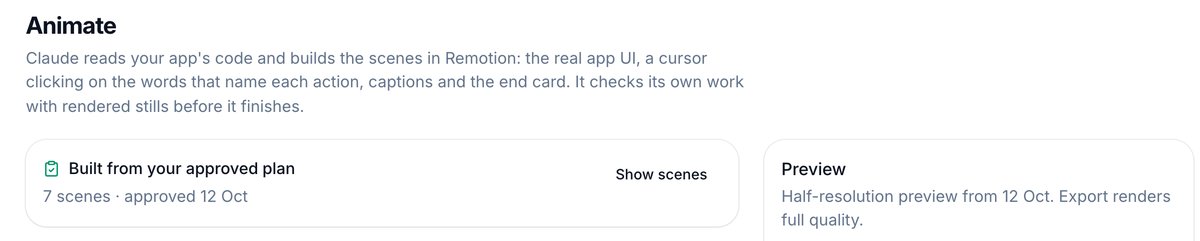
After the build, check the preview's running time against your target once more. If it drifted, change the script and rebuild rather than trimming frames by hand.
Does the platform change the answer?
Yes, a little. Your homepage and YouTube can carry the full 16:9 version. Feeds that autoplay on mute, such as LinkedIn, Instagram and Shorts, suit a shorter cut with captions. The job of the social version is to send people to the full one, so it can stop early.
If you are planning a homepage intro specifically, our post on what makes a good SaaS explainer video covers how to structure it. For release videos, see the release-day workflow for your demo video. And the features page shows how DemoVexa builds 16:9, 9:16 and 1:1 versions from one project.
Frequently asked questions
Is a 2 minute demo video too long?
For a homepage intro, usually yes, because most of that time goes to features the visitor did not ask about. For a tutorial that walks through a full setup, 2 minutes can be right. Ask what single job the video does, then cut anything outside it.
How many words fit in a 60 second demo video?
A calm narration speed is roughly 130 to 150 words a minute, so a 60 second video holds about that many words of voiceover. Leave room for pauses while the screen changes, so aim a little under.
Should social clips be shorter than the website version?
Usually. A vertical clip for Reels or Shorts works best when it shows one moment from the longer video and ends quickly. Make it a separate, shorter cut rather than cropping the full one.
Does DemoVexa set the length for me?
You set a target length in the brief. On the Script step, DemoVexa shows the estimated length of the voiceover against that target, so you can trim lines before the video is built.
Keep reading
All posts
How to Get Your Product Cited by ChatGPT, Perplexity and Claude
A blog post plus subtitles give AI assistants the exact steps in your words. Clear pages get cited; vague marketing pages get skipped.
Baltej Singh 3 min read
Native Video on Each Social Platform: One Demo, Six Channels
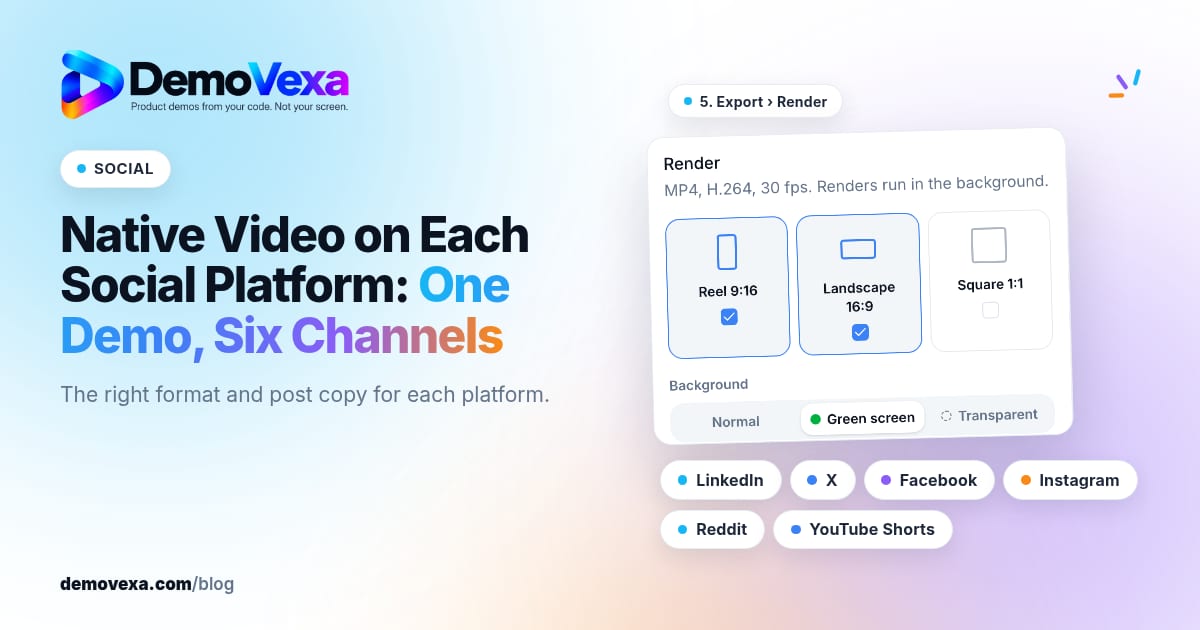
Native video for LinkedIn, X, Facebook, Instagram, Reddit and YouTube Shorts, in the right format for each, with posts written for each platform.
Baltej Singh 1 min read
Replace Static Screenshots on Your Pricing and Feature Pages
Use short videos of the real product on pricing and feature pages so the page shows the workflow buyers are evaluating, not only still frames.
Baltej Singh 1 min read