

How to Turn a GitHub Release Into a Changelog Video
Turn a GitHub release into a short changelog video: pull the tag, describe the change in one line, review the script and export every format from code.
 Baltej Singh · Founder, DemoVexa 3 min read
To turn a GitHub release into a changelog video, pull the release tag to your computer, open DemoVexa on that code folder, describe the change in one line, and let it write the script and rebuild the changed screens from code. You review the script, approve the voice and export 16:9, 9:16 and 1:1 versions. No one records a screen.
This post is the step by step. If you are still deciding whether changelog videos are worth it, read why release notes work better as videos first.
What do I need before I start?
You need three things: the release on disk, a DemoVexa workspace pointed at that folder, and an AI provider account (Claude, OpenAI Codex or GitHub Copilot). DemoVexa does not connect to GitHub or take a repo URL. It reads a local folder, so "from a GitHub release" means "from the code at that tag on your machine".
git fetch origin
git checkout v2.4.0
An AI voice (ElevenLabs, Sarvam or Deepgram) is optional. You can record the voice yourself or go captions only.
How do I go from release to video?
1. Write a one-line brief from the release notes
Pick the one change users will notice and write it as a single sentence, such as "Show the new bulk export on the Reports page". Paste the relevant lines of your release notes into the brief. A changelog video about one change beats a tour of ten.
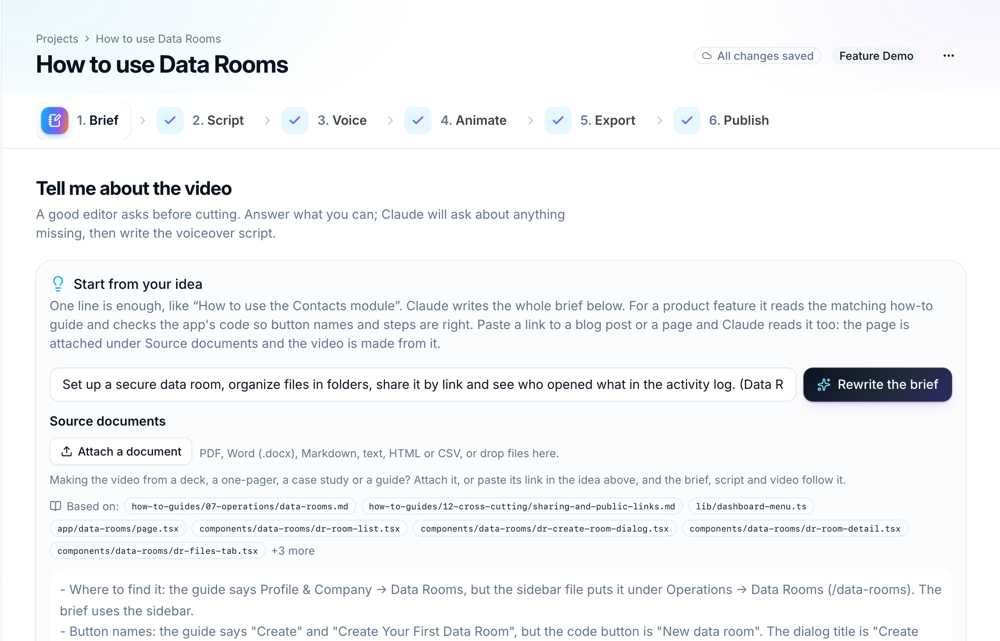
The screenshots in this post show DemoVexa making a video for Nautis, a sample product we test with, not DemoVexa features.
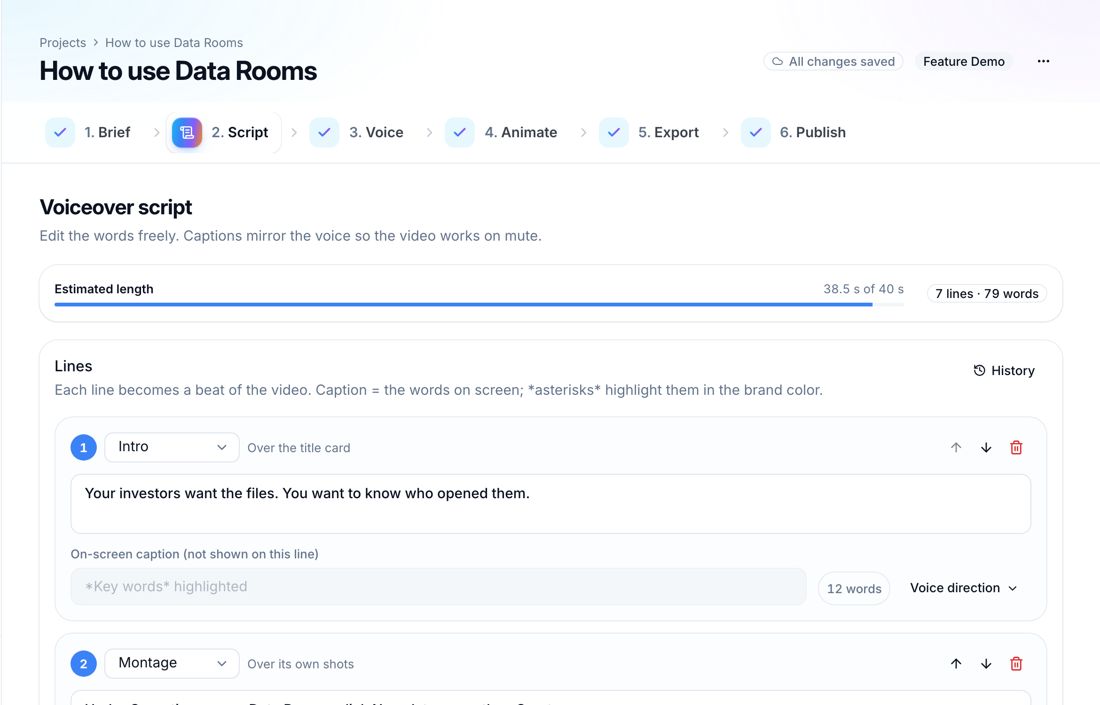
2. Review the script
DemoVexa writes voiceover lines and on-screen captions from the brief and the code. Read them as a customer would. Cut anything that describes internals, and make sure the first line says what changed.
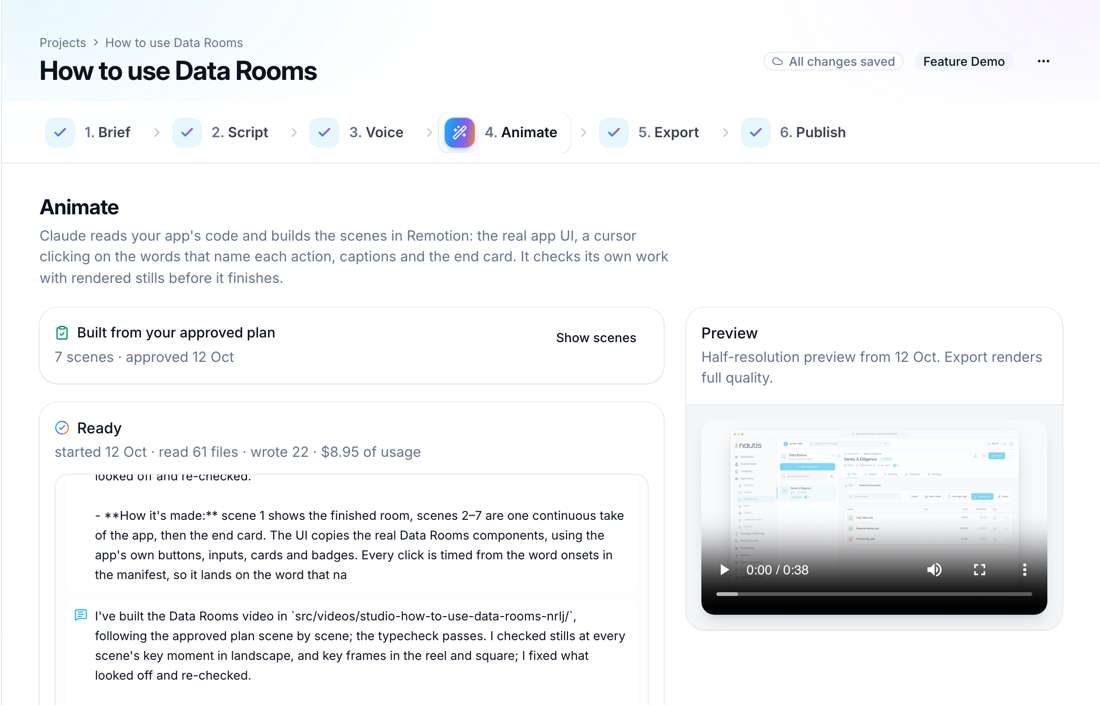
3. Animate and export
The Animate step plans scenes from the script and the code and rebuilds the screens. Then Export renders MP4s per format in the background, with captions as SRT and VTT.
4. Publish
The Publish step drafts copy for LinkedIn, X, YouTube and your blog. Attach the 16:9 video to your GitHub release notes or changelog page, and the 9:16 one to social posts.
Can this run automatically on every release?
Partly. The brief, script and render are generated, so the human work per release is about reading a script and watching a preview. DemoVexa also has a command line, covered in making a demo video from the command line, and can queue builds overnight. What we do not offer today is a GitHub Action or webhook that starts a video when you publish a release. We recommend a person approves each script anyway, because a changelog video goes to customers.
How is this different from PushPlay?
PushPlay is another tool in this space; our DemoVexa vs PushPlay page compares the two claim by claim. The short version: DemoVexa runs on your computer, builds screens from your local code and uses your own AI and voice accounts. See features for the full list.
Data-collection note: we have not yet timed a release-to-video run end to end. Before publishing, Baltej to time one real DemoVexa release video (pull to exported MP4) and add the number here.
Frequently asked questions
Can DemoVexa read a GitHub release URL?
No. DemoVexa does not connect to GitHub or accept repo URLs. Clone the repo, check out the release tag and point a workspace at that folder.
How long should a changelog video be?
Long enough to show one change and why it matters. Keep it to one feature per video so viewers know what is new in the first few seconds.
Do I need to record a voiceover?
No. You can use an AI voice through your own ElevenLabs, Sarvam or Deepgram key, record your own voice, or publish captions only.
Where should I post a changelog video?
Attach it to the release notes or changelog page first, then share the vertical version on social. Product updates also fit in onboarding emails and help docs.
Keep reading
All posts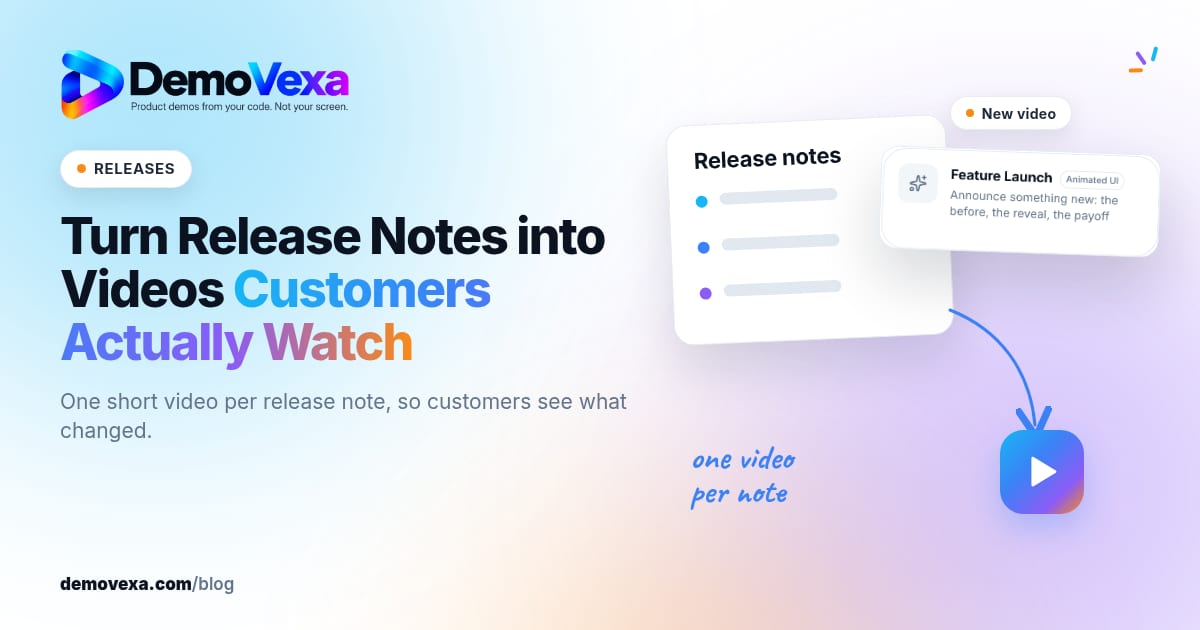
Turn Release Notes into Videos Customers Actually Watch
One short video per release note so customers see what changed, not another wall of bullets they skip.
Baltej Singh 1 min read
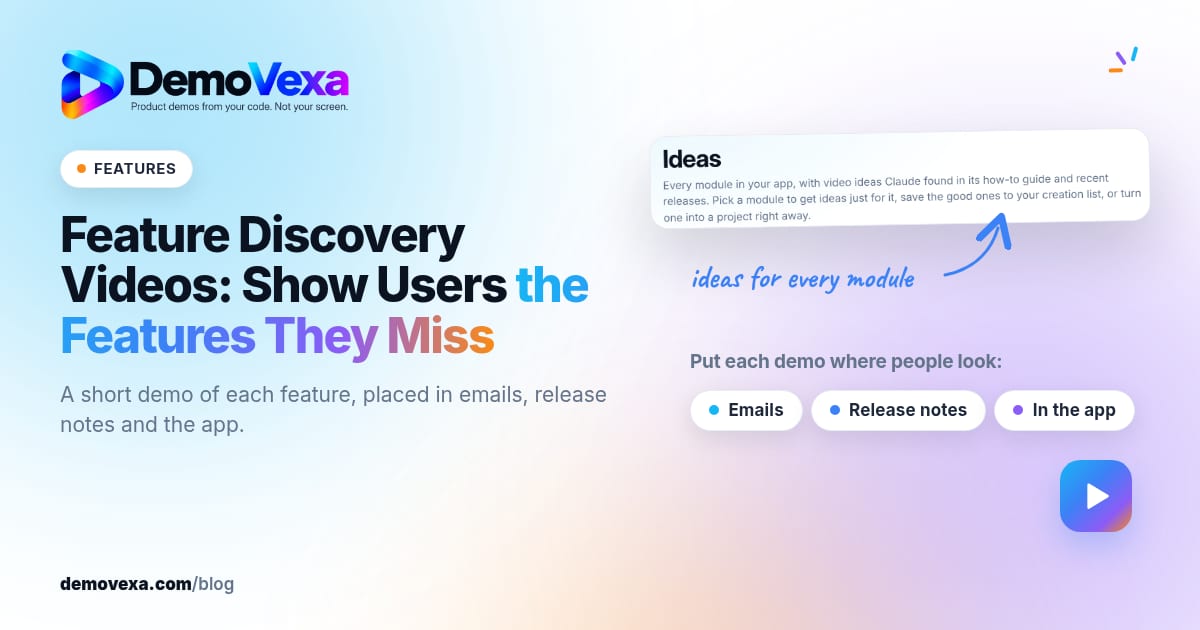
Feature Discovery Videos: Show Users the Features They Miss
A 30-second demo of each feature puts the ones people miss in front of them: in emails, release notes and inside the app.
Baltej Singh 2 min read
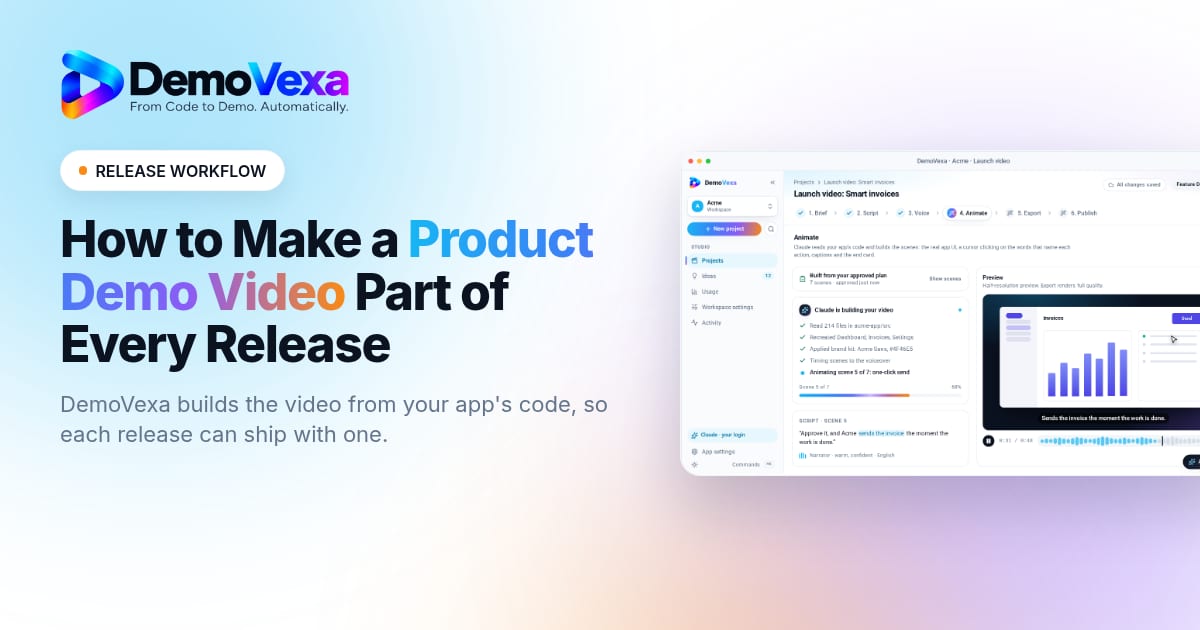
A Release-Day Workflow for Your Product Demo Video
Treat the demo video as part of the release, not a follow-up. Here is a concrete release-day workflow from Brief through Publish and the Marketing kit.
Baltej Singh 5 min read