

How to Make a Demo Video Before Your Product Ships
Build a pre-launch product demo from current code and sample data, clearly label anything unfinished, and rebuild the clip the week you go live.
 Baltej Singh · Founder, DemoVexa 2 min read
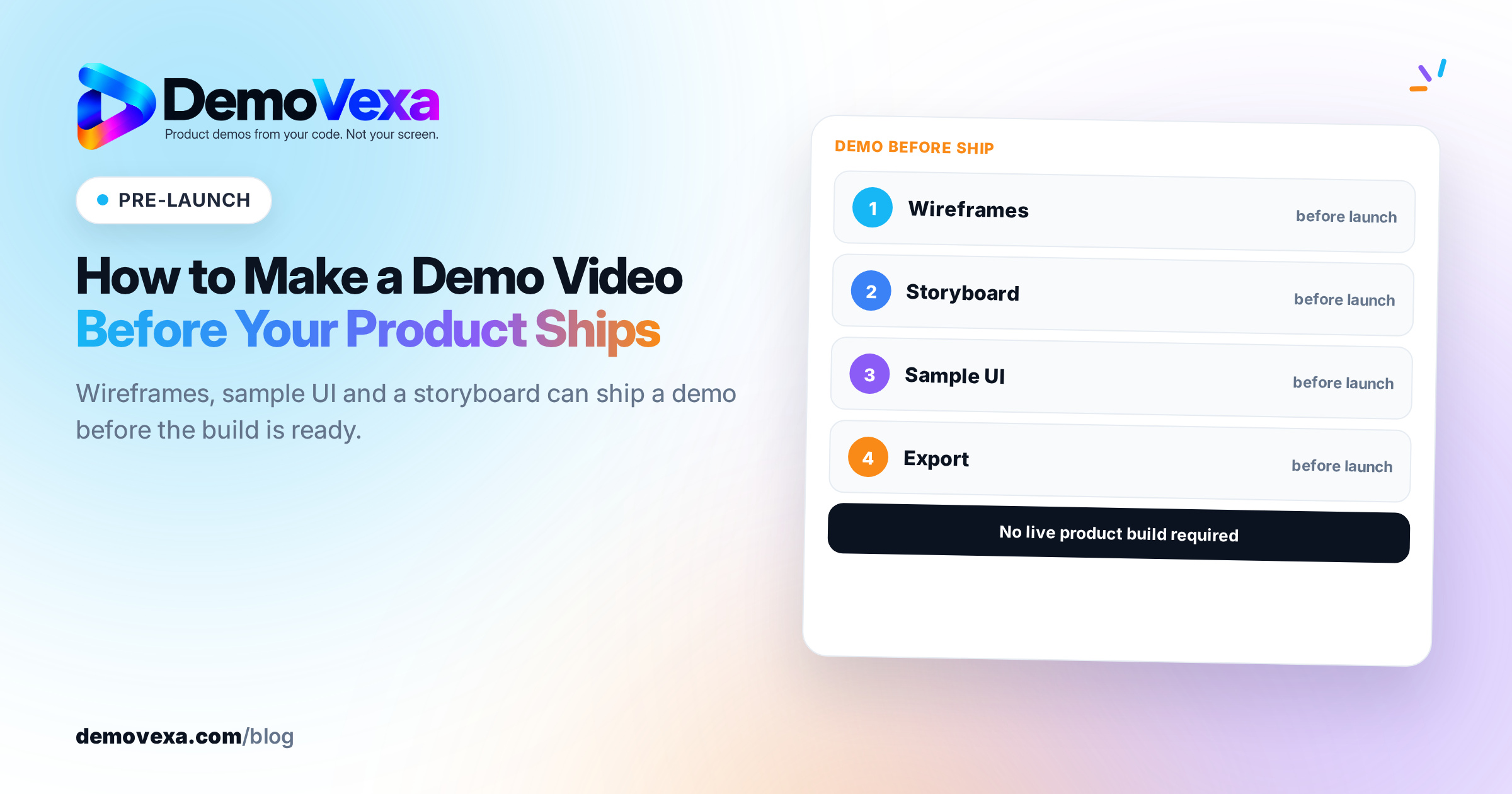
You can make a product demo video before launch by filming or rebuilding the screens that already work, using sample data, and being honest about anything that is still stubbed. Waiting for a perfect product usually means launching with no proof at all.
When is a pre-launch demo worth making?
Make one when you need a Product Hunt gallery clip, an investor update, a waitlist landing page or a beta onboarding aid, and enough of the product UI exists to show a real job. Skip the polished film if you only have mockups and no runnable flow; a clickable prototype video is a different artefact and should be labelled as such.
What should you show if features are incomplete?
Show the happy path that works today. If checkout is stubbed, stop at the step that is real and say what comes next in one sentence on the landing page, not as fake UI in the video. Viewers forgive incomplete products; they do not forgive fake screens that disappear after signup.
Seed a demo account with fictional companies and records. Beta environments often contain friendlier real data than you think. Treat every frame as public.

How do you produce the pre-launch clip?
- List screens that are stable enough to show.
- Write a script that only claims what those screens do.
- Rebuild or record from that build. Prefer a method you can repeat when launch UI lands.
- Export a short 16:9 master for the site and a vertical cut for launch social if you will post it.
- Put a calendar reminder to regenerate the week you ship.
DemoVexa reads local product code and rebuilds demos on your computer, which helps when the UI is moving weekly (AI product demo video from code, Features). Review every draft; early codebases confuse models more than mature ones.
How do you avoid over-promising on launch day?
Keep a changelog of what the video claimed. When a feature slips, either cut that section or delay the public clip. Pair the video with waitlist copy that matches the build, and update both together. For launch gallery rules, use Product Hunt's own documentation on the day you submit, and keep the demo cut short enough for a listing visitor.
Frequently asked questions
Can I demo from Figma instead of the app?
You can, if you clearly present it as a design preview. Do not mix Figma frames and live UI in a way that implies the product already behaves that way.
Should investors see a different cut than customers?
Often yes: investors may tolerate a longer narrative. Customers need the short job-to-be-done cut. Keep sample data in both.
How soon before launch should I rebuild?
As close as your freeze allows. Many teams regenerate once at feature freeze and once after launch polish. Two honest short clips beat one outdated hero video.
Keep reading
All posts
Where Should Your Demo Video Sit on a Landing Page?
Put the demo where the visitor's question is. Cold traffic needs proof near the hero. Late-stage buyers need it near pricing. New users need it in onboarding.
Baltej Singh 2 min read
Solo Founder Product Videos: A One-Hour Weekly Plan
You do not need a video team to keep product clips shipping. Block one hour a week, make one source demo, cut it for the places you actually publish, and stop there.
Baltej Singh 3 min read
Why Screen-Recorded Demos Go Stale With Every Release
A screen recording is a photo of your app on one day. Here is why it falls behind every release, and why we build demos from the code instead.
Baltej Singh 3 min read