

Solo Founder Product Videos: A One-Hour Weekly Plan
Solo founders can ship product videos with one focused hour a week. Here is a repeatable loop for the clip, the cuts, and where each one runs.
 Baltej Singh · Founder, DemoVexa 3 min read
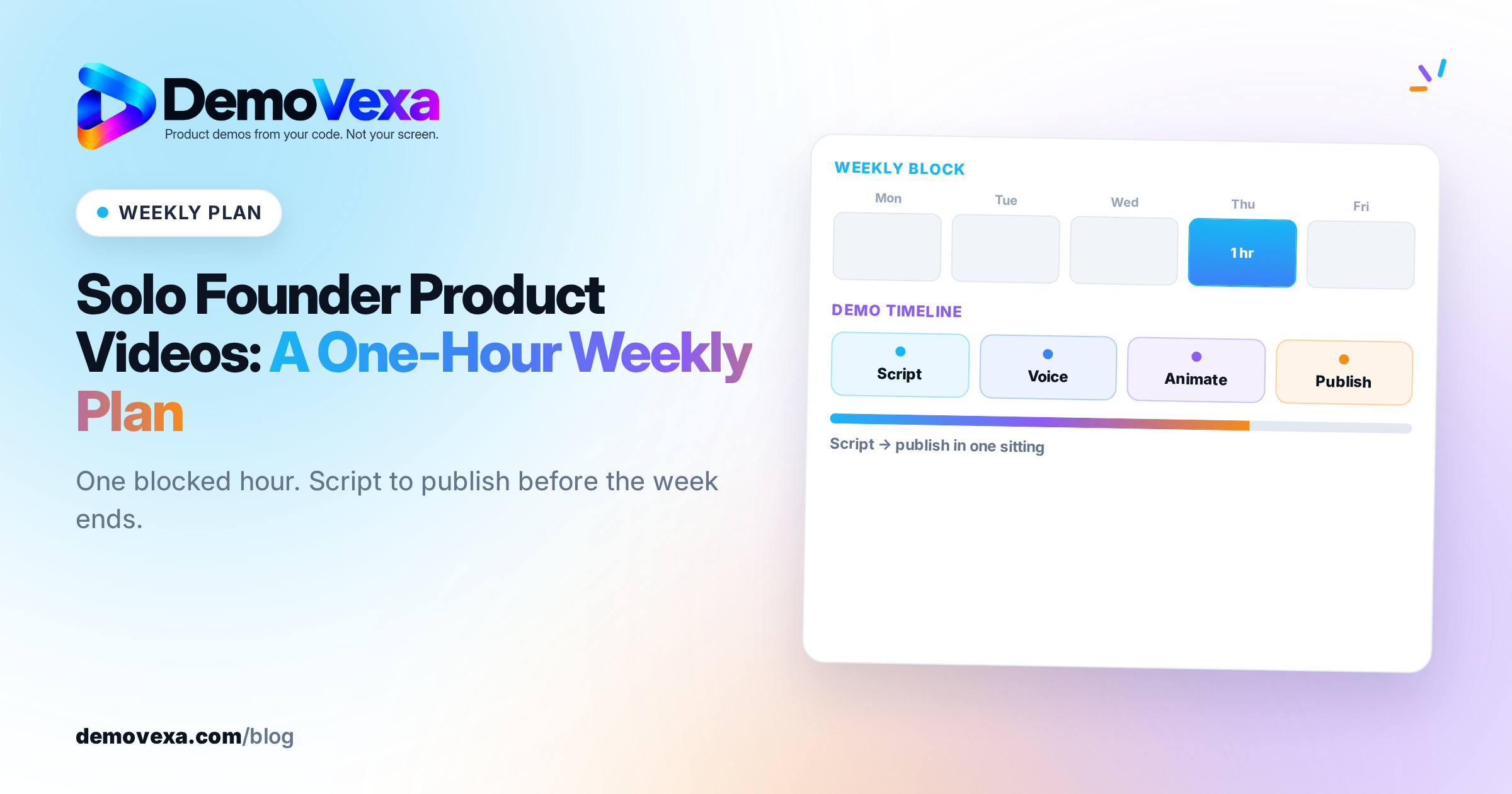
Solo founders can keep product videos current with one focused hour a week: pick one job for the clip, rebuild or record a short source demo, export the aspect ratios you will actually post, and publish to a fixed short list of places. The system beats sporadic "we should make a video" weeks because the scope is capped and the outputs are reuse, not a new shoot every time.
Why do solo founders stall on product videos?
Because an open-ended video task expands until it is skipped. Script, recording, edits, captions, thumbnails and six platform sizes feel like a second job next to support and shipping. The fix is not motivation. It is a weekly box with a clear definition of done.
If you already have a release cadence, attach the video hour to release week. The release-day demo workflow is a useful companion when the clip is tied to what just shipped.
What does a one-hour weekly video system look like?
Use this loop. Adjust the day; keep the order.
- Pick the job (5 minutes). One sentence: homepage replace, feature announce, sales follow-up, onboarding, or launch social. If you cannot name the job, you are not ready to record.
- Outline the script (10 minutes). Problem, product moment, proof, CTA. Keep it short enough for a 30 to 60 second cut unless the job truly needs longer.
- Produce the source demo (25 to 30 minutes). Prefer a rebuild from the current product over a brittle screen recording you will dread updating. DemoVexa is built for that code-to-demo path on your machine; see how to create product demo videos from code and Features.
- Export the cuts you will use (10 minutes). Default: one 16:9 master and one 1:1 or 9:16 for the social channel you actually post to. Specs and platform habits are covered in native video on each social platform and resolution and format.
- Publish and stop (10 minutes). Upload, paste into the page or email, schedule the social post, write one line of context. Do not open a second script the same hour.
Done means the job from step 1 has a live or scheduled asset. Anything else waits until next week.
What should you make in week one vs later weeks?
Week 1: One core product demo for the homepage or the main feature page. This becomes the master you trim later.
Week 2: A short social or launch cut from the same story, plus captions.
Week 3: A sales follow-up or onboarding clip aimed at one objection or one first-value moment. See SaaS onboarding videos if that is the job.
Week 4: Refresh or rebuild after a UI change, or skip production and only improve titles, thumbnails and where the clip is linked.
After the first month, alternate "new clip" weeks with "rebuild or redistribute" weeks so you are not inventing a new narrative every Monday.
How do you avoid a stale demo when you are the only maker?
Treat the video like release notes: when the UI for the happy path changes, the demo is out of date. A weekly glance at the master clip against the current app is enough. If the screens drifted, rebuild that week instead of starting a new topic.
Screen recordings go stale for the reasons in why screen-recorded demos go stale. A code-driven rebuild reduces the cost of that refresh, which matters when there is no editor on staff.
What does this system cost?
Your time is the main cost. Tooling should stay simple: one way to produce the master, one place to host it, the channels you already use. DemoVexa's Solo plan is $19/month and the Agency plan is $129/month if you want the desktop app for code-built demos; details are on Pricing. Skip any stack that needs a weekly meeting to operate.
Frequently asked questions
Is one hour a week enough for product videos?
It is enough to keep a small SaaS shipping one useful clip or refresh on a steady cadence. It is not enough to run a full video content team calendar. Cap the scope on purpose.
Should solo founders outsource demo videos?
Outsource when you have a stable story and need volume or motion-design polish you will not maintain yourself. Keep production in-house when the UI changes often and you need updates the same week as the release.
How many videos should a solo founder publish per month?
One strong master plus a couple of cuts is a solid month. Four unrelated shoots usually means four unfinished drafts. Prefer reuse from one source demo.
Do I need 9:16 and 1:1 every week?
Only if you will post them that week. Exporting formats you never upload wastes the hour. Keep a 16:9 master; add a social cut when social is on the publish list.
Keep reading
All posts
Interactive Demo vs Video Demo: A Clear Decision Guide
An interactive demo lets a buyer click the product. A video demo shows a guided story. Pick by funnel stage, or use both when the jobs are different.
Baltej Singh 3 min read
Why Screen-Recorded Demos Go Stale With Every Release
A screen recording is a photo of your app on one day. Here is why it falls behind every release, and why we build demos from the code instead.
Baltej Singh 3 min read

What Makes a Good SaaS Explainer Video?
Connect the user problem to one concrete software outcome. A practical guide for founders using real software screens.
Baltej Singh 5 min read