

Interactive Demo vs Video Demo: A Clear Decision Guide
Interactive demos and video demos do different jobs. Use this funnel-stage decision guide to pick one, or run both without guessing at conversion rates.
 Baltej Singh · Founder, DemoVexa 3 min read
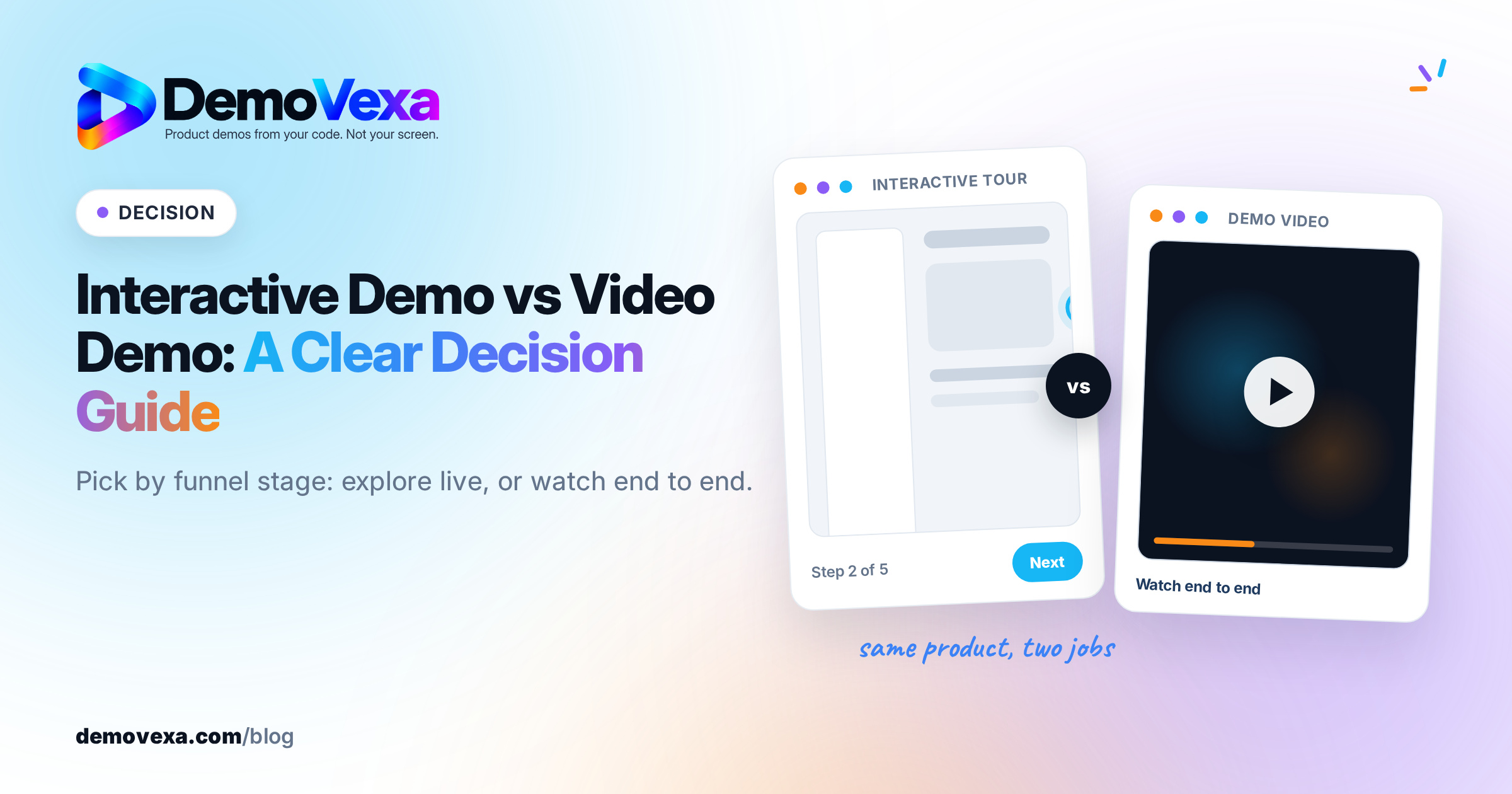
Neither an interactive demo nor a video demo "converts better" in every case. An interactive demo is better when a buyer needs to click through the product themselves. A video demo is better when you need a guided story that works in ads, email, sales follow-up and social without anyone clicking. Match the format to the job, and use both when awareness and evaluation need different assets.
What is the difference between an interactive demo and a video demo?
An interactive demo is a clickable walkthrough of the product (or a realistic mock of it). The visitor chooses the path, opens screens and often completes a short task. Tools in this category include products such as Navattic and similar interactive-tour builders.
A video demo is a linear recording or rebuild of the product with a script and voiceover. The visitor watches. They do not have to click through the app to understand the story.
Both can show real UI. The difference is control: interactive puts navigation in the buyer's hands; video puts pacing and narrative in yours.
When should you use an interactive demo?
Use an interactive demo when:
- The buyer is already on a high-intent page (pricing, feature, "book a demo" alternative) and will spend time clicking.
- The product is easier to believe when someone completes a task than when they only watch it.
- Sales wants a sandbox link after a call, not another MP4.
- You can afford the build and upkeep of clickable paths when the UI changes.
Interactive demos are weaker as cold traffic ads, email embeds that autoplay poorly, or posts on feeds where people scroll with sound off and will not open a multi-step tour.
When should you use a video demo?
Use a video demo when:
- You need one asset that works on a homepage, LinkedIn, YouTube, a sales email and a launch page.
- The story needs a voiceover, captions and a fixed order of ideas.
- The audience will not click through a product before they understand what it is.
- You must ship cuts in 16:9, 9:16 and 1:1 from the same source.
Video is weaker when a serious evaluator needs to poke the edge cases themselves. A polished video cannot replace a hands-on trial for every buyer, and you should not pretend it does.
For length by job, see how long a SaaS demo video should be. For sending a clip after a call, see sales demo video follow-up.
Interactive demo vs video demo by funnel stage
| Stage | Better default | Why |
|---|---|---|
| Cold awareness (ads, social, cold outbound) | Video | Plays in-feed; no click-path required |
| Homepage / product story | Video first | Guided narrative; interactive as a secondary CTA |
| Feature or pricing page | Either, often both | Video explains; interactive lets them try |
| Sales follow-up | Video (short) or interactive sandbox | Match what the prospect asked for |
| Onboarding after signup | Short video or in-app guide | Interactive product tours inside the app can help; marketing videos still work for "how it works" |
This is a decision matrix, not a conversion study. Your own analytics (demo starts, completion, opportunity rate) beat any generic claim. If you do not have that data yet, start with video for reach and add interactive where evaluators stall.
Can you use both without doubling the work?
Yes, if they share the same product truth. Write one script of the main happy path. Ship a video from that path for social and sales. Build an interactive tour of the same screens for the high-intent page. When the UI changes, update both from the same source of truth so the click path and the video do not disagree.
DemoVexa focuses on the video side: rebuilding demos from the product's code so the MP4 stays aligned with the current UI. Interactive tour tools solve the click-through job. For a product-level compare against one interactive-demo vendor, see DemoVexa vs Navattic. Feature and pricing detail for the video path is on Features and Pricing.
Frequently asked questions
Which converts better, an interactive demo or a video demo?
Neither wins in every funnel. Interactive demos tend to help when someone is ready to click through the product. Video demos tend to help when you need reach, a guided story and assets that work in email and social. Measure completion and downstream pipeline on your own site before declaring a winner.
Should my homepage use an interactive demo or a video?
Most homepages work better with a short video as the primary story, plus a clear path to an interactive demo or trial for people who want to click. A full interactive tour as the only hero can slow first-time visitors who only wanted the pitch.
Is an interactive demo the same as a free trial?
No. An interactive demo is a guided or constrained click-through, often without full account setup. A free trial is the real product with real data and permissions. Many teams offer both.
Do I still need a video if I have an interactive demo?
Usually yes. Interactive demos rarely replace YouTube, paid social, launch pages or sales emails, where a linear clip is easier to place and finish.
Keep reading
All posts
Synthesia Alternatives When You Need Real Product UI
Avatar videos and product UI videos solve different problems. How to tell which one your demo needs, with Synthesia facts checked on 25 October 2026.
Baltej Singh 3 min read
Loom Alternatives for Polished Product Demos in 2026
Loom wins for quick, personal screen clips. For a public product demo you will reuse and update, an avatar tool or a build-from-code tool may fit better.
Baltej Singh 4 min read
How to Put a Product Demo Video in a GitHub README
A short H.264 MP4 uploaded in the README editor is the cleanest way to show a product demo on GitHub. Here is how GIF, MP4 and YouTube each fit, and the size limits that apply.
Baltej Singh 4 min read