

Product Hunt Launch Checklist for Video and Gallery
Use this Product Hunt launch checklist for your YouTube video, 1270x760 gallery images, 240x240 thumbnail, and the posting rules Product Hunt publishes.
 Baltej Singh · Founder, DemoVexa 3 min read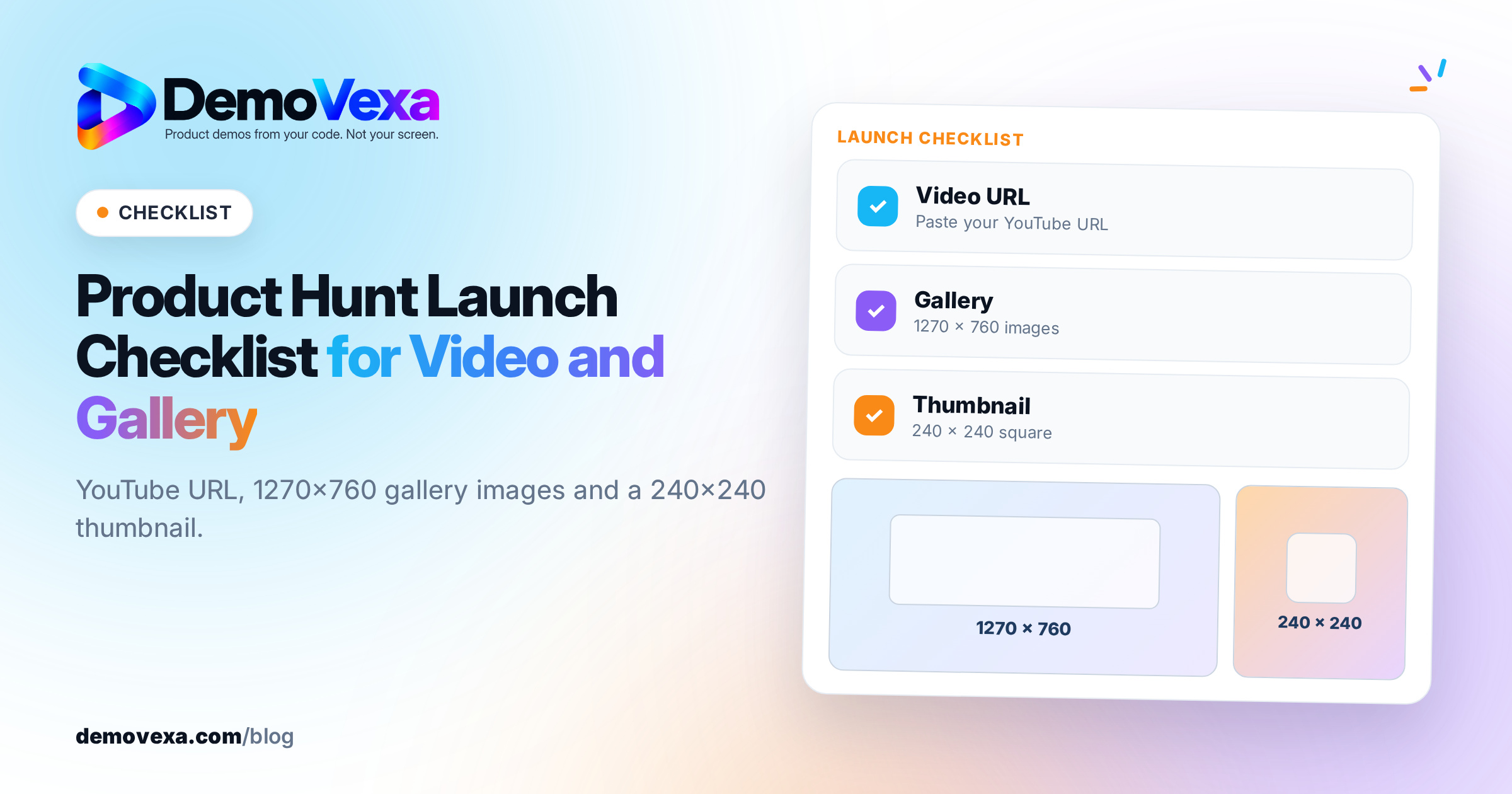
A Product Hunt launch video is a full YouTube URL (not a shortened link, and not set to private) that Product Hunt embeds in your gallery, next to gallery images Product Hunt recommends at 1270x760 and a square thumbnail around 240x240. Build those assets before launch day, upload the YouTube video early, and confirm the embed loads in your draft.
What video does Product Hunt accept?
Only YouTube. Product Hunt's how to post a product help article says videos must be YouTube links, must use the full URL, and must not be private. Shortened links do not load. Upload the video to YouTube ahead of the launch, set it to public or unlisted with embedding allowed, paste the full watch URL into the Product Hunt form, and open your draft preview to confirm the player appears.
Product Hunt does not publish a required length, resolution or codec for that YouTube file. Export a 16:9 1080p MP4 in H.264 with AAC audio so YouTube can serve a clean HD embed. Keep the cut short enough that a hunter scanning the gallery can finish it. Design the first seconds and the on-screen text for muted playback, because many people will watch without sound.
What gallery and thumbnail sizes does Product Hunt recommend?
From the same Product Hunt help article:
- Gallery images: recommended 1270x760. Upload at least two images or the gallery will not show.
- Thumbnail: square dimensions, recommended 240x240.
- GIF thumbnails: under 3 MB, not too flashy. GIFs animate on hover. Avoid strobing, quick cuts and text that is hard to read; Product Hunt may edit those.
Order the gallery so the first frames show the product doing the main job. Match the screens and wording to the YouTube video so the gallery and the video tell one story. You can also add an interactive demo link from the tools Product Hunt lists (Arcade, Storylane, ScreenSpace, Hexus, Supademo, Layerpath) into the gallery the same way you add a YouTube link.
Product Hunt launch video and gallery checklist
Work top to bottom the day before you schedule.
- Script the 30 to 60 second cut. Problem, product, one proof moment, clear CTA. No filler intro.
- Export 16:9 1080p MP4 (H.264). Burn captions or large on-screen text for muted viewing.
- Upload to YouTube. Public or unlisted, embedding on, not private. Copy the full URL.
- Prepare 2 or more gallery images at 1270x760. Lead with the clearest product shot.
- Prepare a 240x240 thumbnail. Still image or a calm GIF under 3 MB.
- Write the 260-character description and the tagline. Save them in a note so you do not rewrite under pressure.
- Paste the YouTube URL into a Product Hunt draft. Confirm the embed and image order in preview.
- Schedule for a future date or keep the draft. Product Hunt runs on 24-hour periods in PST and goes live at 12:01 AM PST.
- Ship the same demo to social in 1:1 and 9:16. The gallery is landscape; your posts on X, LinkedIn and Instagram need the other shapes. See native video on each social platform.
How long should a Product Hunt launch video be?
Product Hunt does not set a length. A practical range for a gallery demo is about 30 to 60 seconds: long enough to show the product working, short enough to finish while someone scrolls. If you need a deeper tour, link to docs from the first comment and keep the gallery video focused on the main job.
For length by job elsewhere (homepage, sales follow-up, onboarding), see how long a SaaS demo video should be.
When should you make the video, and how do you keep it current?
Finish the YouTube upload and the gallery set at least a day before the scheduled launch so you are not debugging a private-video setting at midnight PST. If your product UI is still moving, rebuild the demo from the current build rather than shipping a recording of last week's screens.
A release-day habit helps: treat the launch cut as one output of the same demo pipeline you use for the homepage and changelog. The release-day demo workflow covers that rhythm. DemoVexa can rebuild the product screens from code when the UI changes; details are on Features and Pricing.
Frequently asked questions
Does Product Hunt host MP4 uploads for the gallery video?
No. The gallery video field accepts a YouTube URL only. Host the file on YouTube, then paste the full URL into Product Hunt.
Can I use an unlisted YouTube video on Product Hunt?
Yes, as long as it is not private and embedding works. Product Hunt's help article warns against private videos and shortened links. Unlisted is a common choice before launch day if you do not want the video on your channel page yet. Always confirm the embed in your Product Hunt draft.
How many gallery images do I need?
At least two. Product Hunt says the gallery needs two or more images before it is viewable. Most launches use more than two so the story has room to breathe.
What size should Product Hunt gallery images be?
Product Hunt recommends 1270x760 for gallery images. Export at that size (or the same aspect ratio) so the gallery does not crop important UI.
Do I need a hunter to post my product?
No. Product Hunt says you can post your own product and that a hunter is not required. Posting yourself keeps control of the launch assets and timing.
Keep reading
All posts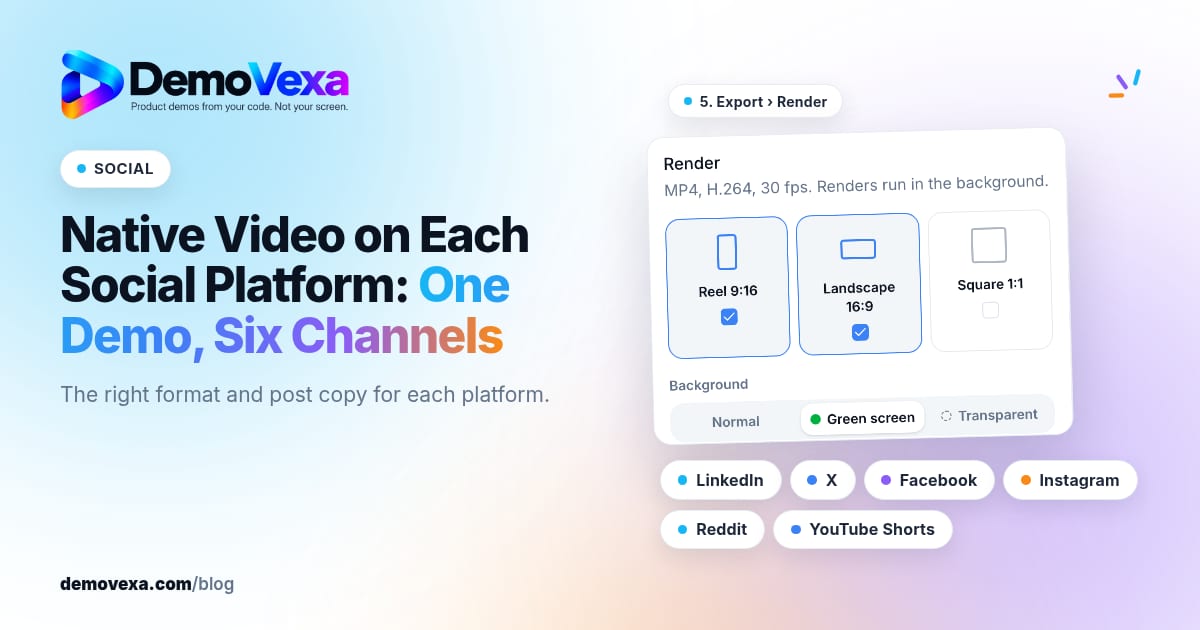
Native Video on Each Social Platform: One Demo, Six Channels
Native video for LinkedIn, X, Facebook, Instagram, Reddit and YouTube Shorts, in the right format for each, with posts written for each platform.
Baltej Singh 1 min read
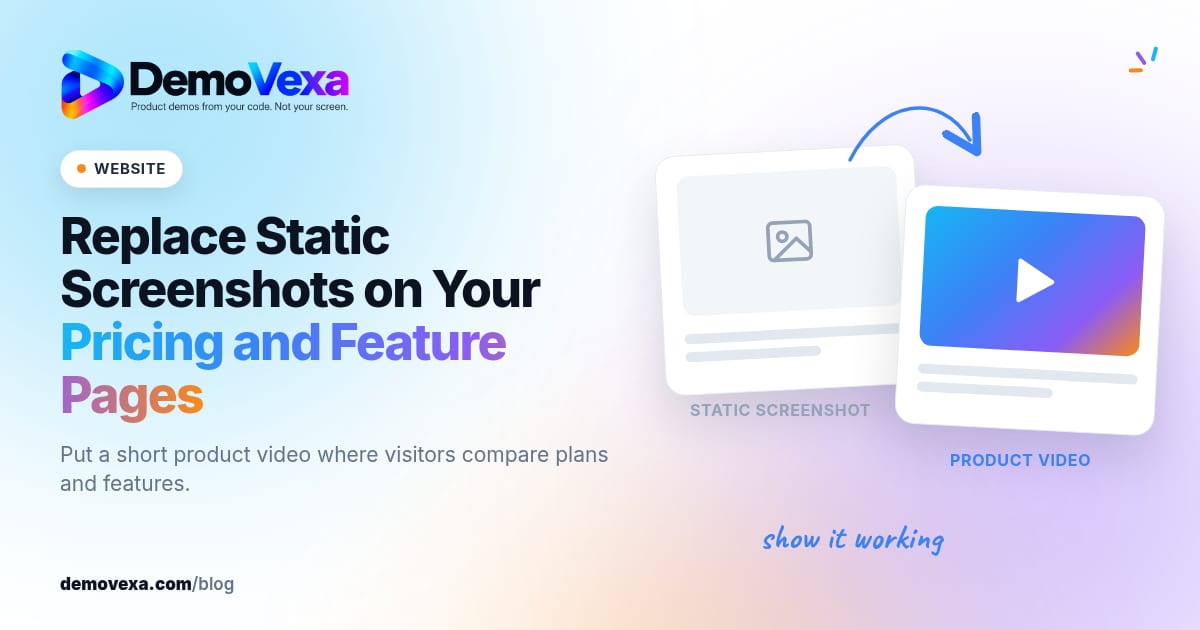
Replace Static Screenshots on Your Pricing and Feature Pages
Use short videos of the real product on pricing and feature pages so the page shows the workflow buyers are evaluating, not only still frames.
Baltej Singh 1 min read

Product Videos for Investor Updates and Partner Pitches
Show what you have built in a monthly update or partner pitch with a video that explains the product the same way every time.
Baltej Singh 1 min read