

How to Put a Product Demo Video in a GitHub README
Add a product demo to a GitHub README with a short H.264 MP4, a GIF, or a YouTube link. Here are size limits, formats, and when each option fits.
 Baltej Singh · Founder, DemoVexa 4 min read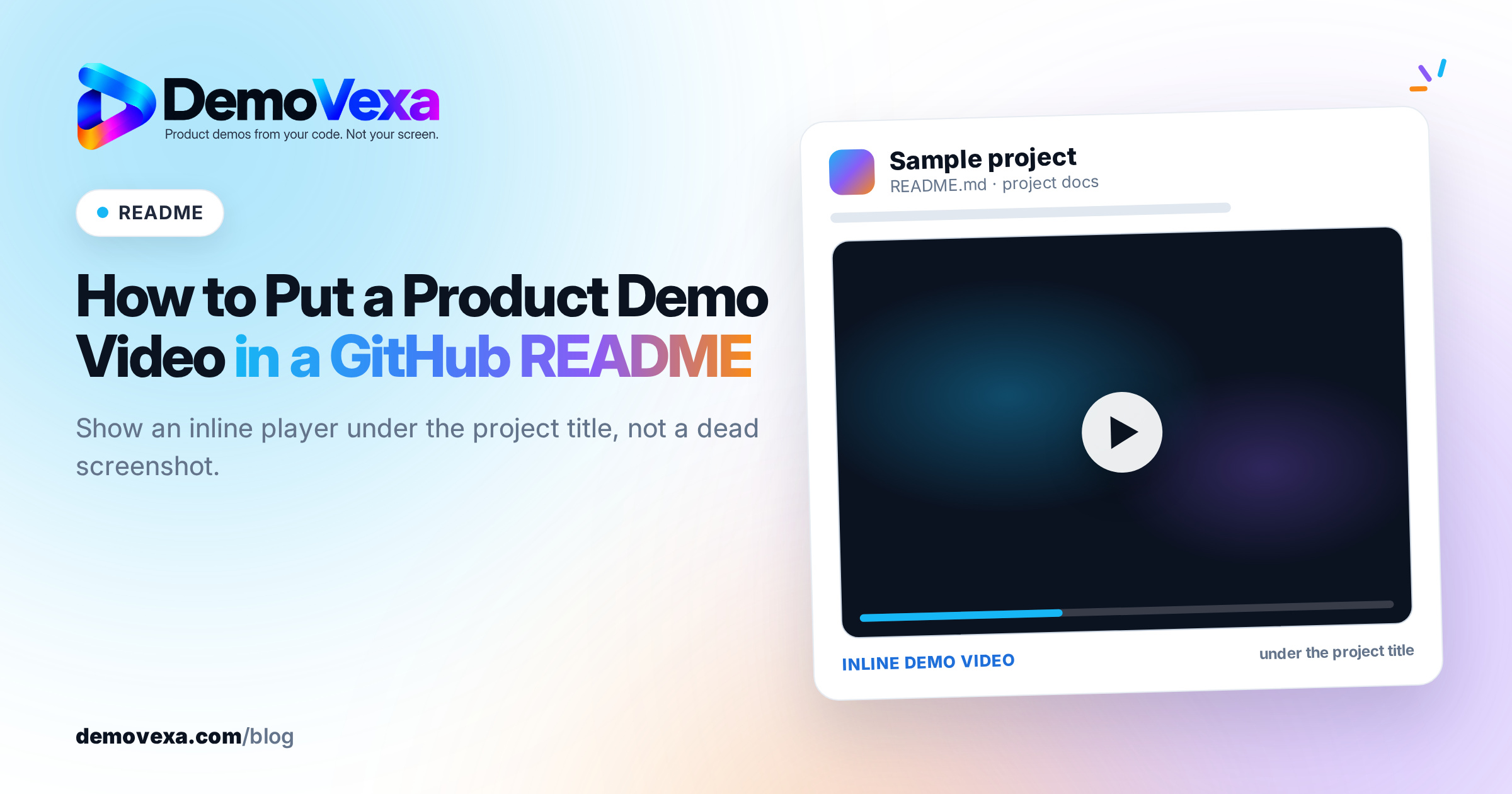
The best way to put a product demo video in a GitHub README is to upload a short H.264 MP4 (or MOV or WebM) through the README editor on github.com, so GitHub hosts the file and shows an inline player. A GIF works for silent loops under 10 MB. A YouTube link works when the video is longer than the upload limit or you want comments and analytics on YouTube.
What is the best format for a demo in a GitHub README?
Upload a short MP4 in H.264. GitHub's own attaching files docs list .mp4, .mov and .webm as supported video types, and they recommend H.264 because browser support for other codecs varies. That MP4 is what shows an inline player on the README for visitors who open the repo.
Use a GIF when you want a silent loop under 10 MB and you do not need a voiceover. Use a YouTube link when the demo needs more time than the upload limit allows, or when you care about YouTube search and comments.
How do you add an MP4 to a GitHub README?
- Export a short demo as 1080p MP4 in H.264 with AAC audio. Aim for a clip that stays under the plan limit after compression.
- Open the README.md file on github.com and click Edit.
- Drag the MP4 into the editor, or use the attach control under the field. GitHub uploads the file and inserts a URL pointing at its media host.
- Leave that URL on its own line so GitHub can render the player. Preview the README before you commit.
- Commit to the default branch so the video appears on the repository home page.
Do not rely on a relative path to an MP4 checked into the repo as the player source. In practice GitHub renders inline video from files uploaded through the editor (the githubusercontent-style URL it inserts), not from an arbitrary path or a third-party domain. If the player does not appear in preview, re-upload through the editor rather than pasting an external URL.
What are the GitHub README video size limits?
GitHub documents these caps for media uploads:
- Images and GIFs: 10 MB
- Videos on a free plan: 10 MB
- Videos on a paid plan: 100 MB (with the membership rules GitHub lists for uploads over 10 MB)
- Other file types: 25 MB
Those numbers come from GitHub's attaching-files documentation and can change, so check that page on the day you publish if a limit is load-bearing for your launch. A 30 to 60 second product clip usually fits under 10 MB if you keep the resolution at 1080p, use H.264, and avoid long static holds.
If the file is still too large, cut the runtime, lower the bitrate, or move the full walkthrough to YouTube and keep a shorter clip (or a GIF) on the README.
Should you use a GIF, an MP4 or a YouTube embed?
| Option | Sound | Typical limit | Best for |
|---|---|---|---|
| GIF | No | 10 MB | Silent feature loop, tiny UI motion |
| Uploaded MP4 / MOV / WebM | Yes | 10 MB free / 100 MB paid | Short narrated or captioned demo on the README |
| YouTube link | Yes | YouTube's own limits | Longer demos, chapters, comments, analytics |
Pick one primary format for the top of the README so the page does not fight itself. A common pattern is a 20 to 45 second MP4 under the title, then a text install section, then a link to a longer YouTube walkthrough for people who want depth.
For export settings that work across sites, see product demo video resolution and format. For the YouTube side of a longer cut, see YouTube SEO for product demo videos.
How long should the README demo be?
Short. The README is a landing page for developers who arrived to evaluate the repo, not a webinar. Show the install or the main happy path, name the product on screen, and stop. A clip that runs past a minute rarely gets finished on a repository page.
If you need a full tour, link out. Keep the README clip as the proof that the product runs, and put the long version on a docs page or YouTube.
How do you keep the README video from going stale?
Rebuild it when the UI or the main flow changes. A README that shows last quarter's screens loses trust faster than a missing video. Prefer a workflow that regenerates the demo from the current product rather than a one-off screen recording you have to re-shoot by hand.
DemoVexa reads your product's code and rebuilds the screens and voiceover when the app changes, which is useful when the same clip also has to ship on the homepage and social. The code-to-demo overview and the features page cover that path. Solo and Agency pricing are on Pricing if you want the desktop app for that rebuild loop.
Frequently asked questions
Can I embed a YouTube video directly in a GitHub README?
You can link to YouTube with a markdown link or a linked thumbnail image. GitHub does not turn an arbitrary YouTube iframe into a first-class README player the way an uploaded MP4 does. Use YouTube for the long cut, and keep an uploaded short MP4 or GIF on the README when you want inline playback.
Does a video in the README count against the git repo size?
Files you drag into the web editor are stored on GitHub's media host, not as ordinary blobs in your git history the way a committed binary would be. If you commit a large MP4 into the repository with git, that file does count toward the repository and clone size. Prefer the editor upload for the README player.
What resolution should I export for a GitHub README demo?
1080p (1920x1080) in 16:9 is a safe default for desktop product UIs. Export H.264 MP4, then compress until you are under your plan's upload limit. Vertical 9:16 clips belong on social posts, not at the top of a README.
Can private repositories show README videos?
Yes for people who can access the repository. GitHub notes that uploads on private and internal repos are only visible to people with access. On public repos, uploaded media can be fetched without authentication, so treat anything you upload to a public README as public.
Keep reading
All posts
How to Make a Product Demo Video From a Next.js App
How to turn a Next.js app into a product demo video without screen recording: connect the code folder, check the modules, write the brief and build.
Baltej Singh 3 min read
Free Product Demo Video Script Template, With Examples
Copy this five-beat demo video script template, with a word budget per beat and two worked examples you can adapt to your own product.
Baltej Singh 2 min read
Why Screen-Recorded Demos Go Stale With Every Release
A screen recording is a photo of your app on one day. Here is why it falls behind every release, and why we build demos from the code instead.
Baltej Singh 3 min read