

Free Product Demo Video Script Template, With Examples
A free product demo video script template to copy: five beats, a word budget for each, and two filled-in examples for a 45 second and a 90 second demo.
 Baltej Singh · Founder, DemoVexa 2 min read
Here is a free product demo video script template you can copy: five beats (problem, promise, steps, result, call to action), each with a word budget, plus two filled-in examples. Paste it into a doc, replace the brackets with your product, and you will have a script that fits its target length before anyone records or animates a frame.
The template
Copy this as is. The word counts assume a calm voice, roughly 130 to 150 words a minute.
TARGET LENGTH: [45 s / 90 s]
VIEWER: [who is watching, in one line]
ONE JOB: [what they can do after watching]

1. PROBLEM  (10 to 15 words)
   Voice:   [the pain, in the viewer's words]
   Caption: [3 to 5 words]

2. PROMISE  (10 to 15 words)
   Voice:   [what this feature lets them do]
   Caption: [3 to 5 words]

3. STEPS    (40 to 60 words for 45 s, 100 to 130 for 90 s)
   Voice:   [Open X. Click "Exact button name". Choose Y.]
   Caption: [*Button* -> *Next button*]

4. RESULT   (10 to 15 words)
   Voice:   [what they now have, concretely]
   Caption: [3 to 5 words]

5. CTA      (5 to 10 words)
   Voice:   [one action only]
   Caption: [the URL or button]
How do you fill in each beat?
Problem. Write the sentence your customer would say in a support ticket. Not "managing files is complex" but "your investors want the files and you want to know who opened them."
Promise. One sentence, one feature. If you need "and", you have two videos.
Steps. Use the exact names on screen, in the order a person clicks them. This is the beat that runs long, so it gets most of the word budget and the hardest editing.
Result. Show the finished state and say what it gives them. Viewers remember the end.
CTA. One action. "Try it in your workspace" or a URL. Two CTAs means neither gets clicked.
Example 1: a 45 second feature demo
For a fictional invoicing app:
1. Voice:   Clients pay late because they forget the invoice exists.
   Caption: *Late payments*
2. Voice:   Reminders now follow up for you, automatically.
   Caption: *Automatic reminders*
3. Voice:   Open an invoice. Click "Reminders". Pick three days
            after the due date, then weekly. Save.
   Caption: *Reminders* -> *Save*
4. Voice:   Your client gets a polite nudge, and you never write
            the awkward email.
   Caption: *Paid on time*
5. Voice:   Turn on reminders today.
   Caption: *Settings -> Reminders*
Example 2: a 90 second product intro
Same structure, longer steps. Beat 3 becomes three short tasks (create, send, get paid), each with its own caption, and beats 1 and 2 can take a second sentence of context. Resist adding a fourth task. If it matters, it is the next video.
What does this look like in a real script editor?
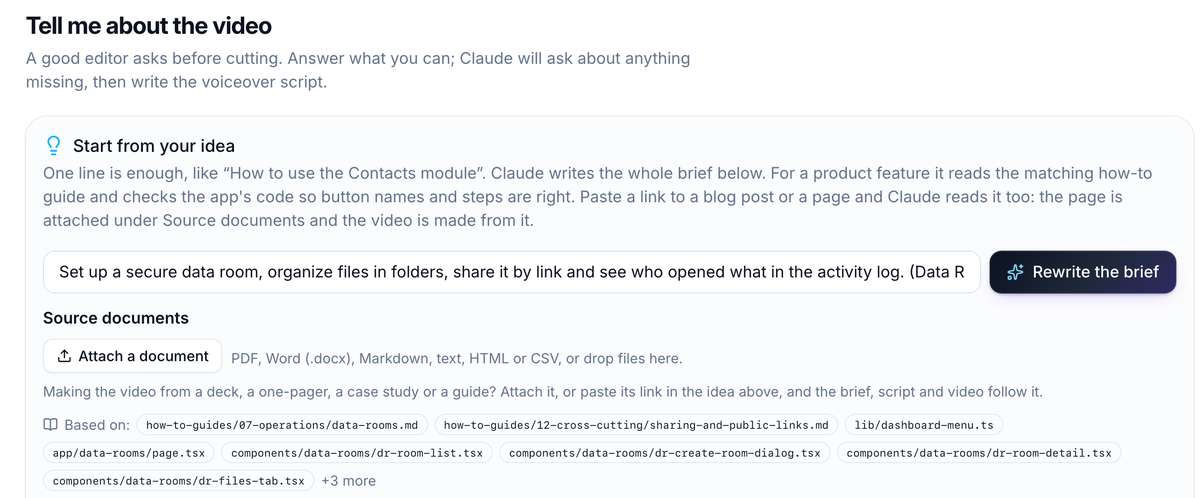
In DemoVexa, a one-line idea becomes a brief that already checks the app code and guides for the right button names.
The Script step then lays the video out as lines, each with a role (intro, montage and so on), the voiceover and its on-screen caption, with asterisks marking words to highlight. It is the same beats as the template above.
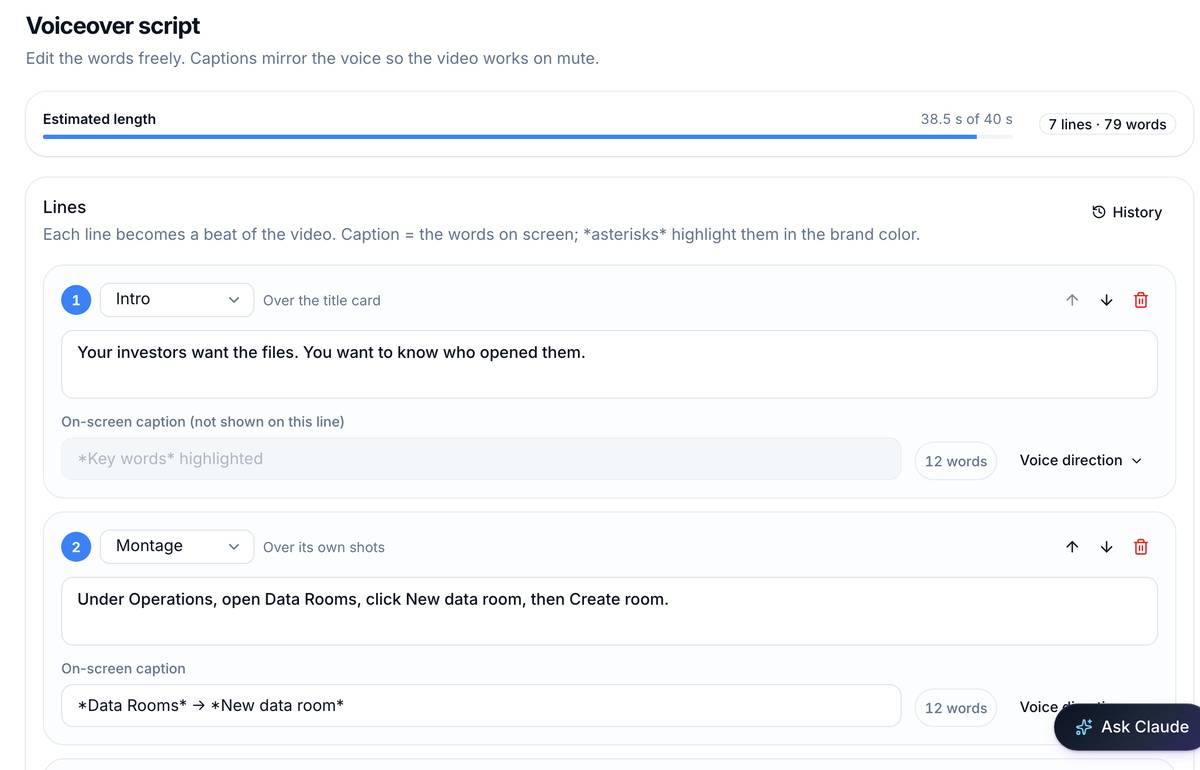
Both screenshots show DemoVexa making a video for a sample product, not DemoVexa's own features.
If you are unsure how long your target should be, see our post on what makes a good SaaS explainer video, and for where the script comes from, how to turn your software code into a demo video. The features page shows how the script feeds the voice and animation steps.
Frequently asked questions
How long should a demo video script be?
About 130 to 150 words for each minute of video at a calm pace, and a little less to leave room for screen changes. A 45 second demo holds roughly 90 to 100 words.
Should the script include on-screen text?
Yes. Pair each spoken line with a short caption of a few words. Many viewers watch on mute, and the caption carries the point when the sound is off.
Can AI write the demo script for me?
It can draft it. In DemoVexa, the Script step writes the voiceover lines from the brief and the app code, and you edit them freely. Always check button names against the real product.
What is the most common demo script mistake?
Describing the screen instead of the outcome. "Here is the settings page" wastes time. "Turn on reminders so clients pay on time" tells the viewer why to care.
Keep reading
All posts
Do Product Demo Videos Help SEO? What Google Indexes
A demo video helps SEO only when Google can find it, fetch it and tell what it is about. Here is what Google's own documentation says it needs.
Baltej Singh 3 min read
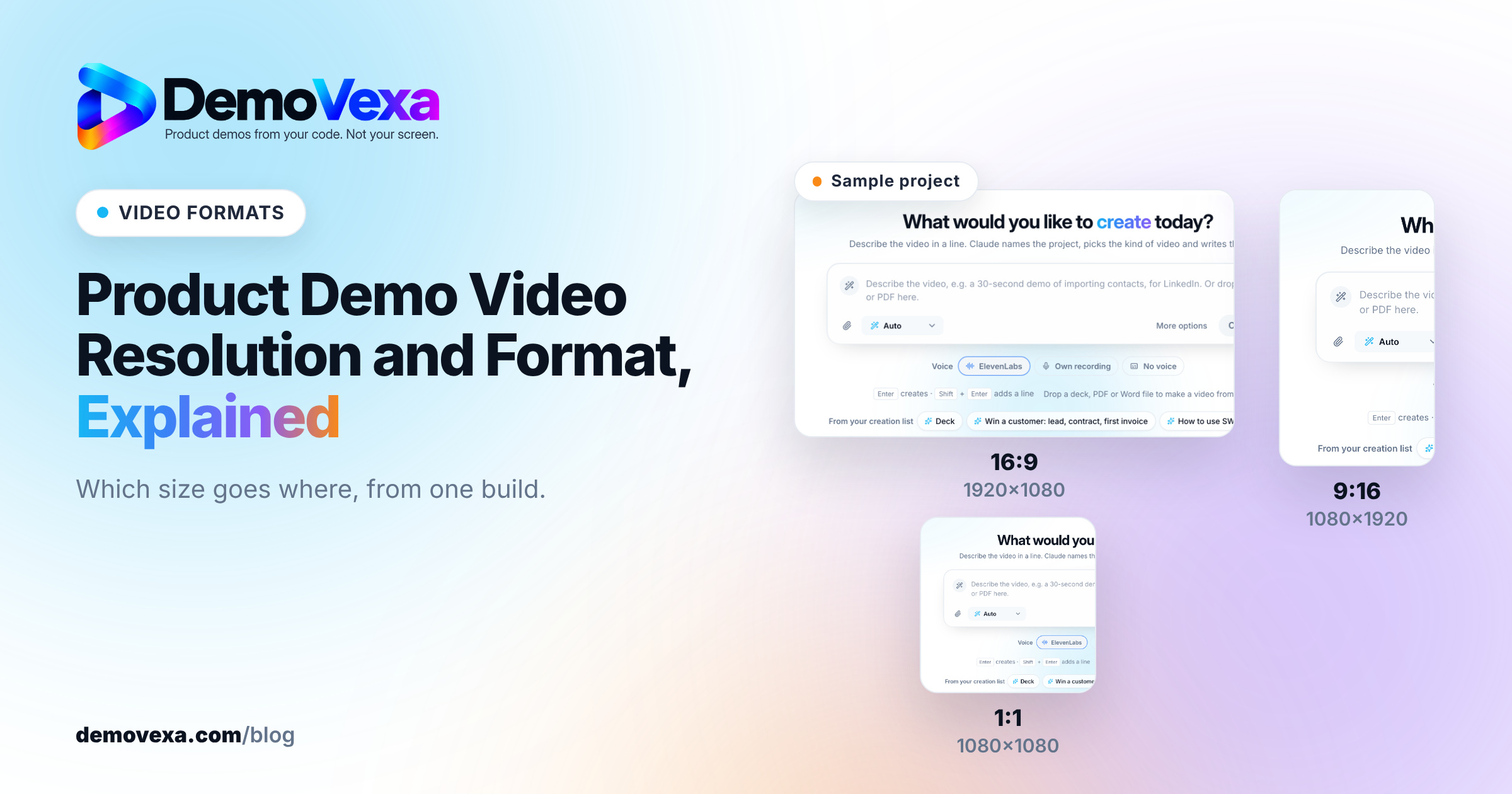
Product Demo Video Resolution and Format, Explained
The short answer is 1080p MP4 in H.264 with AAC audio, plus a separate aspect ratio for each place the video plays. Here is how to choose.
Baltej Singh 4 min read
From GitHub Repo to Demo Video: A Timed Walkthrough
A build log of turning a cloned GitHub repo into a narrated demo video with DemoVexa, step by step, including what DemoVexa can and cannot read.
Baltej Singh 3 min read