

Where Should Your Demo Video Sit on a Landing Page?
Place a product demo above the fold for cold traffic, beside pricing for late-stage buyers, and again in onboarding when activation is the goal.
 Baltej Singh · Founder, DemoVexa 2 min read
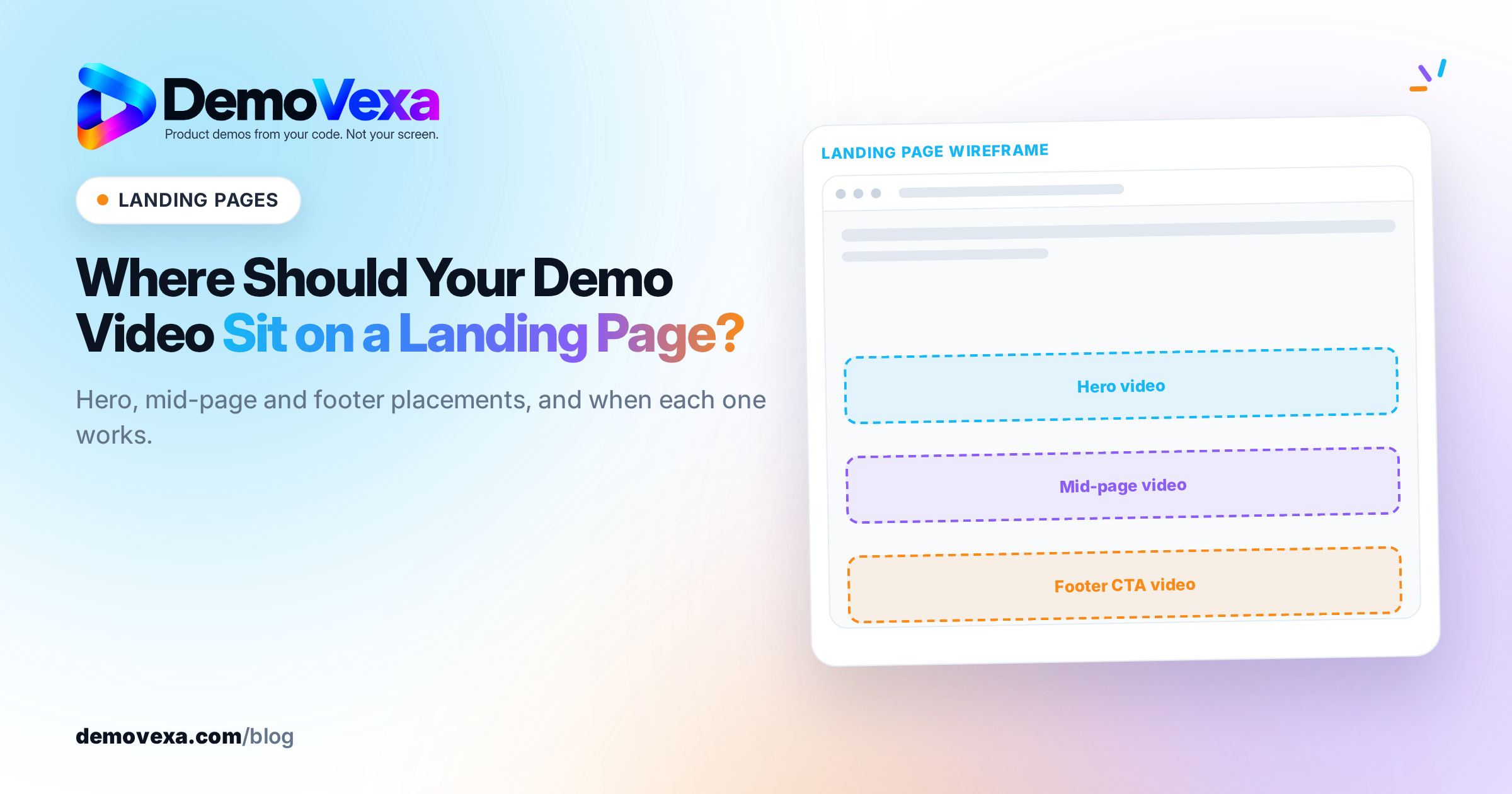
Place a product demo video next to the question the visitor is asking on that page: near the hero for "what is this?", near pricing or feature compare for "will this work for us?", and inside onboarding for "how do I succeed?". One homepage autoplay is not a placement strategy.
Where should the demo go for cold traffic?
Put a short product intro in or just under the hero when the visitor still needs category proof. The first frame should show the product UI, not a metaphor. Pair it with one sentence that states the job the product does.
Autoplay muted can work if the poster and captions carry the point. If the page is already heavy, use a facade: poster image, play button, load the player on click. See how to embed video without slowing your site for related performance themes, and keep measuring LCP on the real template.
Where should it go for buyers who already know you?
On pricing and compare pages, place a focused clip that shows the workflow behind the plan they are staring at. A general brand film next to a price table creates a mismatch. A pricing-page pattern is discussed in product video on the pricing page.
On feature pages, embed the cut that shows that feature only. Visitors who clicked "integrations" do not want the full onboarding tour.
Should every page use the same video?
No. Maintain a small library: intro, one core workflow, one integration or role-specific cut, one changelog style update. Reuse masters across ads and the site, but pick the master that matches the section.
When the UI changes, regenerate the affected cuts together so the hero and the pricing page do not disagree. DemoVexa rebuilds from code on your computer (Why DemoVexa, Features).
How do you test placement without inventing metrics?
Change one variable at a time: position, poster image, or autoplay versus click-to-play. Watch play rate, scroll depth and the conversion event you already trust (signup, demo request, purchase). Do not declare a winner from a weekend of traffic if your baseline is thin; collect enough visits to see a stable pattern, then ship the clearer layout.
Frequently asked questions
Should the homepage demo autoplay?
Only if the first seconds make sense muted and the player does not crush load time. Otherwise use a strong poster and click-to-play.
Is a modal video better than an inline embed?
Modals can keep the page light, but they hide the video behind an extra click. Inline with a facade is usually clearer for product proof.
Where should startups with one page put the demo?
Hero or immediately under the hero, then repeat a shorter cut near the signup button if the page is long. Keep both cuts on the same happy path.
Keep reading
All posts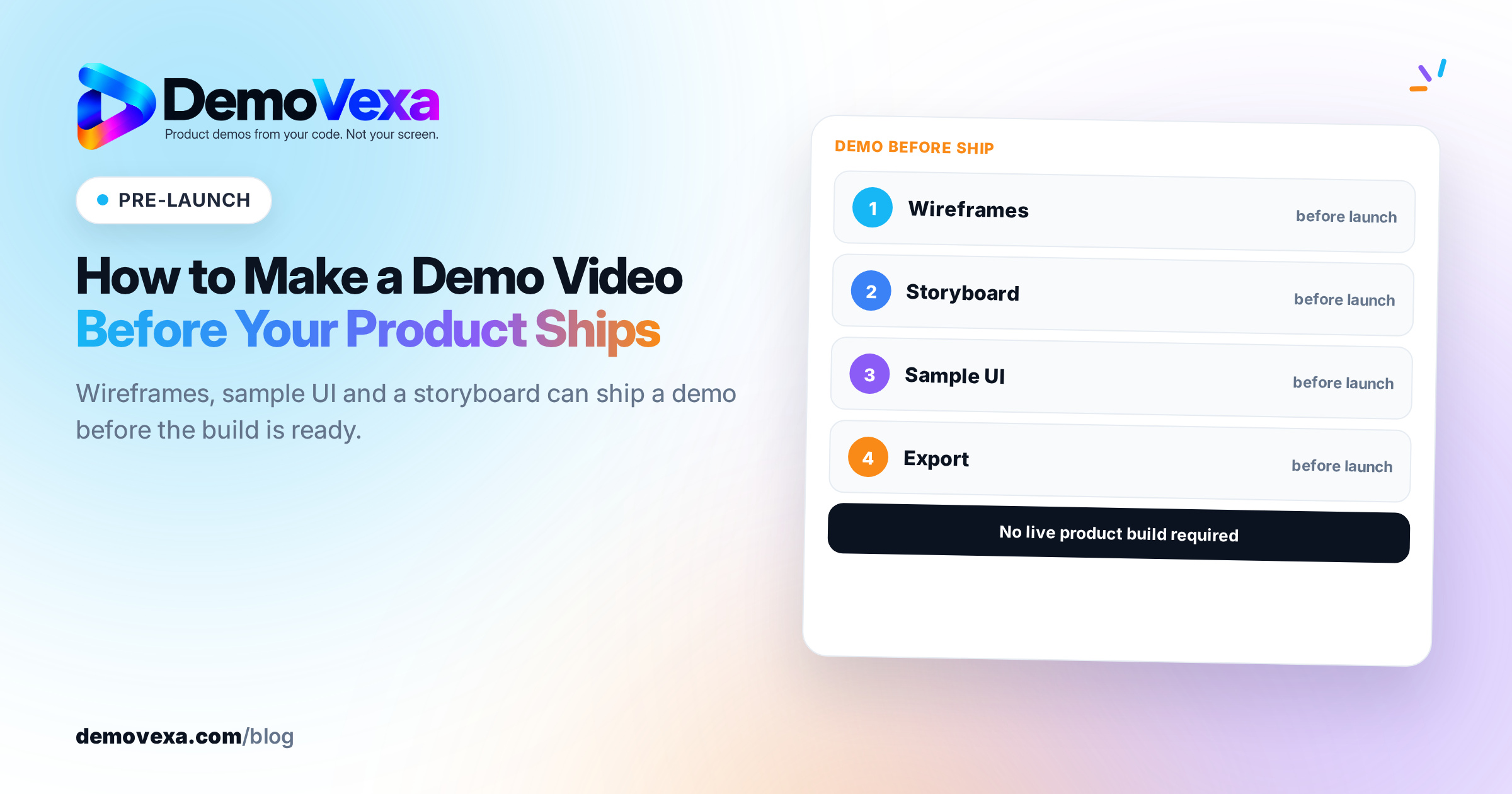
How to Make a Demo Video Before Your Product Ships
You can ship a demo before the product is finished if you build it from the current UI, use sample data, and label anything that is still stubbed.
Baltej Singh 2 min read
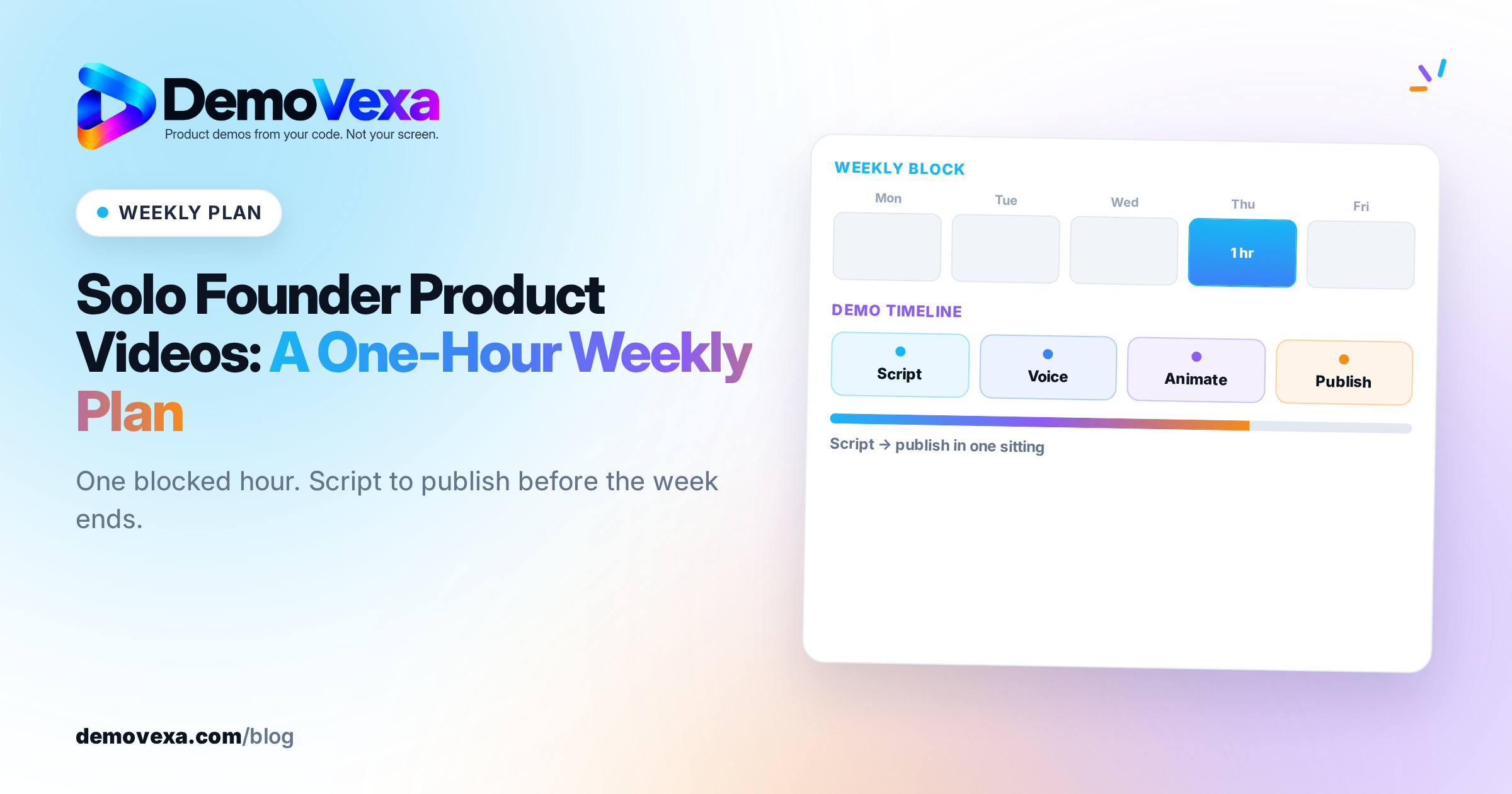
Solo Founder Product Videos: A One-Hour Weekly Plan
You do not need a video team to keep product clips shipping. Block one hour a week, make one source demo, cut it for the places you actually publish, and stop there.
Baltej Singh 3 min read
Why Screen-Recorded Demos Go Stale With Every Release
A screen recording is a photo of your app on one day. Here is why it falls behind every release, and why we build demos from the code instead.
Baltej Singh 3 min read