

Shopify App Demo Videos That Match App Store Specs
Make a Shopify app demo that shows the merchant admin install path, the core job in the admin, and a short cut you can refresh when the UI changes.
 Baltej Singh · Founder, DemoVexa 2 min read
A strong Shopify app demo video shows a merchant admin, how the app is opened or enabled, and one job the app completes, in a short clip suitable for the Shopify App Store and your website. Screen recordings of a cluttered admin work for internal QA; public demos need sample store data and a path you can rebuild when Shopify or your UI changes.
What should a Shopify app demo include?
Start in the Shopify admin with a sample store. Open your app from the apps menu or the embedded nav Shopify expects. Complete one merchant job: sync a catalog, generate a report, apply a discount rule, or publish a storefront block. End on a clear success state.
If the app has both admin and storefront effects, show both briefly rather than narrating them. Merchants buy outcomes they can see.
How do you avoid leaking real merchant data?
Use Shopify's development stores or carefully seeded sample data. Replace customer names, emails, order values and product photos that came from production. Turn off unrelated apps that inject banners into the admin.
Treat every frame as something a competitor and a prospect will pause on.
How do you produce and refresh the demo?
- Script the merchant job in order.
- Capture or rebuild only those screens.
- Export 16:9 for the App Store promo patterns you use and for your site; add 9:16 if social needs it the same week.
- Add the refresh to your release checklist next to screenshot updates.
DemoVexa can rebuild product demos from your app code on your computer (Features, code-to-demo overview). Review embedded admin screens carefully; iframe layouts are easy for any tool to misread.
Confirm current Shopify App Store media requirements in Shopify's partner documentation on the day you submit, because listing fields and review rules change.
Where else should the same demo run?
Use the same short master on your marketing site and in sales emails as a linked thumbnail. For email habits that protect deliverability, see sales demo video follow-up. Keep one story across channels so support answers match what merchants watched.
Frequently asked questions
Should the demo show the Shopify theme editor?
Only if your value is a theme app extension or storefront block. Otherwise stay in the admin job that merchants hire you for.
How long should the App Store clip be?
Short. Listing visitors compare many apps. Aim for a single job in well under a minute unless Shopify's current docs ask for a different format for your listing type.
Can agencies reuse one template across client Shopify apps?
Reuse the structure (entry, job, success), not the same screens. Each app needs its own sample store and UI. Agency workflows for many brands are covered in [agency product demo videos](https://demovexa.com/blog/agency-product-demo-videos).
Keep reading
All posts
App Store Preview Videos and Google Play Promo Clips
App Store previews are short uploaded files with strict resolutions. Google Play uses a YouTube promo URL. Build both from one mobile happy path you can refresh.
Baltej Singh 2 min read
How to Put a Product Demo Video in a GitHub README
A short H.264 MP4 uploaded in the README editor is the cleanest way to show a product demo on GitHub. Here is how GIF, MP4 and YouTube each fit, and the size limits that apply.
Baltej Singh 4 min read
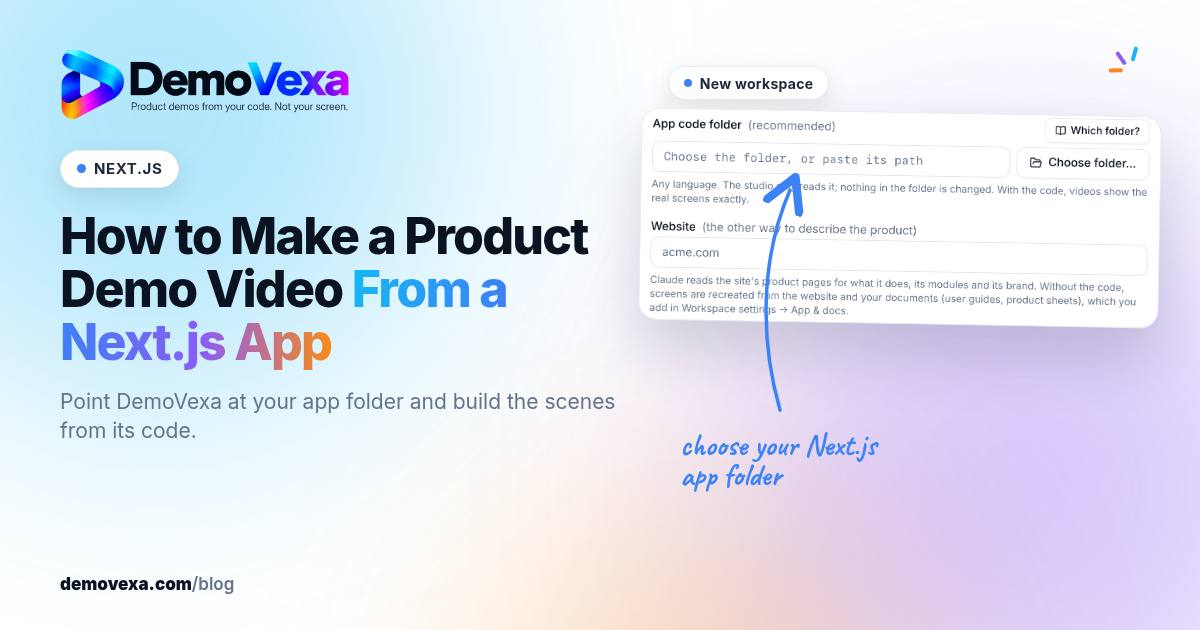
How to Make a Product Demo Video From a Next.js App
How to turn a Next.js app into a product demo video without screen recording: connect the code folder, check the modules, write the brief and build.
Baltej Singh 3 min read