

Why DemoVexa Is a Desktop App, Not a Cloud Renderer
DemoVexa runs on your Mac, Windows or Linux machine so product code and demo renders stay local, with steady cost and fewer uploads of private UI.
 Baltej Singh · Founder, DemoVexa 2 min read
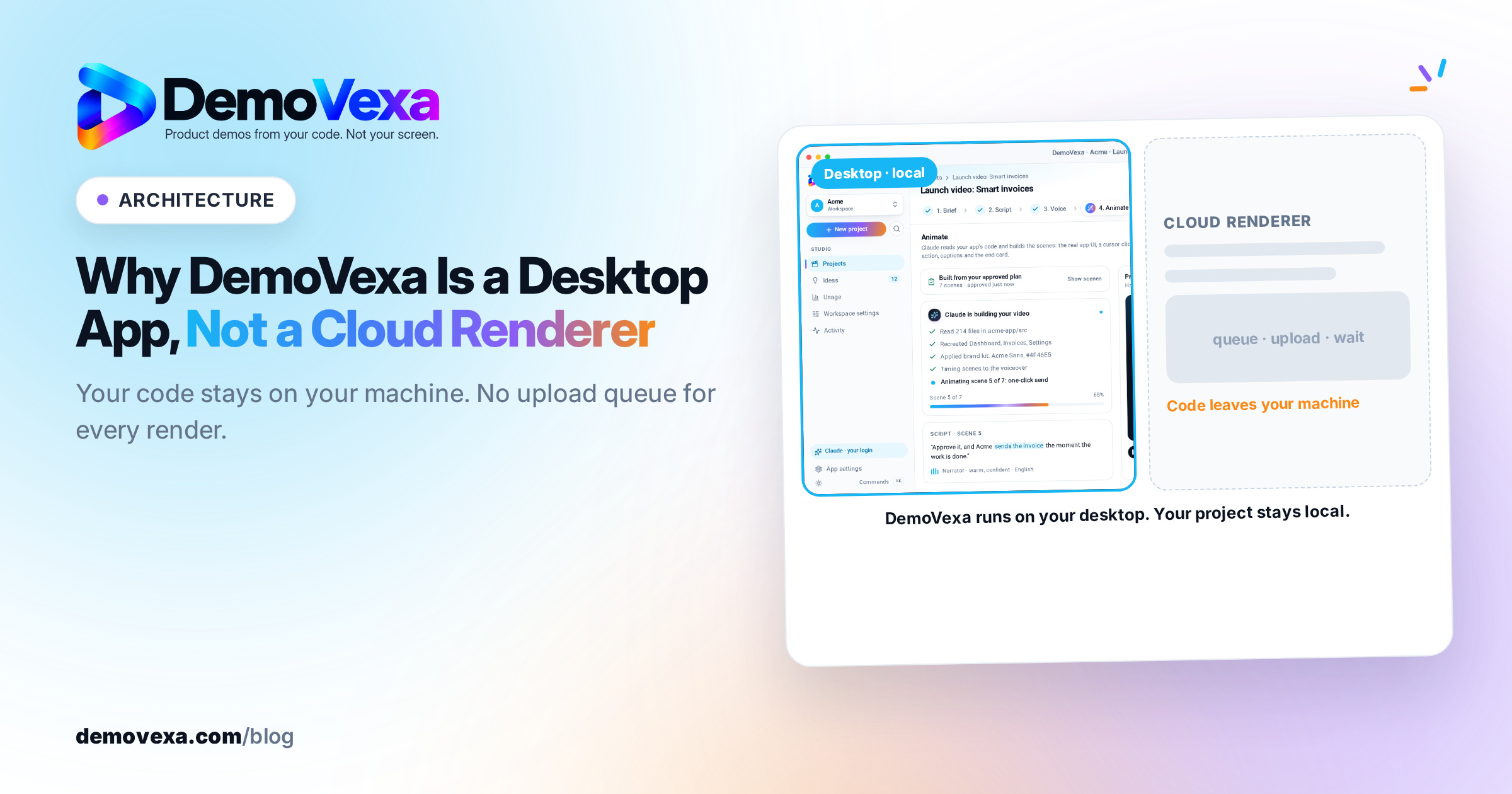
DemoVexa runs on your computer, not as a browser render farm, so your product code, sample data and finished demo videos stay local while you script, voice and export. That design choice is about privacy, cost control and working on private builds without uploading every screen to a third-party cloud.
Why does local matter for product demos?
Product demos show screens that may include unreleased features, internal tools and fictional data that still looks sensitive. Uploading that tree to a multi-tenant renderer is an extra trust decision. Many teams already keep source on laptops and CI; a local demo tool fits that boundary.
Local also matches how developers work. The build you just ran is on disk. Pointing a demo tool at that folder is simpler than packaging a staging deploy only so a cloud recorder can see it.
What still happens on your machine?
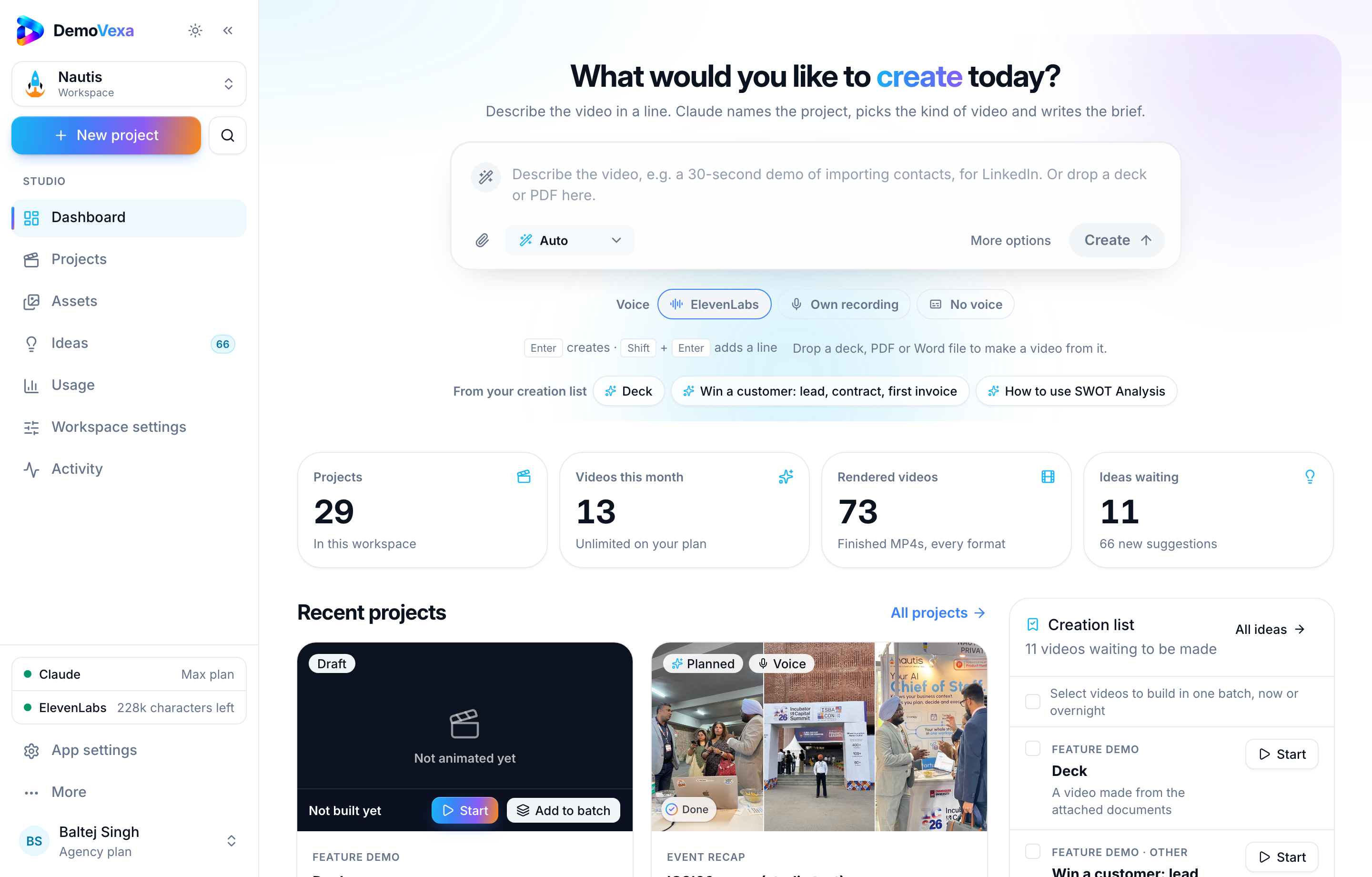
You install DemoVexa, open a workspace, point it at product code and docs, then move through Brief, Script, Voice, Animate, Export and Publish style steps. Voice can use native voiceover options including ElevenLabs-powered voices across many languages, as described on Features. Renders write files you can open in Finder or Explorer without waiting on a queue you do not control.
When should you pick a cloud demo tool instead?
Pick a cloud tool when your team needs shared browser access without installing software, or when the source of truth is already a public staging site and policy allows recording it remotely. Say that trade-off out loud. Local is not morally better; it is a better fit when code privacy and offline iteration matter more than zero-install collaboration.
How does pricing relate to the local model?
DemoVexa pricing is Solo at $19/mo and Agency at $129/mo on Pricing. There is no Team plan. You are buying the desktop workflow, not a meter of cloud GPU minutes for each preview. Download options are on Download. For the product philosophy behind code-sourced demos, see Why DemoVexa.
Frequently asked questions
Does local mean I cannot publish to YouTube or social?
No. You export files locally, then upload them to YouTube, LinkedIn or your site with the same steps you already use. Local refers to how the demo is produced, not where the final MP4 may be hosted.
Can agencies use local installs for client work?
Yes. Agency seating is what the Agency plan is for. Keep each client's code and brand kit on the machines and drives your contract allows. See [agency product demo videos](https://demovexa.com/blog/agency-product-demo-videos).
What if my product only exists as a URL?
You still need a faithful UI source. Some teams clone the front-end repo that powers the URL; others record the staging site. DemoVexa's strongest path is code on disk. If you only have a URL, be honest about the limits of any approach you choose.
Keep reading
All posts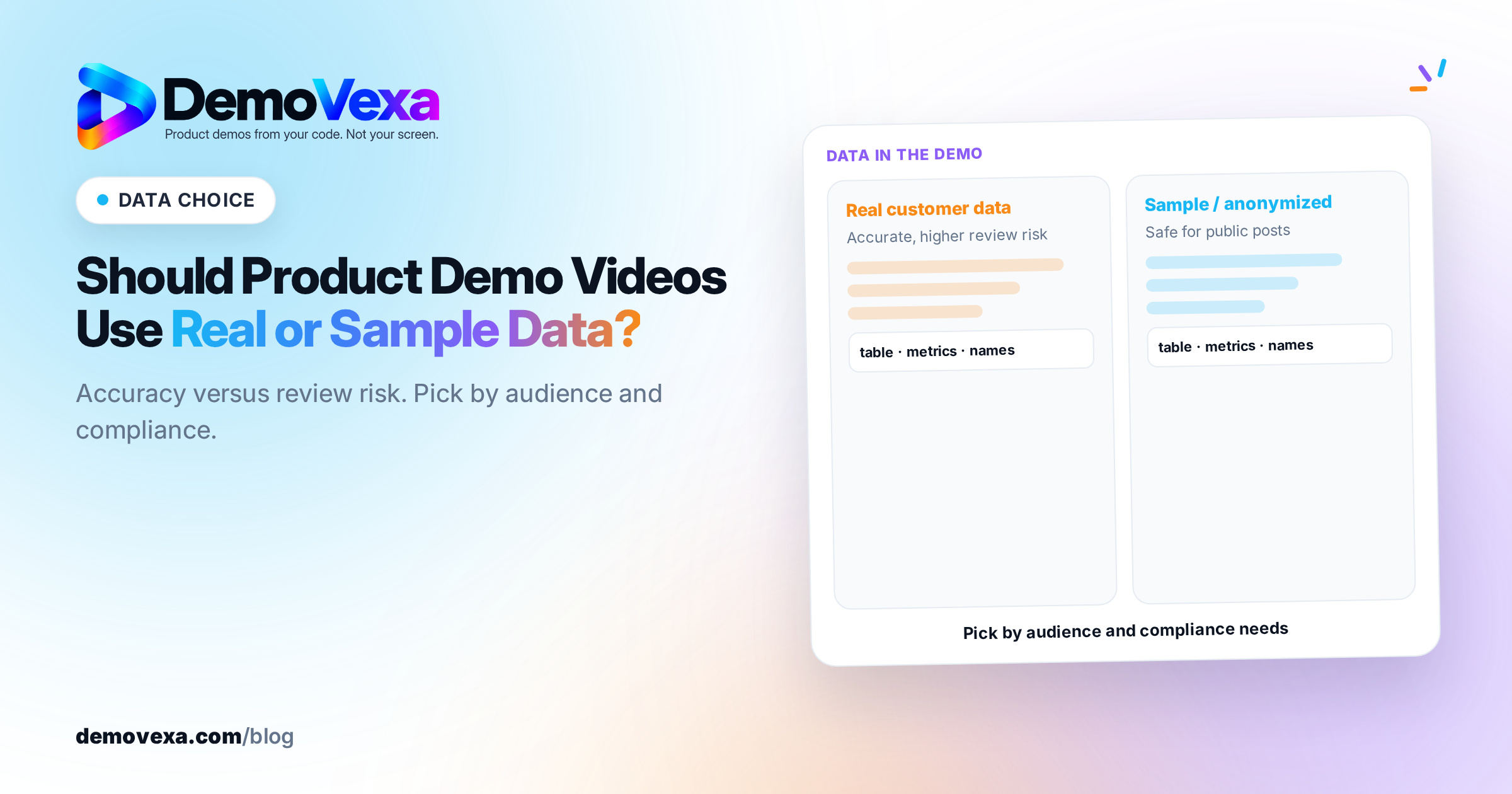
Should Product Demo Videos Use Real or Sample Data?
Public product demos should use sample data. Real customer data belongs in private sales contexts with permission, not in a YouTube or homepage embed.
Baltej Singh 2 min read
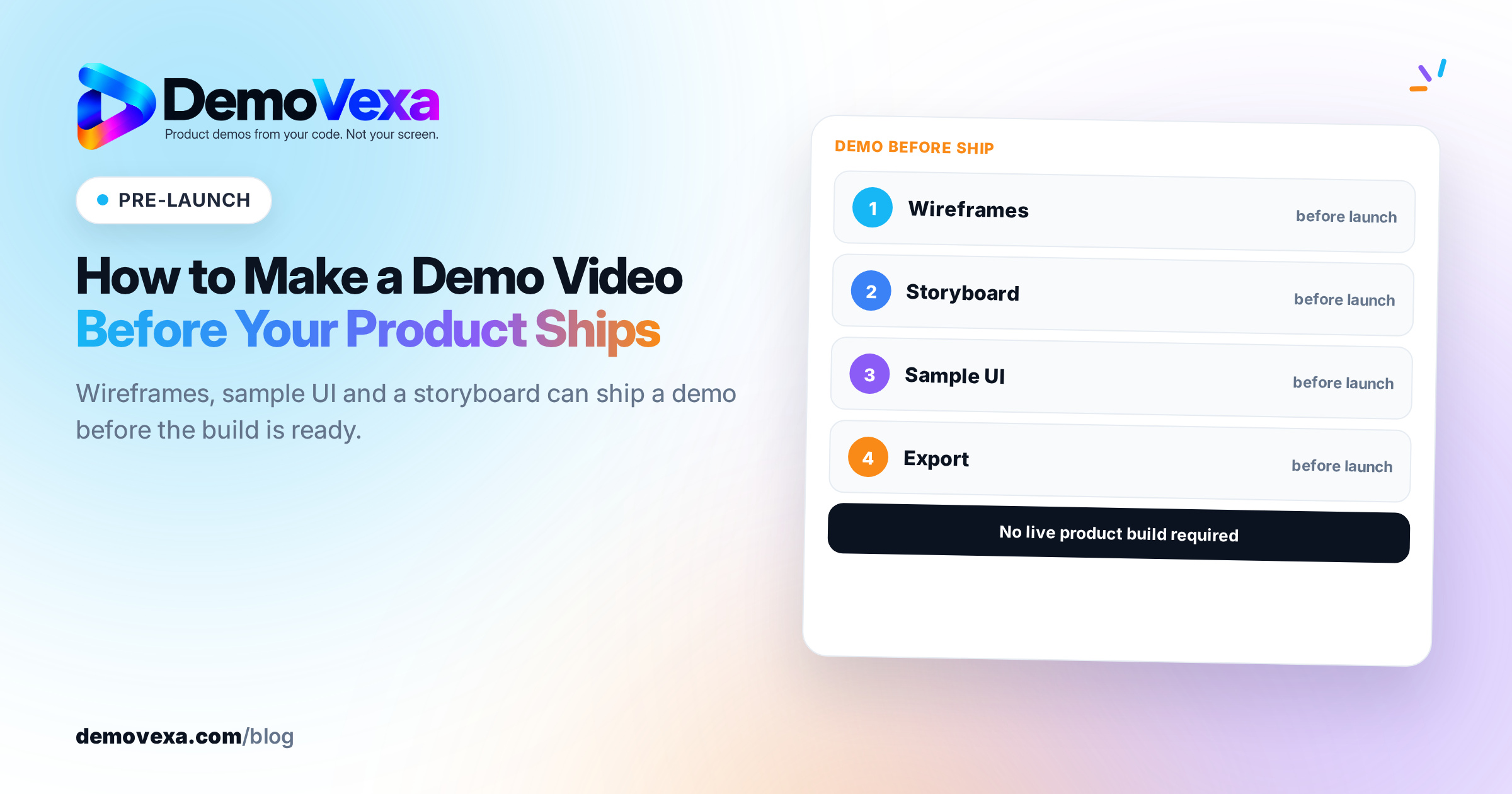
How to Make a Demo Video Before Your Product Ships
You can ship a demo before the product is finished if you build it from the current UI, use sample data, and label anything that is still stubbed.
Baltej Singh 2 min read

Where Should Your Demo Video Sit on a Landing Page?
Put the demo where the visitor's question is. Cold traffic needs proof near the hero. Late-stage buyers need it near pricing. New users need it in onboarding.
Baltej Singh 2 min read