

How to Turn One Product Demo Into Ten Social Posts
Cut one product demo into ten social posts with different hooks, aspect ratios and CTAs, without reshooting the product every time you need content.
 Baltej Singh · Founder, DemoVexa 2 min read
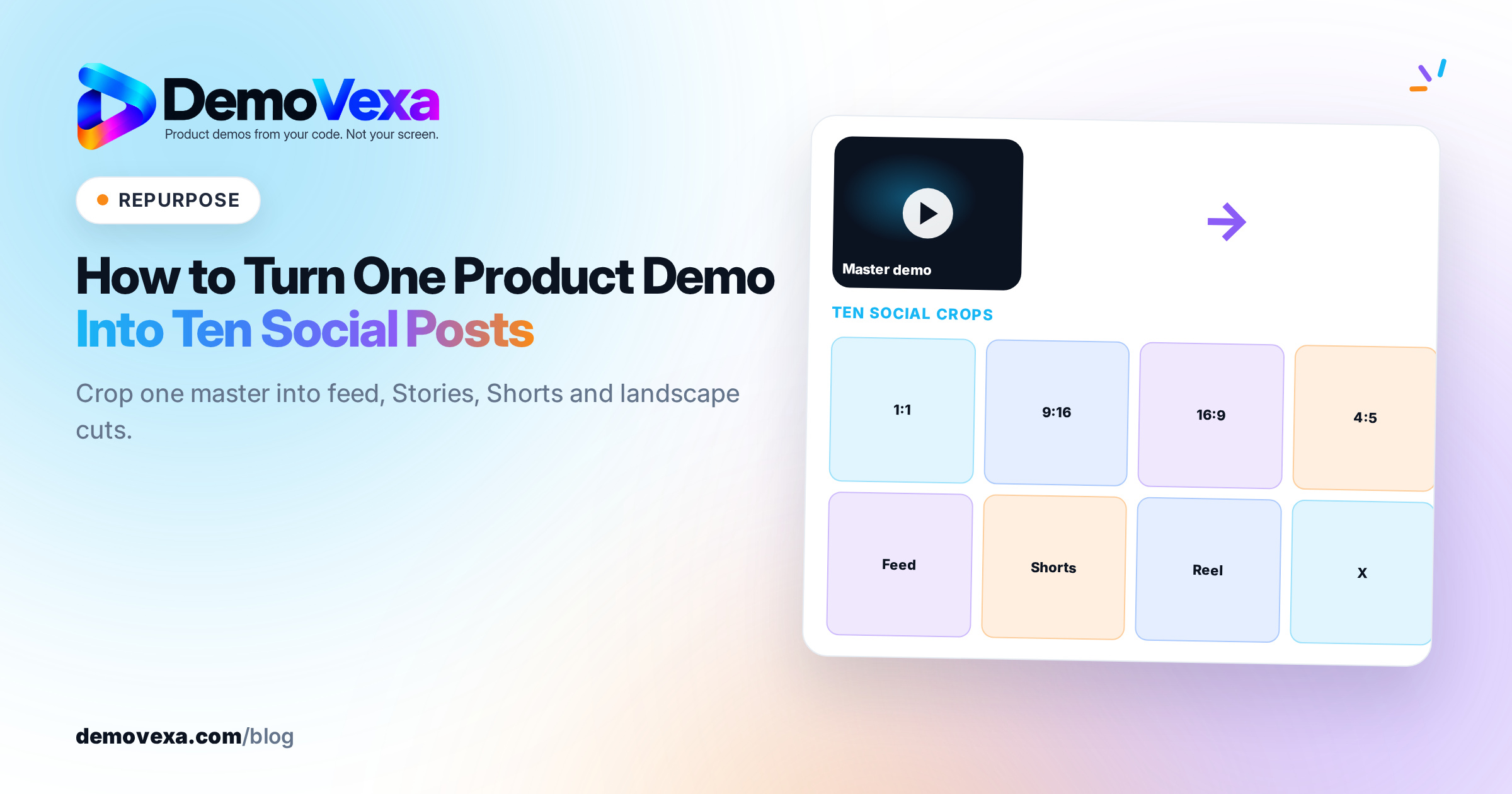
Turn one product demo into ten social posts by exporting landscape, vertical and square masters, then cutting short hooks that each promise one outcome. You do not need ten reshoots; you need ten clear openings from the same truthful UI.
What does a reusable master look like?
A reusable master is a 45 to 90 second walkthrough of one job with clean sample data, captions and a stable ending card. It is not a five-minute webinar. Review it once for accuracy, then treat it as source footage for cutdowns.
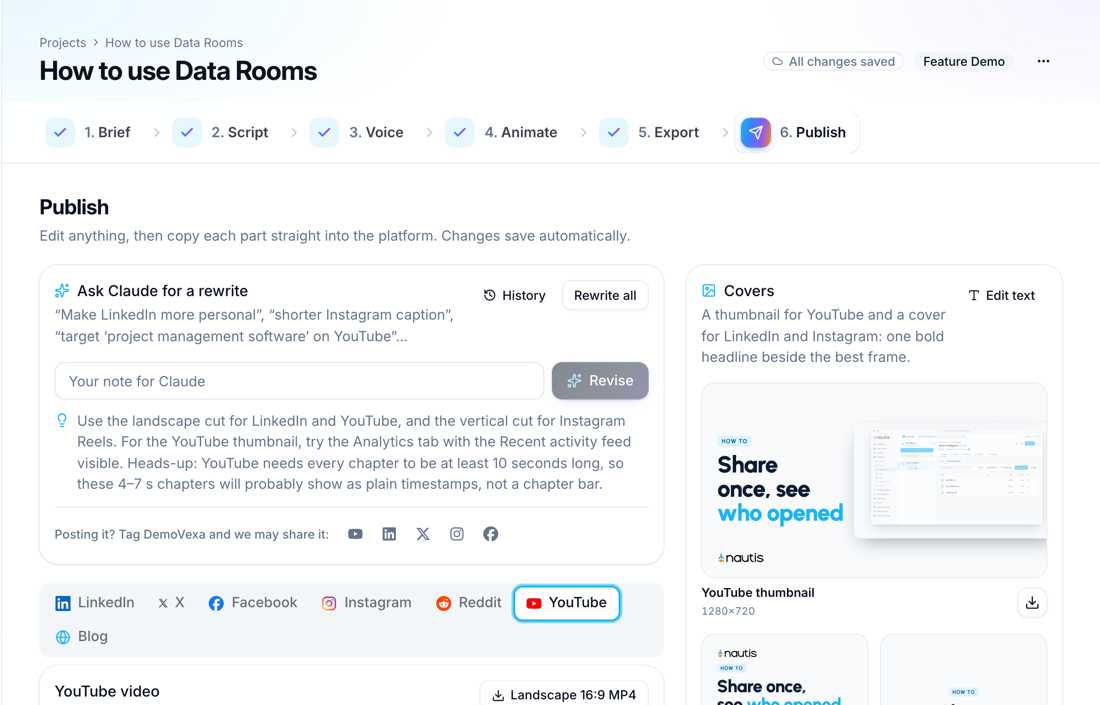
Export 16:9, 9:16 and 1:1 from the same project when you can. Guidance on shapes sits in native video on social platforms and resolution and format.
How do you get to ten posts without inventing new features?
Use different frames as openings:
- Problem statement on screen, then the fix.
- Cursor enters the key control first.
- Before and after of the same record (sample data only).
- Shortcut or speed tip from the middle of the master.
- Caption-led silent cut for muted feeds.
- Founder voiceover take versus caption-only take.
- Vertical crop focused on the UI, not the whole window.
- Square crop for feed tests.
- Customer-job headline for LinkedIn, shorter punch for short-form.
- Soft CTA cut that ends on docs or signup, still showing UI.
Each post should stand alone. Do not require viewers to have seen part three.
What should stay identical across the set?
Product name, pricing claims, feature behaviour and sample data. If Solo is $19/mo and Agency is $129/mo, do not invent a third plan in a caption. Link people to Pricing when the post is about buying, and to the live product pages when the post is about how it works.
How do you keep the system from rotting?
When the UI changes, regenerate the master first, then the cutdowns. A calendar of ten posts from a stale master advertises the wrong product. Overnight multi-cut workflows such as overnight batch demo videos exist so the export step is not the bottleneck.
Frequently asked questions
Is repurposing the same as posting the same video ten times?
No. Same master, different hook, crop and caption. Identical uploads look like spam.
How short should each social cut be?
Often 15 to 30 seconds for short-form, longer only when the network and the audience expect depth. End when the outcome is visible.
Can one person maintain this weekly?
Yes if the master is honest and short. Block one hour a week: rebuild the master if the UI changed, export the cutdowns, and write fresh captions before you schedule.
Keep reading
All posts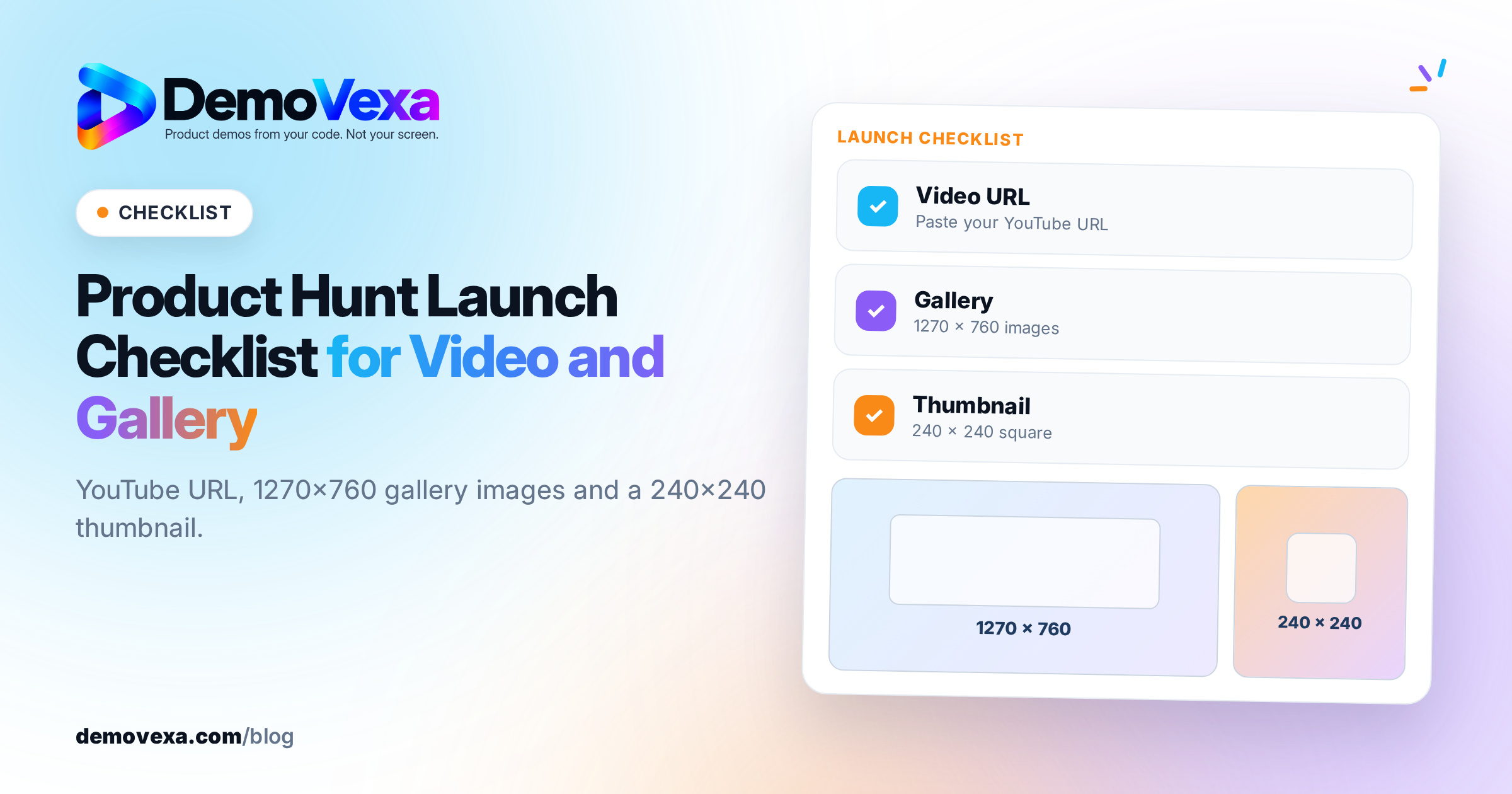
Product Hunt Launch Checklist for Video and Gallery
Product Hunt takes a full YouTube URL for video, gallery images at 1270x760, and a square thumbnail. Use this checklist so the assets are ready before 12:01 AM PST.
Baltej Singh 3 min read
Native Video on Each Social Platform: One Demo, Six Channels
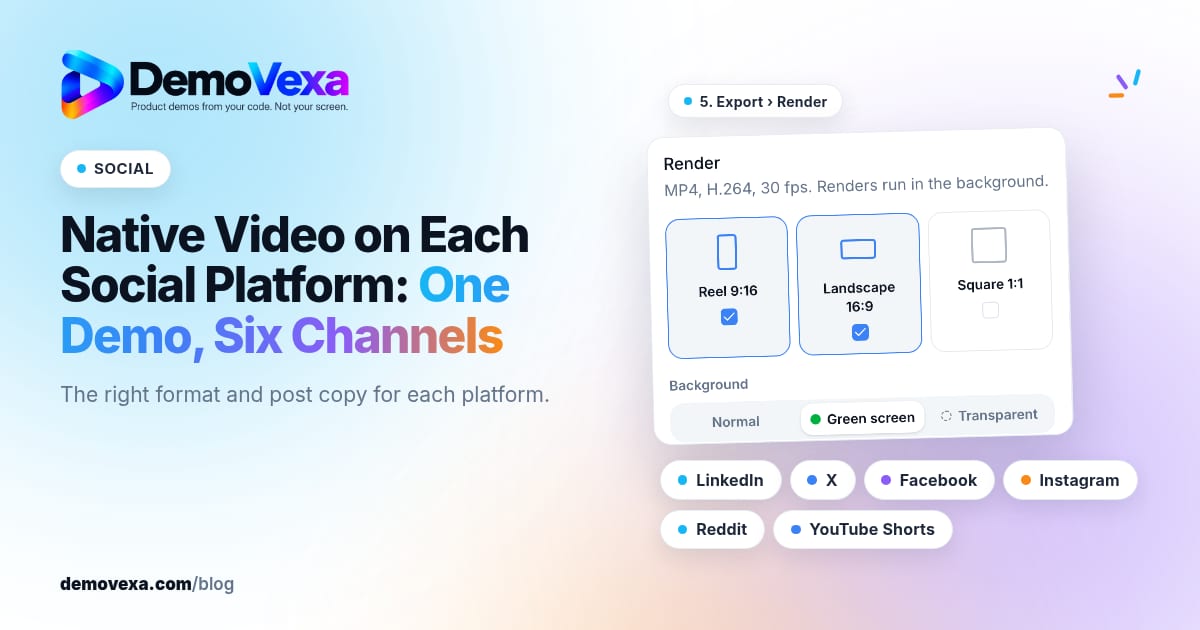
Native video for LinkedIn, X, Facebook, Instagram, Reddit and YouTube Shorts, in the right format for each, with posts written for each platform.
Baltej Singh 1 min read
Replace Static Screenshots on Your Pricing and Feature Pages
Use short videos of the real product on pricing and feature pages so the page shows the workflow buyers are evaluating, not only still frames.
Baltej Singh 1 min read